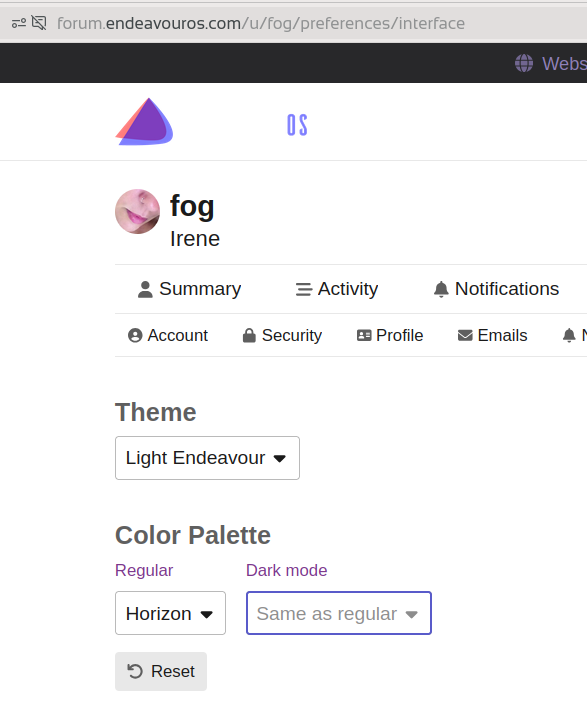
With “Light Endeavour” theme and “Horizon” color palette, the logo is half visible.
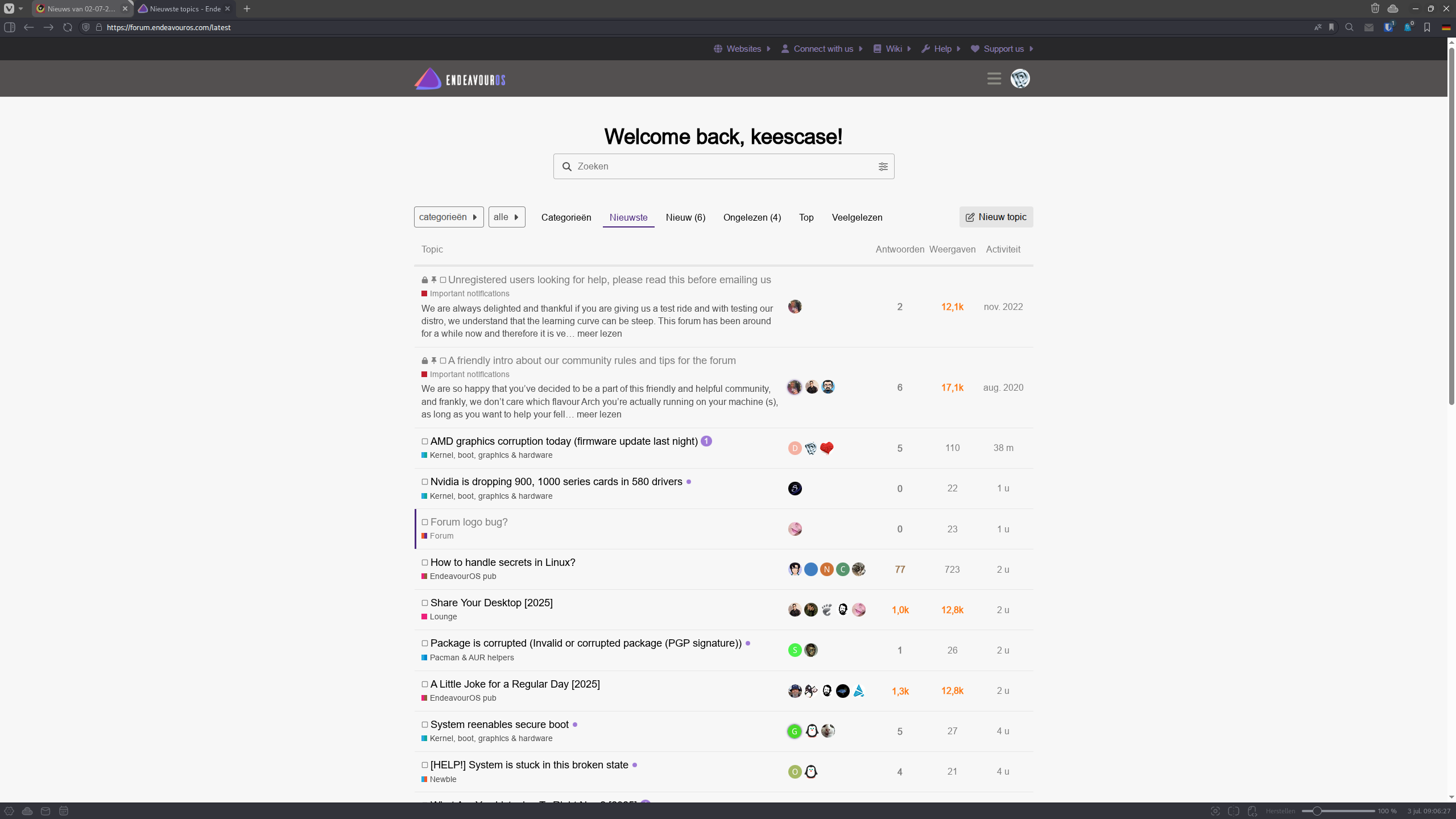

I can replicate this with the light theme and horizon palette, so try changing your colour palette to the default.
In your /preferences/interface your color palette is “Theme default” not “Horizon”.
It’s the only combination with issue.
I don’t have problem because I use the same settings like you but with the light/horizon combination, there is issue. 
“Light Theme + Color Palette: Theme default”
has NO issue.
Thank you for notifying. The Horizon theme is a new, default theme provided by the recent Discourse software version. This theme cannot be changed and overrides custom-made themes, which Endeavour dark and light are.
I deselected the Horizon themes in the options for the forum.
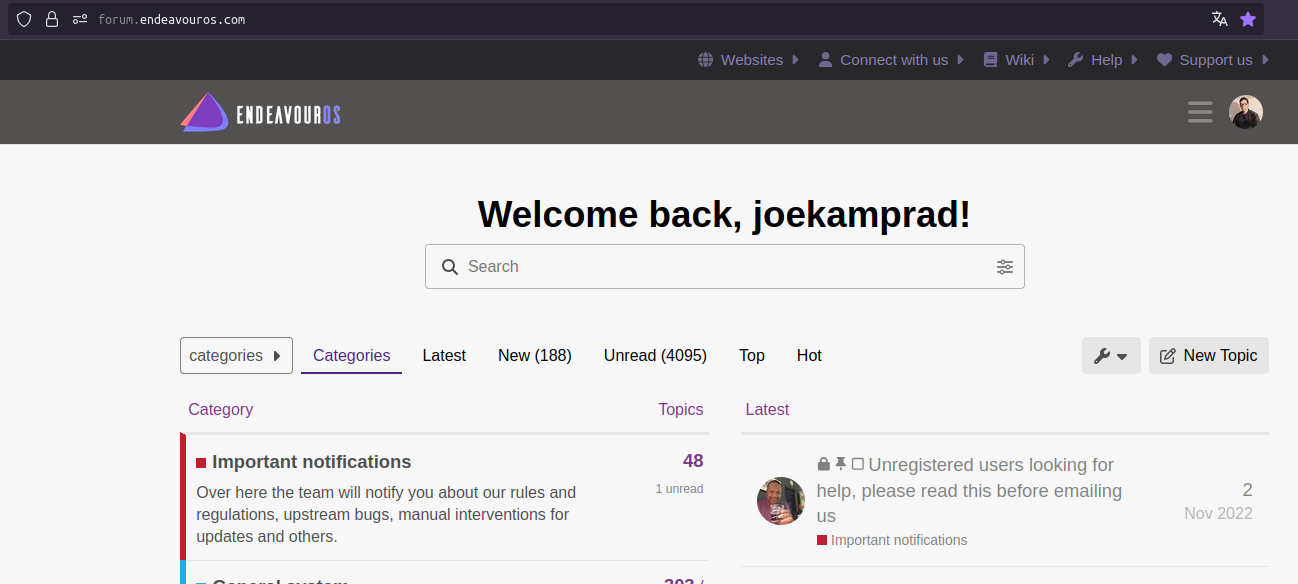

Any chance to get this css style as a public option? It’s looking awesome.

Hmm, it seems it gets selected by default after an update. I deselected them again.
Very opinionated, Andi do not know how.. I do use it with dark mode plugin on Firefox
Ok thanks anyway. I will take a further look at the dark mode plugin, perhaps I can create something by my own 

It’s a software feature. Bryan disabled it
HS: If you like making custom theme take a look at Stylus