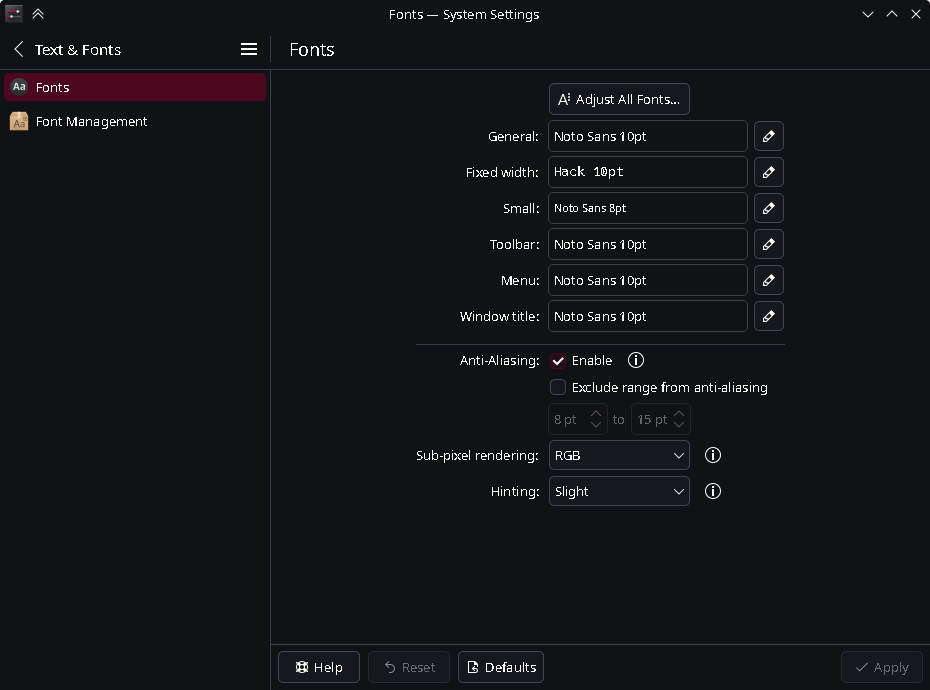
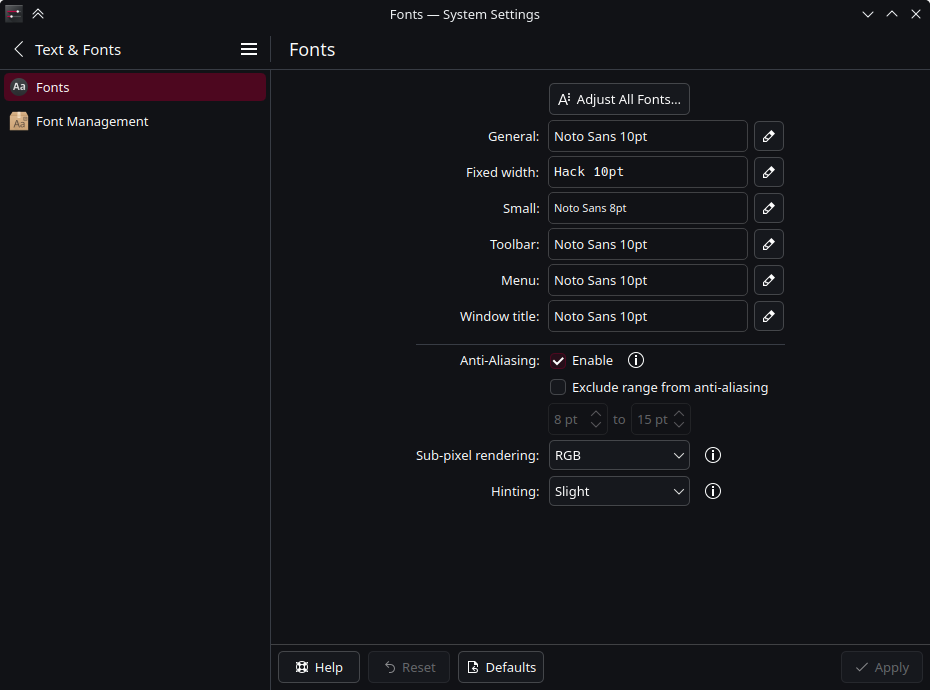
I have updated the system using pacman -Syu & the font looks blocky or pixelated (or without anti-aliasing?) When I checked the log, I found out fontconfig gor upgraded from 2:2.16.2 to 2:2.17.0 and, if I used downgrade fontconfig to install the previous 2:2.16.2 all back to normal and, no pixelation or anything. But, when I try to update fontconfig from 2:2.16.2 to 2:2.17.0 , the font looks blocky or pixelated again.
Can anyone help me figure out a solution for this…?
This one After update:
This one after Downgrade:
Try running fc-cache -f -v to properly cache your fonts.
@MyNameIsRichard I did what you suggested and tried restart too.. The issue remains the same…
The only other things I can think of is to go to System Settings → Fonts and play with the settings there to see if that improves things, or read through the Arch wiki and see if anything pops out for you.
Maybe someone who knows more about fonts will help out.
Welcome to the forum 

Setting the hinting to full might help a little bit.
@MyNameIsRichard I tried to changing the settings, no change.
@keescase I tried ur solution too, but no change. Issue remains. Edit: Thank you for the welcome 
Just a shot in the dark , have you checked if somehow the refresh rate of your screen got changed by the update ?
What fonts are you using?
@keescase checked the refresh rate, it didn’t change as you doubted.
@MyNameIsRichard its the same one one the screenshot I provided. Noto Sans (its the default one)
Oh yeah, I forgot about the screenshots 
I reset my fonts to noto sans and they didn’t go blocky, so that probably blows away my thought of trying a different font.
I’ve raised this issue in fontconfig page & it got resolved. So, I’m marking this post as resolved.
Thanks for helping me out @MyNameIsRichard @keescase
Here’s the Link to the issue raised in fontconfig