xircon
June 30, 2026, 1:41pm
1
Looks like vivaldi is going to make uBlock origin unusable. I have Vivaldi Snapshot installed and got the warning
So, shit eyesight (cataracts, not bad enough to be operated on yet), I can boost them with:
layout.css.devPixelsPerPx
But that boosts everything, I found some CSS for Zen, doesn’t work on Floorp (and I didn’t like Zen much).
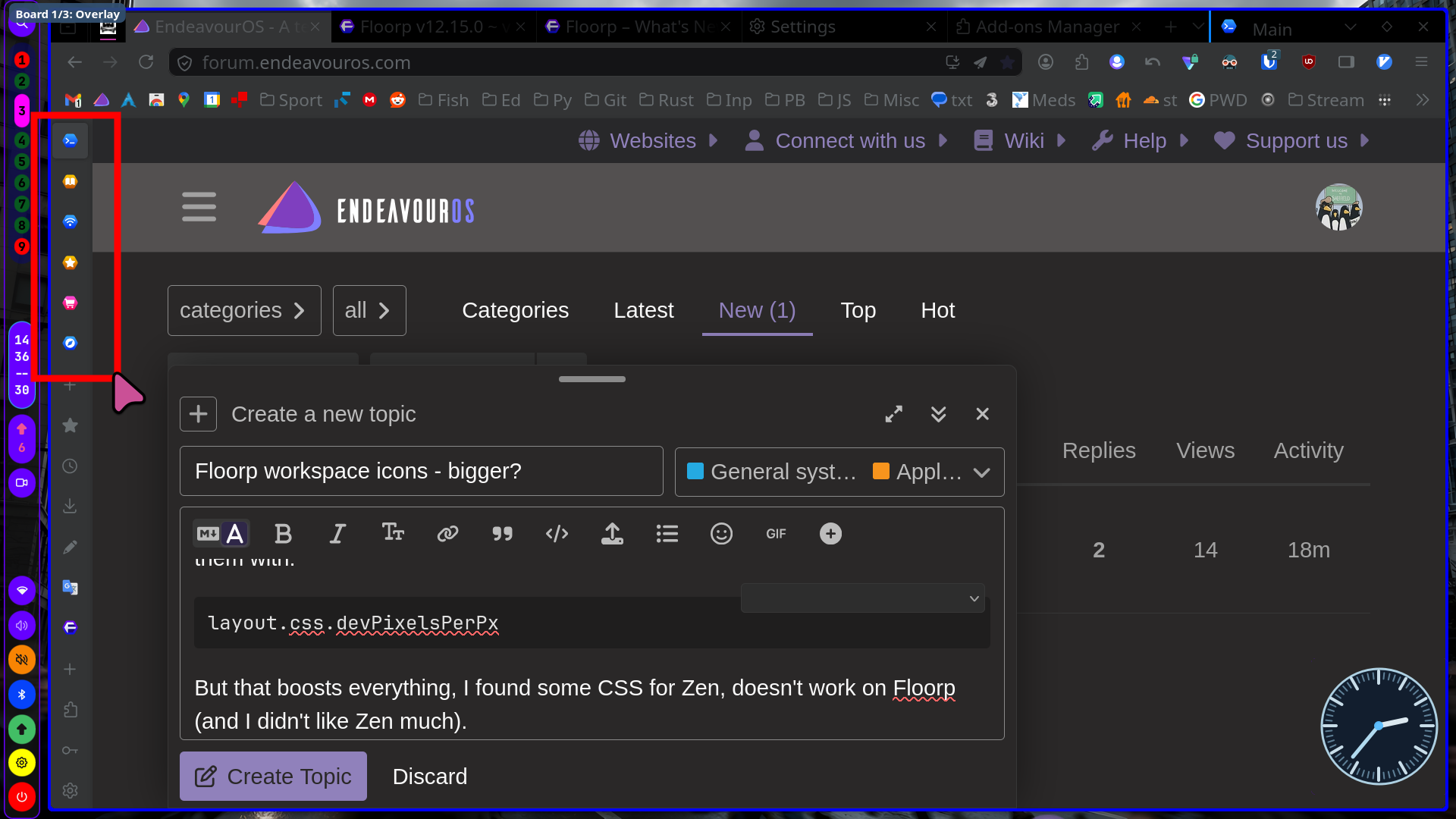
So it is these icons:
Floorp (already boosted to 1.2 in about:config):
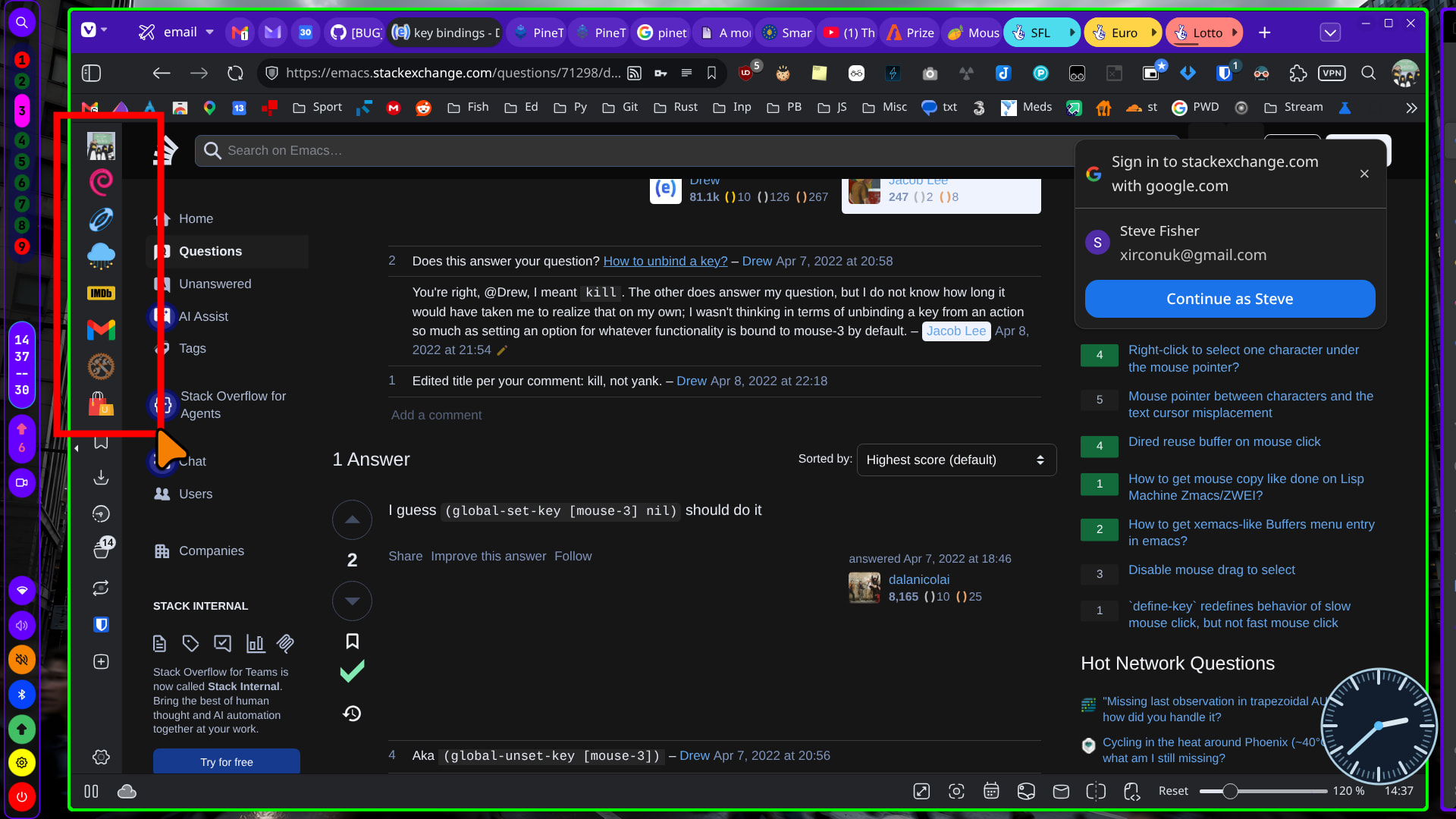
Versus Vivaldi:
Selection of available icons is poor, but I can live with that. Any ideas?
smokey
June 30, 2026, 1:49pm
2
My question is how when what?
I see different icons etc but what are we trying to achieve?
xircon
June 30, 2026, 1:55pm
3
Image 1 - floorp - tiny
Image 2 - vivaldi - bigger
Want bigger icons in floorp, as per title.
xircon
June 30, 2026, 2:30pm
4
/*************************************************************************************************************************************************************************************************************************************************************

"userChrome.css" is a custom CSS file that can be used to specify CSS style rules for Floorp's interface (NOT internal site) using "chrome" privileges.
For instance, if you want to hide the tab bar, you can use the following CSS rule:

**************************************
#TabsToolbar {                       *
    display: none !important;        *
}                                    *
**************************************

NOTE: You can use the userChrome.css file without change preferences (about:config)

Quote: https://userChrome.org | https://github.com/topics/userchrome

************************************************************************************************************************************************************************************************************************************************************/

@charset "UTF-8";
@-moz-document url(chrome://browser/content/browser.xhtml) {
/* Please write your custom CSS under this line*/
/* Floorp workspace buttons in the panel sidebar. */
:root {
    --floorp-workspace-sidebar-icon-size: 30px;
    --floorp-workspace-sidebar-button-size: 38px;
}

#panel-sidebar-select-box {
    --panel-sidebar-width: 44px !important;
    --panel-sidebar-panel-size: var(--floorp-workspace-sidebar-button-size) !important;
}

.panel-sidebar-workspaces .workspace-panel,
.panel-sidebar-workspaces .workspace-panel-control {
    min-width: var(--floorp-workspace-sidebar-button-size) !important;
    min-height: var(--floorp-workspace-sidebar-button-size) !important;
    width: var(--floorp-workspace-sidebar-button-size) !important;
    height: var(--floorp-workspace-sidebar-button-size) !important;
    padding: 0 !important;
    box-sizing: border-box !important;
}

.panel-sidebar-workspaces .workspace-panel > img,
.panel-sidebar-workspaces .workspace-panel-control > img {
    width: var(--floorp-workspace-sidebar-icon-size) !important;
    height: var(--floorp-workspace-sidebar-icon-size) !important;
    max-width: var(--floorp-workspace-sidebar-icon-size) !important;
    max-height: var(--floorp-workspace-sidebar-icon-size) !important;
}
}
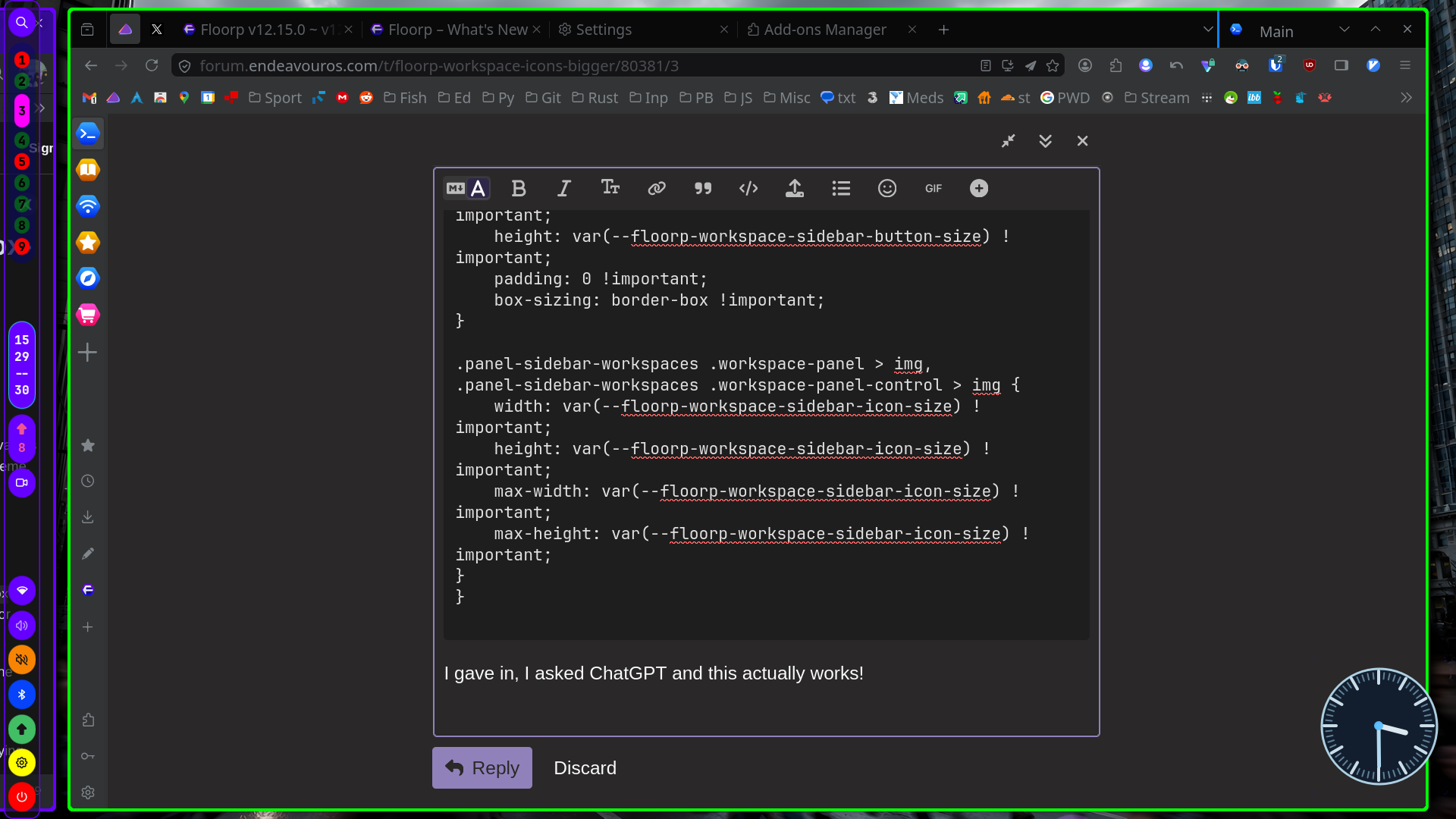
I gave in, I asked ChatGPT and this actually works!
I’ve found that the combination of the Manifest v3 version of uBlock Origin and Vivaldi’s own tracker & ad blockers fully blocks all ads etc on the sites I visit.
xircon
June 30, 2026, 3:52pm
6
It is more the element blocking that I (will) miss (still works in normal Vivaldi).