Hey, for the longest time ever, I have had a gnome shortcut (set through the keyboard) to launch the command flameshot gui
Currently, pressing it, i get nothing happening.
Secondly, selecting “take screenshot” from the dropdown menu from the flameshot app in the panel also does nothing
However, if i open a terminal (kitty, gnome terminal, etc, doesnt matter) and just hit the command flameshot gui, it works perfectly
Anyone know how i can debug or get an error message out of it or something?
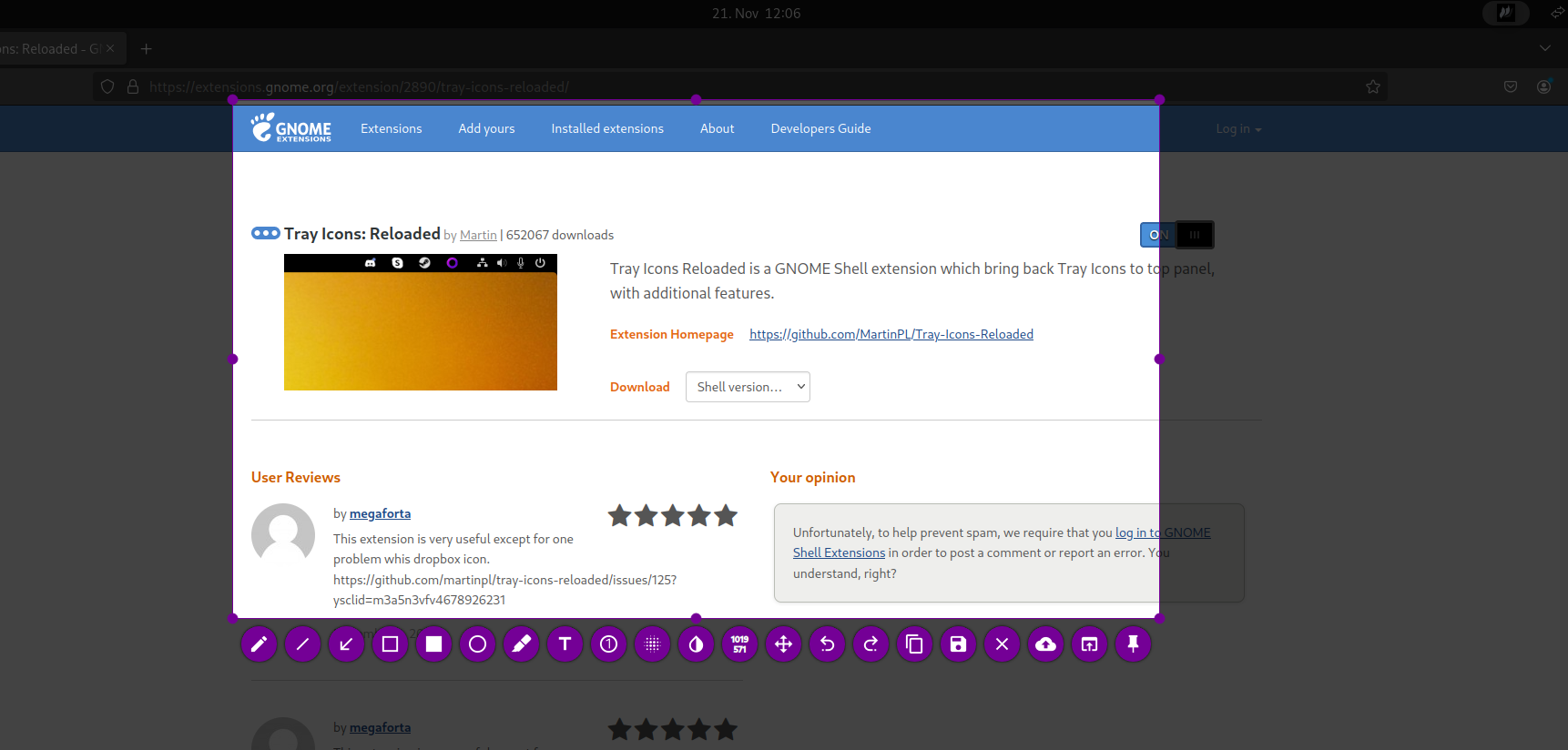
will be a permission issue flameshot build with qt not gtk… workaround is to use something that readds tray icons (extension)
in case trigger permssion request by opening the launcher option?
Or use the flatpak version., seems to work too
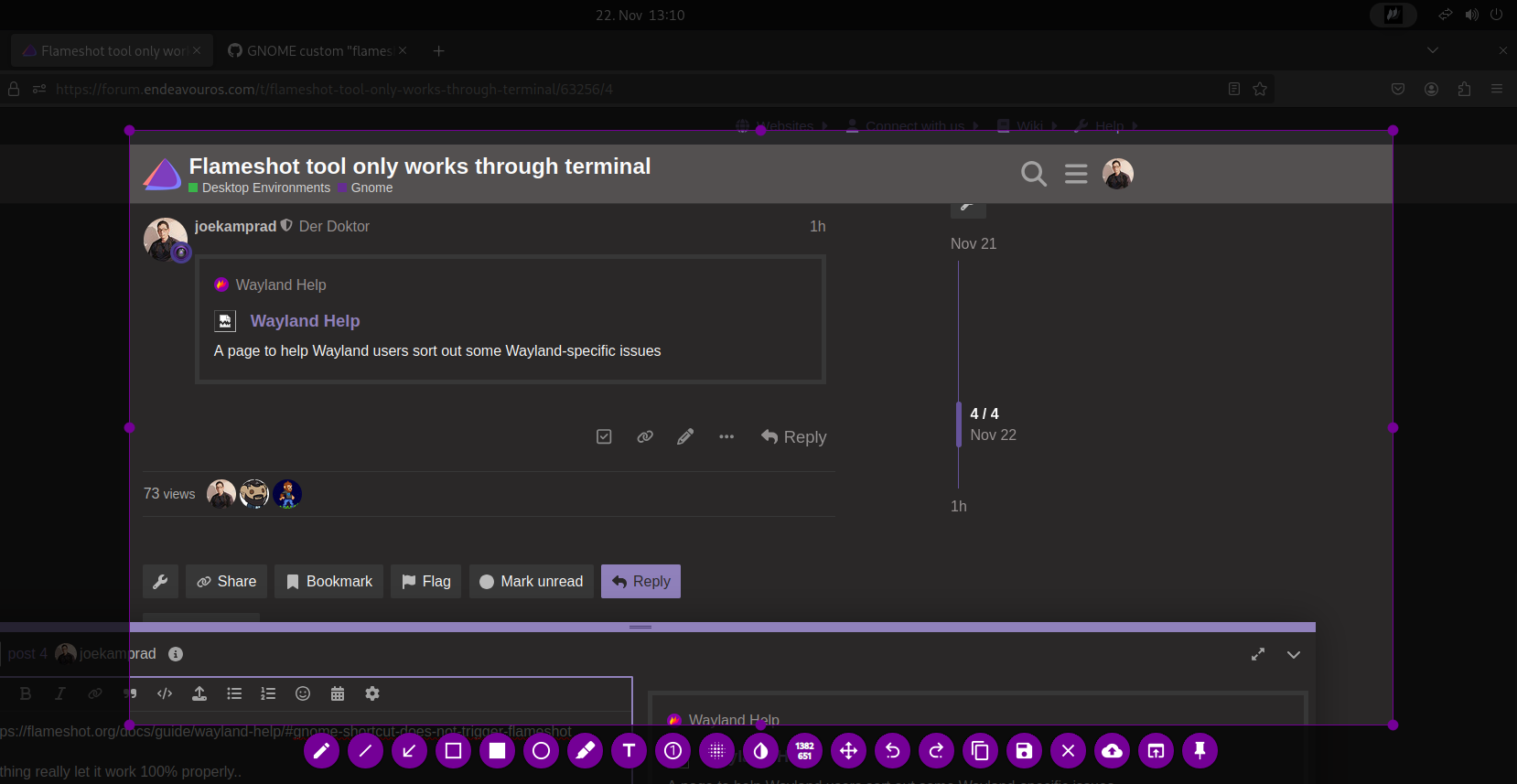
If you use firejail and gnome desktop you will also see the following bug which prevents flameshot from running from command line:
nothing really let it work 100% properly…
you can work around adding it to autostarter with gnome-tweaks plus using tray icons reloaded…
You can use this commands https://github.com/flameshot-org/flameshot/issues/3340#issuecomment-1916974573, after that Flameshot started working properly even if it was launched from app screen.
DenalB
6
How did you do this? What was the keyboard shortcut? I created the following shortcuts, and it worked in Gnome.
Flameshot Screenshot → script --command "flameshot gui" /dev/null → PRINT
Flameshot Fullscreen → script --command "flameshot full -c" /dev/null → ALT PRINT