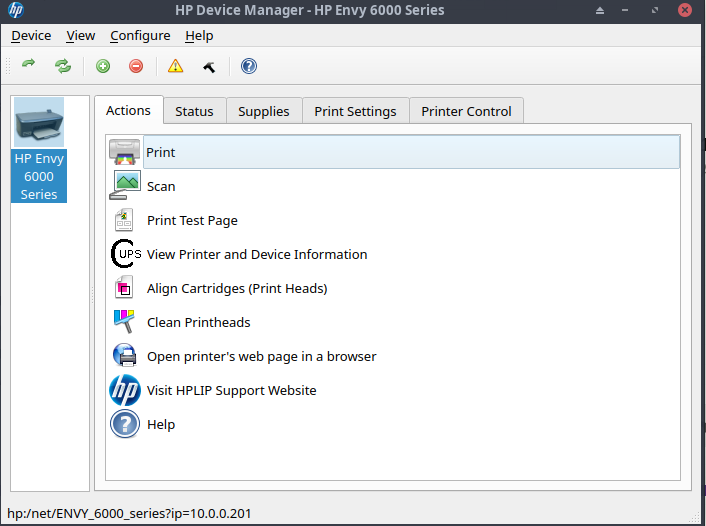
As usual, the hplip package suffers from a Python upgrade, in this case from the updated ConfigParser module. This fix works, tested on my EOS Cinnamon machine:
sudo sed -i "s/readfp/read_file/" /usr/share/hplip/{base/g.py,ui5/devmgr5.py}
If for some reason you’re still having problems, just reinstall the hplip package.
The part in red must be a placeholder for something, but I don’t have the knowledge to know what to put in there. My Hp Command center is dead, though I can still print. Would that command fix that, or maybe I should wait for the system fix that I assume will be in the next update?
After the fix I can finally launch the Hp Device Manager again, even can find my printer but when I press add printer button, the default screen appears saying No Hp device installed. Hp systray says printer added but actually there is no printer to use. Waiting for an update to fix it. I have other distros when I need to print or scan. But I love use EndeavourOs anyway.
I think I added my HP printer via Cinnamon’s Printers settings, although I’ve always used the HP Toolbox in the past. Unfortunately, HP’s drivers aren’t the greatest; still using Qt4 for their interface.