Ok I’ll make an iso today.
I have the iso plz tell the next steps on recovering the system using chroot
Alright, I’ll try to do my best.
Let’s take it a couple of steps at the time to see how things evolve.
- First of all boot up your USB in UEFI mode.
- Once you are in the live session, connect to the network.
- open a terminal and run the following (one command at the time):
    sudo mount /dev/sda2 /mnt
    sudo mount /dev/sda1 /mnt/efi
    sudo arch-chroot /mnt
Report back in case of success or error.
If you get any error, post the whole of the error message.
1 Like
My assumption is that your system turned off during an update That is why your having issues. You need to clean out the package cache to get it to stop trying to finish updating. after removing the updates you may find more success with @pebcak instructions
note that turning off the system during a write process can damage the physical disk.
EDIT:
Ok just spent a few looking back at this post from start to now and you start off saying
however according to the evidence the update did not complete. And is still continuing to try and update things. The issue is now you have a partially updated system that more than likely isn’t going to boot even if you manage to fix the EFI issue. You may need to back up the contents of the drive then format and start over. Making sure to check the disk for physical bad sectors before deciding to use it again. Never shut down the computer during an update.
1 Like
Issue resolved i guess i made an iso and compressed all my files snd sent it to my phone.
Reinstalled endeavour OS .
And wallah done .
Now i am setting a good rice .
one more thing my pc way faster than before performance wise and it feels less bloated.
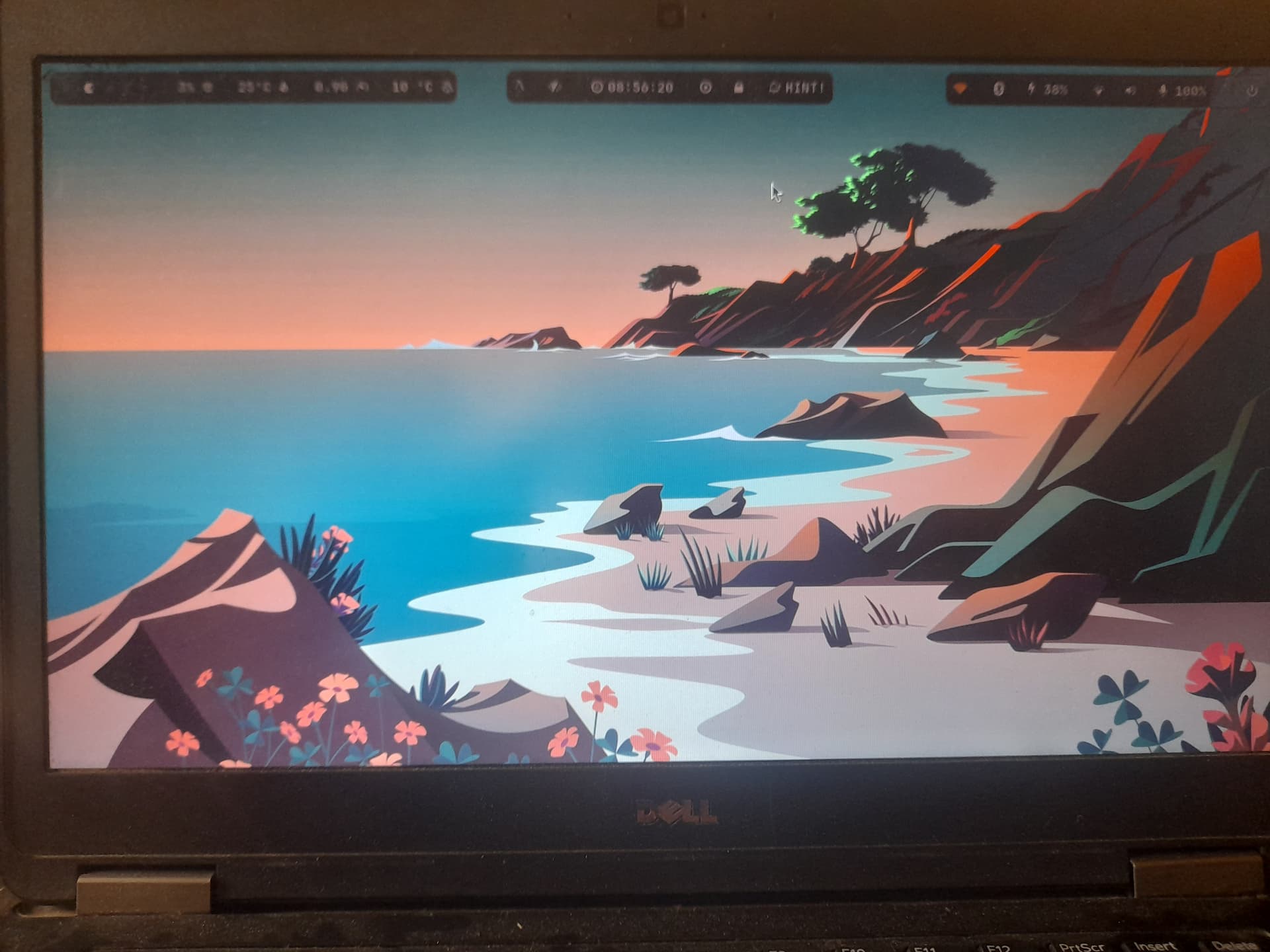
Thank you @thefrog and @pebcak for all the effort it is well appreciated !!!
1 Like
Glad to see you up and running. Welcome to 
1 Like
This topic was automatically closed 2 days after the last reply. New replies are no longer allowed.