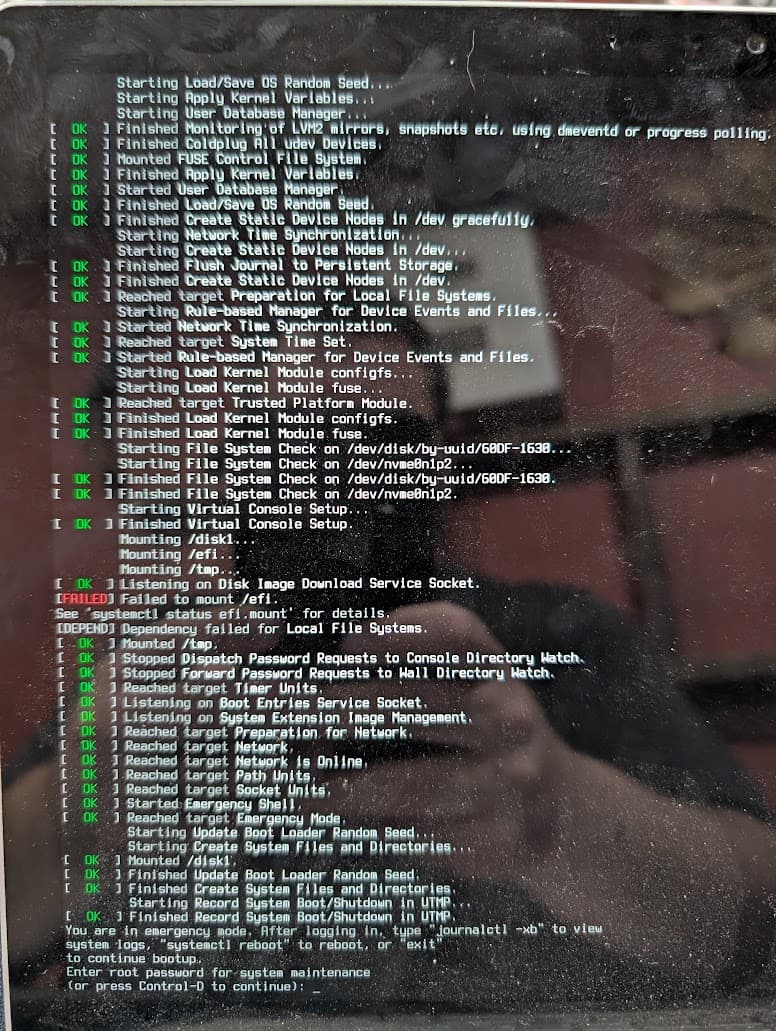
Enter your root password to get a root shell for system maintenance.
When you get the # prompt, type reinstall-kernels
After it finishes reboot. I hope this helps.
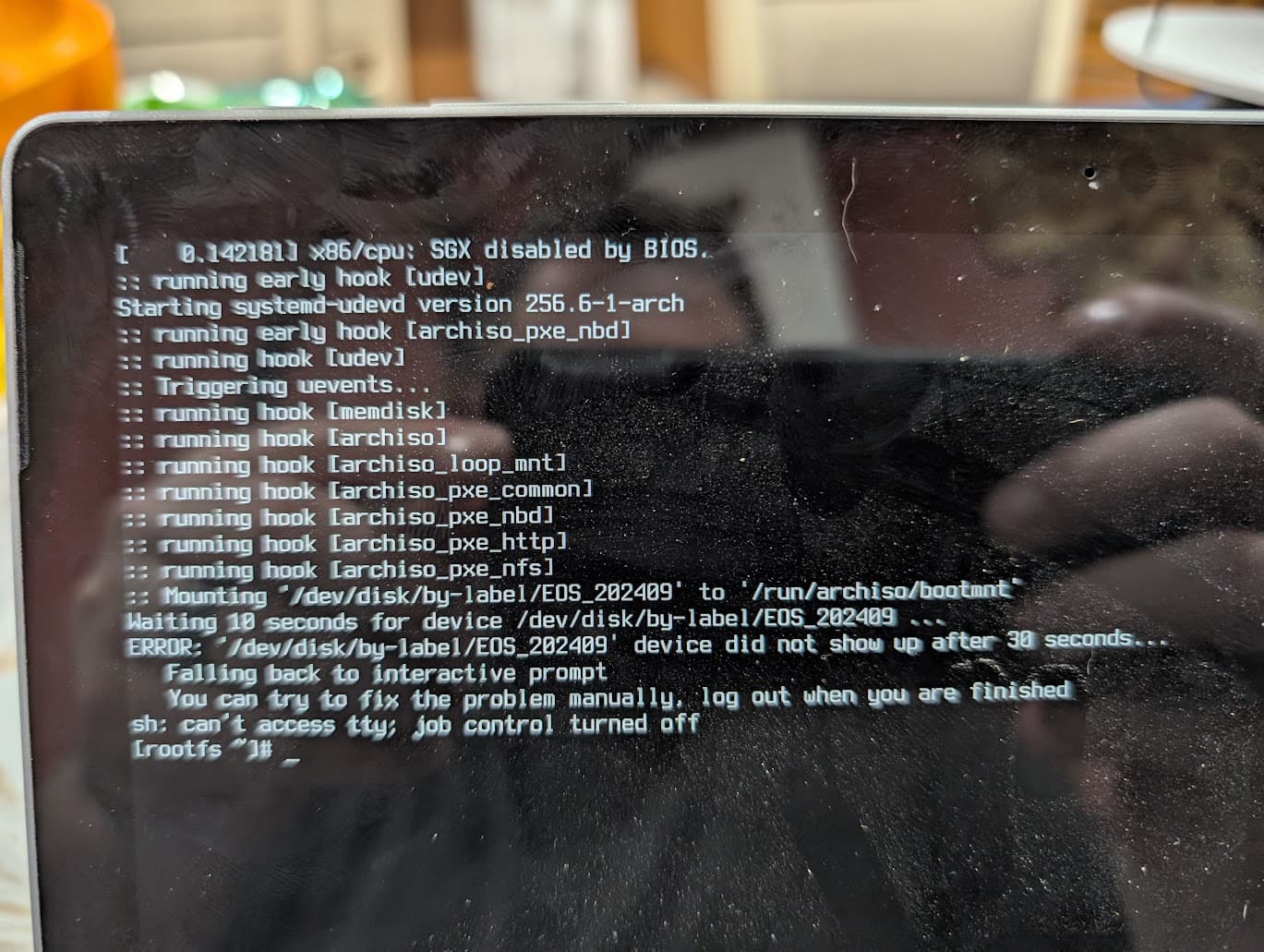
In your second screenshot you had said that you were able to “live boot into my USB stick”. We will take it from there. I am assuming that in live boot the keyboard is working. If it is not working then please do try with an external USB wired keyboard. It is possible that Wireless or Bluetooth keyboard might not work.
Boot into your live USB. At the root prompt give the following command and update this thread with its output. lsblk -T --output NAME,SIZE,MODEL,FSTYPE,FSVER,LABEL,PARTLABEL,FSAVAIL,FSUSE%,MOUNTPOINTS
This will show you all the partitions and drive, including the live USB stick. Check if the partition with /efi is listed or not. If it is not listed then either the disk is corrupted or the GPT partition table might be corrupted. If the partition /efi is listed then we do the following
Run FSCK on the partition/drive /efi. Run the following command. Paste its output over here. sudo fsck -l -r -C -V /dev/nvme0n1p1
I am assuming that /dev/nvme0n1p1 is the partition which has /efi. If not, if it is say /dev/sda1 or /dev/sda5 or /dev/nvme0n1p3 or something else, please replace it accordingly
Once this is done check for all the other partitions on the disk which are used by EOS, excluding any partitions that are used by Windows/MacOS X/Or other Linux distros.
There might be another reason too. which might point to a disk failure or disk/sata controller/NVME controller failure. To rule this out, take the disk out of the laptop, connect it to another computer and see if it is detected. If it is detected and can be mounted on another computer then there is something going on with the laptop motherboard itself. This can be checked by using another disk and then check using the Live USB stick whether the new disk is detected and can be mounted. Take the laptop to the manufacturer service center, if a new disk cannot be detected on the laptop, to see if it can be repaired.
If the disk is not detected on another computer then there might be an issue with the disk itself. In that case you should look at professional help to recover your data. Get a new disk, install it on the laptop and then reinstall EOS.
Let us know how it goes.
p.s. this is my edit. Please see what @cactux has posted earlier. That might also do the trick.
I was under the impression that UEFI files are meant to reside under /boot/efi. Maybe it is because I come from an old school of doing things. /boot was the directory where all the boot, linux kernel images, linux headers, etc which are required to run linux are stored. keeping EFI files under /boot/efi was meant to signify separation of one boot of particular OS from other OS.
It is still under EOS if you use Grub.
However, if you use systemd-bootin EOS, the ESP is mounted at /efi and that is where both systemd-boot bootloader’s efi binary and the kernels are.
I think, the jury may still be out on this, as many or perhaps the majority of the distros, including ESO uses /boot/efi as mount point for ESP when using Grub.
I have never looked in depth into the reasons why mounting ESP at /boot/efi is now discouraged in Archwiki. I should be doing it some time.
But we are now drifting away from OP’s issue. This could be a subject for another thread.
Unfortunately I am unable to boot into the Live Stick I have. I get that warning that shows up when I try. It’s the media I used to install originally and is at least 6 months out of date. I am struggling to make a fresh stick, as my only other available computer is from work, and the USB ports are locked out of writing!
The only thing I seem to be able to access currently is the emercancy shell. Not sure if there are any commands I can run there.
To answer a few of the questions that have been asked.
There is a fallback kernel for both Arch and the Surface kernel - both of which give the same EFI error
The laptop keyboard does not seem to work when it tells me to type the root password.
The only thing I can really get into is at the bootloader screen there is a prompt for an emergency shell and I can load that and type, but I don’t know what commands I can perform there.
As long as you are able to boot using the USB Live Stick, despite the warning, and get a root prompt that should be fine. The main thing is to check if you are able to use the keyboard. Because what that working, even if you are able to boot, you might not be able to do much.
Just ignore the warning and continue with the USB live stick.
Also maybe you can keep a copy of a rescue disk and not the EOS or Arch live usb stick. There are many like Super Grub2 Disk, Ultimate Boot CD, Hiren Boot, System Rescue, Rescatux, Finnix and many more are out there.
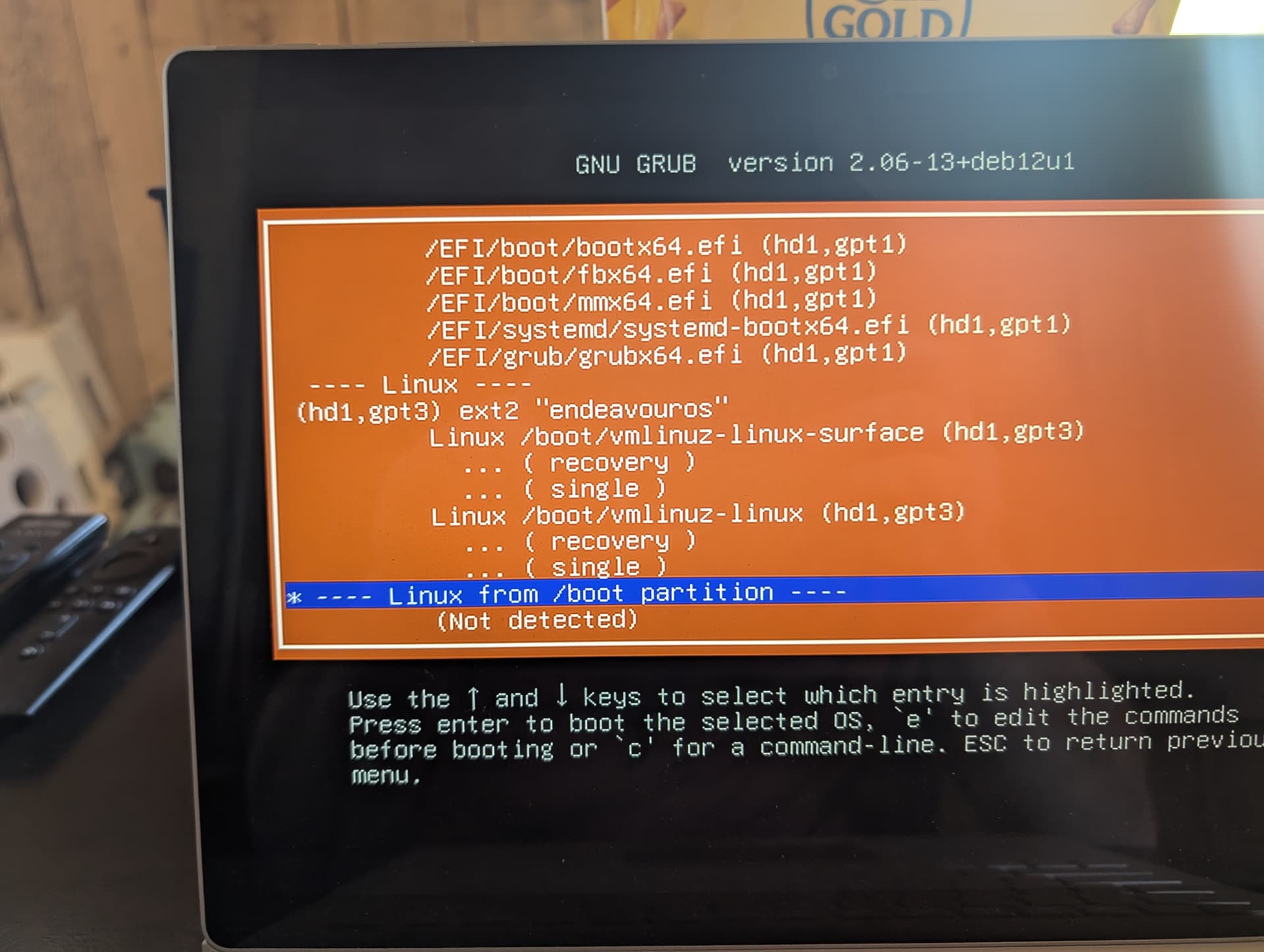
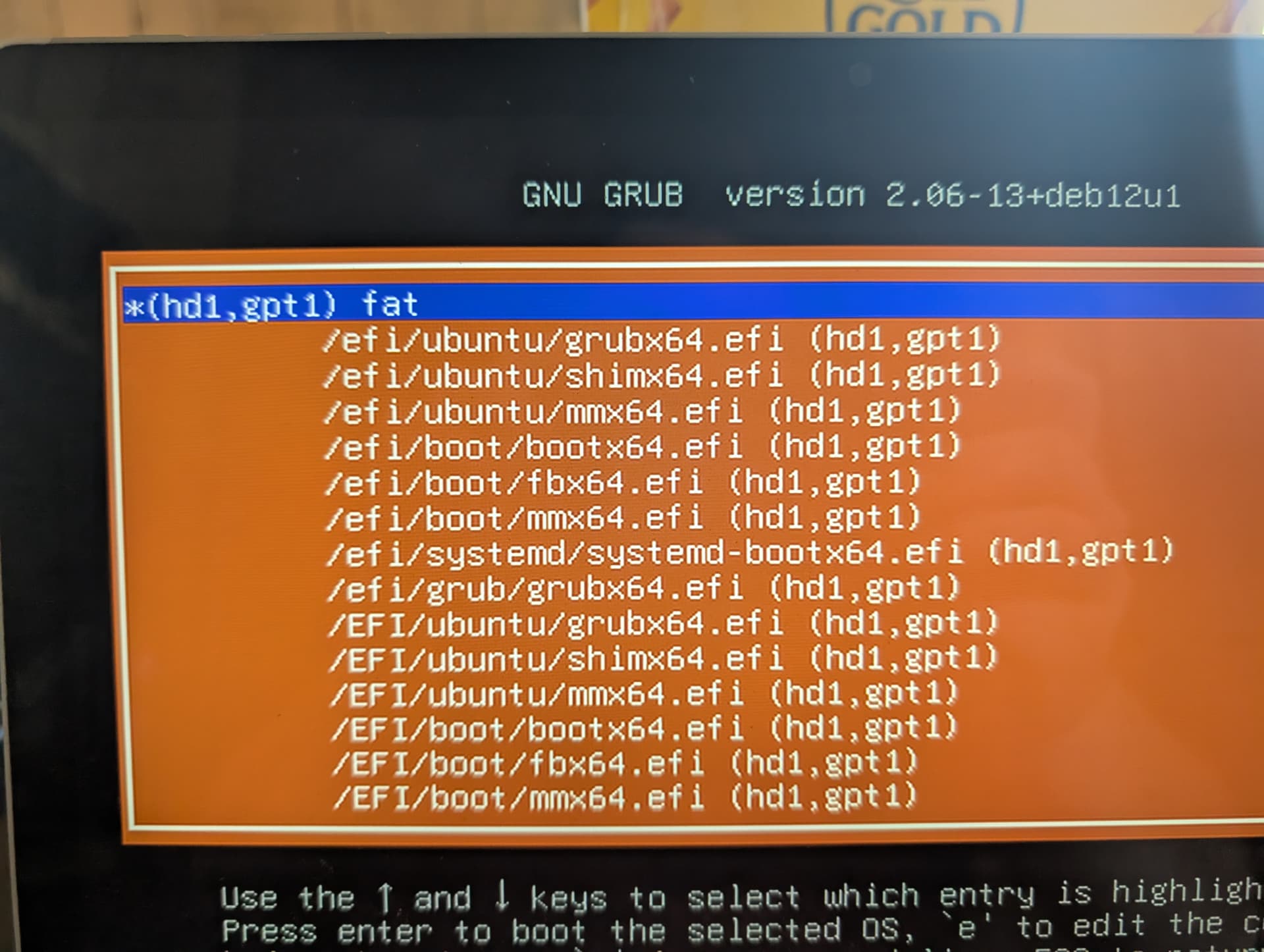
I used the disk to go to the vmlinuz-linux-surface, boot into EOS, and update everything. I did it in both the line labeled recovery and into the line /boot
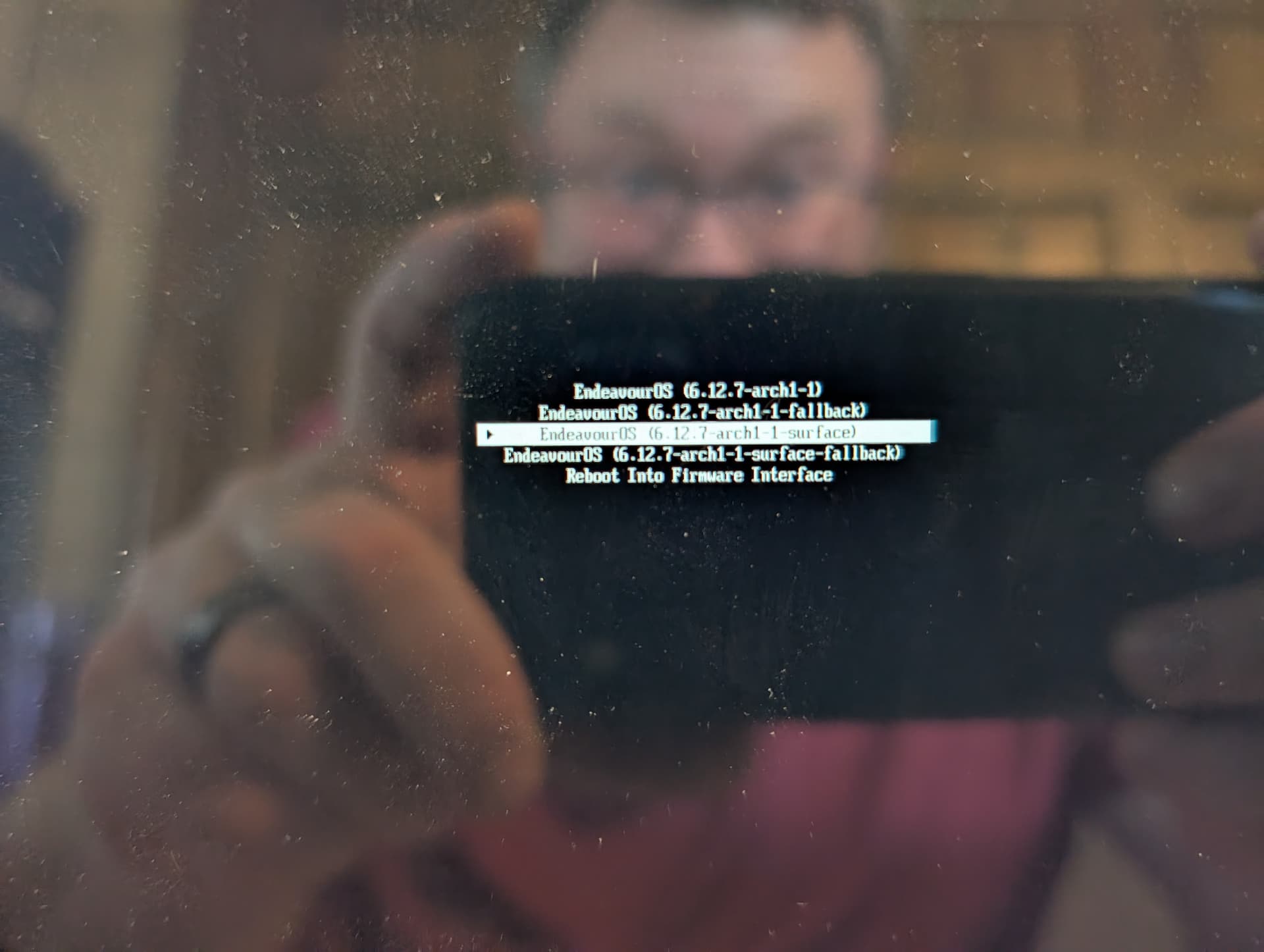
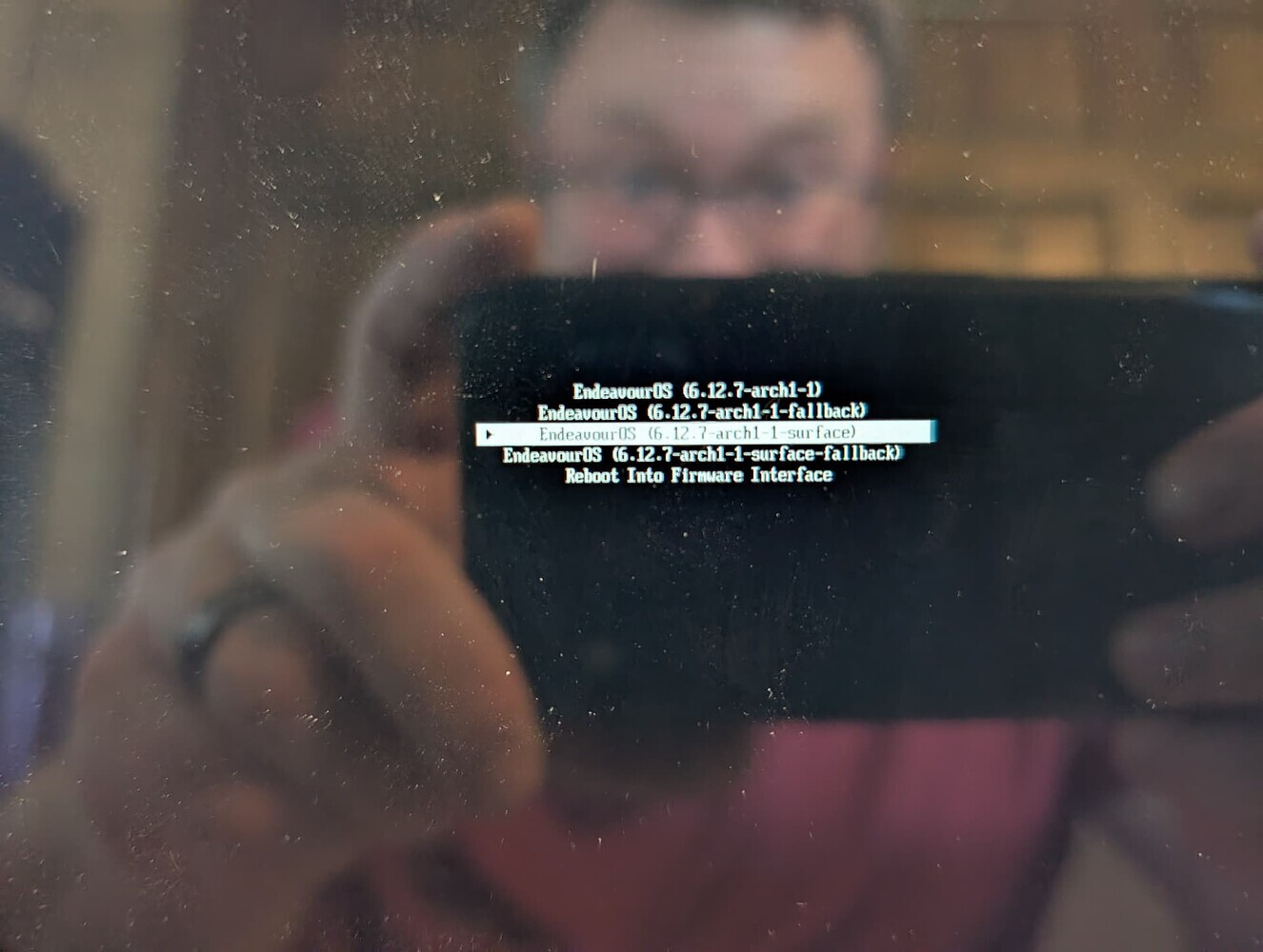
However, when I reboot and remove the USB, which brings me to this kernel menu
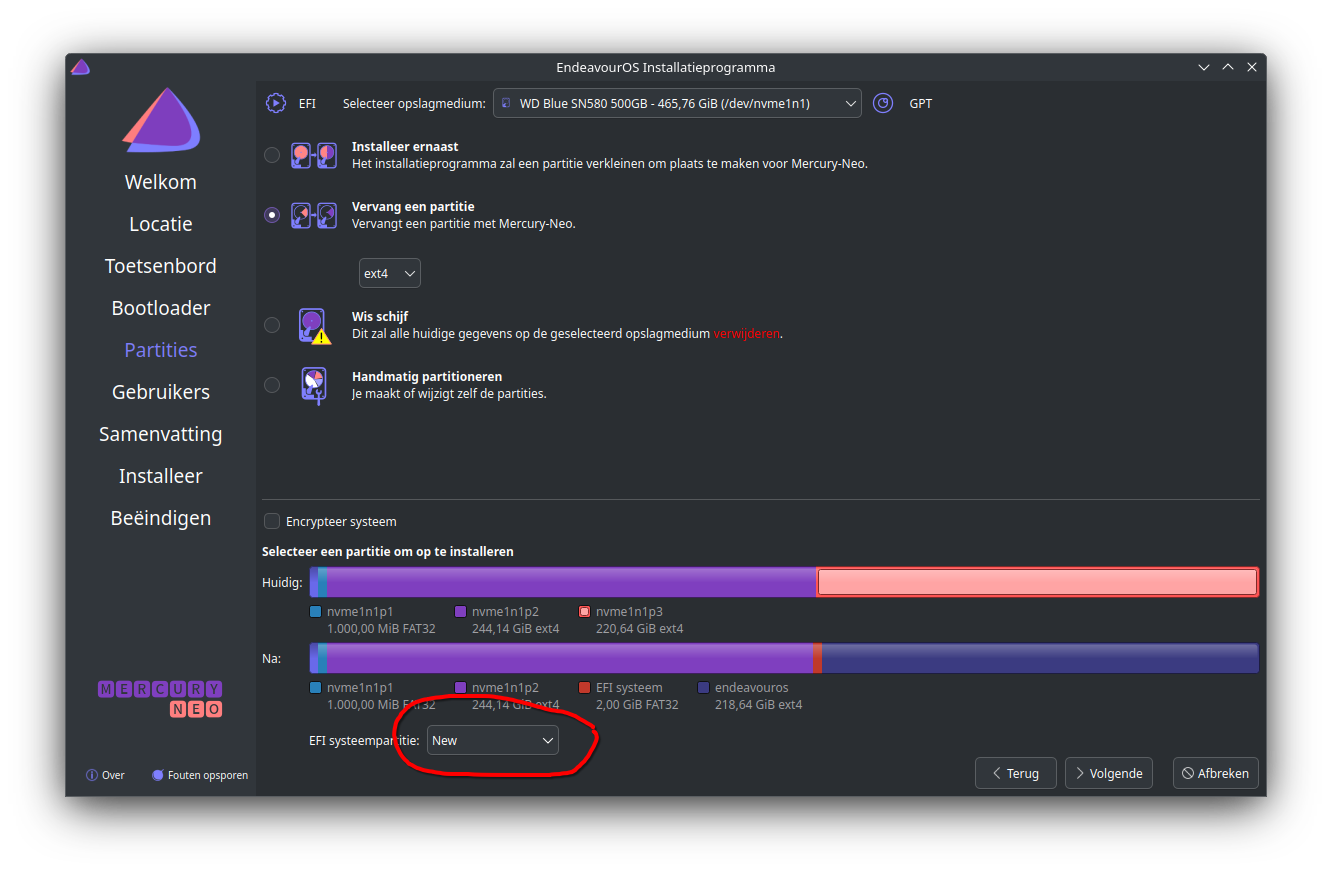
Try this , not sure if it will work , on the screen of the installer for the partition to install on choose create a new boot partition, and continu with installing.
In the picture you show from the systemd-boot menu, your kernels are at 6.12.7.
I suppose that it is the LTS kernel but the current version of the LTS is at 6.12.24
So your update may have failed, the correct kernel images and initramfs haven’t been created or something has gone wrong preventing the right boot menu entries being produced.
In all evidence, something is not quite right with your system. If you just could make a bootable USB from any Linux distro, we could perhaps get you chrooted into your system and try to sort this out.
Edit: Also, if you are now able to boot into your system with the help of Super Grub2 disk, you can post: