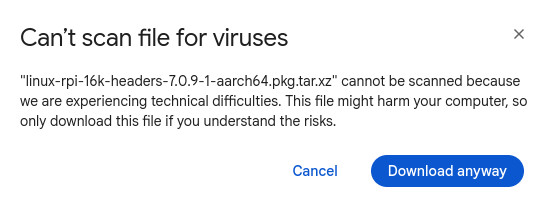
I tried to download from your google drive. The linux-rpi-16k file did a virus check and then downloaded OK. The linux-rpi-16k-headers file failed the virus check and did not download.
Is this because the virus checker doesn’t the headers file’s format ?
Later today I will download the linux-rpi and linux-rpi-headers packages and try to install them one of my RPi 4b devices.
That is interesting. The message here is they are experiencing technical difficulties. Did not know a .xz could be scanned in the first place. Google can’t give a preview of the compressed package files.
Your time spent on Manjaro ARM was more than enough for me trusting your work, so I just went ahead and downloaded linux-rpi and linux-rpi-headers.
My test RPi 4b happened to have Cosmic installed. I used pacman -U to install the kernel packages. During update I got messages that /boot/config.txt and /boot/cmdline.txt both had pacnew files. When pacman finished I was so wanting to see if it booted that I forget to check out the pacnew files.
Upon boot up, it got as far as the fuzzy multi-color box on the screen then just sat there.
This evening I will try this again and I will make sure I check out the pacnew files this time.
I never get pacnew files in /boot. I would think your existing config files there would work. Sounds a little like the same issue I have. I have tried everything I can think of to fix. Even the default 6.18 kernel in the repo. I even switched display managers.
I just think some recent update has borked my system. I can ssh to my pi4 just fine.
Not sure about fuzzy multi colored box. if you mean the initial splash screen at first boot then it is not the same issue as mine. That means something amiss in /boot. Maybe count the blinking light sequence.
The first time, I was in a hurry trying to squeeze it into my schedule. Never a good thing.
This time I reinstalled EnOS on a Samsung T5 USB 500 GB SSD, Installed KDE Plasma.
After install, I downloaded your kernel files and the MD5SUM’s were OK.
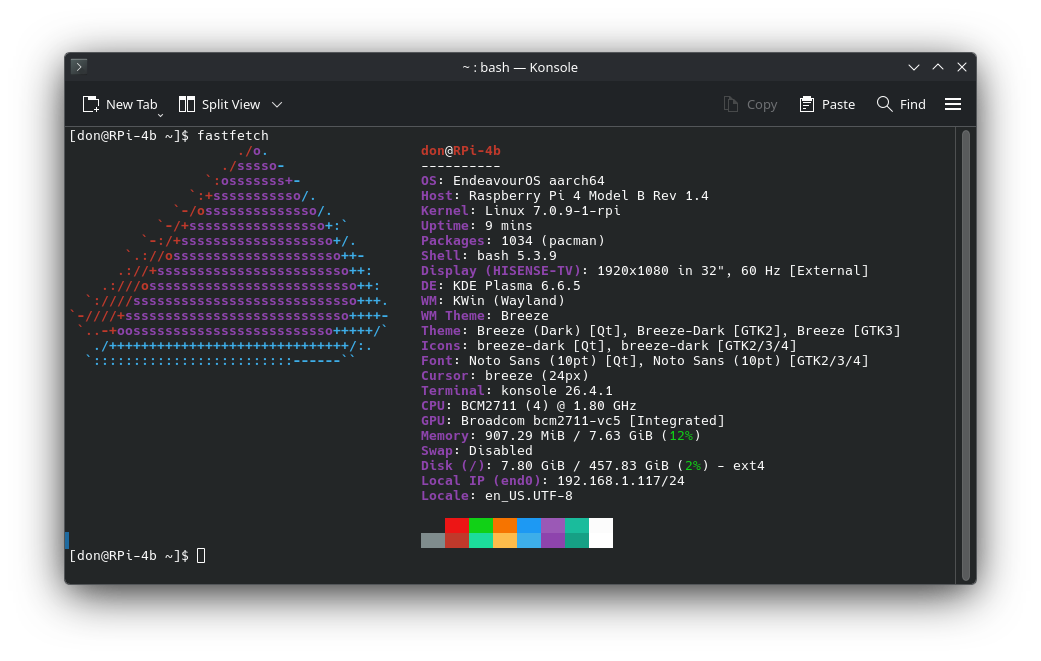
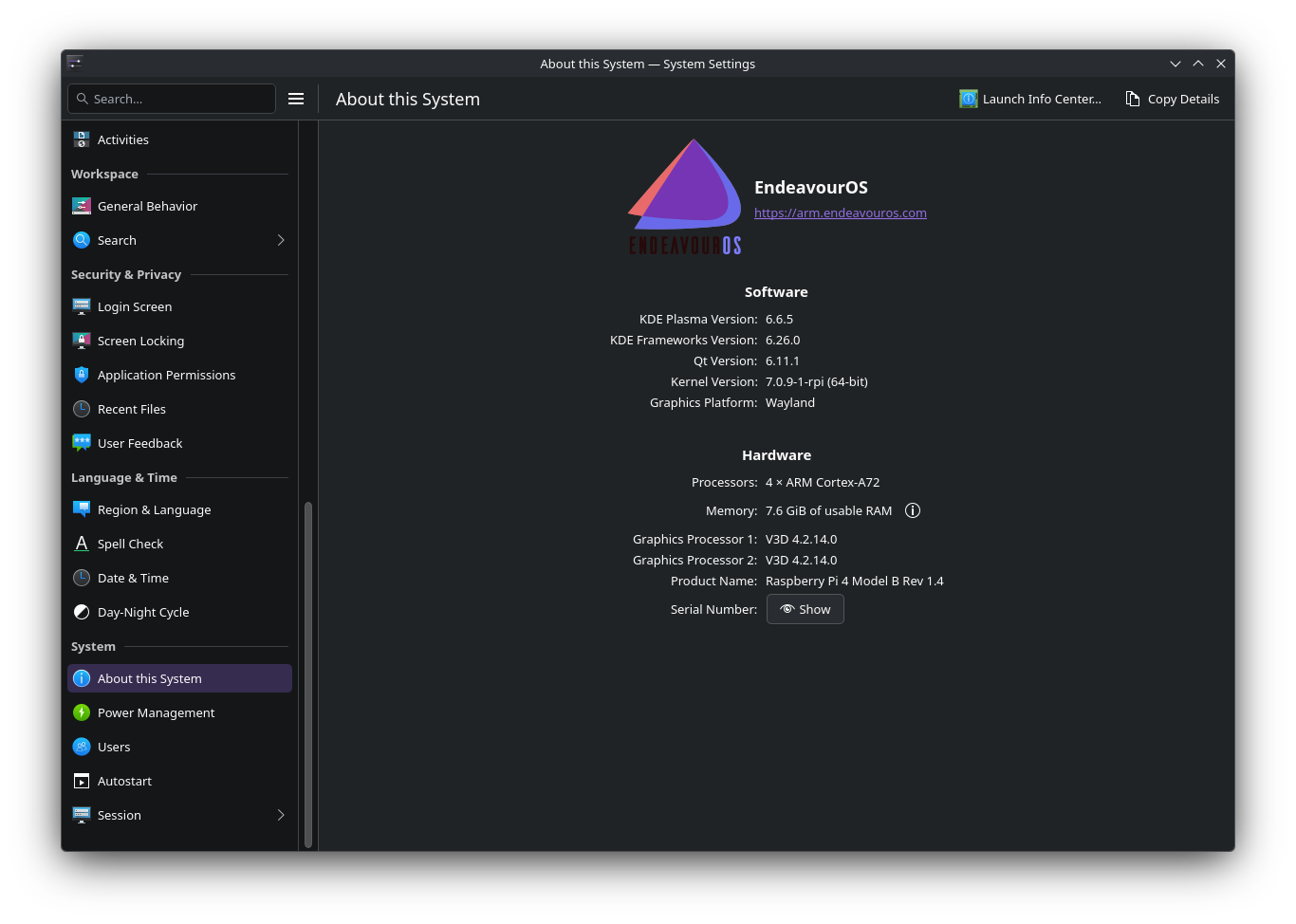
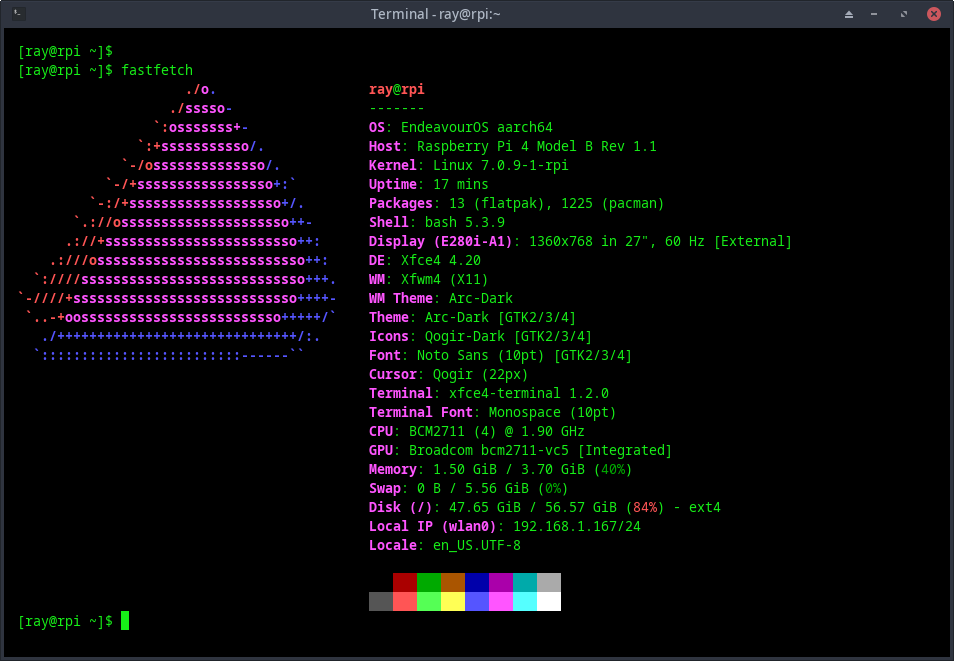
Using pacman -U I updated the kernel packages to 7.0.9-1
Rebooted and all worked as expected.
So in the first try, either the kernel didn’t like Cosmic or more likely, I think I may have made a typo in the pacman -U command.
This evening, I downloaded and installed linux-rpi-16k-7.0.9-1 and linux-rpi-16k-headers-7.0.9-1
on a RPi 5 with Cosmic. Had the same good results as the above post.
Some progress today. We had a power outage a few days ago I think may have been the culprit. Seems I had some corruption with some packages. I have issues with firefox but have not tried to see what it is. I did notice mesa upgraded today hopefully it is not that.
I know where that is coming from. I am pretty much convinced that my first try with RPi 4b I did a typo in the linux-rpi-headers-7.0.9-1 package and the linux-rpi package got installed by itself. Then add in that I was in a hurry and bingo, big mistake. Things happen.
lol, My nightmares continued. Long story short I ran into into so much corruption that I ran fsck on the root partition which put the final bullet in my image install. So then I download the latest eos pi4 image and burned it and during the setup for xfce4 it installed a lot of packages and started getting errors about unable to start lightdm.service as it did not find the service and unable to copy over /etc/skel files as they did not exist. There may be other errors but do not remember.
Like a dummy I hit the enter key instead of dropping to a prompt and fix things. So I had to install all of the files again because they were deleted. Another long story short.
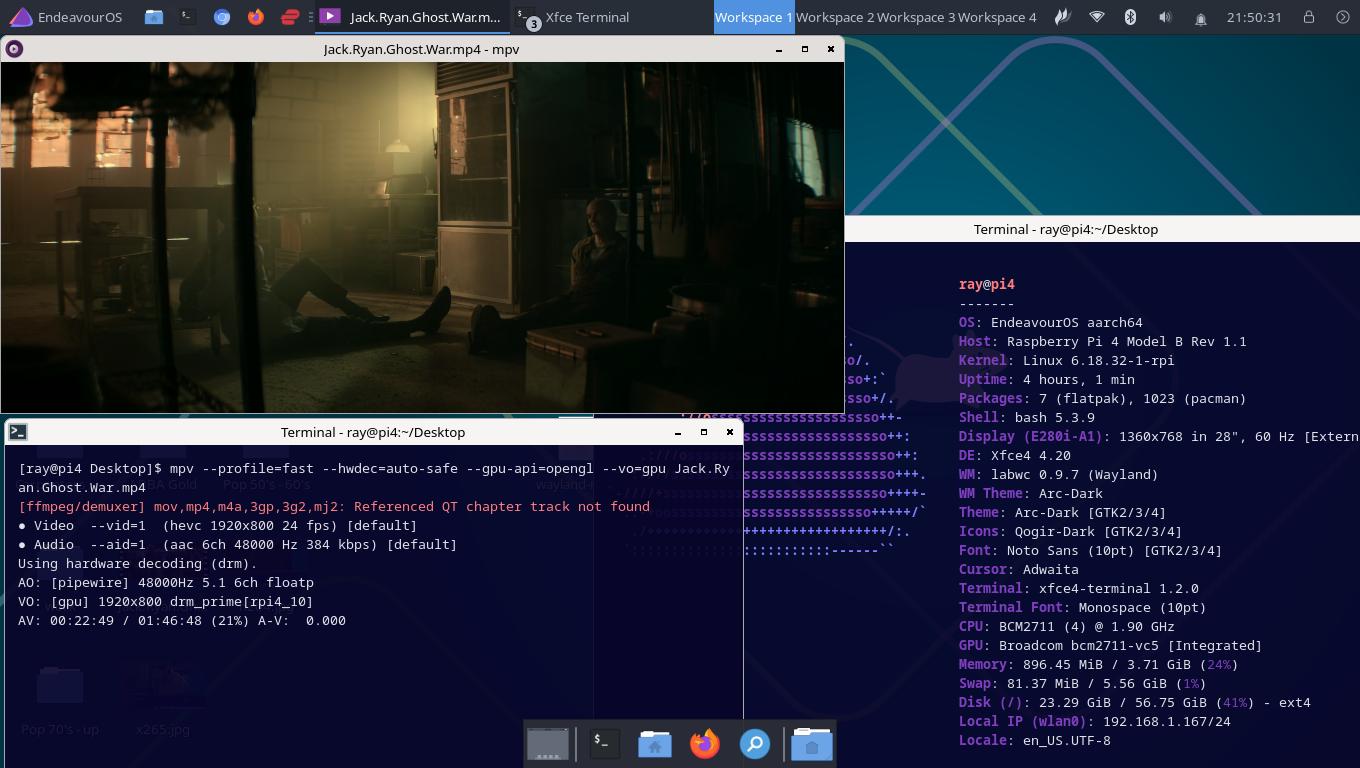
But got it working. If I was a drinking man I would entertain the idea of getting drunk after the past few days:
Right now I use my rockpro64 (my pi4 is too slow) as the master and my x86 laptop as slave with distcc. The rockpro64 is configured to do all administration work and the x86 laptop does the compiling using distccd-alarm-armv8 package built from AUR. I do this so people that has 3rd party out of tree kernel modules to build. It takes about @hour.
If you do not build any out of tree / DKMS modules it is a whole lot faster cross compiling on a good x86. My 12 core laptop will build in about 30 minutes.
If interested I would be happy to provide my configs on which way you want to go. Or if you just want some extra modules enabled in a kernel just let me know.
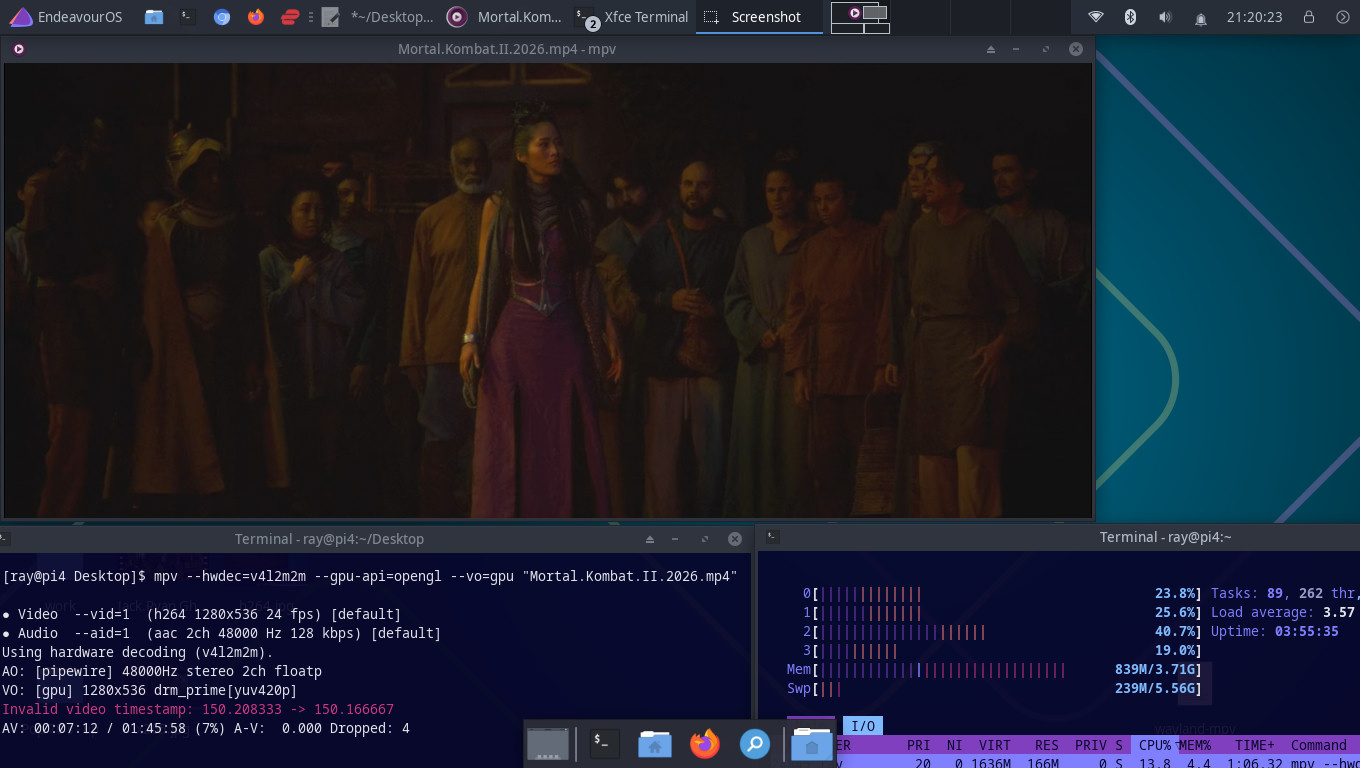
I believe I may figured out my locking up issue. It started throwing errors just as soon as I clicked on firefox monitoring using dmesg -w. Chromium seems to be ok. So back on 7.0.9 to test with chromium. Firefox and mesa updated recently so could be either one.
The upgraded upstream linux aarch64 kernel v 7.0.10 has been pushed to my googledrive. I am a little excited about it as warpme is working on support for my vim3. Looking forward to see it working. All though I have a vim3pro but can’t remember the differences.
All kernels on my googledrive are now at 7.0.10. I have patched the pi kernels with @mairacanal pi4 freezing patch until it makes it upstream. I tested her test kernel for 19 1/2 hours and had no issue.