Error during systemd-sysctl.service startup - Failed to apply Kernel Variables
Message:
Hello everyone,
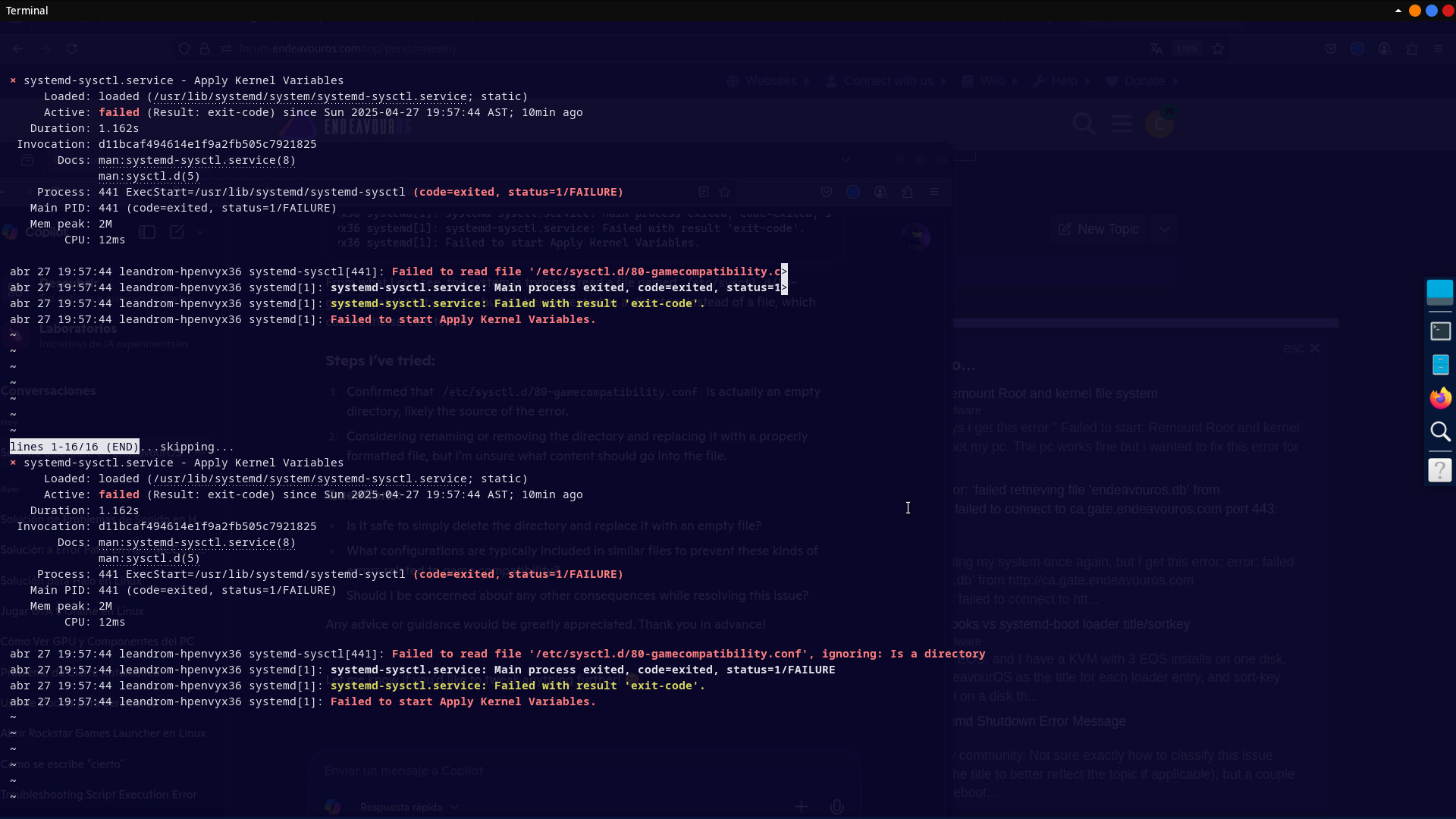
I’m facing an issue during startup where the following error related to systemd-sysctl.service appears:
× systemd-sysctl.service - Apply Kernel Variables
     Loaded: loaded (/usr/lib/systemd/system/systemd-sysctl.service; static)
     Active: failed (Result: exit-code) since Sun 2025-04-27 19:57:44 AST; 10min ago
   Duration: 1.162s
 Invocation: d11bcaf494614e1f9a2fb505c7921825
       Docs: man:systemd-sysctl.service(8)
             man:sysctl.d(5)
    Process: 441 ExecStart=/usr/lib/systemd/systemd-sysctl (code=exited, status=1/FAILURE)
   Main PID: 441 (code=exited, status=1/FAILURE)
   Mem peak: 2M
        CPU: 12ms

Apr 27 19:57:44 leandrom-hpenvyx36 systemd-sysctl[441]: Failed to read file '/etc/sysctl.d/80-gamecompatibility.conf', ignoring: Is a directory
Apr 27 19:57:44 leandrom-hpenvyx36 systemd[1]: systemd-sysctl.service: Main process exited, code=exited, status=1/FAILURE
Apr 27 19:57:44 leandrom-hpenvyx36 systemd[1]: systemd-sysctl.service: Failed with result 'exit-code'.
Apr 27 19:57:44 leandrom-hpenvyx36 systemd[1]: Failed to start Apply Kernel Variables.
From what I can see, the system is trying to read a file named /etc/sysctl.d/80-gamecompatibility.conf, but it’s being treated as a directory instead of a file, which causes the service to fail.
Steps I’ve tried:
- Confirmed that
/etc/sysctl.d/80-gamecompatibility.confis actually an empty directory, likely the source of the error. - Considering renaming or removing the directory and replacing it with a properly formatted file, but I’m unsure what content should go into the file.
Questions:
- Is it safe to simply delete the directory and replace it with an empty file?
- What configurations are typically included in similar files to prevent these kinds of errors related to game compatibility?
- Should I be concerned about any other consequences while resolving this issue?
Any advice or guidance would be greatly appreciated. Thank you in advance!
