I have problems wanting to update with yay, since it shows me: Error downloading sources: wps-office-mui (wps-office-mui-es-es)
I don’t know how to solve this problem. Can anyone help me?
you have validity error , try to clean yay cache , yay -Sc see first  https://aur.archlinux.org/packages/wps-office-mui-es-es/
otherwise you have to work around the validity check is not advised personally
The cache has already been cleaned, I guess I can now update it with yay -Syyu, right?
welcome at the forum !
AUR = not packages
it is building a package on your own or with a build helper script … AUR-builds are provided by users and are not official so any issue ? first take a look at the comments on the AUR page, like @ringo already suggested 
you have to check aur.archlinux.org ‘wps-office’ could also one has a bad download link i dont know pkgbuilds looks fine
just check it builds and install fine here, so try:
sudo pacman -Syyu
yay -Syyu
Now the following error comes up: error: the operation could not be prepared (the dependencies could not be satisfied)
:: installing wps-office (11.1.0.9080-2) breaks the dependency with «wps-office = 11.1.0.8865», necessary for the wps-office-mui-es-es package
it’s normal you have two different versions, the last one is this one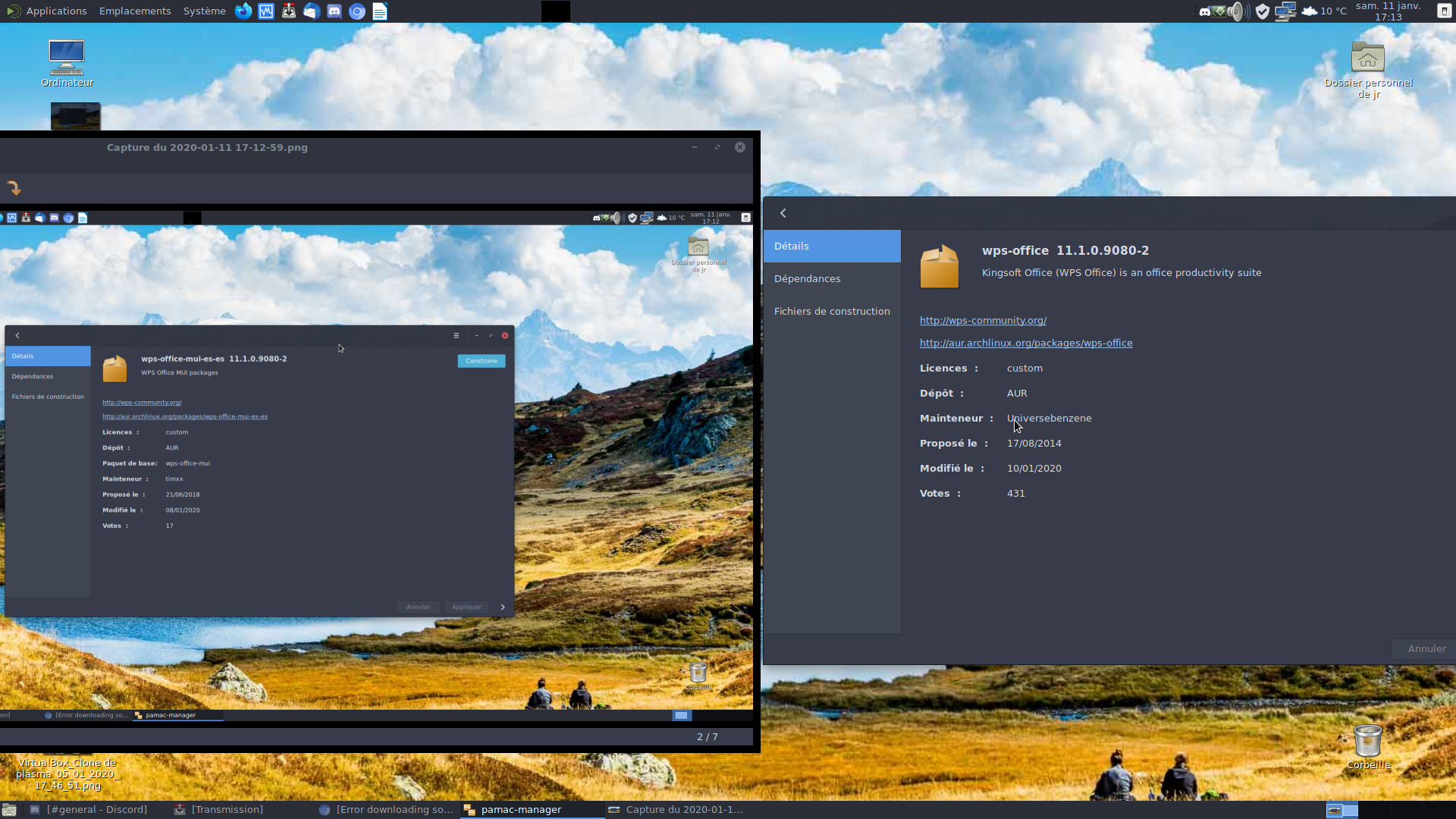
I just want to update wps to the latest version. Will I have to delete the previous version? If so, how do I do it?
Can I try removing wps-office (the old version) with: yay -Rns wps-office, to reinstall the new version? Is it a good option?
your database is up to date
Yes
you have pamac-aur-git like on the screenshot
I do not have it
you do everything at the terminal
Yes JR29
uninstall the language pack and update
ok, with what command do i delete it?
Problem solved. Thanks JR29. What I did was remove wps-office-mui-es-es with: yay -Rns, update and then reinstall wps-office-mui-es-es. I also thank Ringo and joekamprad for their help …