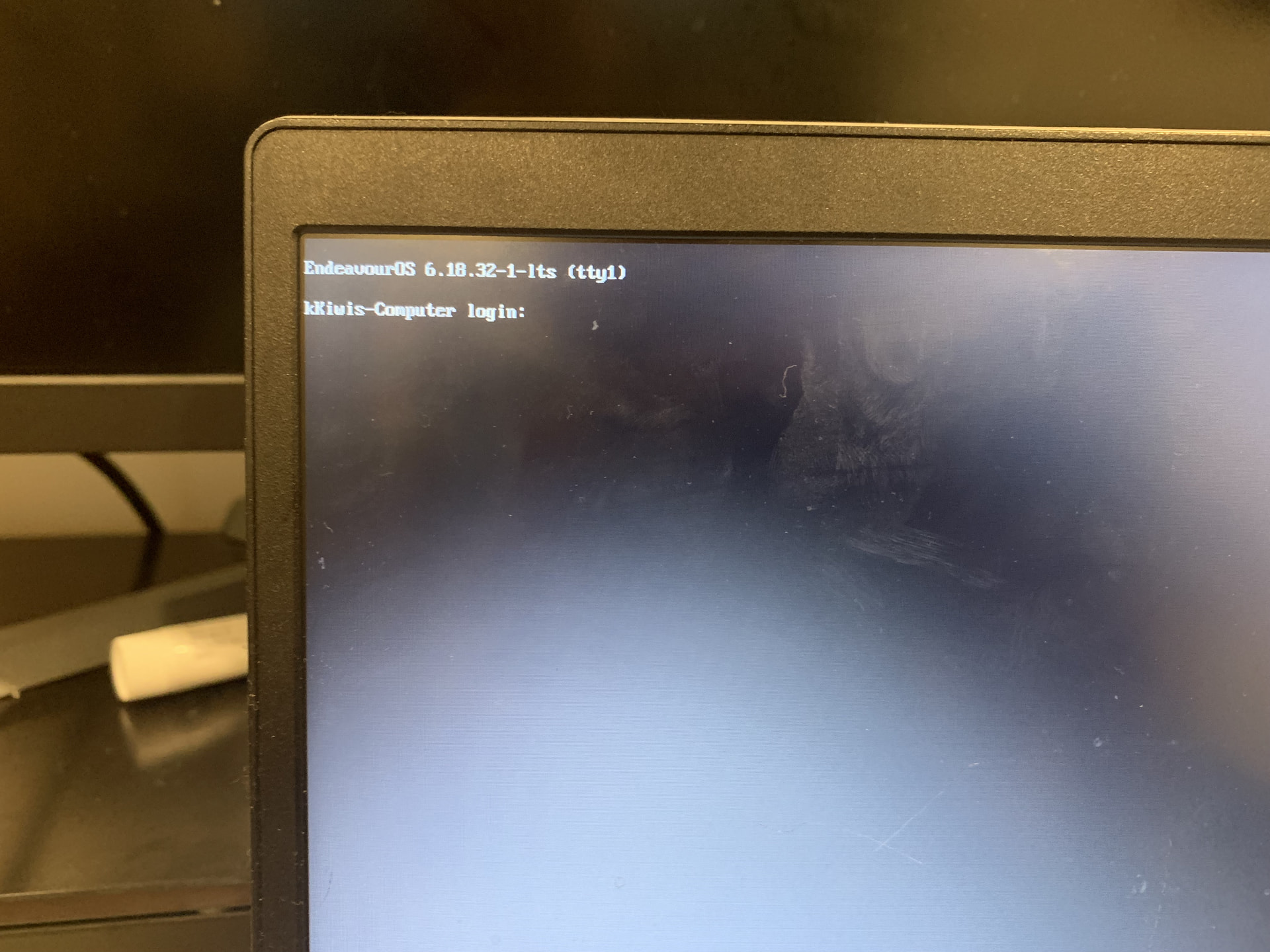
I non-recently messed up, and fully deleted GNOME, due to it changing to GNOME over KDE (you can see my later post for more context), anyways for some reason it gave me no option to switch so I just fully deleted it, which left me with this.
This would be fine, I actually like it better like this, but I’ve forgotten my username, and after looking through some forums here I tried (got into Chroot but that’s as far as I could go without getting confused). And have simply decided to try and fully wipe the computer.
TLDR: Got locked out of my computer, and I want to fully wipe it (fresh install), but I’m unsure of how to do that from here.
If anyone can either help with finding out my user/password, or how to wipe the computer, thanks in advance.
You can fully wipe the drive from the installer itself or through the LiveCD, without chroot-ing at all.
If you remember your password, remember that root is a valid user and by default, it should have the same password as the standard user you have. From there, you have complete access to the system, so be careful what you run, but since you do have complete access, you can easily find the user there.