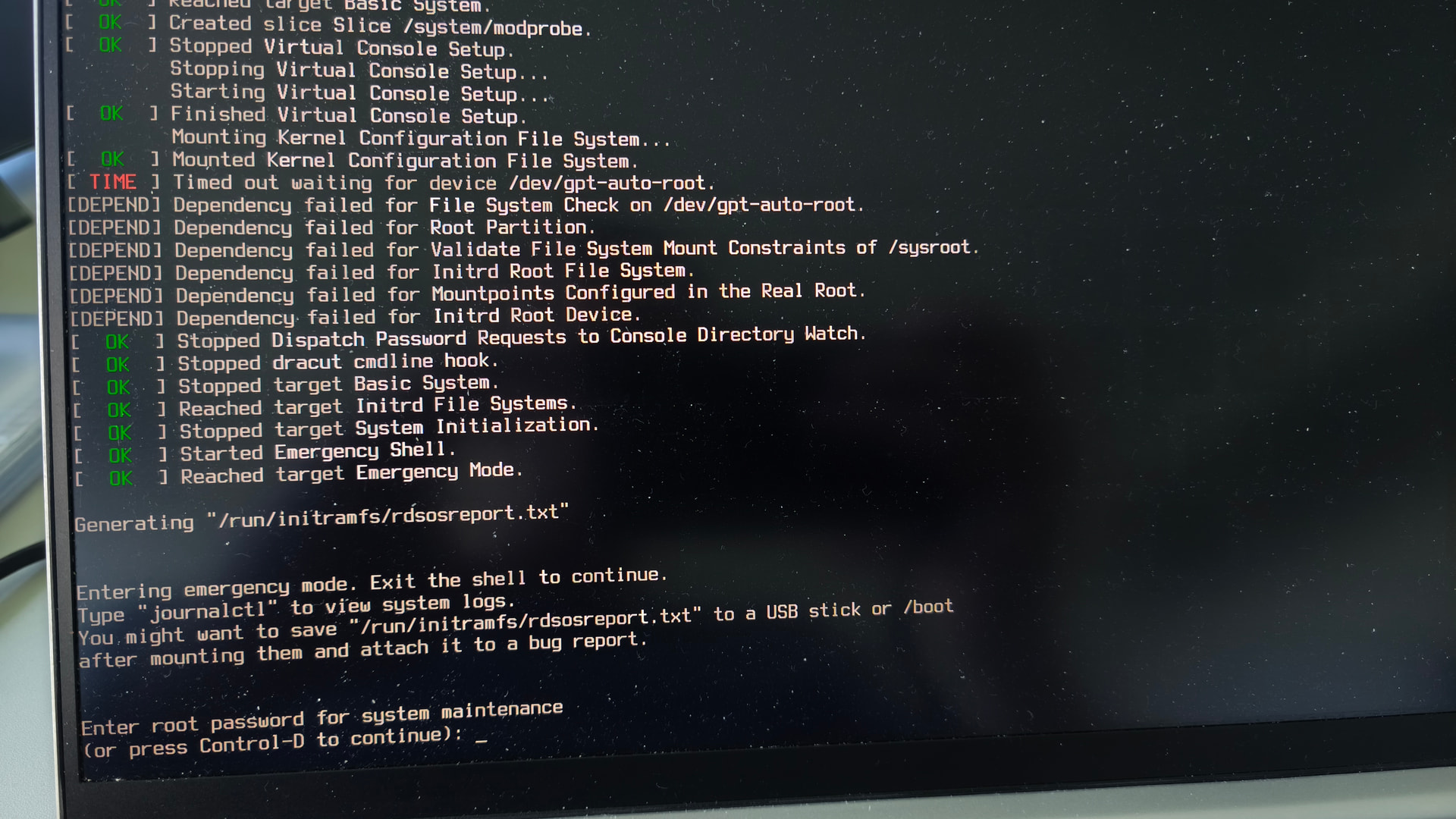
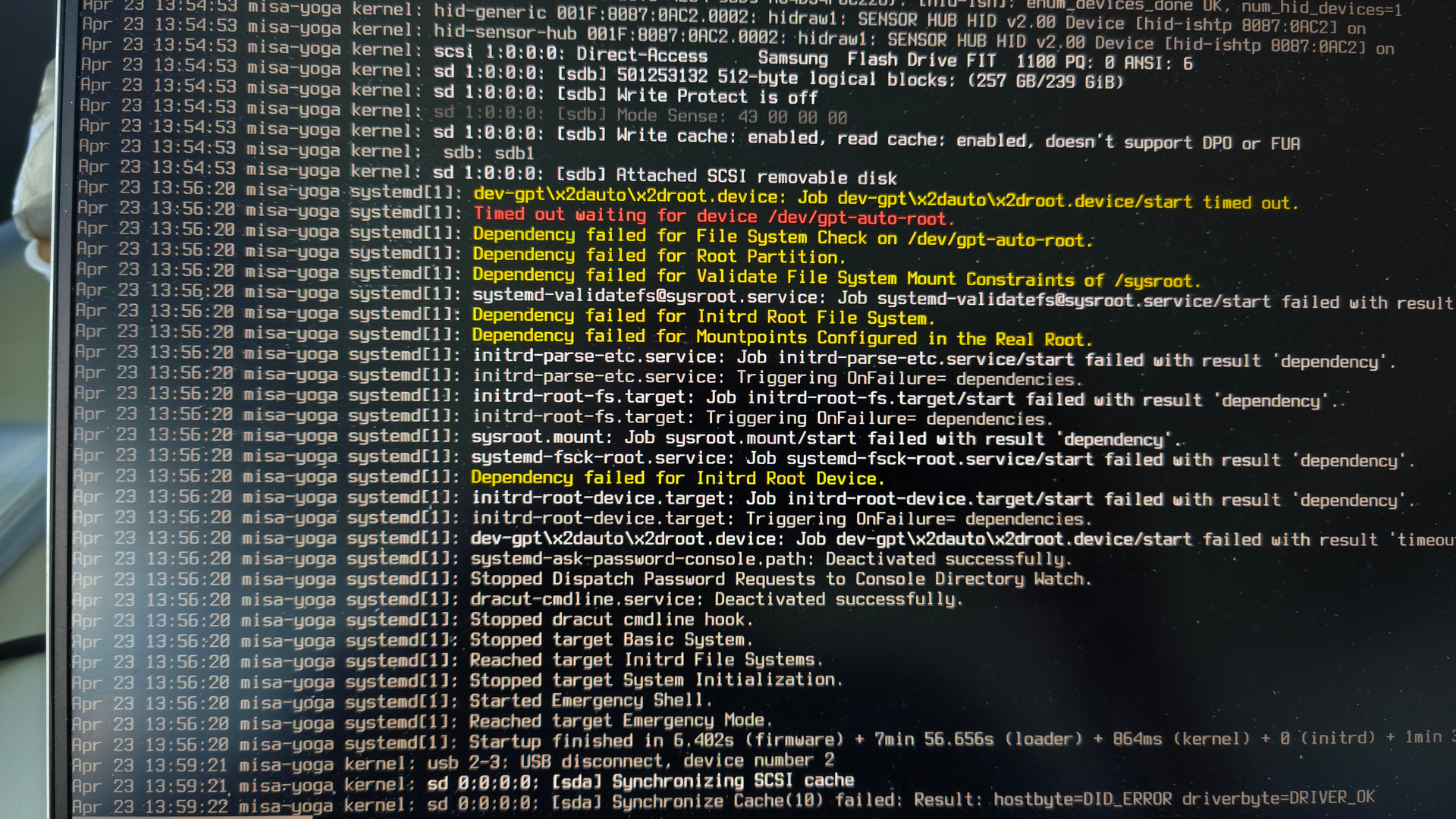
I was just doing some light work in Inkscape, when my system crashed out of nowhere. From that moment on it was unable to boot. I am getting the following message and journalctl -xb output.
My setup:
I have dualboot EOS and Xubuntu on Samsung T7 SSD (around half year old). Both systems have separate root and home. I can boot to Xubuntu just fine. EOS-home is accessible from there. I dare to guess the SSD is not broken from the hardware side, but I am not sure. I am also kind of newbie and don’t know how to fix it or inspect it.
I found some thread on Arch forum which proposed mounting EOS root from live .iso. I mounted it on my Xubuntu, chrooted and reinstalled grub, which didn’t help. Then I reinstalled grub from pure Xubuntu, which solves the issue, but new arised. EOS wasn’t able to load it’s /home partition, so I booted Xubuntu again and ran `fsck -f <home_partition>`, which seemed to repair some inodes, that were part of corrupted orphan linked list. After that I was able to boot to EOS again without an issue. Finally I reinstalled grub on EOS, to get back my layout.
Hope this helps someone with similar issue, just use the live .iso instad of secondary OS, if you are not on dualboot.
Unfortunatelly I don’t know, why the system crashed and caused all of this theater…