Since then I have twice tried a new install of KDE Plasma in a VM using the on-line installation process.
In both cases the installation runs fine and works in VMSVGA.
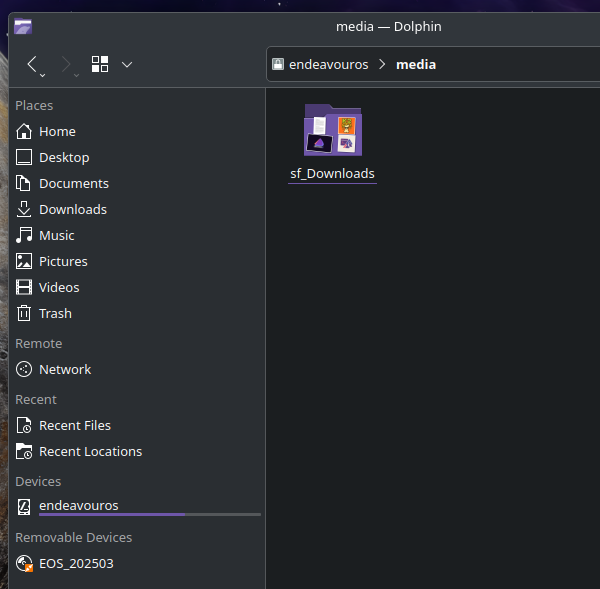
However for the purposes of accessing host folders, when I try to add my user to the vboxsf group it comes back that the group does not exist, and moreover the /media folder is not there to mount them in the first place. This is a complete change from how it worked a few days back.
on the guest:
sudo pacman -S virtualbox-guest-utils sudo systemctl enable vboxservice.service
→ reboot vm sudo modprobe vboxsf sudo usermod -aG vboxsf $USER
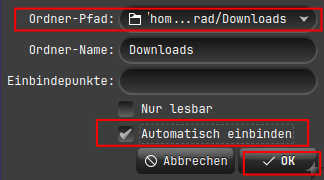
power off and add a shered folder.. in general it only needs to select the folder from host to be used and tag mount permanent in the popup on virtualbox gui..