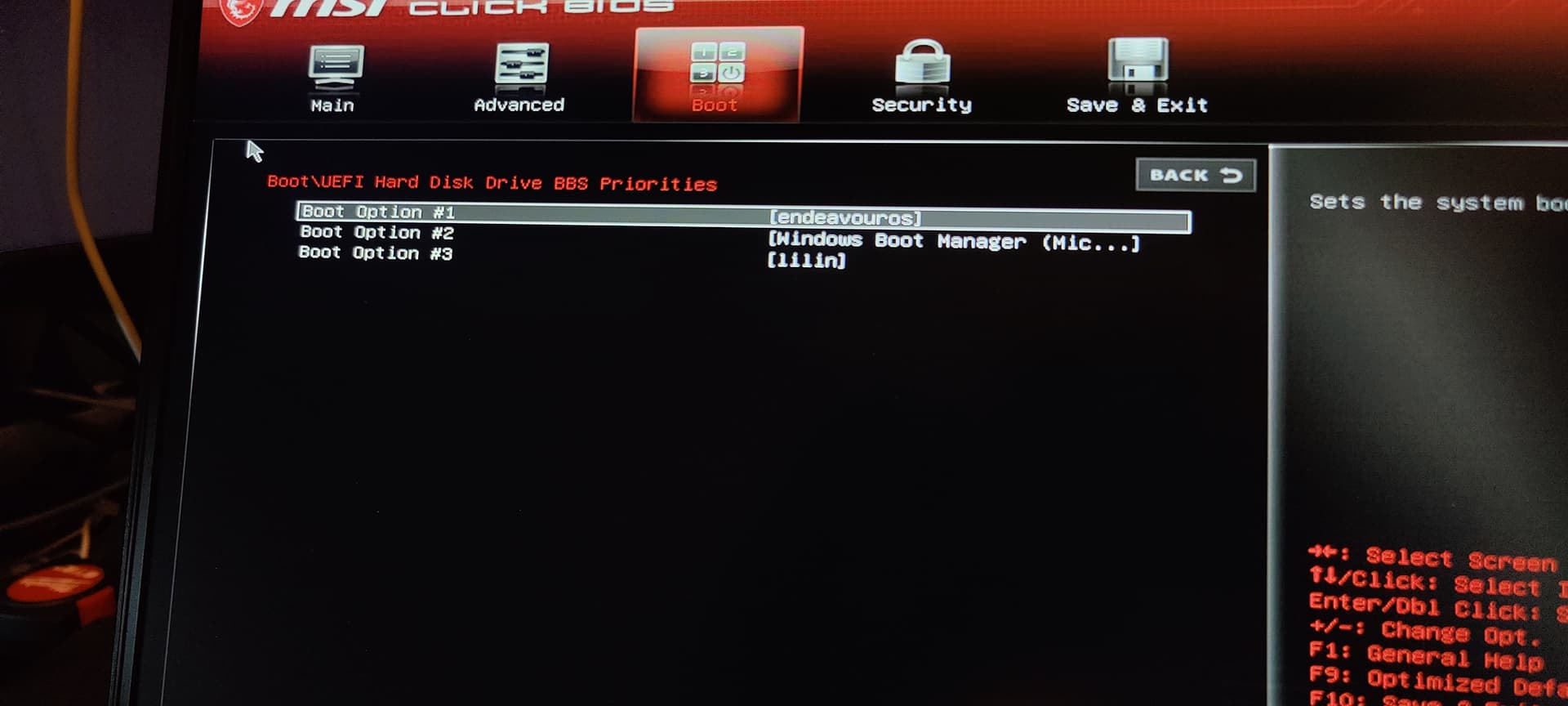
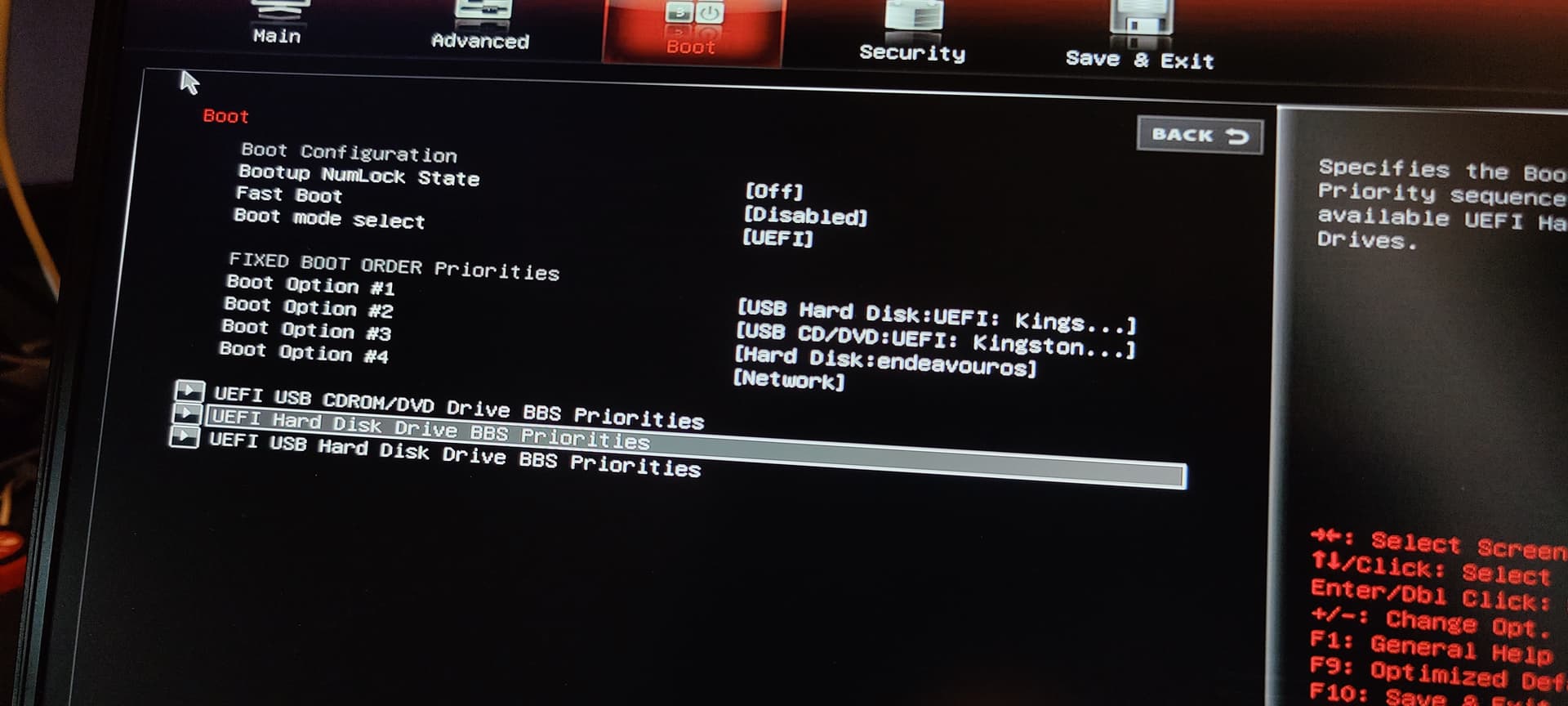
I freshly install win11, boot into eos live usb, use fdisk to shrink windows main partition by like 60% & create a linux main partition in the new space, then use the eos installer to replace that new linux partition with endeavouros dual boot. When it is done, it does not show up as an option in my UEFI.
I’m new here so I apologize if this is in the wrong place.
What might I have done wrong? How might I fix it? I would highly appreciate any help as I’m kinda running out of time to mess around with linux before uni starts
Notes:
My system is UEFI, has an existing windows EFI partition (which I selected during install), and is not using legacy boot
Secure and fast boot are both disabled
I have previously dual booted this laptop with win11 and endeavouros
Logs:
When it was done installing again, I pressed “debug” in the installer, and hit “send session log”. That gave me this link:
I also tried to use the eos log tool but it didn’t give me the link it posted the logs to, so on the live usb I saved it locally, did sudo pacman -S netcat, and did cat ~/eos-log-tool.logs | nc termbin.com 9999. That gave me this:
Some months ago there was someone that also had a MSI system and it turned out that there was a option called BBS priority, so maybe you also have something like that in your BIOS ?
That was it! I feel stupid for not checking down there now but yeah, apparently it will only let me set one entry for each kind (“Hard Disk”, “USB Hard Disk:UEFI”, “USB CD/DVD:UEFI”, etc), and then I will only see the selected entry for each kind when I’m actually setting my fixed boot order