Documents and Desktop folder just went missing for no apparent reason. I’m not sure why it happened. Any thoughts?
Just a quick confirmation of sorts, can you please share the output of:
ls -a ~/ | grep -E 'Desktop|Documents'
If you are on KDE plasma can you please go to System Settings > System > Session > Locations and see what is the value that is given over there for Documents and Desktop.
Also please provide the output of the following command from inside a terminal
inxi -S -xxx --za
If you are not running KDE Plasma 6.x then go to desktop, right click and create a new Directory/Folder. Once that is created, double click on it and see where the location is in the address bar of your File manager.
About why it happened, can be due to two main reasons.
- Your drive is becoming old and needs to be replaced.
- The directories, “Documents” and “Desktop” were moved by running some command in the terminal or by running some script or by some user action.
There can be other minor reasons too. But that is a post for some other time
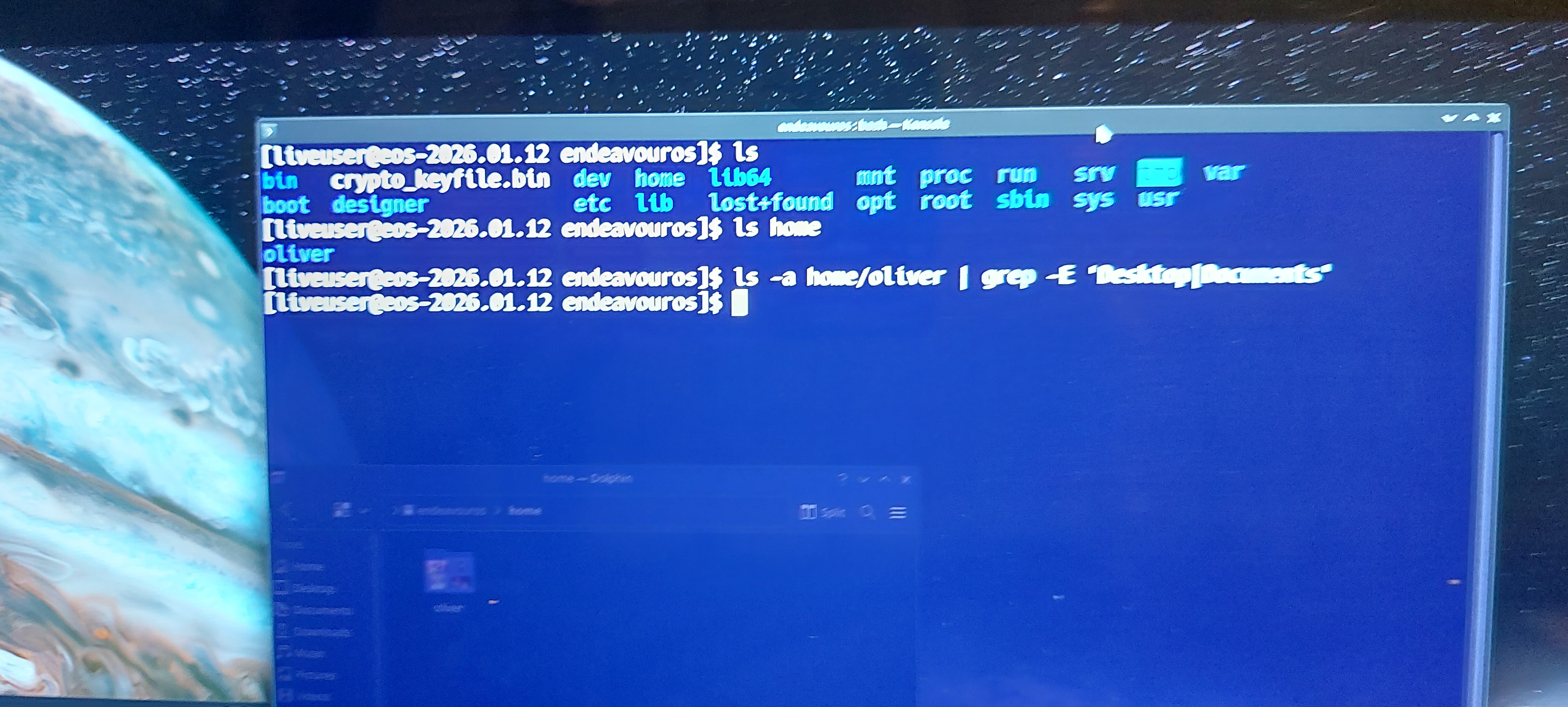
I’m on a liveusb to prevent further damage. also, this is a macbook pro 2017 (non touchbar variant)
These may not be of much use since im on a live usb currently?
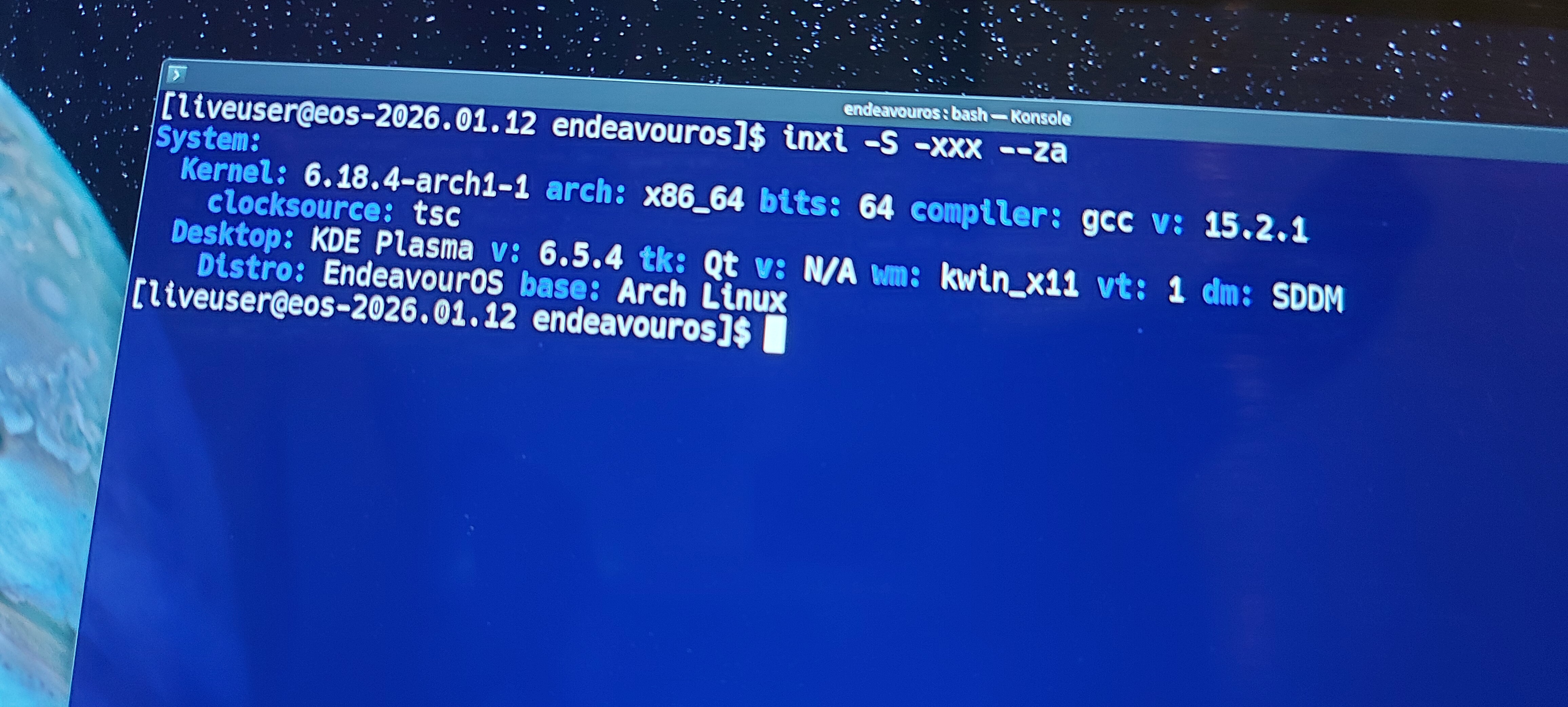
oh a thing to note, the desktop seemed to just use the ~ home folder
like it default4d there after it git deleted
What’s the output of:
(adjust accordingly to point to your actual home folder, not the Live ISO one)
cat ~/.config/user-dirs.dirs
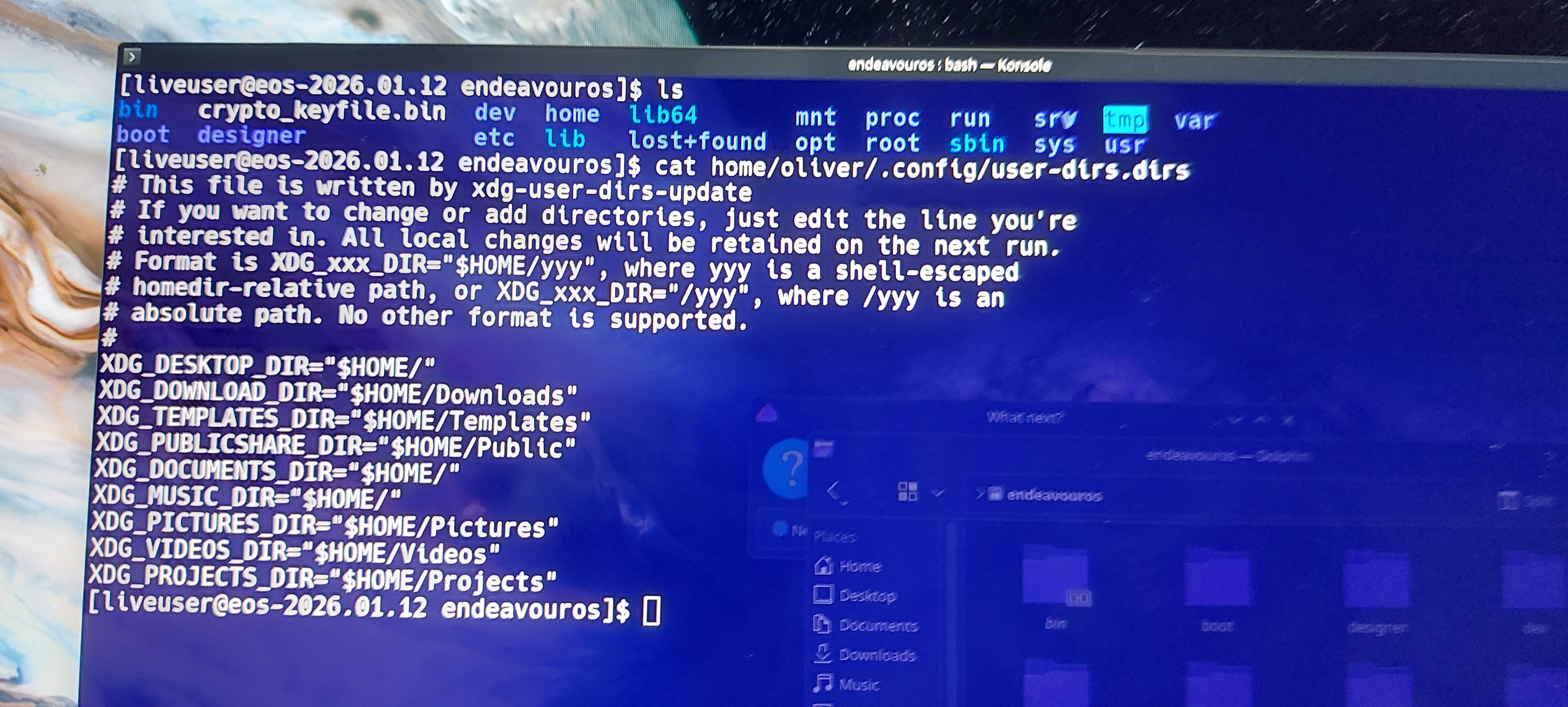
ok progress, i managed to recover it with photorec
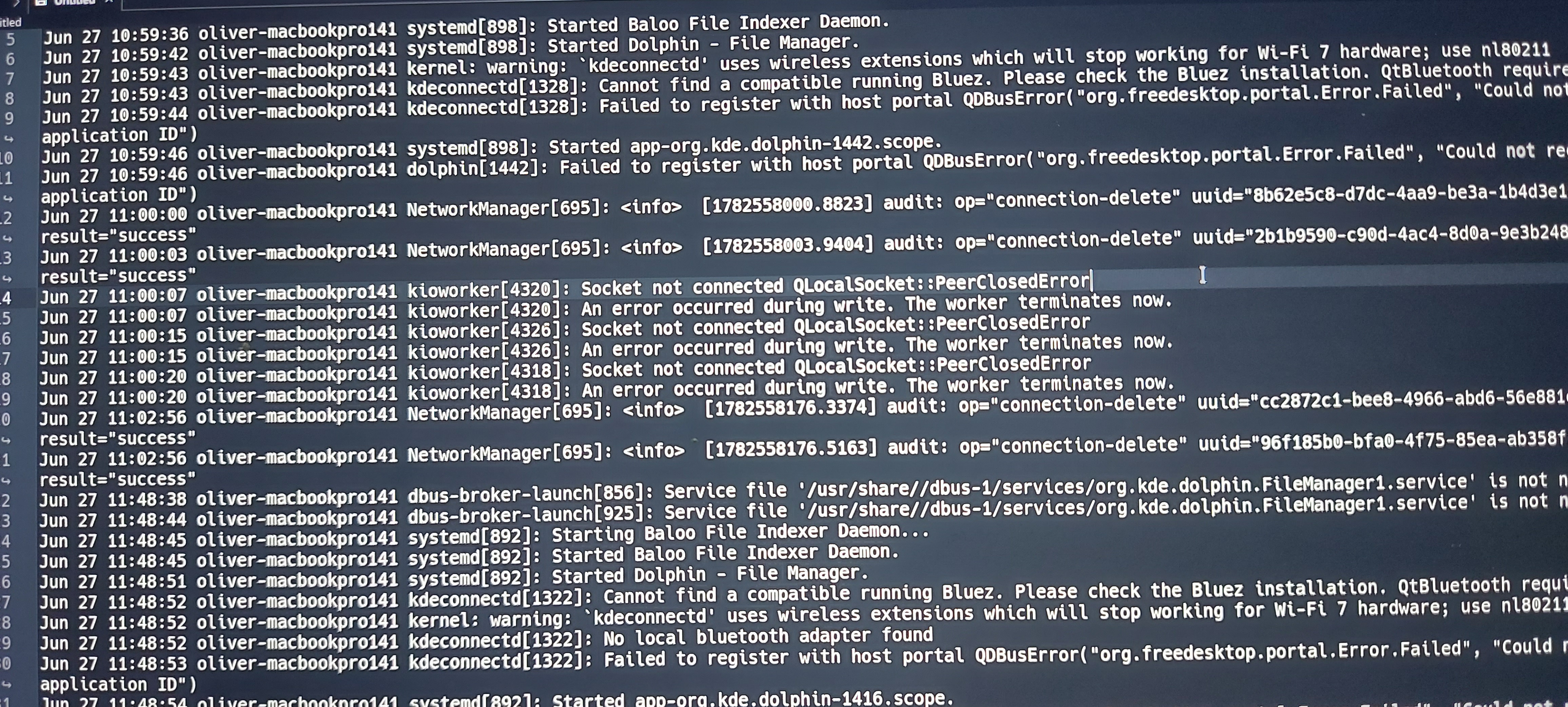
but the thing is ive been investigating a lil and found my laptop was suspending and hibernating like 10 times (i think i doze off without plugging it in lol) and uh i think after boot it logged “desktop was removed, reassigning to homedir” at like 11:59:36? and it happened right after resuming from suspending or hibernating
i looked more and i saw kioworker just throwing some errors a few times (hold on imma send a screenshot)
this looks like its been modified. you have several directory pointing just to home.
i think it changed because it detected that the folders weren’t there anymore?