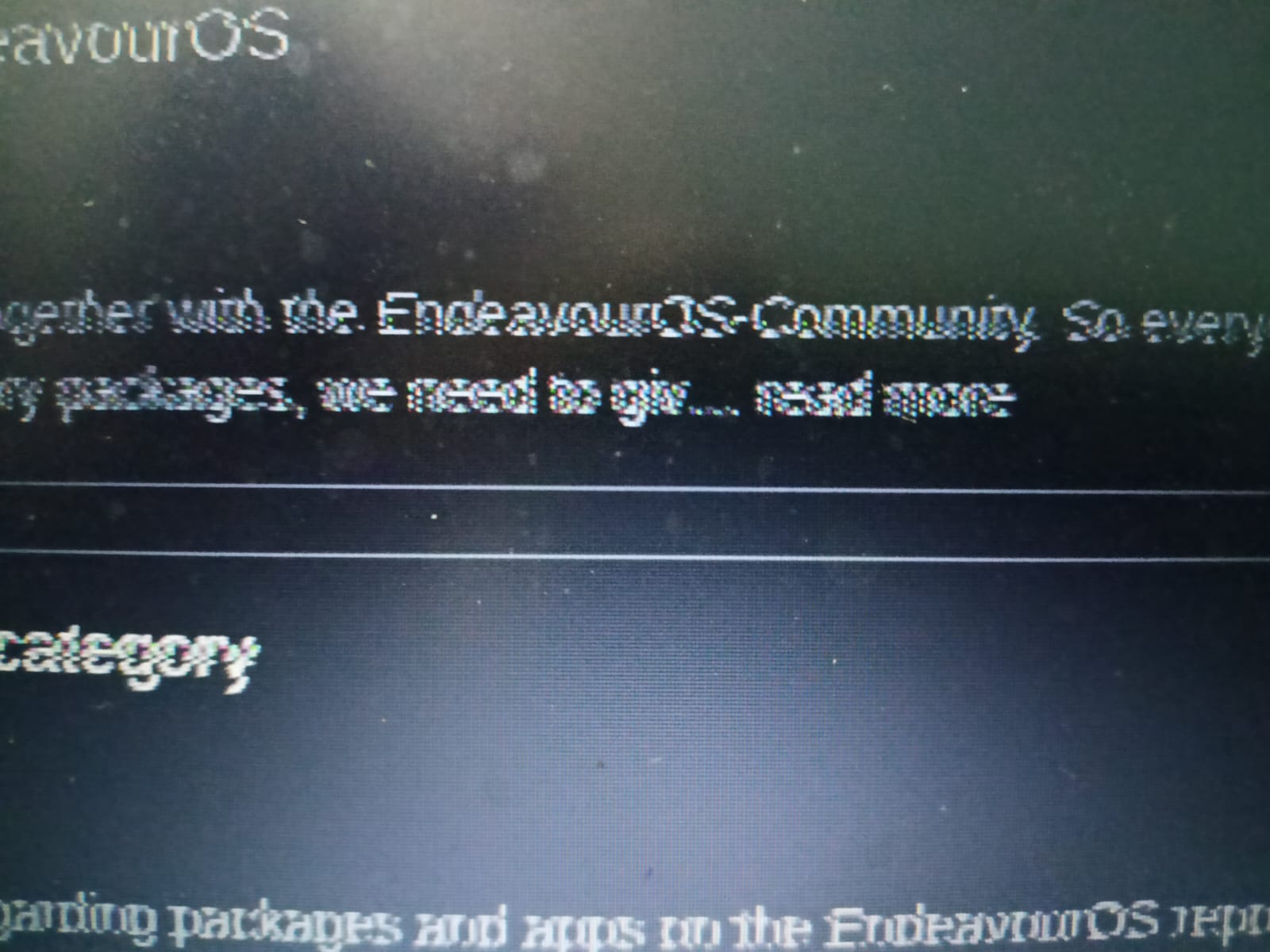
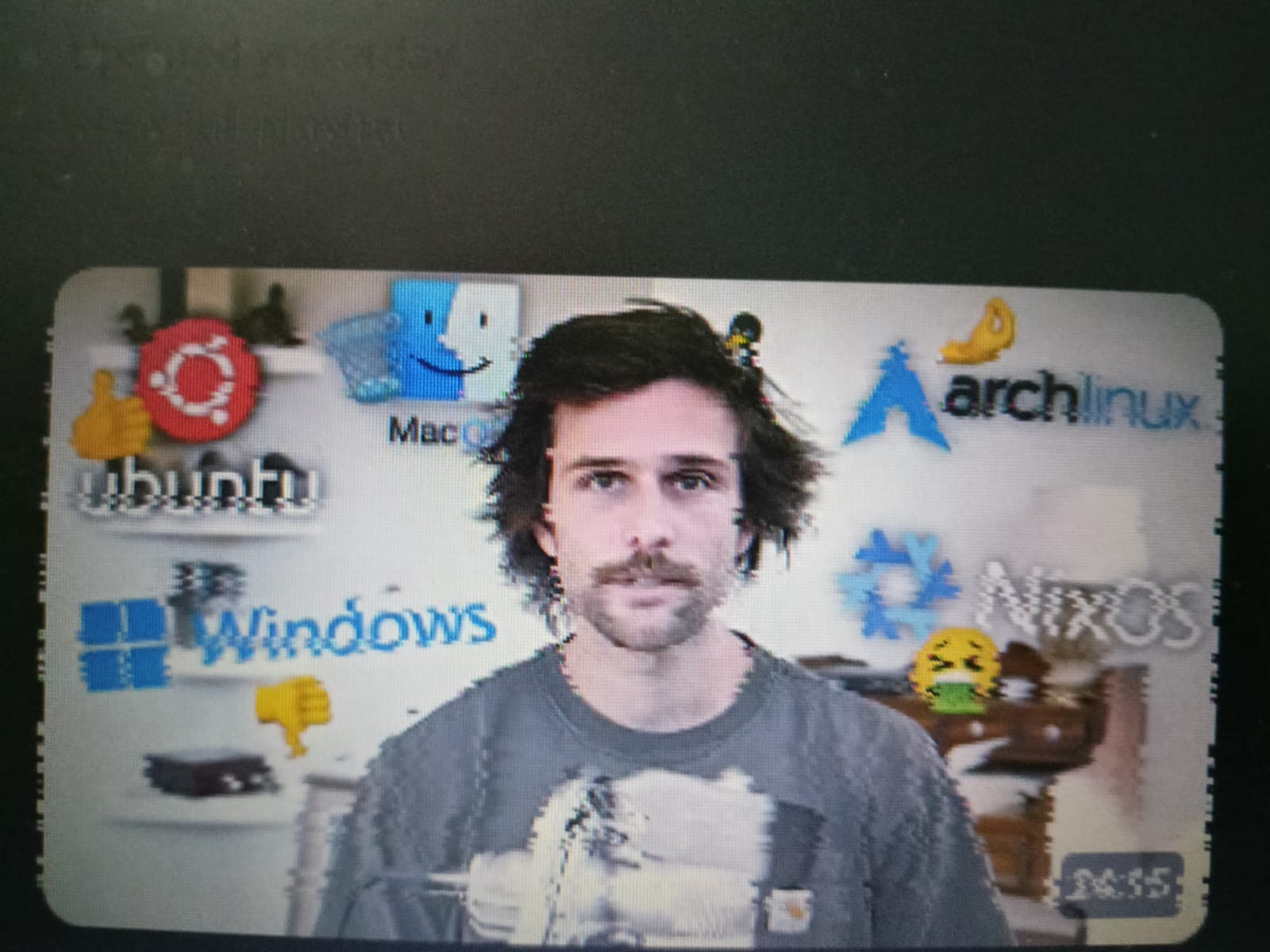
Recently i am facing this display issure where the text getting blurred and even the videos. I don’t know how to exactly explain about this error. Please help me fix this issue. To show them i’ve taken photo using my mobile.
Can you post inxi -Gaz
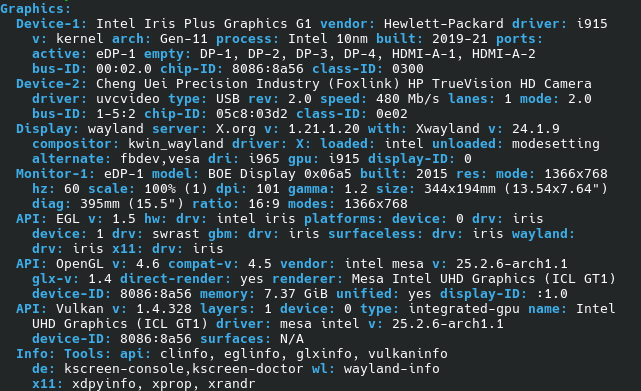
It looks correct. Strange that this output isn’t blurred.
Is the distortion on the whole of the screen? Or only in specific areas?
The blurred output is only seen from my side on the screen. When i take picture using the mobile you could see the blur or else you could see them normally.
In specific areas but they are random.
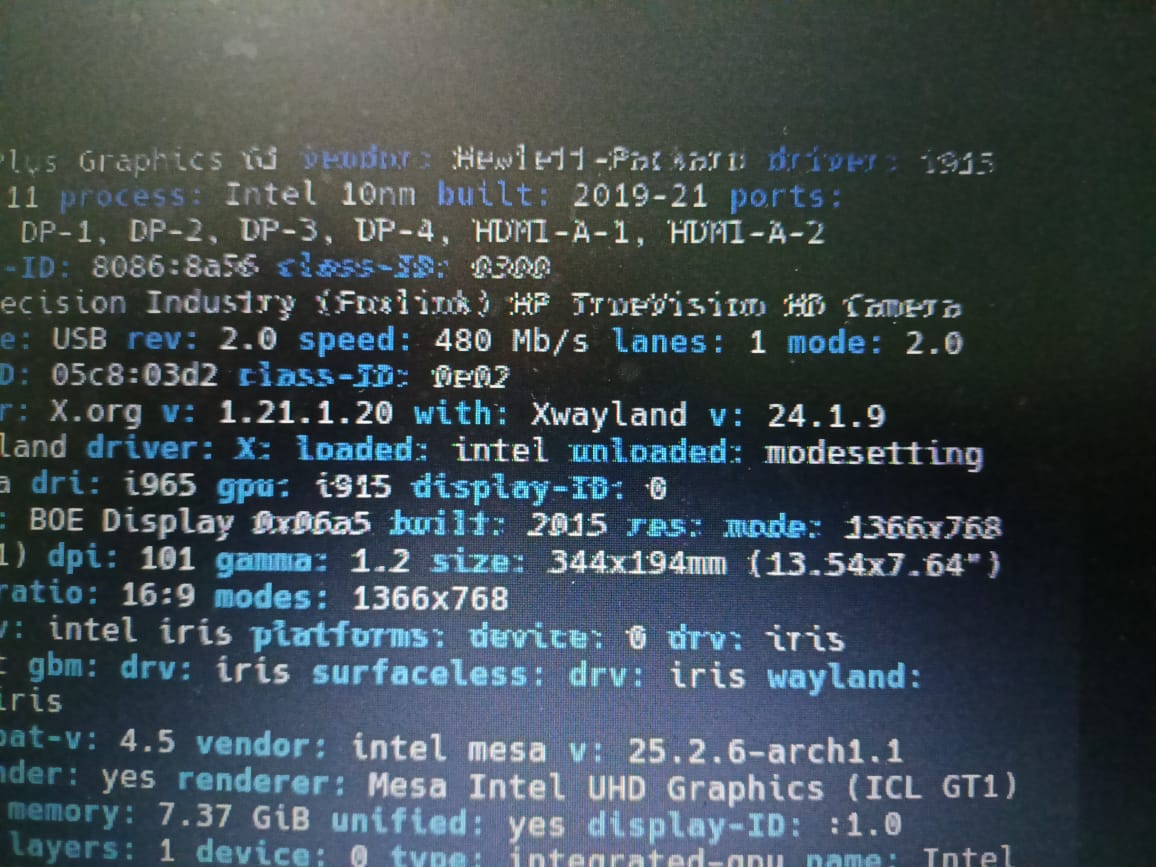
Looks like it’s in a specific area of the screen.
Yup.
Does it do this with an External Monitor? seems like maybe an issue with the screen but to check the video card it would be best to see an external monitor have the same issue.
A fault with the monitor maybe?
Any solution to fix this?
I’m afraid that a solution first needs a cause.
If it’s the monitor that is at fault, the solution is different than when it’s the graphics card or the graphics cable, etc.
Connecting another/second monitorv(like @thefrog suggests) is a good start to find the cause. If the second monitor does not show the distortion, it’s likely that the first monitor is at fault.
I’ve started having such issues randomly a while ago, while on Wayland. Switching to X11 solved this & others that appeared recently, after years of me using Wayland without any flaws.
I don’t know what’s wrong with KDE Wayland over the last few months (on a multitude of 10-year-oldish Intel hardware machines).
Back to your case, are you on Wayland session? And if so, have you tried switching to X11?
Cheers
Don’t know for sure. But it pretty much looks like a faulty cable or bad connection of the cable.
I am on Wayland and tried switching to X11 but I am facing the same issue.
I tried live booting Endeavour KDE from USB, there were no blurs or any kind of display glitches. What could be the reason?
Well that at least suggest its a Software issue and not a hardware issue. Do you have another Account on that System? Maybe log in as another user and see if the issue persist.
Are you using the lts kernel on your installed system, because the live ISO is not using that.