I just switched from ubuntu to EOS and I noticed that my laptop runs warm. I wasn’t having this issue with ubuntu so I am guessing that it must be either some driver or setting that I need to change to fix it.
At first I thought maybe it was my gpu and so I installed the nvidia drivers but it didn’t change anything. I really think it’s my cpu that is running warm.
I’ve checked which scaling_driver my system is using and is says the intel_pstate driver.
Here is the output of the following commands.
cat /proc/cpuinfo | grep 'MHz'

cpu MHz         : 847.422
cpu MHz         : 800.000
cpu MHz         : 800.000
cpu MHz         : 800.062
cpu MHz         : 836.180
cpu MHz         : 800.000
cpu MHz         : 870.904
cpu MHz         : 800.000
cpu MHz         : 900.477
cpu MHz         : 800.000
cpu MHz         : 900.044
cpu MHz         : 800.000
cpu MHz         : 800.000
cpu MHz         : 800.004
cpu MHz         : 899.998
cpu MHz         : 900.005
inxi -Ga

Graphics:
  Device-1: Intel CometLake-H GT2 [UHD Graphics] vendor: Dell driver: i915
    v: kernel arch: Gen-9.5 process: Intel 14nm built: 2016-20 ports:
    active: eDP-1 empty: DP-1,DP-2,DP-3 bus-ID: 00:02.0 chip-ID: 8086:9bc4
    class-ID: 0300
  Device-2: NVIDIA TU117M [GeForce GTX 1650 Ti Mobile] vendor: Dell
    driver: nvidia v: 575.64 alternate: nouveau,nvidia_drm non-free: 550-570.xx+
    status: current (as of 2025-04; EOL~2026-12-xx) arch: Turing code: TUxxx
    process: TSMC 12nm FF built: 2018-2022 pcie: gen: 1 speed: 2.5 GT/s
    lanes: 8 link-max: gen: 3 speed: 8 GT/s lanes: 16 bus-ID: 01:00.0
    chip-ID: 10de:1f95 class-ID: 0302
  Device-3: Microdia Integrated_Webcam_HD driver: uvcvideo type: USB
    rev: 2.0 speed: 480 Mb/s lanes: 1 mode: 2.0 bus-ID: 1-11:3
    chip-ID: 0c45:6a0c class-ID: 0e02
  Display: wayland server: X.org v: 1.21.1.18 with: Xwayland v: 24.1.8
    compositor: kwin_wayland driver: X: loaded: modesetting,nvidia
    alternate: fbdev,intel,nouveau,nv,vesa dri: iris gpu: i915 display-ID: 0
  Monitor-1: eDP-1 model: Sharp 0x14d1 built: 2020 res: mode: 1920x1200
    hz: 60 scale: 100% (1) dpi: 145 gamma: 1.2 size: 336x210mm (13.23x8.27")
    diag: 396mm (15.6") ratio: 16:10 modes: 1920x1200
  API: EGL v: 1.5 hw: drv: intel iris drv: nvidia platforms: device: 0
    drv: nvidia device: 1 drv: iris device: 3 drv: swrast gbm: drv: iris
    surfaceless: drv: nvidia wayland: drv: iris x11: drv: iris
    inactive: device-2
  API: OpenGL v: 4.6.0 compat-v: 4.5 vendor: intel mesa v: 25.1.4-arch1.1
    glx-v: 1.4 direct-render: yes renderer: Mesa Intel UHD Graphics (CML GT2)
    device-ID: 8086:9bc4 memory: 30.36 GiB unified: yes display-ID: :1.0
  API: Vulkan v: 1.4.313 layers: 2 device: 0 type: discrete-gpu name: NVIDIA
    GeForce GTX 1650 Ti driver: nvidia v: 575.64 device-ID: 10de:1f95
    surfaces: N/A
  Info: Tools: api: clinfo, eglinfo, glxinfo, vulkaninfo
    de: kscreen-console,kscreen-doctor gpu: nvidia-settings,nvidia-smi
    wl: wayland-info x11: xdpyinfo, xprop, xrandr
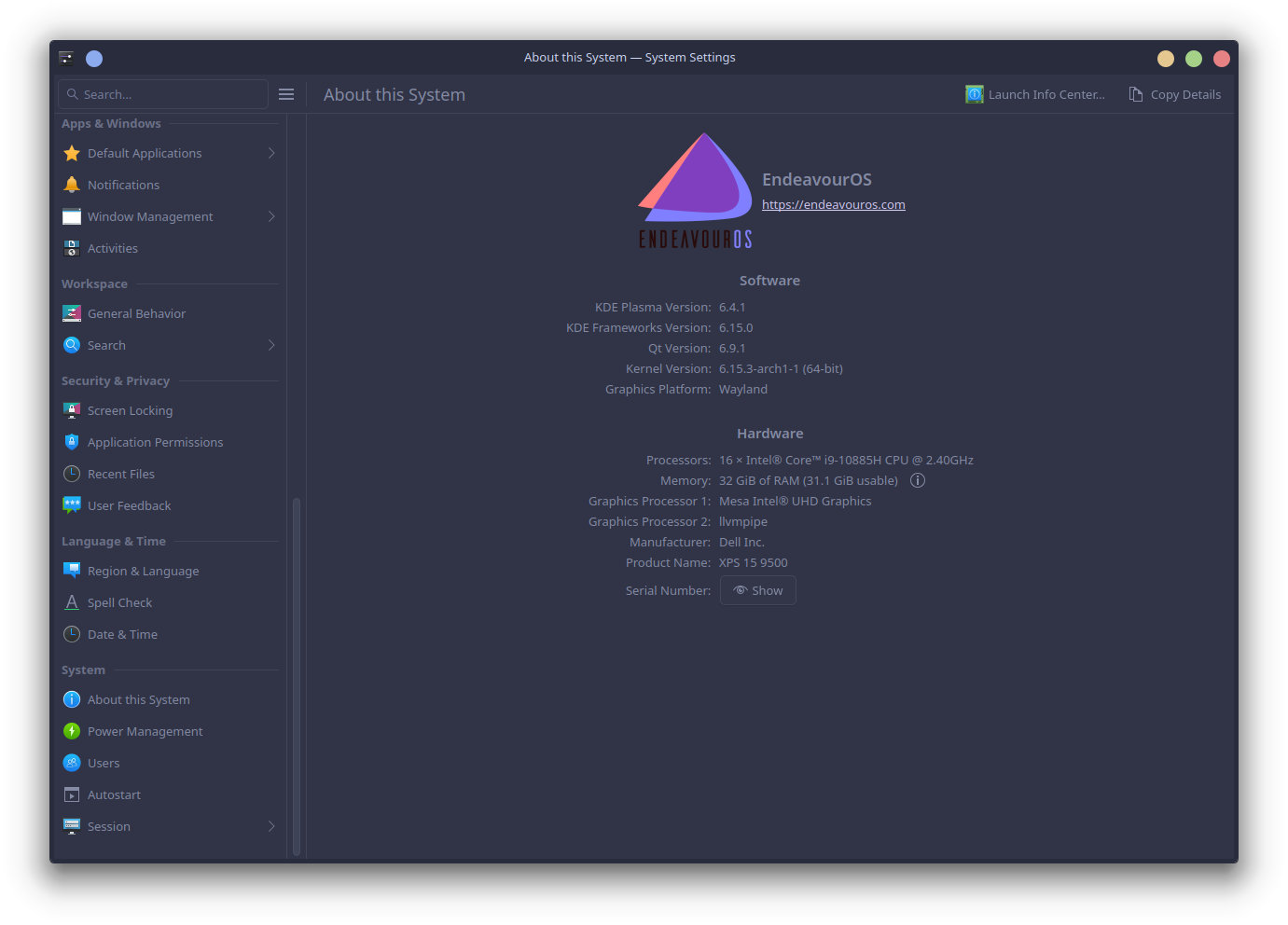
I’ve looked at other posts but I am not really sure how to proceed and don’t want to risk messing something up, although I could just reinstall the os if I do. Does anyone have any suggestions?