I already have Fedora installed on the eMMC and I didn’t want to wipe it out so I flashed an SD card with the latest enosLinuxARM-pbp-latest.img image, booted from it (thanks Tow-Boot), proceeded with the first setup. Everything went well (except the last reboot, the Pinebook Pro must be completely shut down in order to be able to boot again from the SD card).
Problem: when I boot from my SD card now I only have a Bash shell, the Desktop Environment is not launching automatically even though the ARM installation page is saying After the script is finished, the device will reboot with a functional Desktop or Windows manager.
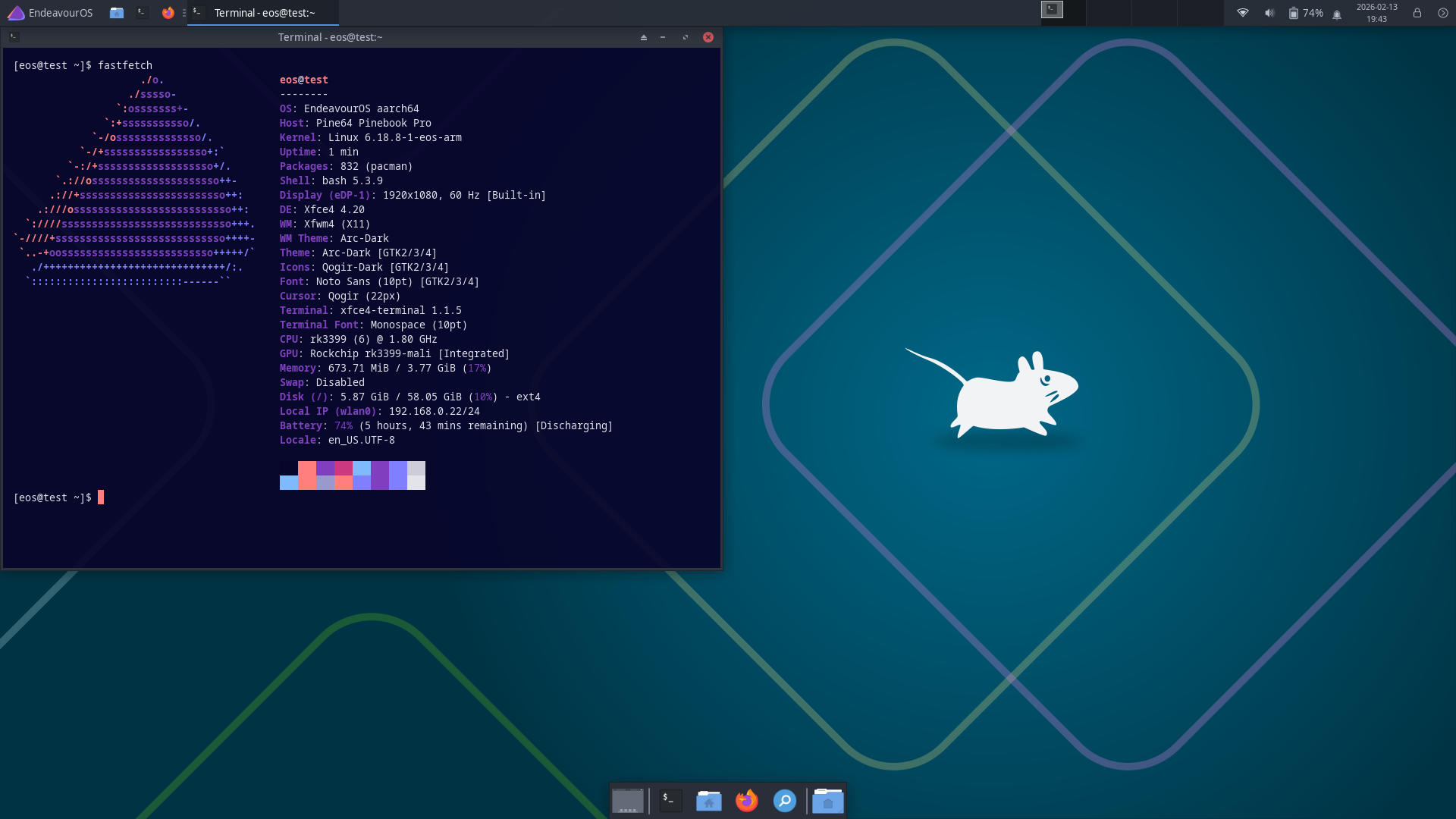
I tested with both KDE Plasma and XCFE4, both the same behavior.
With the Plasma version I tried a bunch of commands (I don’t remember which exactly, I don’t want to quote wrong information). I managed to get a weird graphical interface with only three “textboxes”, one giving me a shell, another one debug logs I think and the last one I don’t remember.
Anyone else had the same issue? I have no idea if this issue is specific to the Pinebook Pro or not
How to make my install automatically launch a fully fonctional Plasma at boot?
Pinebook Pro Image February 6, 2026

Latest image for the Pinebook Pro laptop.

Note:
By default as of KDE Plasma 6.4.0 only Wayland is offered, and x11 is not offered.
If x11 is needed, for now it can become available by installing plasma-x11-session.
sudo pacman -Syu plasma-x11-session
Then reboot. When SDDM appears it should now include a choice of x11 or Wayland.
i just get home .. if you still have problem i guess i could Grrr test a kde install
seem few packages fail atm ( prob server side ) i’ll give it a little time as fail 3 time on get 3 different packages on 3 different try. all so are you use wifi ? My bet is wpa_sup play up again ( i had i once today on test installs ) i move to wired . so my guess your fail due to packages or wpa_sup fail.
i read my reply to you agian.. you might think i rude ( no my intention ) I just a direct speak . pls forgive if you find it litte rude , thank you for suggestion on mirror rank
Cool thanks for your answer. I didn’t even think not having X11 could the problem.
I had a bit of time earlier today but now… I’ll try to find some time to try this fix soon otherwise it will be in a few weeks as I’ll leave for holidays in a few days.
Thanks again for your answer and I’ll keep you guys updated if I manage
like i say before it prob fail to no download a package , what or if did you change mirrors too?
Asia is most time late/behind so can give problem, Europe normal good ( no today ) Hungary great atm or Us normal good (slow for me). i no sure your location .
@Pudge Ctrl + c at end fail + complete freeze after try .
Hope this help you ..
EDit.. Pls NO use kde on Pinebook Pro you no have good experience it laggy on it. ( before fanboy/girls get in twist or this statement ) it just true on this device
I agree with @Shjim , I think it is an Archlinux ARM mirror issue.
I just did a fresh install of Plasma on uSD card for Pinebook Pro. It went as smooth as silk.
I live in the Southwest US so I selected the California mirror and the Florida mirror.
You probably already know this, but I will go over it just in case.
When
Mirrorlist uses a Geo-IP based mirror selection and load balancing.
Do you wish to override this and choose mirrors near you?
comes up, it does the following:
If you answer NO,
then no changes are made to the Archlinux ARM mirror list are made.
In the /etc/pacman.d/mirrorlist the first few lines are
## Geo-IP based mirror selection and load banancing
 Server = http://mirror.archlinuxarm.org/$arch/$repo
Since this is the first un-commented Server listed in the file, it will calculate which mirror to use. It can and will give different mirrors each time it is accessed.
If you answer YES,
the Server = http://mirror.archlinuxarm.org/$arch/$repo line is commented out with a #
and you use the arrow keys to highlight mirrors near you, then press Enter.
Now pacman will use the closest mirror(s) near you and should pick them every time.
TIP
To help the lag in KDE Plasma, do these two things.
Launch System Settings and on the first page ( Quick Settings ) change Animation speed to instant.
If you don’t need baloo disable it by entering the following
in a Konsole window.
balooctl6 status (should say it’s active by default)
balooctl6 suspend
balooctl6 disable
balooctl6 purge
balooctl6 status (should show baloo as disabled)
Pudge
EDIT:
Where are my manners? @koenigs Welcome to the EndeavourOS forum. I hope you enjoy your time here.
also turn off lot of animation that help… Did you try Ctrl +c at end of process so can install X11 session? that fail plus freeze system, true i should of try different tty
EDit … forgive i no read post properly .. you point out Animation speed instant… still it no best choice for PBP

 so can give problem, Europe normal good ( no today ) Hungary great atm or Us normal good (slow for me). i no sure your location .