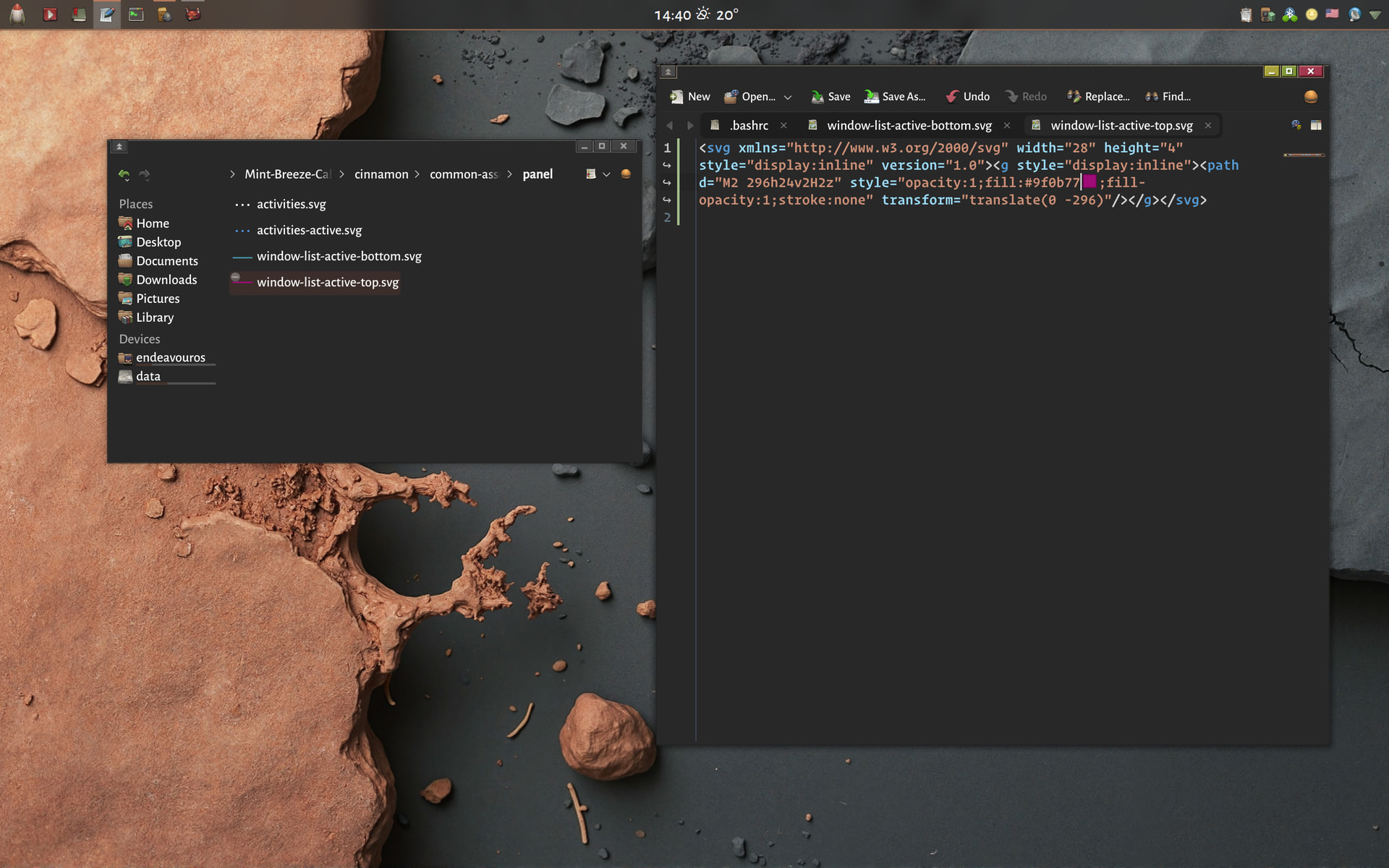
Hi!
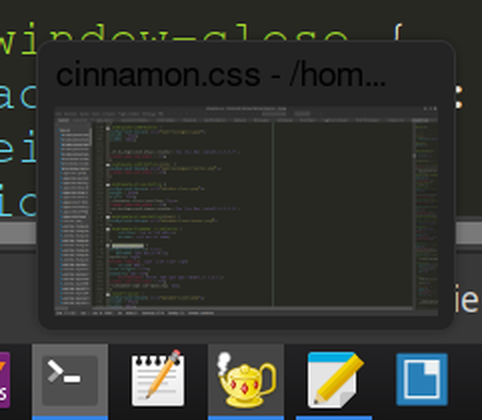
I want to change the color of the headline in the preview window. (See below.)
Does anybody know which entry in the cinnamon.css corresponds to it?
Thank you!
I can’t test it, I am on KDE, but try to find something like this:
.grouped-window-list-item-box .top,
.grouped-window-list-item-box .bottom {
  ......................
}
Search for the color value inside the {…} and try to change it to the value you want.
Keep backup the original.
Hi!
There are entries of this type
.window-list-item-box {..}
under the comment
/* ===================================================================
 * Window list (windowList.js)
 * ===================================================================*/
However, they effect the window list that pops up upon pressing “Alt+Tab”.
I’m looking for something task bar related. (But thanks anyway. Still learned something interesting.)
Hi!
It is called “Serena” and seems to be mildly odd. It contains significantly less files and folders than most of the other themes, that i have downloaded. There is no “panel” folder an no window-list-active-*.svg.
You really don’t need to download this one. The coloring is just a minor inconvenience and you’ve already done more than expected.
Thank you!