Howdy! I am very new to linux, never installed it before. I am trying to install EndeavourOS on an older laptop before putting it on my desktop just to make sure it works and I don’t bork anything on my main computer. However, after booting into the live installer, it can’t find my harddrive, only the USB live installer. After some googling, it looks like the issue is that Windows is installed on the harddrive and I need to format it. But I cannot figure out how to format the drive. Any advice or help would be greatly appreciated.
hey welcome @Austifox at the purpelisation 
I would go checking your Bios settings in case you have some legacy mode enabled for USB device boot. Secure Boot could be also enabled in addition on some Devices.. what would cause such issue.
How do you boot the USB? using F12 boot once menu? may you see two entries for the USB drive one marked UEFI you should use that one.
could be also that winodows is encrypted?
I did turn off Secure Boot. To boot the USB I went to Settings > System > Advanced startup, rebooted and then picked UEFI boot. From there changed the boot order for the USB to be first and Windows to be second. I only have one UEFI USB drive
the boot menu of the installer has a colored background or black and white text?
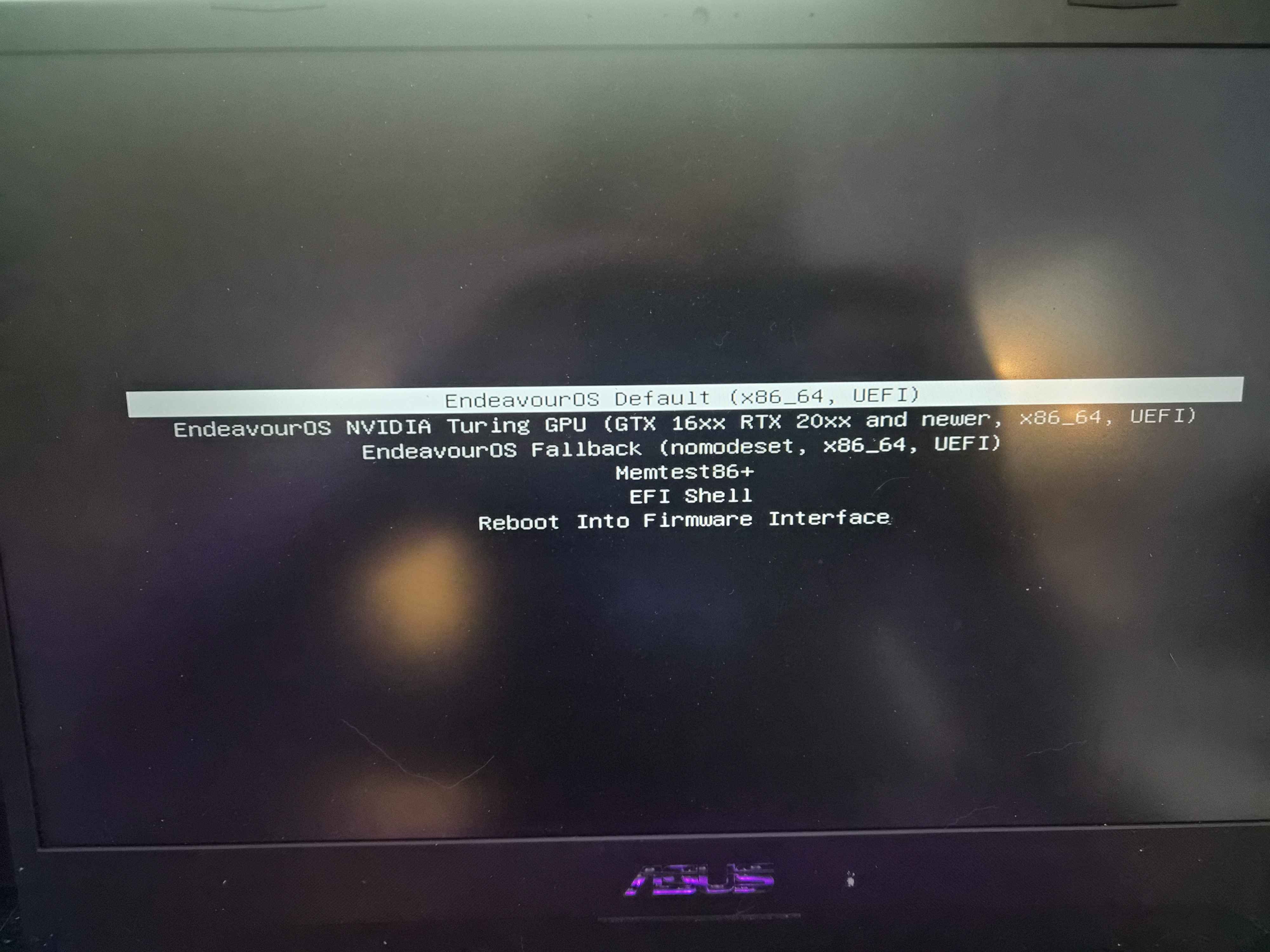
that`s fine shows systemd-boot so it is booting in UEFI mode.
BitLocker should also not be the cause of not showing the harddrive..
lsblk -f
sudo dmesg | grep -E "nvme|ahci|vmd"
output from the ISO/installer boot from a terminal could show ..
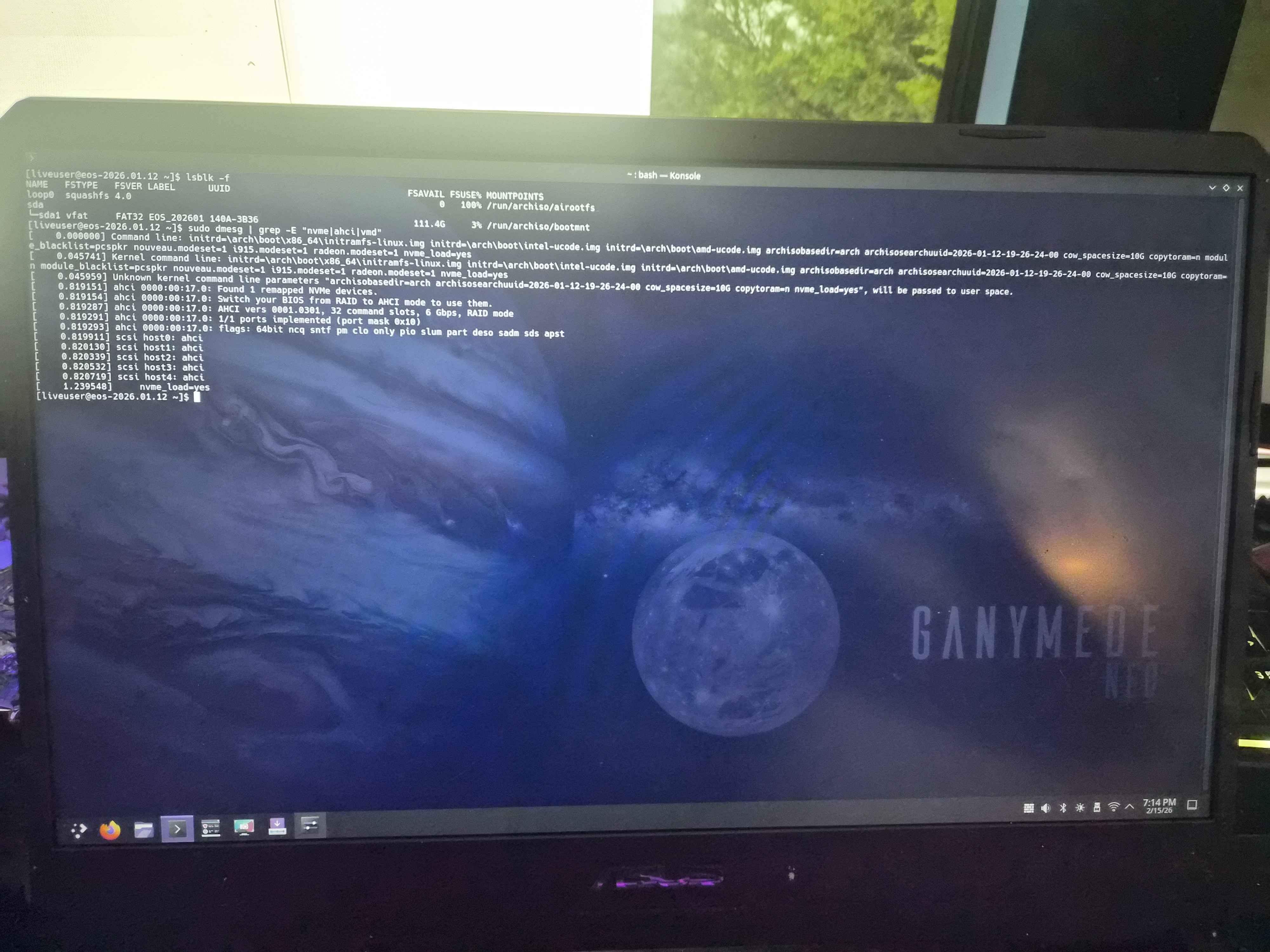
Check in BIOS:
-
Storage mode
-
SATA mode
-
Intel RST
-
Intel VMD controllers
If it says RAID / RST / VMD switch to AHCI.
But take care in case you do not want to remove Windows, this should not be done.
The only reason i can think of is some sort of Raid system is used.
You could also share Hardware details, from the live boot:
inxi -Fxxc0z | eos-sendlog and give the url it puts out
the screenshot shows clearly that the Harddrive is simply not there or locked.
That fixed it! Not sure why the drive was in RAID since it’s just the one drive. Thank you so much for your help! Everything is installed and working.
may i should went to some big Media stores with EndeavourOS USB stick and check what is on the market  (will not work i bet, as they should be that smart to set a Bios Password on machines they have on display)
I have friends and family from time to time comming over to get help on Notebooks.. but rare case..
But if true will help me in the future to simply ask for Brand.