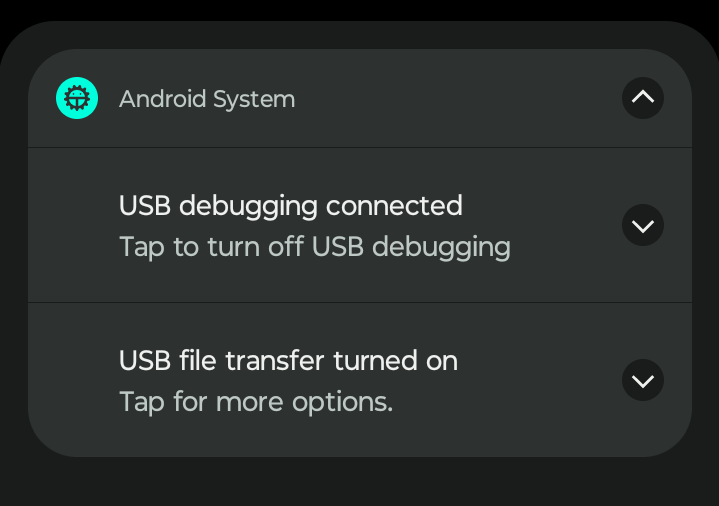
I cannot connect any Android devices to my PC in the current version of EndeavourOS for file transfer. The PC recognizes the device is connected, I go over to the Android device and set to “File Transfer/Android Auto” with USB Debugging off (other threads noted this can cause issues), but I still cannot access files. I can get as far as attempting to mount the device in Dolphin, but I get the following error:
“The file or folder udi=/org/kde/solid/udev/sys/devices/pci0000:00/0000:00:14.0/usb1/1-5 does not exist.”,.
I have tried multiple cables, multiple ports, and two separate devices. I have successfully connected the S24 Ultra to my PC before(probably around 6 months ago), but not the Ayn Thor.
Even tried installing Thunar, which throws a more generic error that it cannot connect to MTP device.
Not sure where to go from here. I need to be able to manage my files locally over USB, like I can on my laptop(which is running Linux Mint + Cinnamon, and does not have this issue). Could always just use my laptop, but ideally I’d like to manage all of my files on my desktop, as that is where I have the majority of my storage.
Edit: Reinstalled Thunar to pull the error message, all it says is “Failed to mount MTP device devicename”, Unable to open MTP device “#, #”, where the numbers correspond to the linux root hub and device # listed in LSUSB
local/thunar 4.20.7-1(xfce4)
Modern, fast and easy-to-use file manager for Xfce
and for gvfs-mtp
local/gvfs-mtp 1.58.0-2(gnome)
Virtual filesystem implementation for GIO - MTP backend (Android, media player)
Tried Thunar with gvfs-mtp just to see if that would work any better, but I ran into the error I listed above. I’m 100% fine removing these if needed, was really just throwing that at the wall to see if it’d work better.
Yeah, it shows “USB Controlled by - This Device”, and Use USB for “Transferring Files / Android Auto”(Samsung) and “File Transfer”(AYN) respectively, which is the configuration that works on my other PC.
Just confirming as you’ve alluded to it, but I just want to pin it down: the same phone+cable is able to transfer files when connected to your Mint laptop?
for thunar these are the packages I have that show up. I have a motorola and everything works fine on LXQT.
local/thunar 4.20.7-1 (xfce4)
    Modern, fast and easy-to-use file manager for Xfce
local/thunar-archive-plugin 0.6.0-1 (xfce4-goodies)
    Adds archive operations to the Thunar file context menus
local/thunar-media-tags-plugin 0.6.0-1 (xfce4-goodies)
    Adds special features for media files to the Thunar File Manager
local/thunar-volman 4.20.0-2 (xfce4)
    Automatic management of removable drives and media for Thunar