Can't Boot into System

Hello all, I am unable to boot in my laptop and I will appreciate some help. I am quite new so some of the steps below might not be very sensible.

First of all, I will explain what I did just before shutting off computer:

  1. I installed a few packages like steam, lutris waydroid and bottles flatpak.
  2. I ran sudo pacman -Syu from the terminal.
  3. I saw a package called virtualbox-host-modules-arch during the upgrade which I did not need, so trying to copy that name I did Ctrl+ C.
  4. The terminal showed failed to execute so I thought the upgrade went fine. But I ran sudo pacman -Syu once again just to be sure.

After a few hours, when I try to boot, the screen would show something like @/boot/efi/initramfs.img not found and then a blue screen saying kernel panic.


What I did next:

  1. From a live environment, I mounted the partitions and chrooted into the system using arch-chroot.

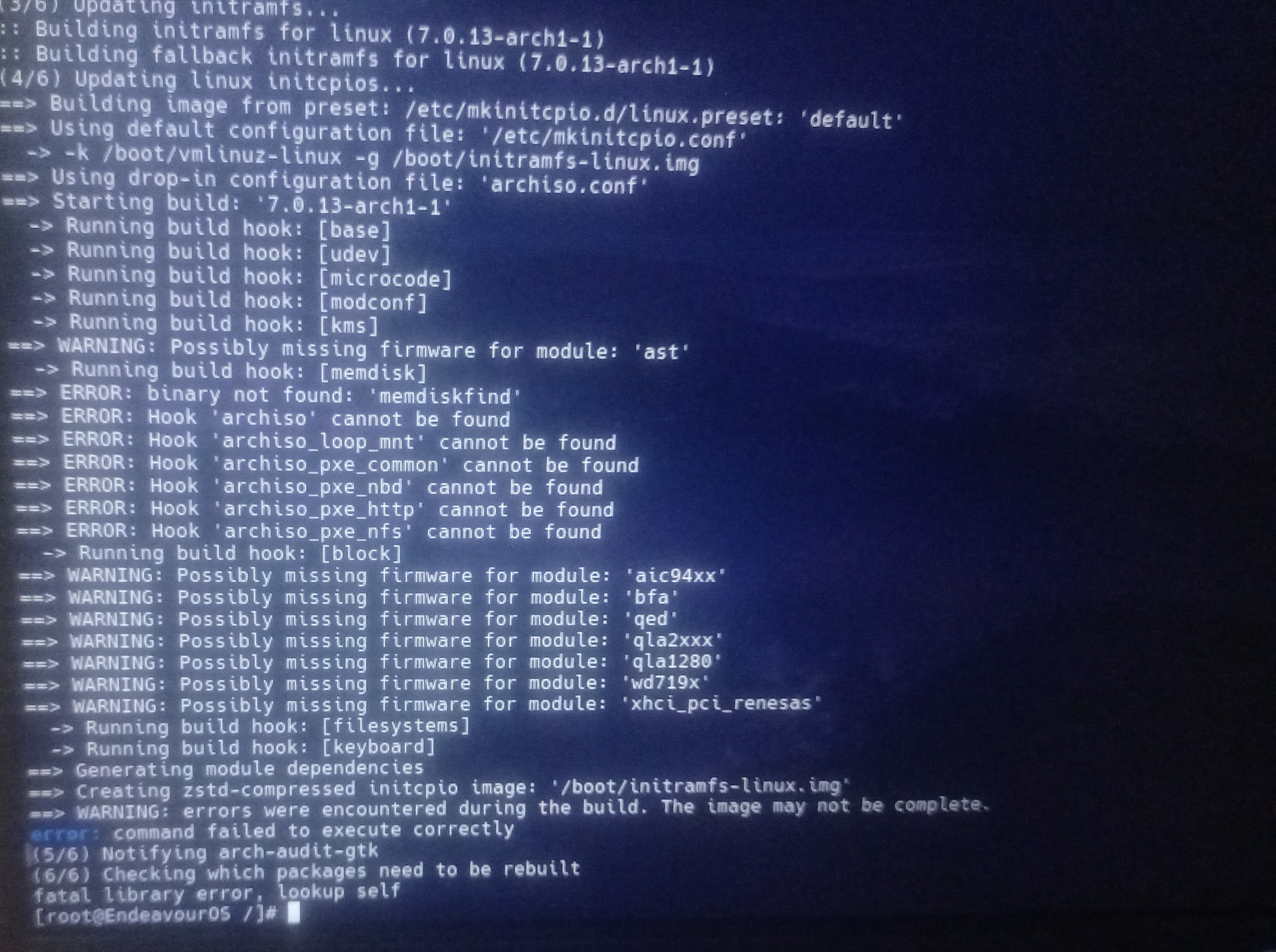
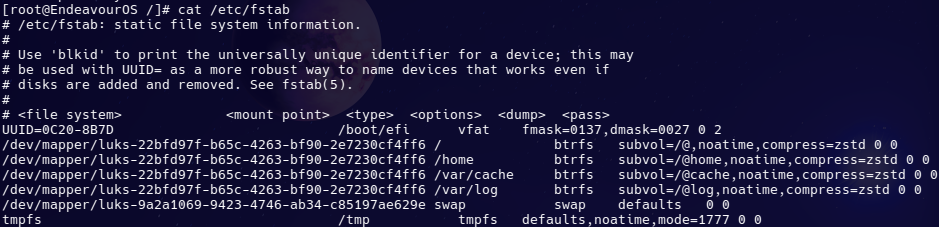
  2. I ran pacman -S mkinitcpio and then mkinitcpio -p linux and I got some errors,

  3. I ran sudo pacman -Syu but then that did not work, so I did sudo pacman -S linux got errors again,

  4. I used grub-install and grub-mkconfig -o /boot/grub/grub.cfg

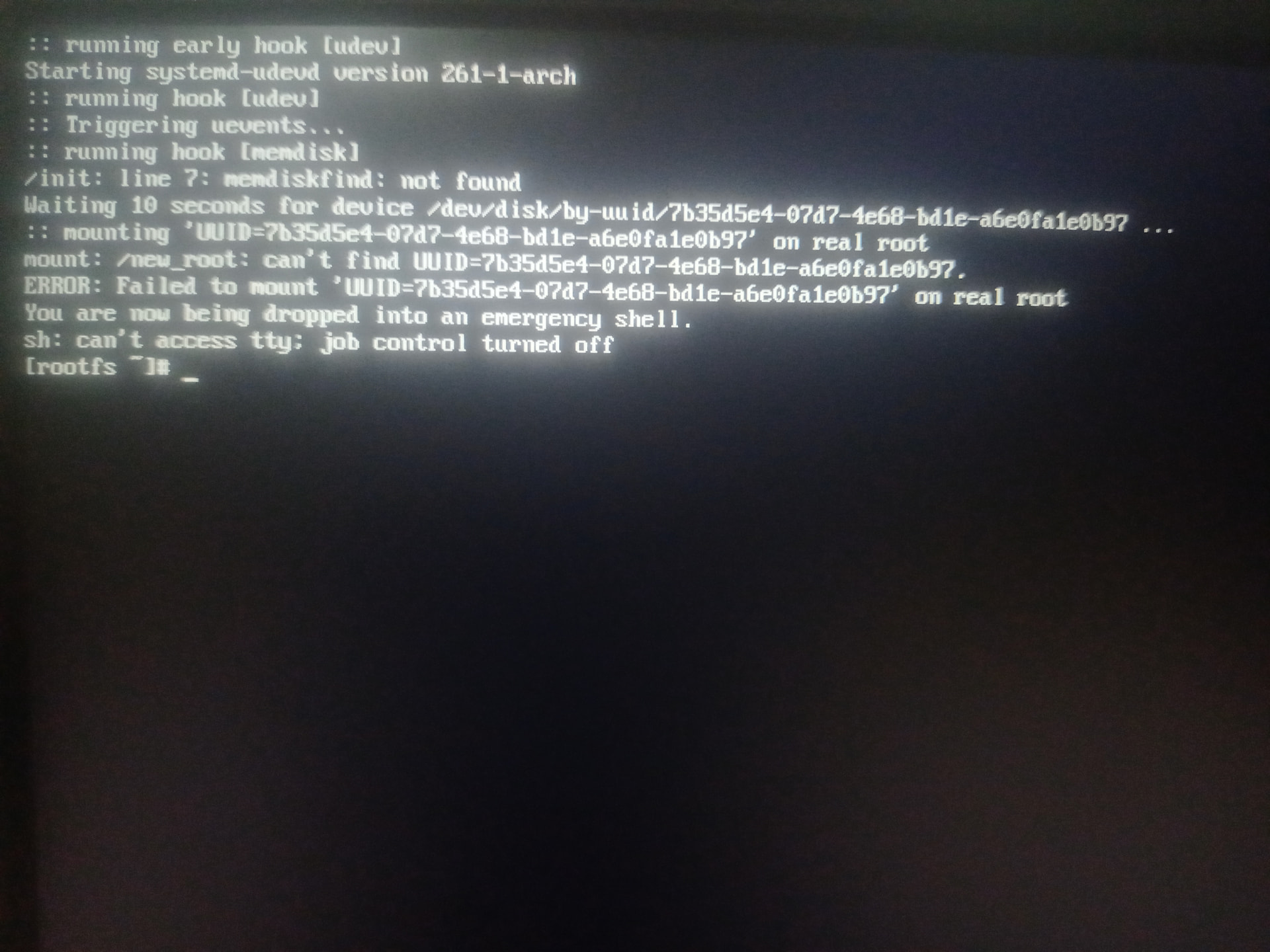
Now, when I try to boot I see a emergency shell,

You need to chroot into your installed environment and run some commands to repair your system.

Not running those commands in the live environment.

https://discovery.endeavouros.com/system-rescue/arch-chroot/2022/12/

Scroll down to the part for Btrfs filesystem.

Read that first carefully. The we can try to salvage your system.

Oh hey, you have messed up your system.

  1. Ctrl + C on a terminal doesn’t copy, it stops the running command. So you basically stopped the upgrade mid-way. To copy in a terminal it is Ctrl + Shift + C.
  2. You made another error, you installed mkinitcpio in the attempt to fix the system. It’s only used by Arch Linux. EndeavourOS uses dracut instead. So to fix it you will need to remove and clean it up.

If in the future you don’t like a package installing on an upgrade, just wait the upgrade out and uninstall it later.

As @cactux mentioned, to modify your installed system from the live-iso you need to ch-root. You can do this with the following guide: Arch-chroot Use the ext4 part of you use ext4 as your root FS or use the BTRFS part of the guide if you use BTRFS.
I haven’t got much experience doing advanced system fixing, so I will learn through this too.
EDIT: sorry @cactux didn’t see you explained how to do the chroot, if I saw that I wouldn’t have posted this.

@cactux @Anilin I edited the post above to be more clear. I did mount everything properly and used arch-chroot and then ran the commands from there.

Aha, I didn’t know this. I basically just used the commands people in arch forums were asking posters to use.

Be careful doing that because EndeavourOS has some changes that makes it different from Arch (such as the mkinitcpio and dracut one).

Assuming you set up chroot correctly according the instructions for your filesystem (Btrfs), once you are inside chroot, post the output of these commands:

pacman -Q | grep -E 'grub|mkinitcpio|dracut'

cat /etc/fstab

efibootmgr

Getting a little sidetracked here I suppose, but it would be helpful if someone knowledgeable made a list of things EOS does differently than arch.

Things EndeavourOS does different from Arch.

  1. It uses Dracut for initramfs image generation. (instead of mkinitcpio)
  2. It comes with its own repository (Called “endeavouros”) to supply EndeavourOS customizations, apps and AUR helpers (yay, paru).
  3. The Live-ISO uses a graphical system (KDE Plasma).
  4. It comes preinstalled with the FirewallD firewalld, that can be managed using the firewall app (not to be confused with the KDE settings entry).
  5. EndeavourOS automatically detects devices and installs the according drivers automatically during the installation using the eos-hwtool

If i remember some more I will edit this.

I have posted the screenshots for each one with the text alongside:

  1. pacman -Q | grep -E 'grub|mkinitcpio|dracut

dracut 111_eos-1
eos-dracut 1.7-1
grub 2:2.14-1
mkinitcpio 41-4
mkinitcpio-busybox 1.36.1-1
  1. cat /etc/fstab

# /etc/fstab: static file system information.
#
# Use 'blkid' to print the universally unique identifier for a device; this may
# be used with UUID= as a more robust way to name devices that works even if
# disks are added and removed. See fstab(5).
#
# <file system>             <mount point>  <type>  <options>  <dump>  <pass>
UUID=0C20-8B7D                            /boot/efi      vfat    fmask=0137,dmask=0027 0 2
/dev/mapper/luks-22bfd97f-b65c-4263-bf90-2e7230cf4ff6 /              btrfs   subvol=/@,noatime,compress=zstd 0 0
/dev/mapper/luks-22bfd97f-b65c-4263-bf90-2e7230cf4ff6 /home          btrfs   subvol=/@home,noatime,compress=zstd 0 0
/dev/mapper/luks-22bfd97f-b65c-4263-bf90-2e7230cf4ff6 /var/cache     btrfs   subvol=/@cache,noatime,compress=zstd 0 0
/dev/mapper/luks-22bfd97f-b65c-4263-bf90-2e7230cf4ff6 /var/log       btrfs   subvol=/@log,noatime,compress=zstd 0 0
/dev/mapper/luks-9a2a1069-9423-4746-ab34-c85197ae629e swap           swap    defaults   0 0
tmpfs                                     /tmp           tmpfs   defaults,noatime,mode=1777 0 0
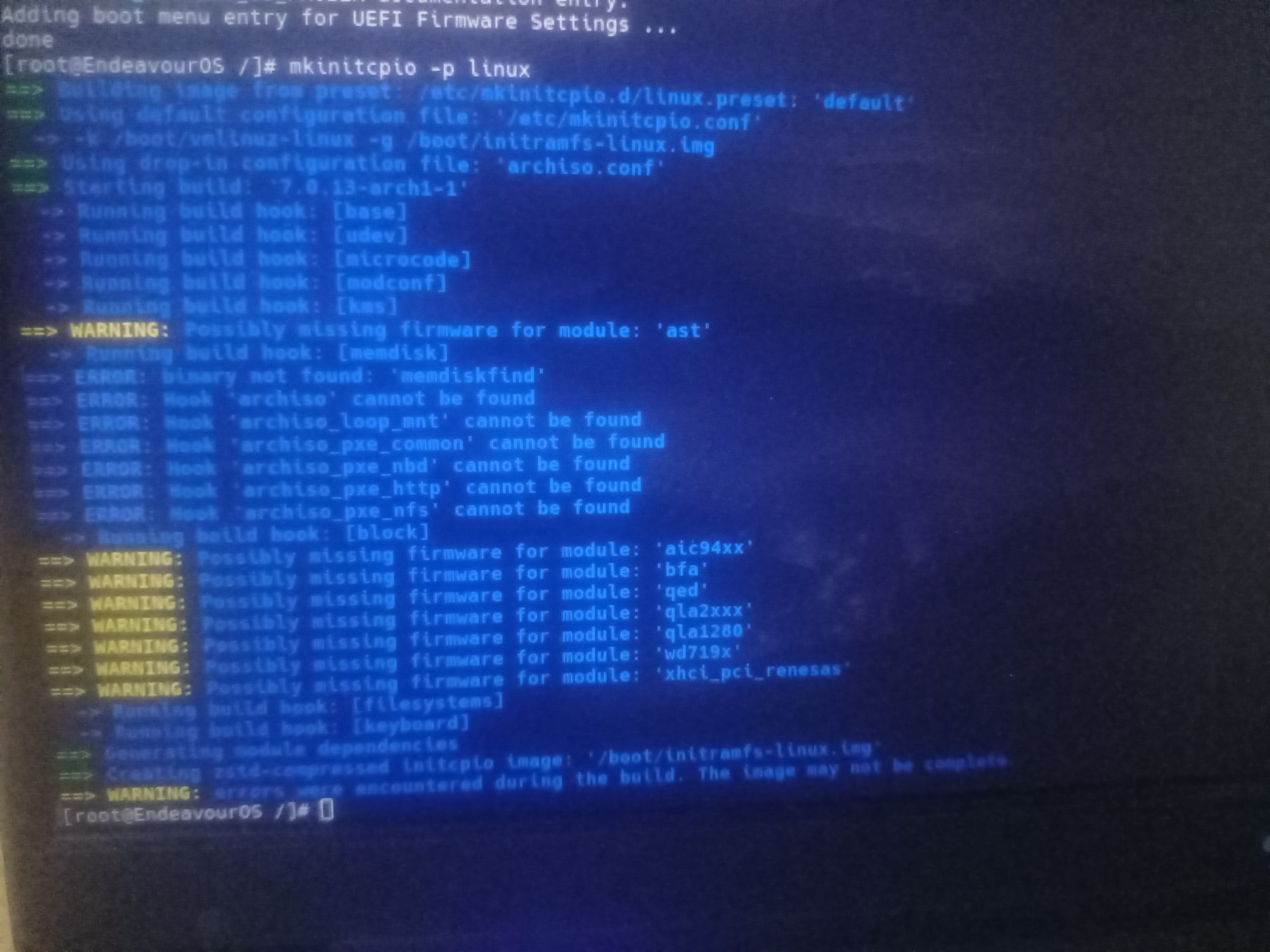
  1. efibootmgr

BootCurrent: 0005
Timeout: 1 seconds
BootOrder: 0005,0002,0004,0001,0000,0003
Boot0000  Fedora        VenHw(99e275e7-75a0-4b37-a2e6-c5385e6c00cb)
Boot0001  Windows Boot Manager  VenHw(99e275e7-75a0-4b37-a2e6-c5385e6c00cb)57494e444f5753000100000088000000780000004200430044004f0042004a004500430054003d007b00390064006500610038003600320063002d0035006300640064002d0034006500370030002d0061006300630031002d006600330032006200330034003400640034003700390035007d000000172e0100000010000000040000007fff0400
Boot0002* endeavouros   HD(1,GPT,c0199c13-8ffb-4277-8832-96e1db3f5713,0x1000,0x400000)/\EFI\endeavouros\grubx64.efi
Boot0003  Linux Boot Manager    VenHw(99e275e7-75a0-4b37-a2e6-c5385e6c00cb)
Boot0004* UEFI OS       HD(1,GPT,c0199c13-8ffb-4277-8832-96e1db3f5713,0x1000,0x400000)/\EFI\BOOT\BOOTX64.EFI0000424f
Boot0005* UEFI:  USB, Partition 2       PciRoot(0x0)/Pci(0x14,0x0)/USB(3,0)/USB(3,0)/HD(2,GPT,640e8884-589d-5cea-0a44-acbe6177f842,0x41dffd8,0x10000)0000424f

As mentioned by @Anilin, EOS uses dracut by default as initramfs generator.

The fact that you have installed mkinitcpio on top of that may have caused a failed initramfs generation.

In chroot, I would do:

pacman -Rs mkinitcpio

pacman -Syu

dracut-rebuild

grub-mkconfig -o /boot/grub/grub.cfg

I wonder why pacman doesn’t inhibit Ctrl+C when installing packages, I know Solus’ package manager (eopkg) do it.

I am not sure if it did or not, because I did see a message that basically said the ‘interrupt signal’ failed to execute anything.

I thought it would be more complex than regenerating initramfs.

Thanks, this works. Thanks to you too @Anilin

It was stupid of me to install mkinitcpio after seeing the command isn’t available :sweat_smile: