I don’t have the luxury of dual monitors, so I have to do everythng on a 15.4" LCD screen on the Acer laptop. https://clbin.com/KTBSn
Boxes are so large they are at the maximum size and I cannot move the box to get to the buttons at the bottom to save or whatever, since I cannot even see them. It’s not a browser things, so I wonder if they can be corrected?
I can post a screencast if needed.
It’s not a problem moving the box around. I can resize, I just can’t shrink the box enough so the buttons are visible. The box goes too low to reach. I was hoping there is a config where all these parameters are set.
Very useful extension. Did not solve my issue, but I am not holding my breath on this. I have already learned to accept it. So it’s time to learn some new key bindings.
Argh!! Someone on the extension reviews complained it wont work on WAYLAND, but on Ubuntu. It was from January, but I have it working fine.
What about you? Did you install the extension Jack referred us to?
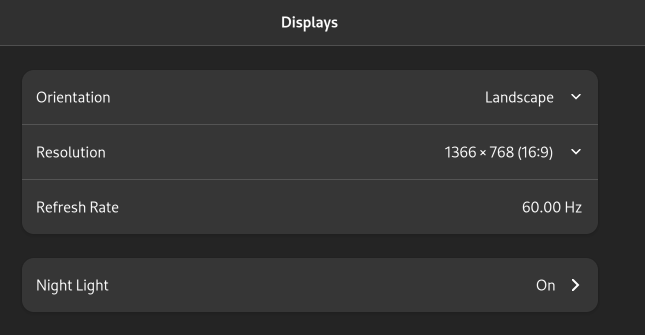


 I can live with it Rick, but it would be good if I could see the whole box.


