This 100%. GUI way is just easier for so many things.
2 Likes
sudo pacman -S packagekit-qt5
type that in the terminal to make discover work
Discover is great for updates. I don’t use it for anything else but it’s always fast and reliable for updates
You can also use the eos welcome app to update your system
1 Like
Just to give this thread some “Arch cred” I’ll have to mention alad’s aurutils.
It’s not a GUI, it needs setup, but it works really well once you get used to it, removes weird issues with unclean chroots, and having a custom repo is excellent if you run more than one PC with the same packages.
4 Likes
The only problem with using something packagekit-based for updates is that there is no manual intervention so if you have updates that need you to select a specific option you can end up with a broken system. Just be careful of that.
Pamac’s mirrorlist regeneration systemd timer service is a PITA. Only way to stop it was to mask it, which is not right. I avoid it for this reason.
Octopi is okay for searching / browsing the package repos, however, installing / deleting / updating packages should never be done in a GUI package manager. Using an AUR wrapper to update everything blindly is not the best idea either, for similar reasons.
Learn pacman properly and your Arch experience will be so much more pleasant, and ironically simpler.
I always do updates in three separate steps.
After a non zero checkupdate, download all out of date packages first.
sudo pacman -Syuw
Assuming all packages downloaded successfull and passed validity / integrity checks then update your system, scanning the output for any .pacnew files that may require careful manual pacdiff merging.
sudo pacman -Syu
Finally check for and apply and AUR updates separately. I use trizen not yay.
trizen -Sua --show-ood
All out of date packages will be listed numerically and you can choose which ones you want to build.
Always check aur.archlinux.org before updating to read any comments / PKGBUILD changes / upstream release notes and understand what updates you are applying.
6 Likes
@otherbarry
Welcome to the EndeavourOS forums. We look forward to having you around.
Pudge
5 Likes
First, welcome!
The versions of pamac for Arch/EOS in the AUR don’t include that service. That only exists on Manjaro.
5 Likes
Welcome aboard!
4 Likes
Been using EndeavourOS trouble free for around 6 months, amazing how lean and stable a system can be when custom built to exact needs. No superflous packages, no bloat.
Manjaro is the only Arch deriviative I used Pamac in, mainly because it was installed by default.
6 Likes
Welcome!
I wonder is there a similar option to pass to yay, so that it will show out-of-date packages before the update? I know that one can check that with yay -Ps but only one operation can be used at the same time…
1 Like
If you just want to check for updates and avoid updating the local repo database (-Sy):
checkupdates # will check for repo packages
pacman -Qm | aur vercmp # will check for AUR packages
aur vercmp-devel # will check for devel/VCS package updates
1 Like
yay -Qua
will also check for the AUR updates, without refreshing the local database.
3 Likes
Welcome to the forums @otherbarry  Sounds like you know your stuff, so I doubt I’ll be the one answering any questions you might have, but luckily there are plenty here who know way more than I do, so ask away and I’ll keep reading it all and hopefully learn something along the way
1 Like
Well we use the terminal via a GUI application 

We can’t just leave GUI because something breaks sometimes
I trust pacman and pamac and use both
1 Like
always funy 
4 Likes
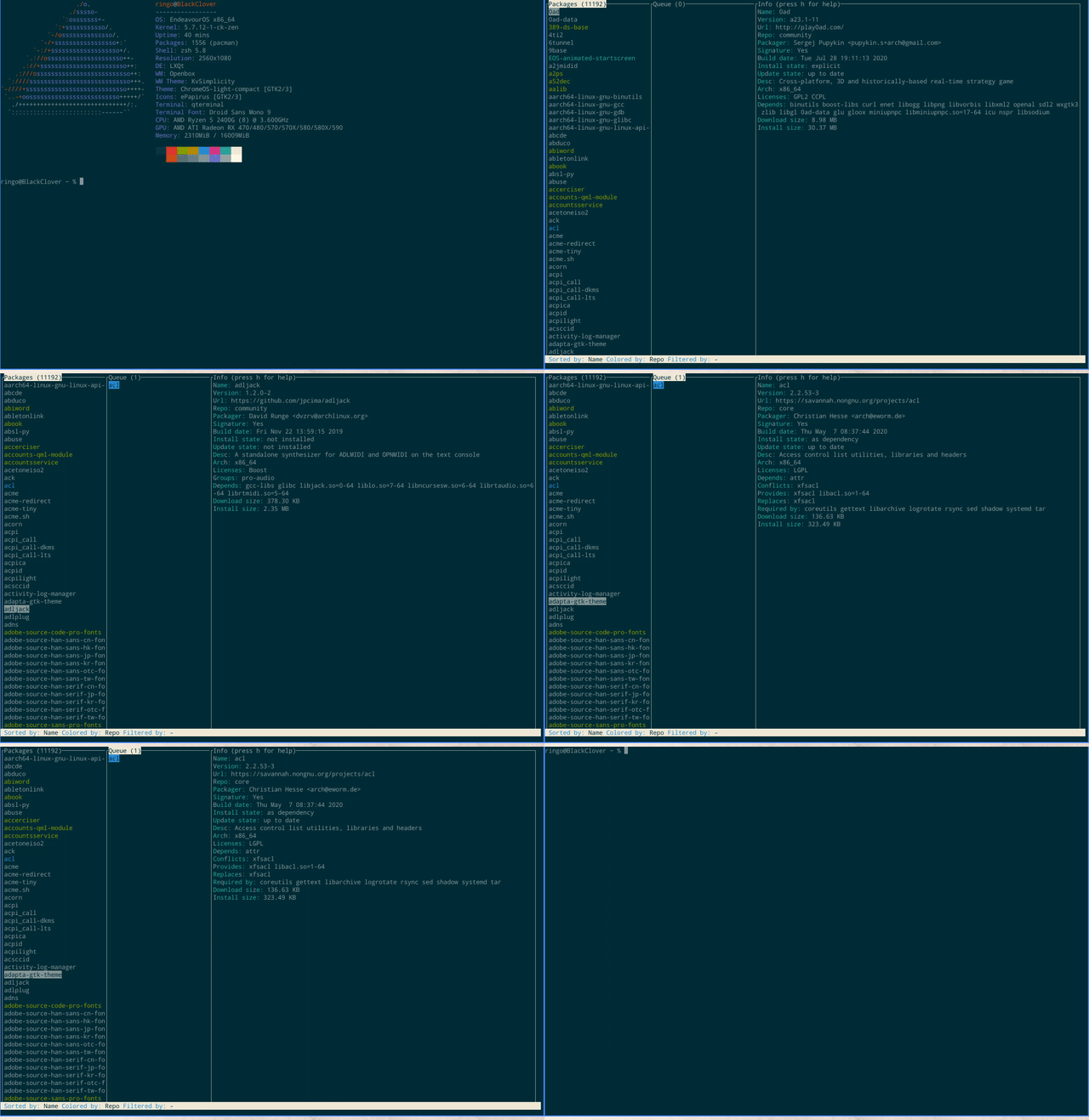
ncurses aur helper 
test it here too, but have some serious BUGS, i would be careful to use it on regular base currently.
But yes yes yes this one have candy 
OT
What is the pacman line to see all the files installed by a package?

If it is installed, you can use:
pacman -Ql packagename
If not, you need to install and use pkgfile or pacman -Fyl
3 Likes
Thank you!
1 Like