I got a new Asus G14 laptop with Nvidia GPU and installed EndeavourOS today. The set up process was painful because of the Nvidia drivers but it is currently working sub-optimally.
If I switch GPU in dynamic mode, it gives me blank screen after boot. If I use the AMD integrated graphics then it works fine but I am not able to utilize the nvidia gpu.
[priten@slayer ~]$ supergfxctl -S off [priten@slayer ~]$ supergfxctl -m Hybrid Graphics mode changed to Hybrid. Required user action is: Logout required to complete mode change
I tried a lot of ‘hacks’ by adding different kernel options but none have worked for me.
[priten@slayer ~]$ nvidia-smi NVIDIA-SMI has failed because it couldn’t communicate with the NVIDIA driver. Make sure that the latest NVIDIA driver is installed and running.
Please post the output of the inxi, its always nice to know what we are dealing with:
inxi -FAZ --no-host | eos-sendlog
Also since you didnt tell us what drivers you installed:
pacman -Qs | grep nvidia
Apart from that, how did you install EndeavourOS? Did you choose the “install with Nvidia drivers” something option? Usually this works fine with no issues from my experience..
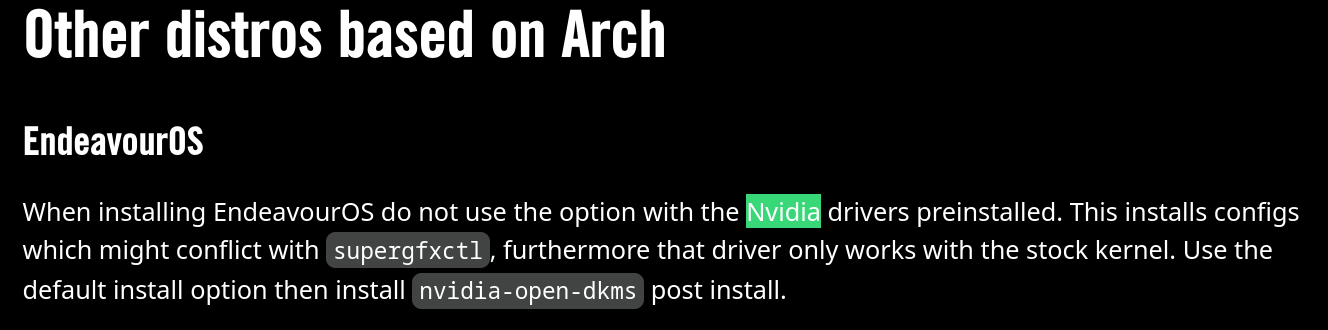
Apart from that, how did you install EndeavourOS? => Offline installer with complete ssd wipe
Did you choose the “install with Nvidia drivers” something option? => No, as I read from this blog that I should use the regular option
I have no clue why the inxi is failing (i asuume its bc offline install) , BUT I do recommend to use the Nvidia option when installing + use the online install.
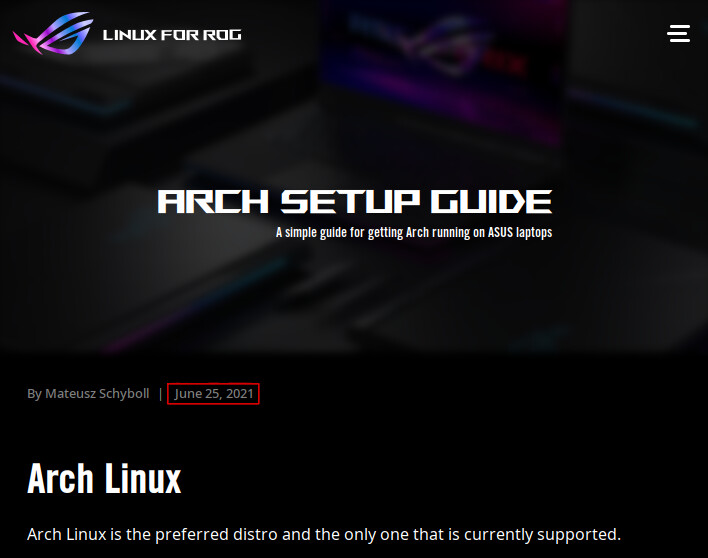
Idk why this blog does say this but as far as I am aware when you do a fresh install you should always go with an online install whenever possible, unless you are troubleshooting or have internet issues or something.
And the “should it be needed” part is because some laptops ship with either a hardware or software switch to handle the multiple GPUs, i am not shure if yours has it though.
But should you need it I personally use EnvyControl without issues, i have never used supergfxl, but that is up to you which you like best.
So far from the drivers there are some things missing/different from mine:
 ╭─mellow@Asus in ~
 ╰─λ pacman -Qs | grep nvidia
local/lib32-nvidia-utils 595.58.03-1
local/linux-firmware-nvidia 20260309-1
local/nvidia-hook 1.5.3-1
    pacman hook for nvidia
local/nvidia-inst 26.1.1-1
    Script to install/uninstall nvidia driver packages in EndeavourOS
local/nvidia-open-dkms 595.58.03-2
local/nvidia-settings 595.58.03-1
local/nvidia-utils 595.58.03-2
Not shure if this will help you, but nvidia-hook and nvidia-settings are missing also the nvidia-inst but that is just an utility for endeavour.
Edit: just saw what ricklinux said, yes in that case you might want to use something else, like the one i suggested or the asus specific ones, if you need it.
Thank you, @Mellow and @ricklinux. I will install a fresh copy with online + Nvidia option. I like the g-Helper so I will try that out if not then I will use Envy Control
Is this from a new iso (titan release) or from an old one?
If it did install, was the live version working? With the nvidia drivers? (I’m confused by your sentence if it did successfully install or if you are stuck on the usb)
Ok so if I understand correctly you have modes to choose from in the bios. In that case you probably won’t need a GPU switcher like EnvyControl/supergfxctl or whatever if the bios can handle that.. So the correct drivers should be all you need
I’m also trying to load Titan ISO but got it failing to start display with X11 warnings and black screen.
I’ve tried a nomodeset on boot but didn’t worked with this iGPU, seems like a bug on the kernel version with this Strix Point CPU/GPU.
I might need to switch to dGPU only in order to make it work properly.
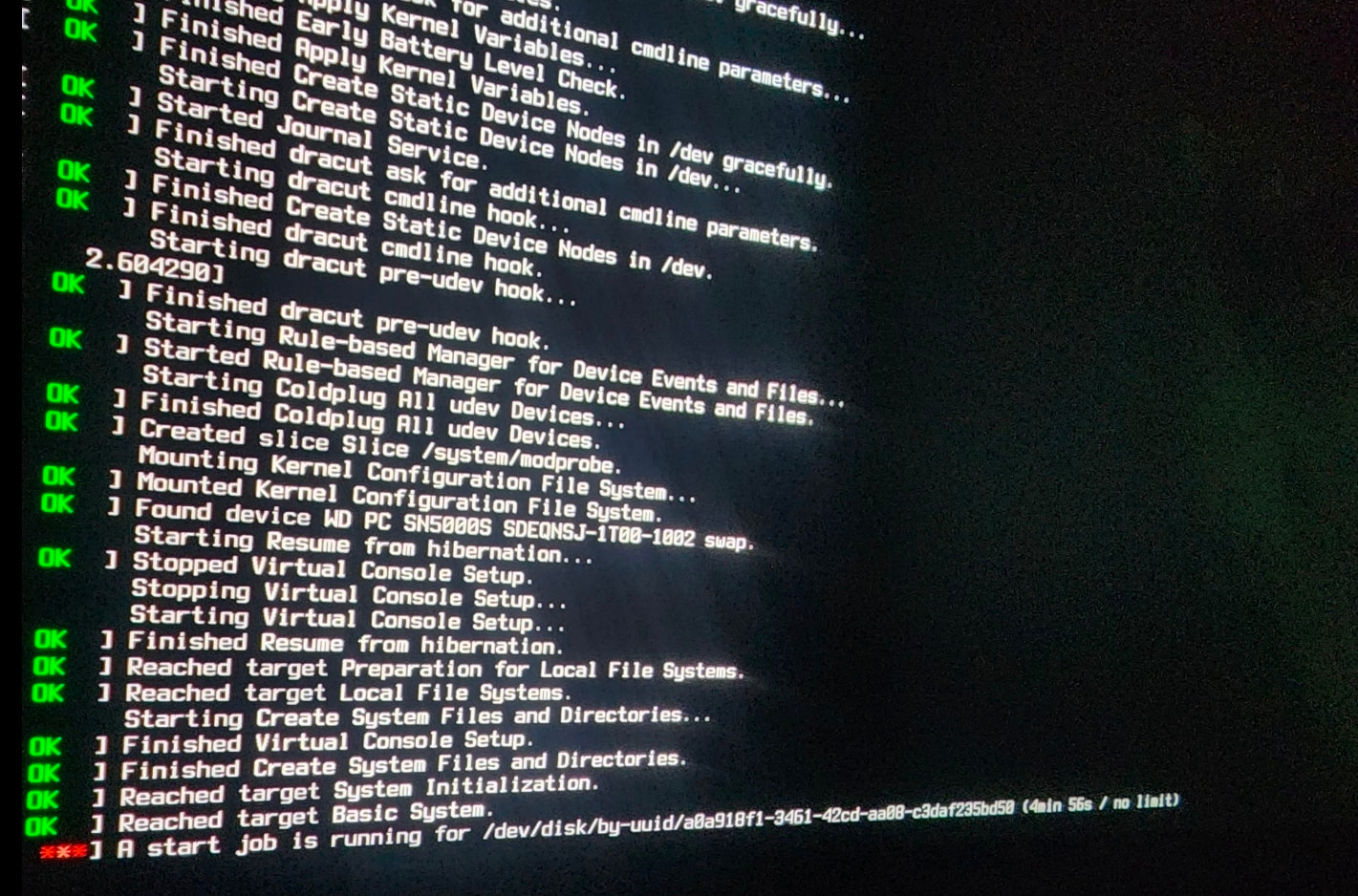
So I installed EOS again with online and Nvidia option, this time remembered to delete the boot and swap partitions and recreate it, but after the installation, I see blank screen again.
Everything worked just fine in the live USB session but after installation it doesn’t.
What’s worse is that I am unable to get to the terminal by pressing Ctrl Alt F2/3/4 anymore.
I am not sure what is wrong and it seems to be getting worse every time I try to fix something
Have tried installing both the lts and mainline kernel? Then you can choose which kernel to boot, maybe one or the other works for you. (as the live session is on a older kernel, the lts could potentially work maybe)
I am honest I don’t know what is going on with your installation.. More info would be needed (you still have not answered my question as to what your GPU is)
someone else probably has more ideas and experience than me
While I was in the live session, I saw that 6.19 kernel was used so probably lts kernel is not used for live session.
I have AMD Ryzen 9 HX 370, 32 GB RAM, 5070 Ti (12GB), OLED panel with 1 TB SSD. I also have integrated graphics from AMD which is probably what is causing the blank screen
Yes the lts kernel isn’t used for the live session, but it uses an older mainline kernel. The current lts kernel is version 6.18 so maybe this could work for you, as once you install eos you get a newer kernel than the one on the live iso. Maybe there is a regression with the current mainline kernel for you and lts would work.
Take a deep breath … and relax. You should be able to use erase disc with swap file and install using the NVIDIA option. I would have the bios set to the mode where it runs on the integrated gpu to get it all installed and working.