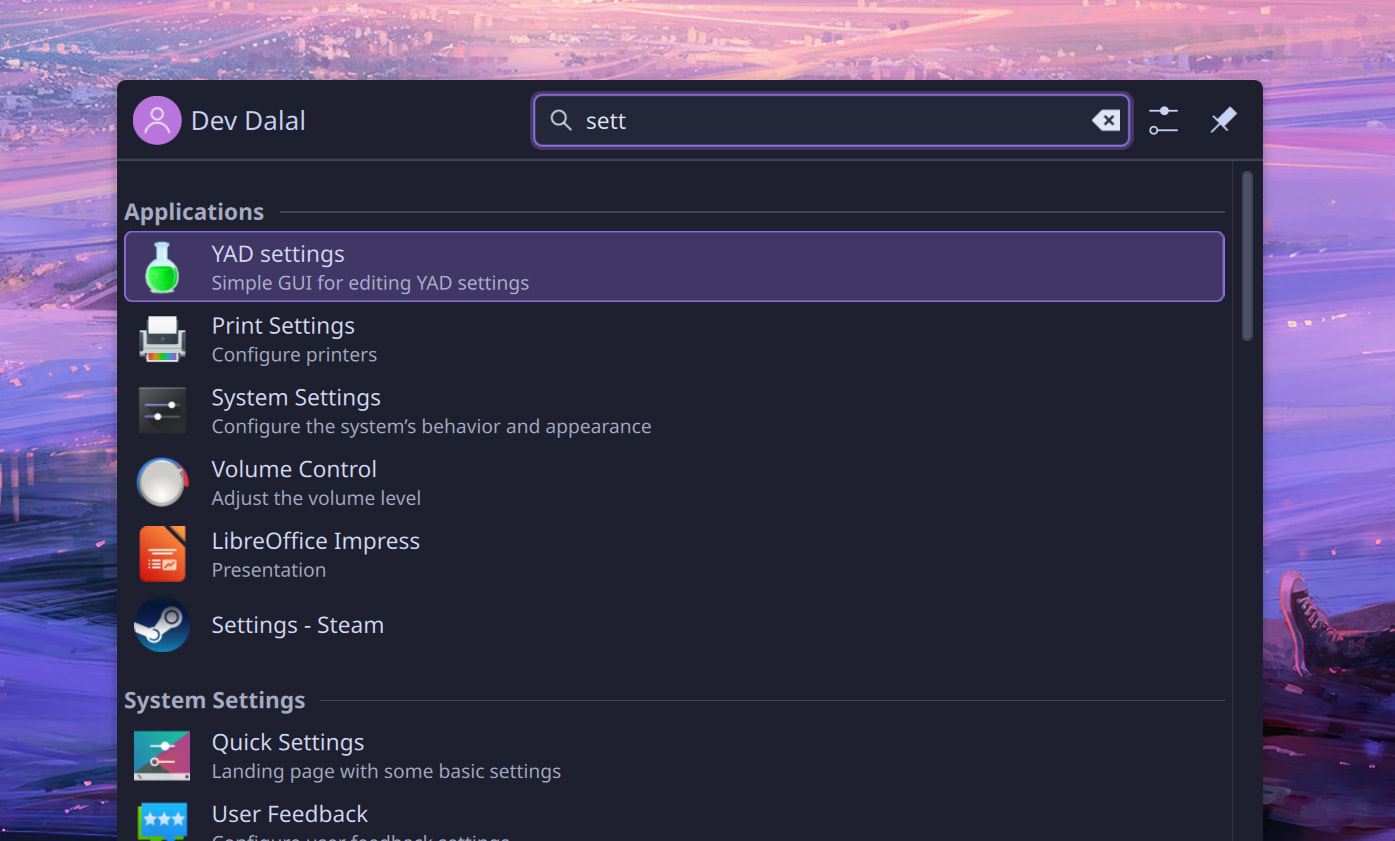
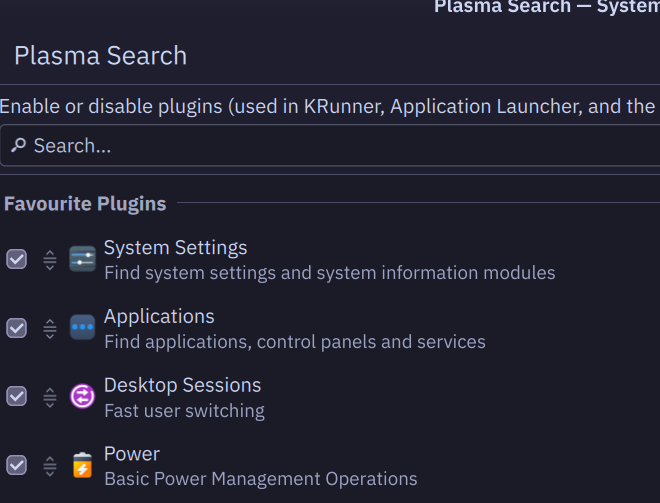
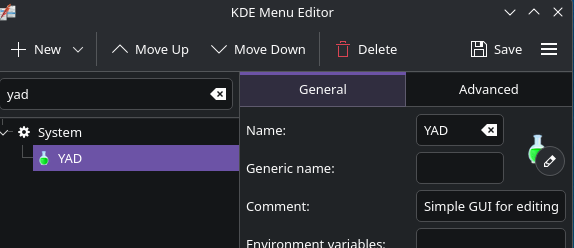
basically, I always get to kde/system settings by typing “sett” or similar but every time “YAD Settings” and “Printer Settings” pop up first. I typically don’t use the YAD settings nor Printer Settings apps and would rather them show up underneath the app i use very frequently. Changing sort order in Application Launcher settings only affects the categories (applications, files, settings) but not the list items themselves. Do I need to submit a feature request to KDE to prioritize FRU apps?
(i’m not worried about y’all seeing my account name dw)
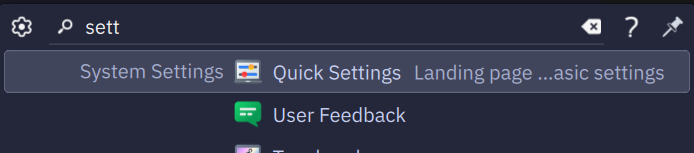
You may well need to submit a feature request then. If I set the priority as above, I get System Settings as the top option, which is small improvement. - by default it lands on the “Quick Settings” section of System Settings.
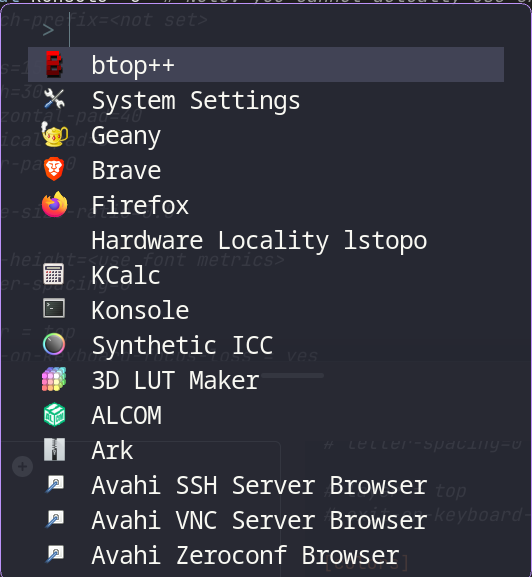
@deviaze , fuzzel
also may help you.
The more often you use an app the higher it will be in the menu history.
mkdir ~/.config/fuzzel
and put into fuzzel.ini
terminal=konsole -e  # Note: you cannot actually use environment variables here
# launch-prefix=<not set>

# lines=15
# width=30
# horizontal-pad=40
# vertical-pad=8
# inner-pad=0

# image-size-ratio=0.5

# line-height=<use font metrics>
# letter-spacing=0

# layer = top
# exit-on-keyboard-focus-loss = yes

[colors]
background=282a36dd
text=f8f8f2ff
match=8be9fdff
selection-match=8be9fdff
selection=44475add
selection-text=f8f8f2ff
border=bd93f9ff
Finally create a shortcut for fuzzel suits you (Super+Z)