ALCOM opens as blank window on KDE Plasma

Asking about it here now rather than at https://github.com/vrc-get/vrc-get/issues/2674#issue-4002456409 to see if any fellow endeavouros users can help me.


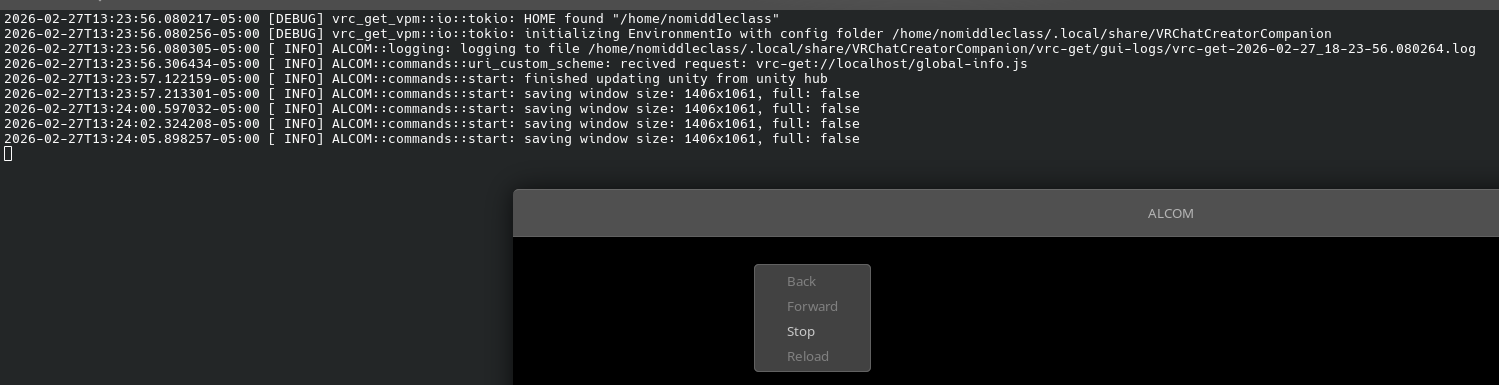
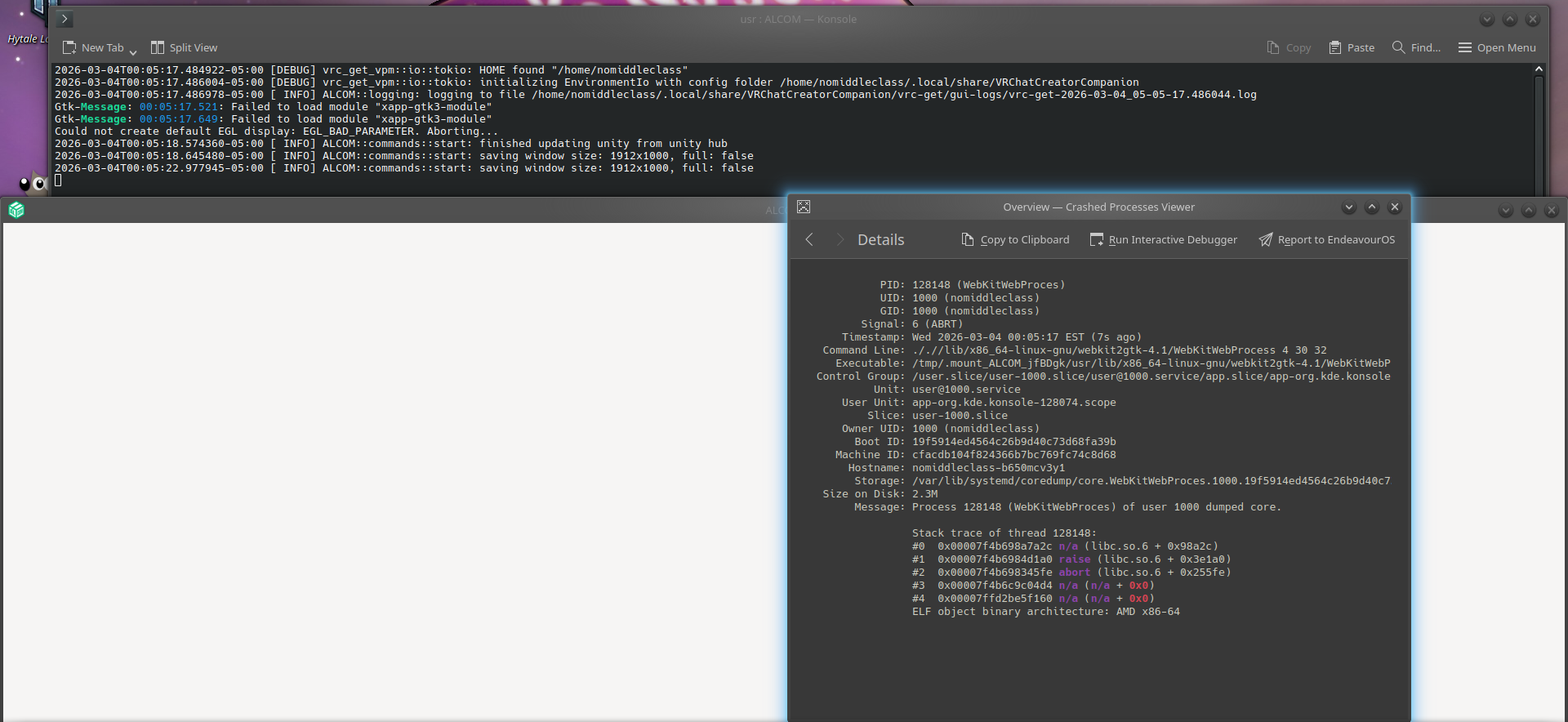
I’ve tried both the aur and appimage versions of the program and both open to either a black or white window, with no content.

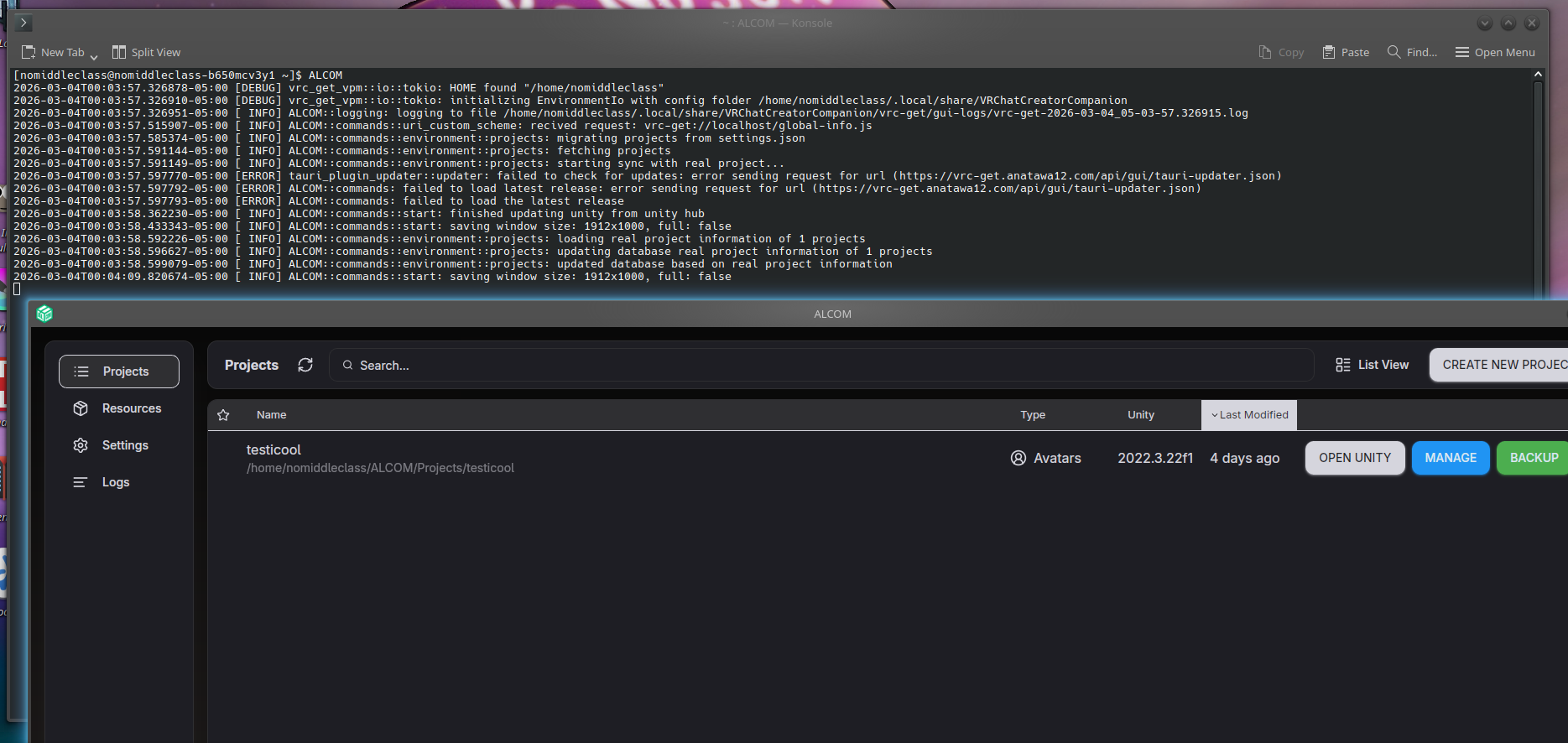
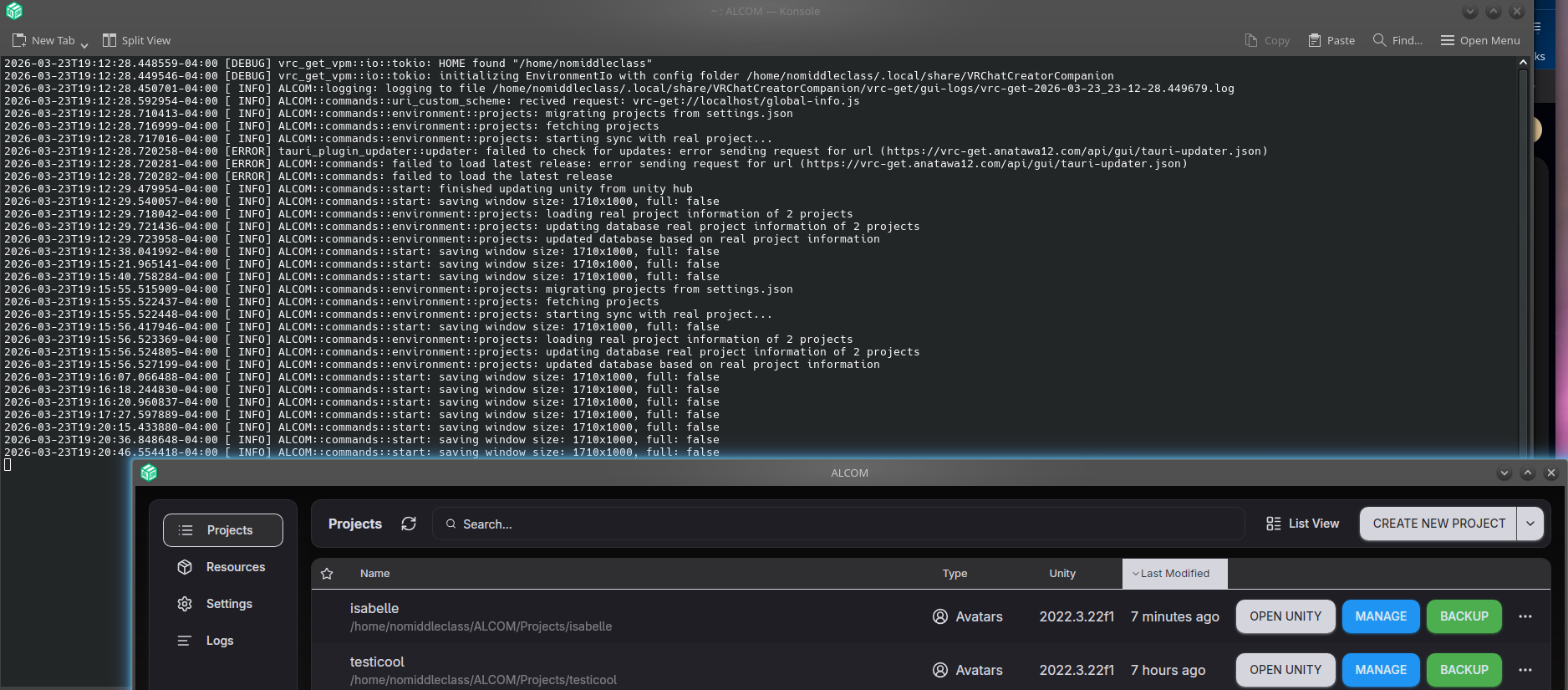
alcom on the aur does open normally on random and rare occasions, but my issue isn’t solved as it resumes once I close and reopen it again. This is what a successful opening looks like, for reference:

Host: B650M C V3-Y1 (Default string-CF)
Kernel: Linux 6.19.6-arch1-1-bsb
Shell: bash 5.3.9
Display (ASUS VP278): 1920x1080 in 27", 75 Hz [External]
DE: KDE Plasma 6.6.3
WM: KWin (Wayland)
Terminal: konsole 25.12.3
CPU: AMD Ryzen 7 7800X3D (16) @ 5.05 GHz
GPU: AMD Radeon RX 9070 XT [Discrete]
Memory: 30.95 GiB
Disk (/): 1004.17 GiB - ext4

@PRGSPY ,
What is your xapp version? Your log says xapp-gtk3-module has failed to load.

extra/xapp 3.2.2-1 (245.3 KiB 1.9 MiB) (Installed)

white

3.2.2-1


note that the error you mentioned only occurs on the ALCOM AppImage from what I’ve noticed, while my issue of a blank window is still occurring on both. Sorry for not clarifying which screenshot is of which version

So, briefly I updated Plasma
yay alcom
1
Return(s)
I was asked about some node* conflict, Replied y to remove.
Waited until It was compiled
rebooted
Started from menu not recognizing the capital name ALCOM
Question do you have:
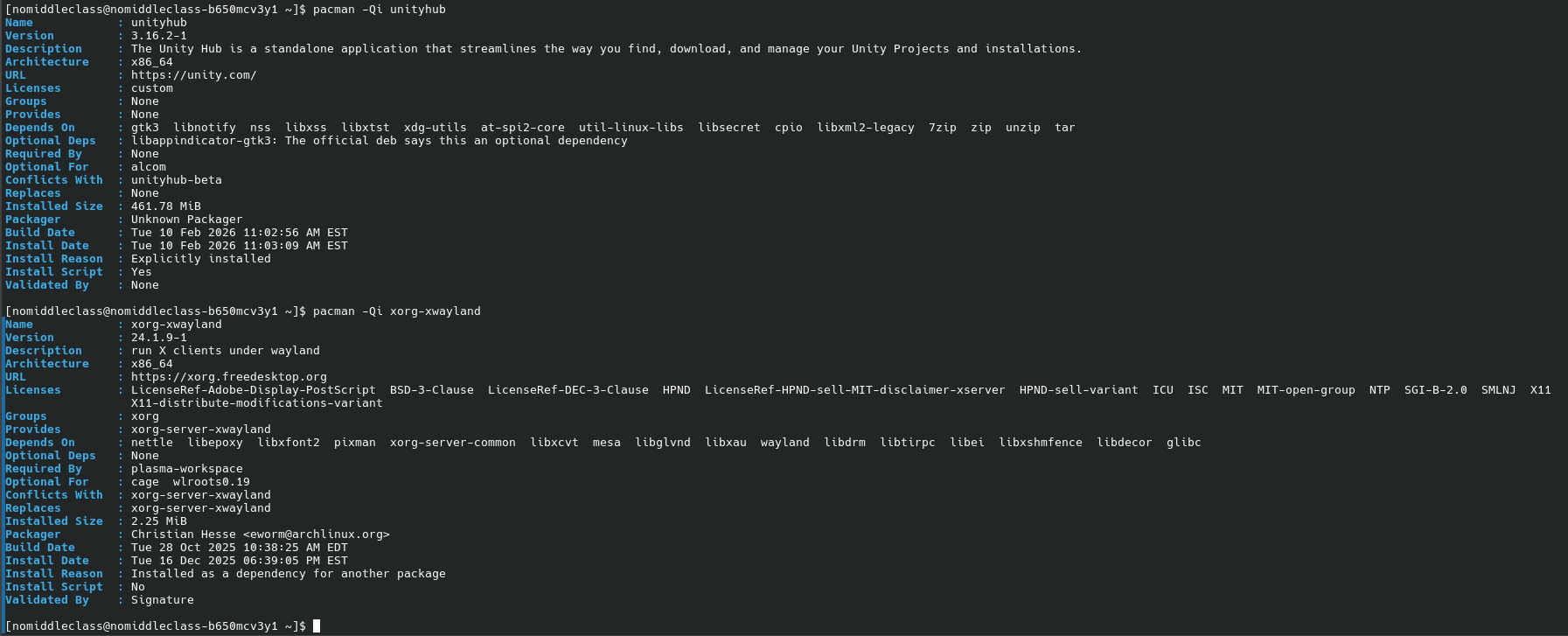
1 extra/xorg-xwayland 24.1.9-1 (962.2 KiB 2.3 MiB) [xorg] (Installed)
plus
unityhub was installed manually

when installing alcom from aur on my system I used paru

It’s ok. I do not pretend to be an expert. Why image for a text?
Does it work in X11 session?

I’ve tested in x11 several times, my issue was not fixed.

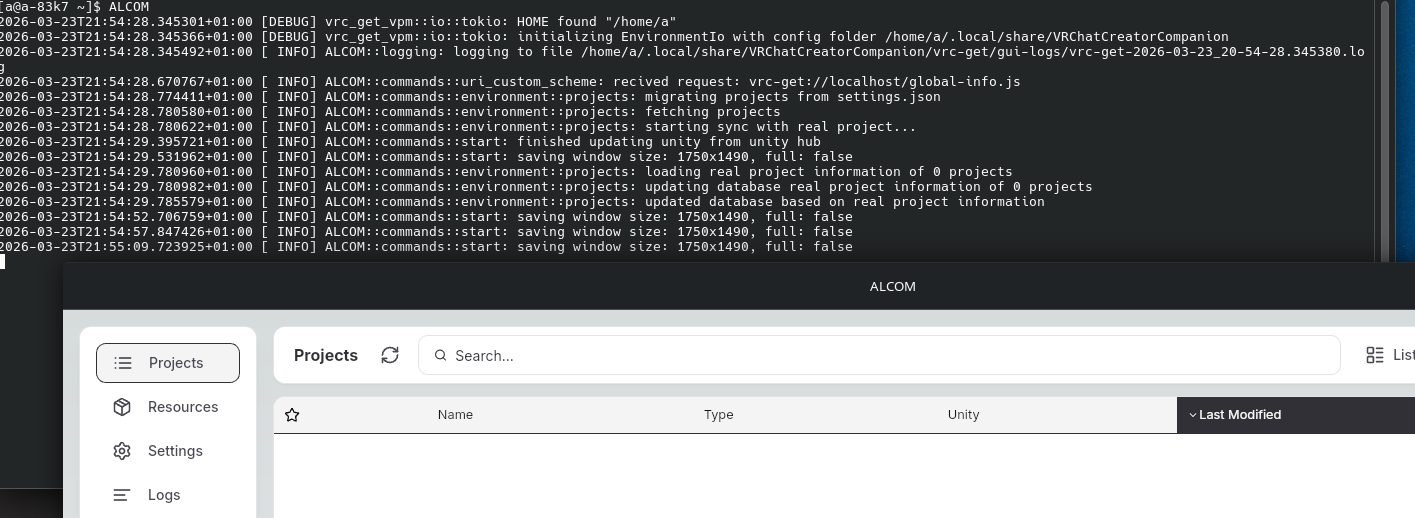
I just kinda did that without thinking, my bad

Meanwhile I installed with paru -S alcom-bin in another laptop on Garuda (zen kernel as well). It works.
Back in EnOS when I start it:
journalctl -f

márc 23 23:02:08 a-83k7 systemd[1357]: Started ALCOM.
márc 23 23:02:08 a-83k7 kwin_wayland[1431]: QDBusConnection: couldn't handle call to Teardown, no slot matched
márc 23 23:02:08 a-83k7 kwin_wayland[1431]: Could not find slot Krunner1Adaptor::Teardown
márc 23 23:02:08 a-83k7 ALCOM[2750]: 2026-03-23T23:02:08.254747+01:00 [DEBUG] vrc_get_vpm::io::tokio: HOME found "/home/a"
márc 23 23:02:08 a-83k7 ALCOM[2750]: 2026-03-23T23:02:08.255961+01:00 [DEBUG] vrc_get_vpm::io::tokio: initializing EnvironmentIo with config folder /home/a/.local/share/VR
ChatCreatorCompanion
márc 23 23:02:08 a-83k7 ALCOM[2750]: 2026-03-23T23:02:08.256229+01:00 [ INFO] ALCOM::logging: logging to file /home/a/.local/share/VRChatCreatorCompanion/vrc-get/gui-logs/
vrc-get-2026-03-23_22-02-08.256004.log
márc 23 23:02:08 a-83k7 systemd[1]: systemd-localed.service: Deactivated successfully.
márc 23 23:02:08 a-83k7 systemd[1357]: Starting Virtual filesystem metadata service...
márc 23 23:02:08 a-83k7 systemd[1357]: Started Virtual filesystem metadata service.
márc 23 23:02:08 a-83k7 rtkit-daemon[1196]: Successfully made thread 3062 of process 3034 owned by '1000' RT at priority 5.
márc 23 23:02:08 a-83k7 rtkit-daemon[1196]: Successfully made thread 3115 of process 3059 owned by '1000' RT at priority 5.
márc 23 23:02:08 a-83k7 rtkit-daemon[1196]: Successfully made thread 3137 of process 3059 owned by '1000' RT at priority 5.
márc 23 23:02:08 a-83k7 ALCOM[2750]: 2026-03-23T23:02:08.707302+01:00 [ INFO] ALCOM::commands::uri_custom_scheme: recived request: vrc-get://localhost/global-info.js
márc 23 23:02:08 a-83k7 ALCOM[2750]: 2026-03-23T23:02:08.825941+01:00 [ INFO] ALCOM::commands::environment::projects: migrating projects from settings.json
márc 23 23:02:08 a-83k7 ALCOM[2750]: 2026-03-23T23:02:08.830490+01:00 [ INFO] ALCOM::commands::environment::projects: fetching projects
márc 23 23:02:08 a-83k7 ALCOM[2750]: 2026-03-23T23:02:08.830502+01:00 [ INFO] ALCOM::commands::environment::projects: starting sync with real project...
márc 23 23:02:09 a-83k7 ALCOM[2750]: 2026-03-23T23:02:09.327465+01:00 [ INFO] ALCOM::commands::start: finished updating unity from unity hub
márc 23 23:02:09 a-83k7 ALCOM[2750]: 2026-03-23T23:02:09.516718+01:00 [ INFO] ALCOM::commands::start: saving window size: 1840x1274, full: false
márc 23 23:02:09 a-83k7 ALCOM[2750]: 2026-03-23T23:02:09.830988+01:00 [ INFO] ALCOM::commands::environment::projects: loading real project information of 0 projects
márc 23 23:02:09 a-83k7 ALCOM[2750]: 2026-03-23T23:02:09.831028+01:00 [ INFO] ALCOM::commands::environment::projects: updating database real project information of 0 proje
cts
márc 23 23:02:09 a-83k7 ALCOM[2750]: 2026-03-23T23:02:09.833954+01:00 [ INFO] ALCOM::commands::environment::projects: updated database based on real project information
márc 23 23:02:11 a-83k7 kdeconnectd[1855]: Missing CAP_NET_ADMIN permission. Cannot determine whether a found address is of random or public type.
márc 23 23:03:32 a-83k7 ALCOM[2750]: 2026-03-23T23:03:32.348000+01:00 [ INFO] ALCOM::commands::start: saving window size: 1840x1274, full: false

Have you tried this?:
env GDK_BACKEND=x11 WEBKIT_DISABLE_DMABUF_RENDERER=1 ALCOM

I tried alcom-bin on my end already, identical behavior to alcom (as in my issue still occurs)

Interesting development:
For some reason I’ve found that with the following environment variables, aur/alcom just magically works specifically when I have wifi disabled???
env GDK_BACKEND=x11 WEBKIT_DISABLE_DMABUF_RENDERER=1


Doesn’t matter whether I’m in x11 or wayland either, it just works I guess.
I still hope for a different solution though since the workaround boiling down to “turn off your internet” feels really stupid

I was on wired connection. Switched to WIFI. Still works.

I have now found that aur/alcom opens normally when internet is off even without these environment variables.
An easy automatic-ish way to do this (if you’re using iwd, I haven’t tried this with any alternatives) with a success rate bellow 100% is by using this command:

nmcli device connect wlan0 & ALCOM (replace “wlan0” with your currently used connection if it doesn’t match, any and all environment variables should come after the & and not before)

This launches ALCOM and restarts your internet connection simultaneously, with ALCOM usually finishing before you’re back online. Every single time I’ve seen the reconnection finish before alcom finishes opening, I get a blank window.

I still don’t know why alcom just doesn’t open while connected to the internet, but judging from the logs I’m guessing it may have to do with checking for updates and getting a response back somehow causing aur/alcom to hang??
This doesn’t fix the problem on the appimage version and I don’t know enough to dig deeper myself so I’ll just leave it here, hopefully something is done about this.