I’m running EndeavourOS on a Lenovo Ideapad gaming 3 , and I’m facing an issue where:
The AC adapter status randomly toggles between online and offline
This happens every few seconds, and the charger’s LED also flickers on and off in sync
As a result, the battery may fail to charge consistently
for some reasons restarting the laptop sometimes make it stop flickering and toggling and sometimes it does not help at all,
also the laptop charges as normal when it is shutdown or in a sleeping state or hibernation etc
i tried to do a bios update but no luck, it doesn’t seem to be a power issue since as stated (it charges when the laptop is shutdown or sleep)
and i have tried several outlets
this problem began to happen a 2-3 months ago, but leaving the laptop to charge fully (shutdown) and then reusing it would reset everything to normal, but now it doesn’t even do anything and i have to shut it down to charge it and start using it.
i am interested to know if this is a problem from linux kernel ? or is it a bios/EC problem ?
sorry if things are a bit unclear, if there is any information needed to make this any more clearer please let me know.
In my experience every example of this was a piece of failing hardware.
For example - on newer laptop with the usb-c charging port .. these can sometimes become strained. The actual connection between the charging port and the board/battery is sometimes weak and can even become severed entirely. If this is the case then a solder would be needed.
Not saying this is assuredly what happened here. Just what I’ve seen.
As EndeavourOS is based on Arch, a very good resource for specific laptop models is the Arch wiki, which has a whole category dedicated to the lenovo devices, there are several IdeaPad models listed, check for the correct model number of your device if it is already included in the list.
Additionally, if this doesn’t bring up results, another source for information is in many cases some gists that are shared on github about specific linux related issues with specific laptop models.
Edit: Nevermind, that specific model even has its own arch wiki entry IdeaPad Gaming 3.
I have been suspecting this .. but what is baffling me is the fact that it just sometimes work as intended which does not make any sense if it was a hardware fault i assume ? or maybe because i keep changing the place of the laptop to try different outlets and such that it moves parts back in their correct place ?
I have no idea…
actually latest update currently: i left my laptop to charge over night, and now everything works fine
Hi, i am glad to be here on the forums for the first time in almost a year now of using the distro xd,
soo yeah it’s really cool that there are dedicated pages in the arch wiki for laptop types, but there doesn’t seem to be anything related or that can help with the problem iam facing currently, however thank you for the links (i actually learned just now that there are cooling modes :o)
Saw that effect on my Dell Latitude E6510 a while back, when one of the batteries in the battery pack started to become unreliable and eventually failed. You could sometimes unplug the AC adapter and re-plug it, then it would charge, but eventually fail again.
Replaced the battery pack and all was good again. Out of curiosity, I disassembled the faulty one, and really one of the 18650 cells was defective.
I don’t really have another ac adapter to test with, but atleast i have confirmed it not being a software issue since the problem happens on the bios window and when i tried to boot into a flash drive for testing
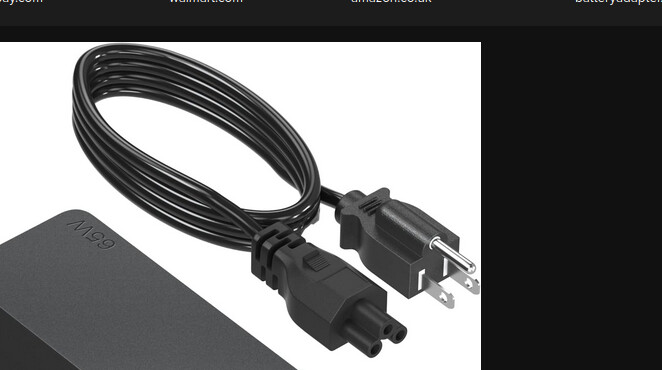
I just replaced one also for a lenovo ideapad 3. The cat had chewed the cord many times and eventually it stopped working. I got a new 65 watt charger from lenovo which is all one cord with the round plug. Not a usb-c connection for charging.