Try this, it’s much easier. 
yay -S plasma6-applets-appgrid
Try this, it’s much easier.
yay -S plasma6-applets-appgrid
Maybe submit a feature request? Add/Remove Lines option?
It feels like it needs a config option, doesn’t it? Otherwise it’s relatively cute and I’ll try it a while ;0
Unfortunately, that didn’t work either.
Errors occurred, and no packages were updated.
-> Error during installation: [/home/frank/.cache/yay/plasma6-applets-appgrid/plasma6-applets-appgrid-1.6.0-1-x86_64.pkg.tar.zst] - exit status 1
[frank@frank-akoyap2214t ~]$
Maybe I better look closer…thought i did 
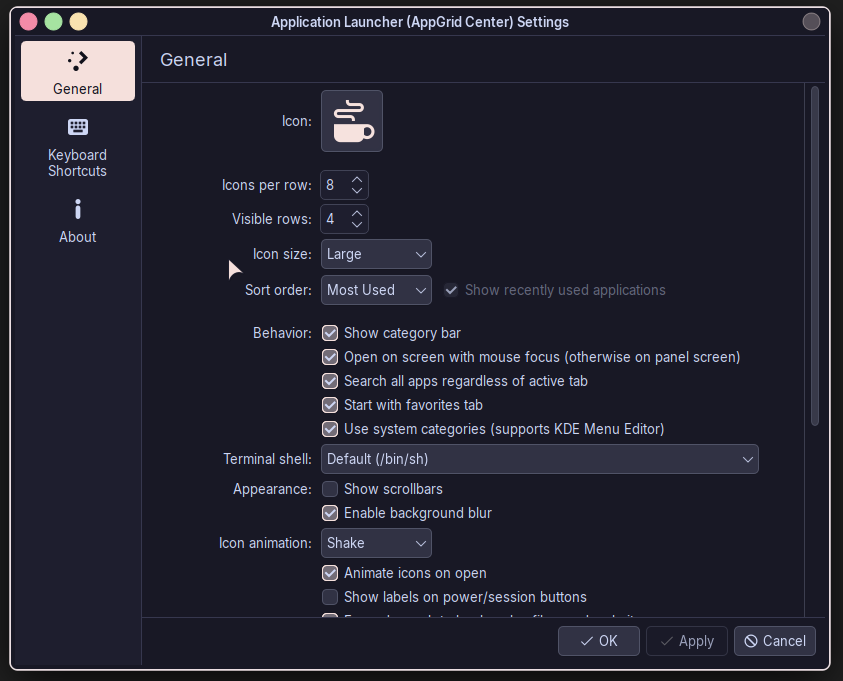
Ok, kinda found it. It’s not in the menu popup itself, but available. Sadly, for me, it opens a blank window ;(
Edit: I filed an issue on the GitHub issue tracker.
Hmm odd, system up to date and all that jazz?
hey i”m the author of appgrid, just wanted to let you know that I fixed some things that you discussed here .. I will add the option to hide the lines … Also fyi just released a patch that fixes search (tab + index) ..
Really? lol
I wouldn’t be caught dead w/o a system updated in the last two hours.
Heeey hi there, welcome to the purple place. 
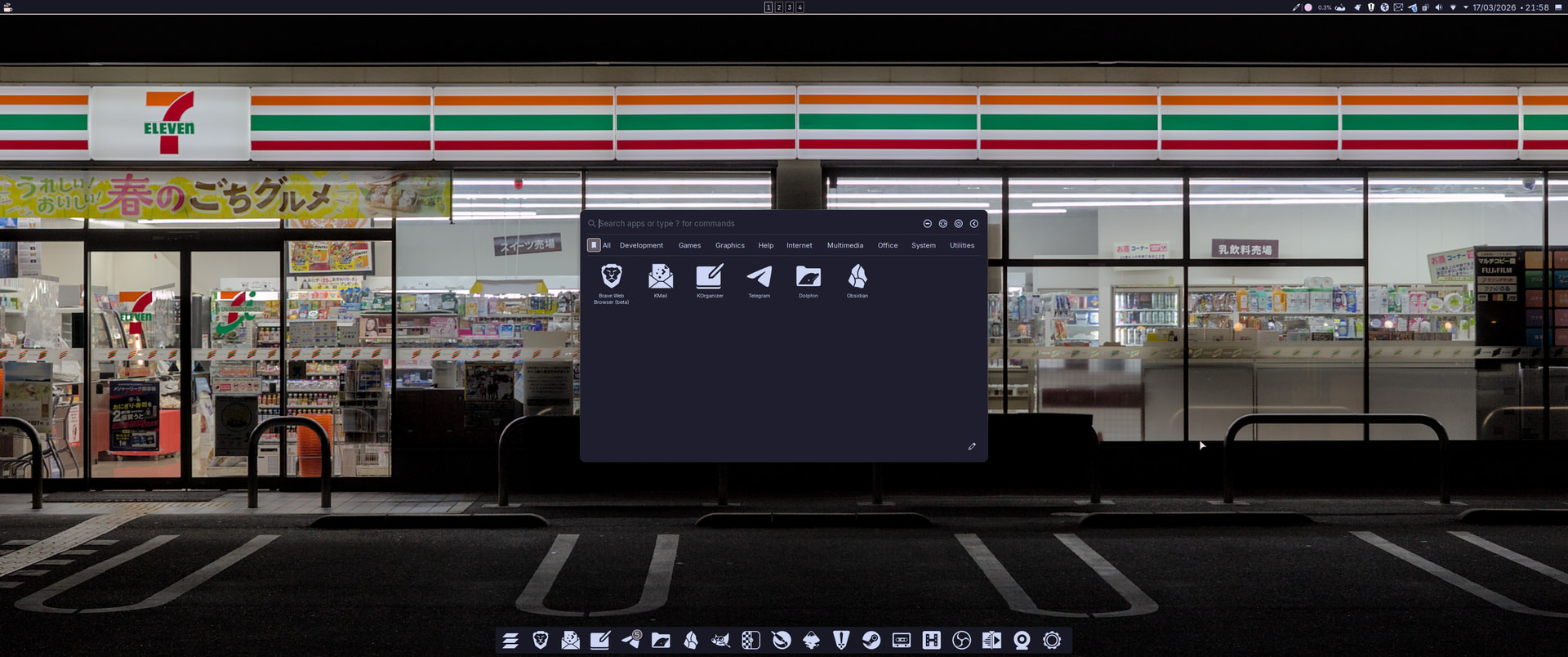
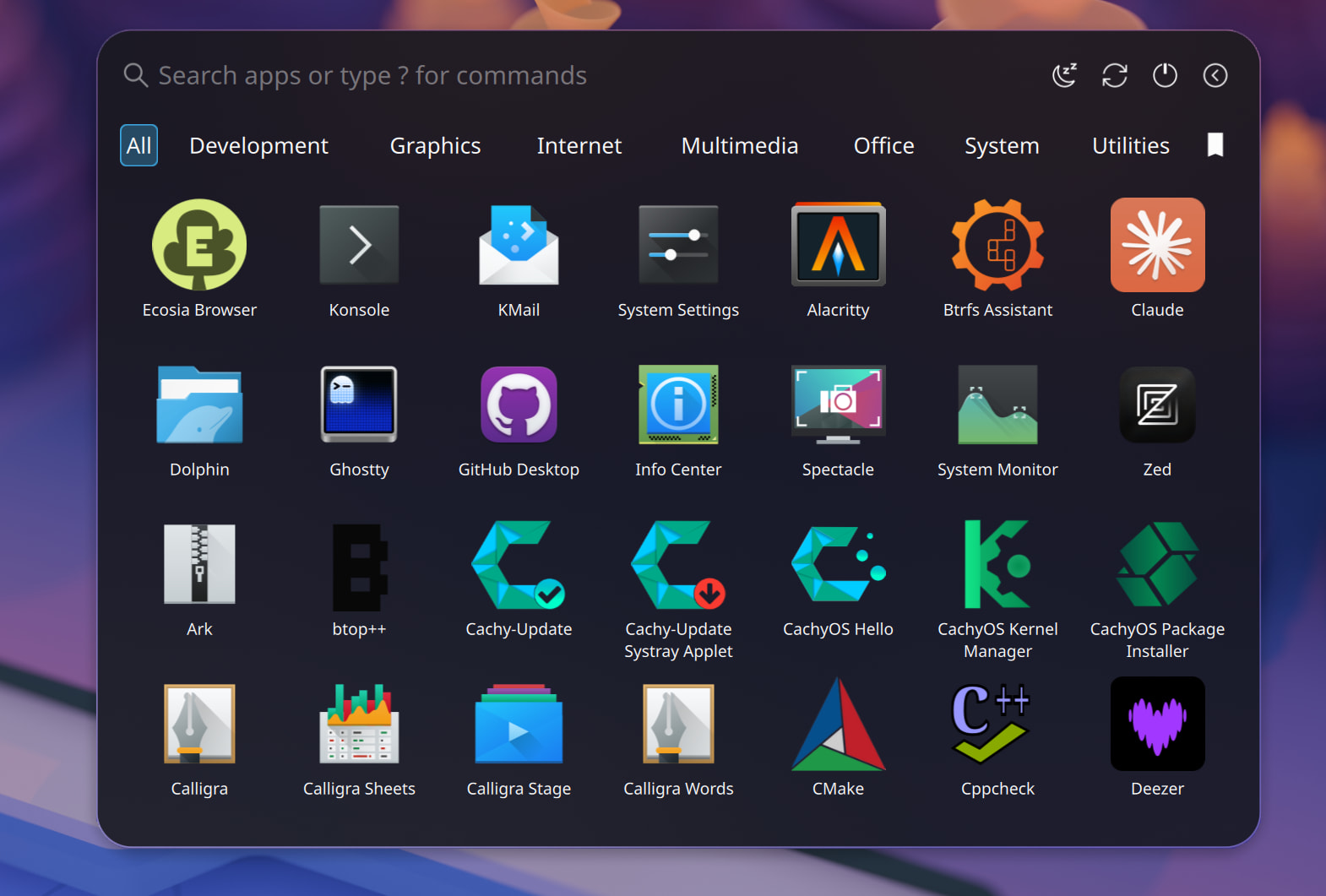
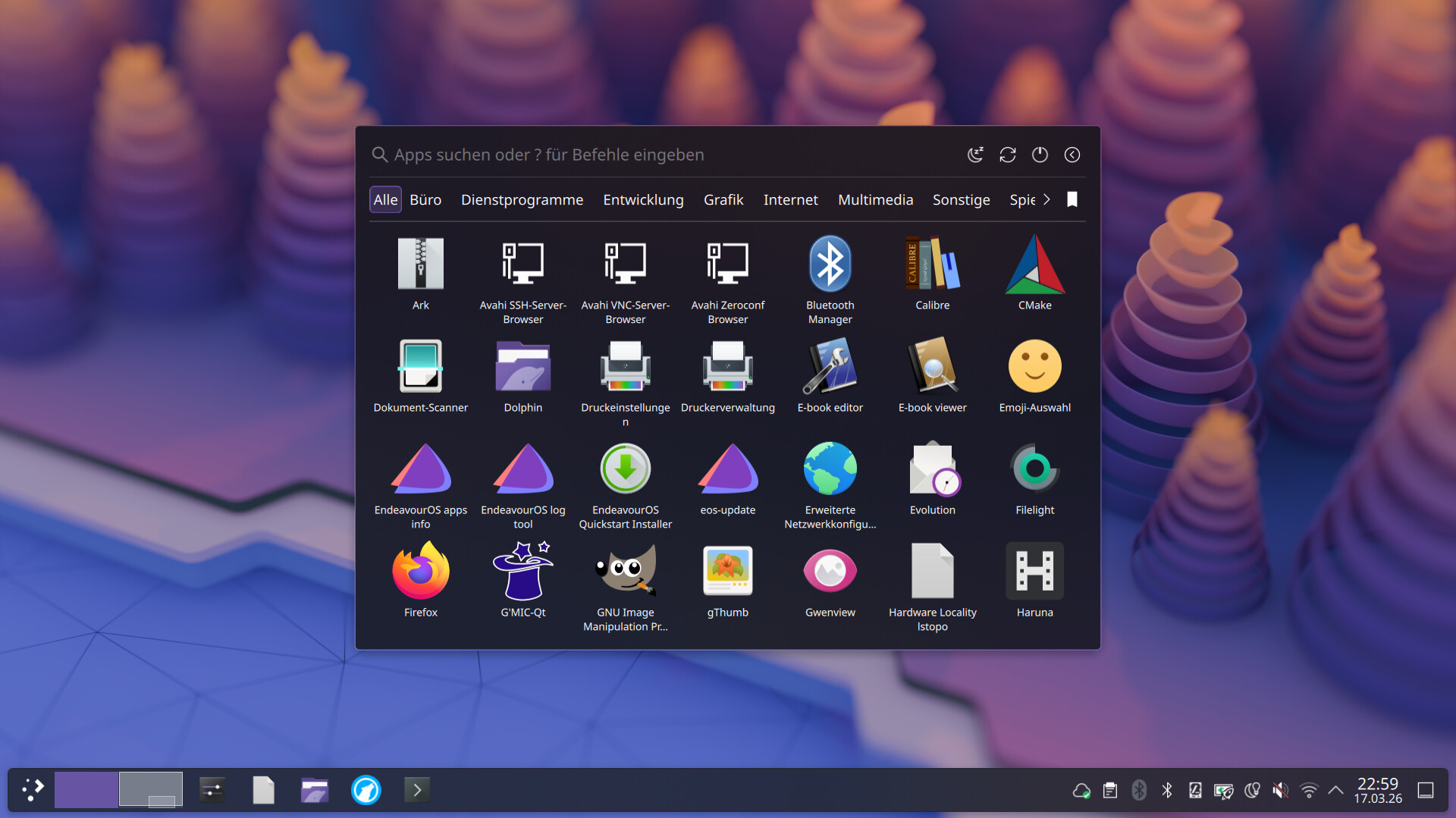
I’m loving the launcher so far, it looks great too. Thanks for making it and sharing it. 
hehehehe I knew it was a daft question as soon as I typed it. I live to update. 
it was a lot the past days i wasn’t ready for this , sorry about that .. will get better from now on and not that many updates
Umm, no one ever was unhappy with lots of updates (well not in Arch probably)!
That looks blimmin’ lovely!
Well, I finally got it to work. I had to uninstall the manual installation first, and then reinstall it using `yay`. Thanks for your help.
Signed! Looks much better. 
Welcome here in the community, @xarbit . 
You were right (in a way), I rebooted and it resolved itself…probably the kdegear update that I had forgotten I got
awesome ..