This is a follow up post with an additional few queries. In an earlier post regarding using the new NTFS driver that is inbuilt into the kernel, it was suggested that the package ntfs-3g package be uninstalled, the initramfs be rebuilt so as to use the new NTFS kernel module. I have a few follow up questions on this.
I checked that the new NTFS driver, which has an alias of fs-ntfs, is available in the Linux Kernel 7.1.x and higher. Arch still does not include it inbuilt inside the kernel rather as a separate module file. The older and more prevalent NTFS3 driver, which has an alias of fs-ntfs3, is also present as a separate module file.
My first query. The new NTFS driver is present inside 7.1.x kernel but not in LTS 6.18.x kernel and possibly not in the LTS 6.12.x kernel too. Will it be made available in these LTS kernel too? Since it was available till Linux Kernel 6.19.
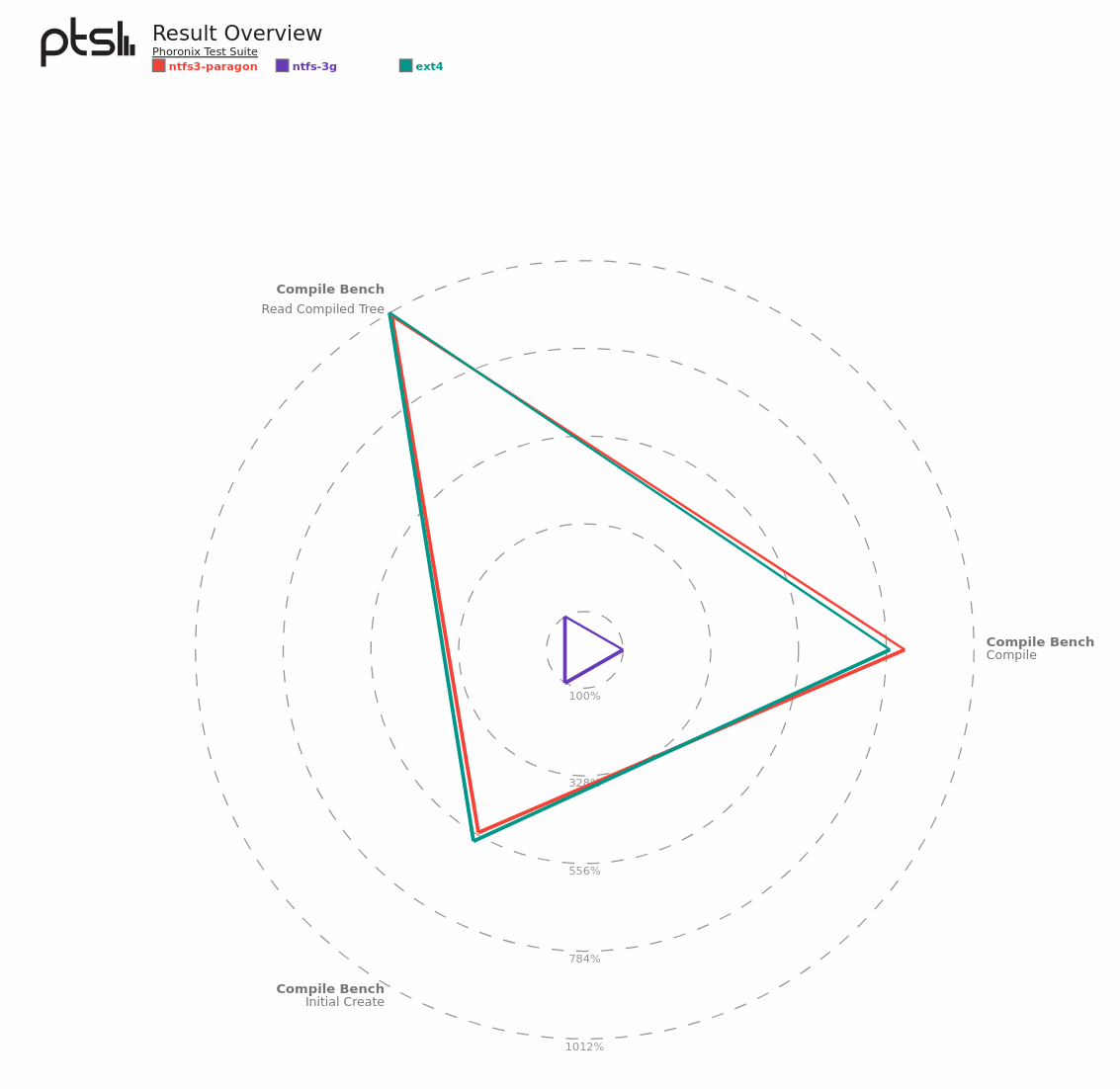
My second query, the performance characteristics of the new Linux NTFS kernels are significantly more enhanced compared to the NTFS-3G kernel. They are coming very close the ext4 performances. Please see the screenshot given below for more details. Source - https://openbenchmarking.org/result/2009092-NE-NTFSCOMPA56
Does it make sense to shift ? Or should we wait since the new driver is still work in progress.
Thirdly According to an earlier post by @rabcor the new driver has a rudimentary CHKDSK like tool available. There is already a tool llike fsck.fat and fsck which can check NTFS partitions. Are those tools, i.e. fsck, lacking in some manner compared to CHKDSK?
Finally when should the new NTFS driver be used? Are there some guidelines or recommendations available?
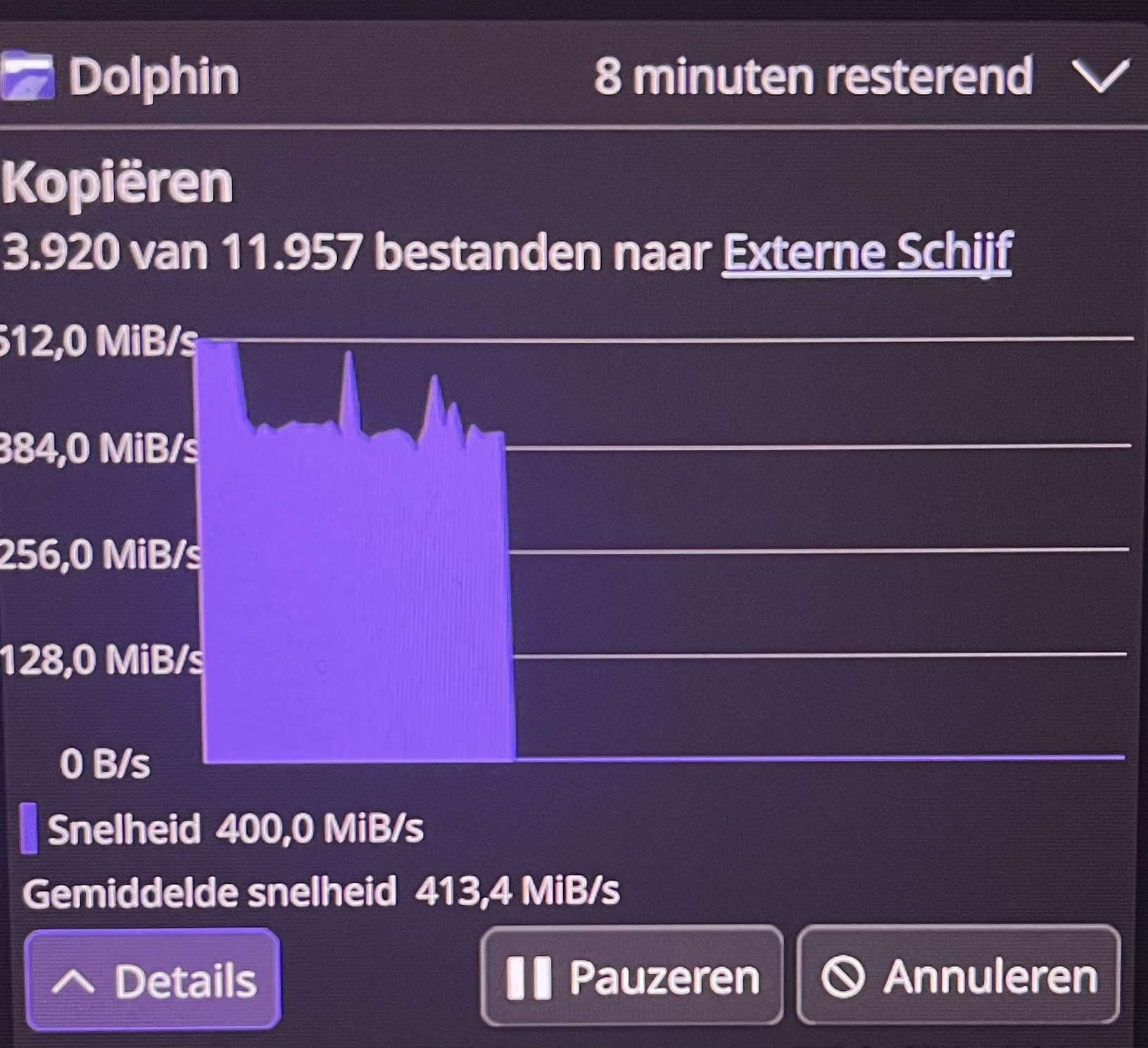
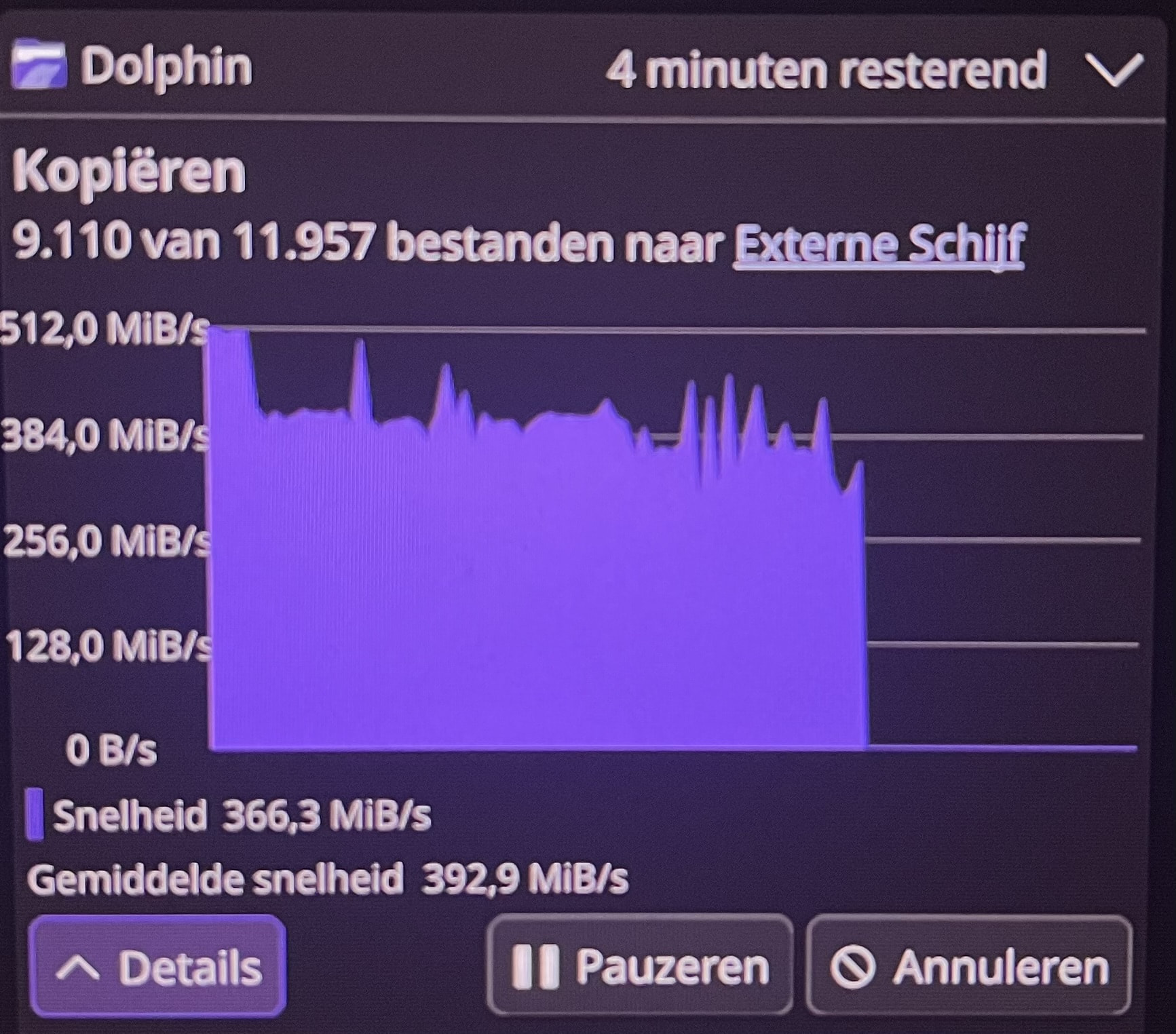
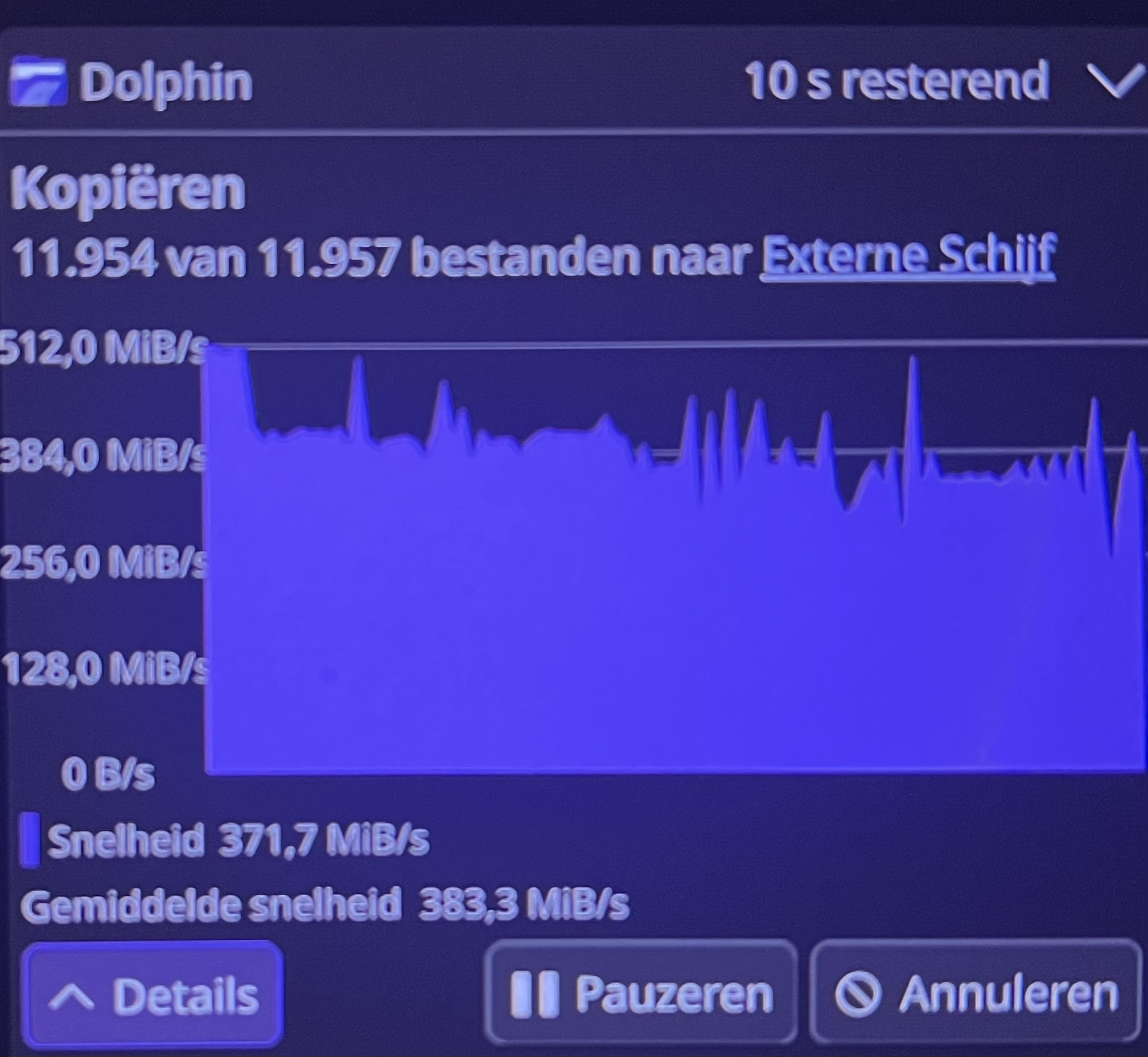
My external drive WAS still in NTFS format TILL TODAY. Today it had trouble to copy simple documents. So i tried to unmount it and try to switch to a different usb port. Endeavour OS said the disc was in use and i could not unmount it at all. So i forced it to unmount because it was not used, i double checked that. Tried to mount it in a different port and guess what, it would not let me mount the drive. Tried it on a different notebook, same story so i forced it to mount the drive. Copied all the files from it and going to format it to EXT4. The drive has zero errors. In the past steam had trouble with reading my internal ntfs drive where games where installed on. Because i am a 100% linux convert i already changed that drive to EXT4. The external drive was the last one i needed to format.
Have still 2 drives left with MS-System NTFS. One HHD-Partition I’ve changed to ext4 from NTFS and there I had beside that that very old hdd runs smooth a real faster device than before. Linux may read and write NTFS but its not its provience.