Hi, guys. I’m willing to pay a $100 (USD) bounty to whoever first help me to fix the brightness control on my laptop on this linked post:
The bounty is valid until Jan 31, 2026. If you post a solution and it works for me, I’ll via Paypal or any other similar payment service. Thanks. Happy New Year in advance.
@ricklinux, I’ve just tried again, it didn’t work, I also tried adding acpi_backlight=native and removing it with the rest of the other parameters, and always using asusctl and brightnessctl after running sudo reinstall-kernelsand rebooting, none of the combinations worked unfortunately.
I also tried adding asus-nb-wmi on /etc/modules-load.d/asus.conf and then rebooting, I confirmed on lsmod that asus_nb_wmi was loaded, but in the end brightnessctlis still not working for the nvidia_0 device
I appreciated your help again @ricklinux though. I’ve also been researching if any other Linux laptop users with a RTX 5090 have brightness working on their laptop screen and so far I haven’t found evidence yet, so now I’m wondering if the driver and brightnessctl isn’t fully supported yet as of using nvidia driver 590.48.01 and kernel 6.18.2-arch2-1
Edit: Have you tried both Integrated and hybrid and or dedicated mode? Just for testing purposes?
Yes. Dedicated mode also didn’t work (I also tried with the combinations you suggested), in terms of brightness control, it’s behaving same as Hybrid. On Integrated mode with the intel display it works though (this always worked since the beginning).
Have you also tried adding your user to the video group?
I’ve just tried it, logged out, rebooted, still no difference as far as when trying to set with brightnessctl
@ricklinux buwie from ArchLinux forum managed to find a workaround, I’ll pay him the bounty. However, since you also helped me to get half way there, I’ll pay half the bounty to you too. If you have a PayPal account send me a dm and I’ll give you my ID for you to send a $50 invoice. Thanks for helping. Happy New Year.
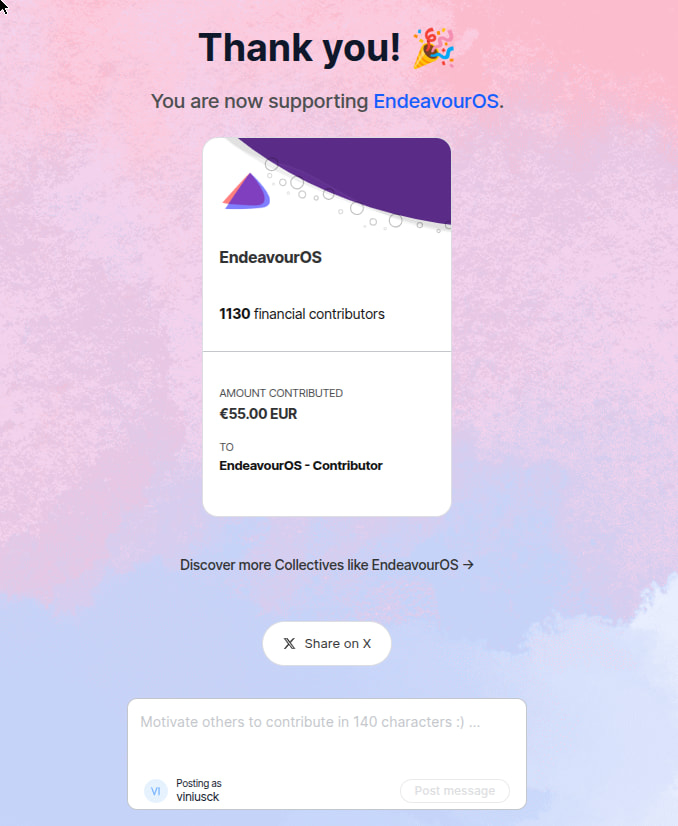
@ricklinux, I just donated 55 EUR to EOS, unfortunately it didn’t have an explicit way to mention your username too in the donation, but this post here is the receipt that it was done because of your help and suggestion, so please consider this donation as yours. Thanks