Looking good. But there is no difference from before …

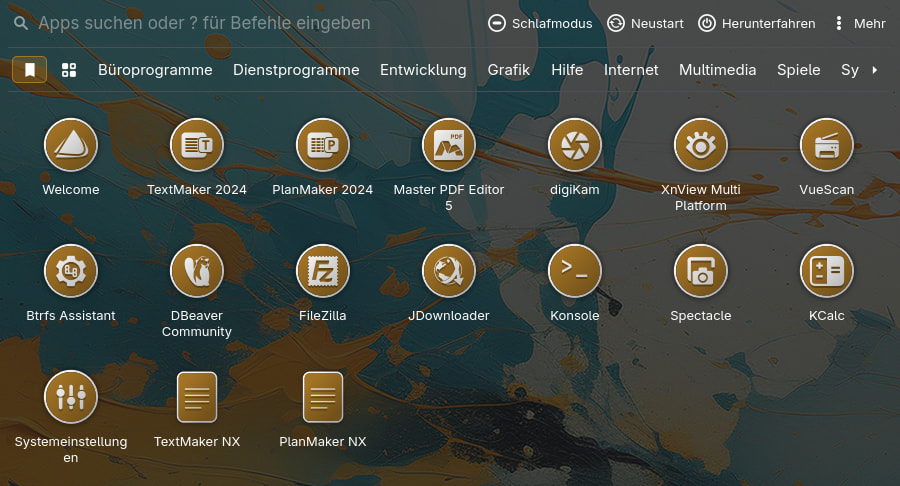
Yeah, you probably won’t notice any difference with these launchers, so no worries. As long as everything works as expected and you’re happy with it, there’s no need to worry about what’s happening under the hood. 
Edit:
You’ll notice the difference when using Application Menu.
I have a few requests for openSUSE, if that’s possible…
[Desktop Entry]
Encoding=UTF-8
Name=YaST Software
GenericName=Software Manager
Comment=Install/Remove Software
# we cannot use xdg-su -c "/sbin/yast2 sw_single %F"
# directly here as %F must not be used inside a quoted argument
# see https://standards.freedesktop.org/desktop-entry-spec/desktop-entry-spec-latest.html#exec-variables
Exec=/usr/lib/YaST2/bin/sw_single_wrapper %F
Icon=yast-sw_single
Terminal=false
Type=Application
Categories=System;PackageManager;X-SuSE-ControlCenter-System;
X-SuSE-YaST-Keywords=software,packages,rpm,installation,deletion
MimeType=application/x-rpm;application/x-redhat-package-manager;
NotShowIn=GNOME;MATE;
StartupNotify=true
[Desktop Entry]
Name=YaST 1-Click Install
GenericName=1-Click Install
Comment=Install packages without manually adding repositories
Exec=/usr/bin/OneClickInstallUI %f
Icon=yast-oneclick
Terminal=false
Type=Application
MimeType=text/x-suse-ymp;text/x-suse-ymu;
Categories=Settings;System;
NoDisplay=true
X-KDE-StartupNotify=false
[Desktop Entry]
Type=Application
Categories=Settings;System;X-SuSE-Core-System;X-SuSE-ControlCenter-System;X-GNOME-SystemSettings;
Name=YaST
Icon=yast-control-center
GenericName=Administrator Settings
Exec=/usr/bin/xdg-su -c /sbin/yast2
Encoding=UTF-8
Comment=Manage system-wide settings
Sure. I’ll add these into thw upcoming release.
Just wanted to say a big thanks to you for this icon set and the work you do on it
You’re welcome 
Thanks, @dirn!
You’re welcome @UncleSpellbinder
I found 2 more, @dirn…
[Desktop Entry]
Type=Application
Name=Myrlyn
Exec=myrlyn-sudo
# You can set variables in ~/.config/openSUSE/myrlyn-sudo.conf like this:
#
#  QT_QPA_PLATFORMTHEME=qt6ct
#  QT_ENABLE_HIGHDPI_SCALING=0
#  QT_SCALE_FACTOR=1

Icon=Myrlyn.png
GenericName=Myrlyn Graphical Software Package Manager (using sudo)
Comment=Full root access (via sudo)
Terminal=false
MimeType=
Categories=System;Settings
Keywords=software;package panagement;gui
[Desktop Entry]
Type=Application
Name=Myrlyn (read‑only)
Exec=/usr/bin/myrlyn
# Uncomment one of the lines below instead to change theming and/or high-DPI scaling:
# Exec=sh -c "QT_QPA_PLATFORMTHEME=qt6ct QT_SCALE_FACTOR=1 QT_ENABLE_HIGHDPI_SCALING=0 /usr/bin/myrlyn"
# Exec=sh -c "QT_QPA_PLATFORMTHEME=qt6ct /usr/bin/myrlyn"

Icon=Myrlyn.png
GenericName=Myrlyn Graphical Software Package Manager (read‑only)
Comment=Read-only mode for non-privileged users
Terminal=false
MimeType=
Categories=System;Settings
Keywords=software;package panagement;gui
I assume they are technically the same. One is root, the other read-only.

- Link to SVG in a .zip file here.
This seems a hard one to play around with. Let see the outcome later
I figured being as detailed and muti-colored as that image is, it may prove to be challenging to tackle.

I’ll play with it this weekend and will share the outcome screenshot 
Worst case scenario will go for simplified version as suggested by @smokey


That is a lot better than I did, though I did not put much effort in lol
The second one is what I had in mind. I’m also thinking of just use the head without body and hand.
sounds like a good idea, I did that one in seconds but was thinking the wizard needs eyes and a bit more but alos thought the package should be the focus (not sure if that makes sense, hope it does but yer just what my mind thougt)
@UncleSpellbinder @smokey ,
thanks a lot for suggesting GIMP! Working with the original SVG is definitely much more time-consuming than I expected. Just look at how many layers there are!
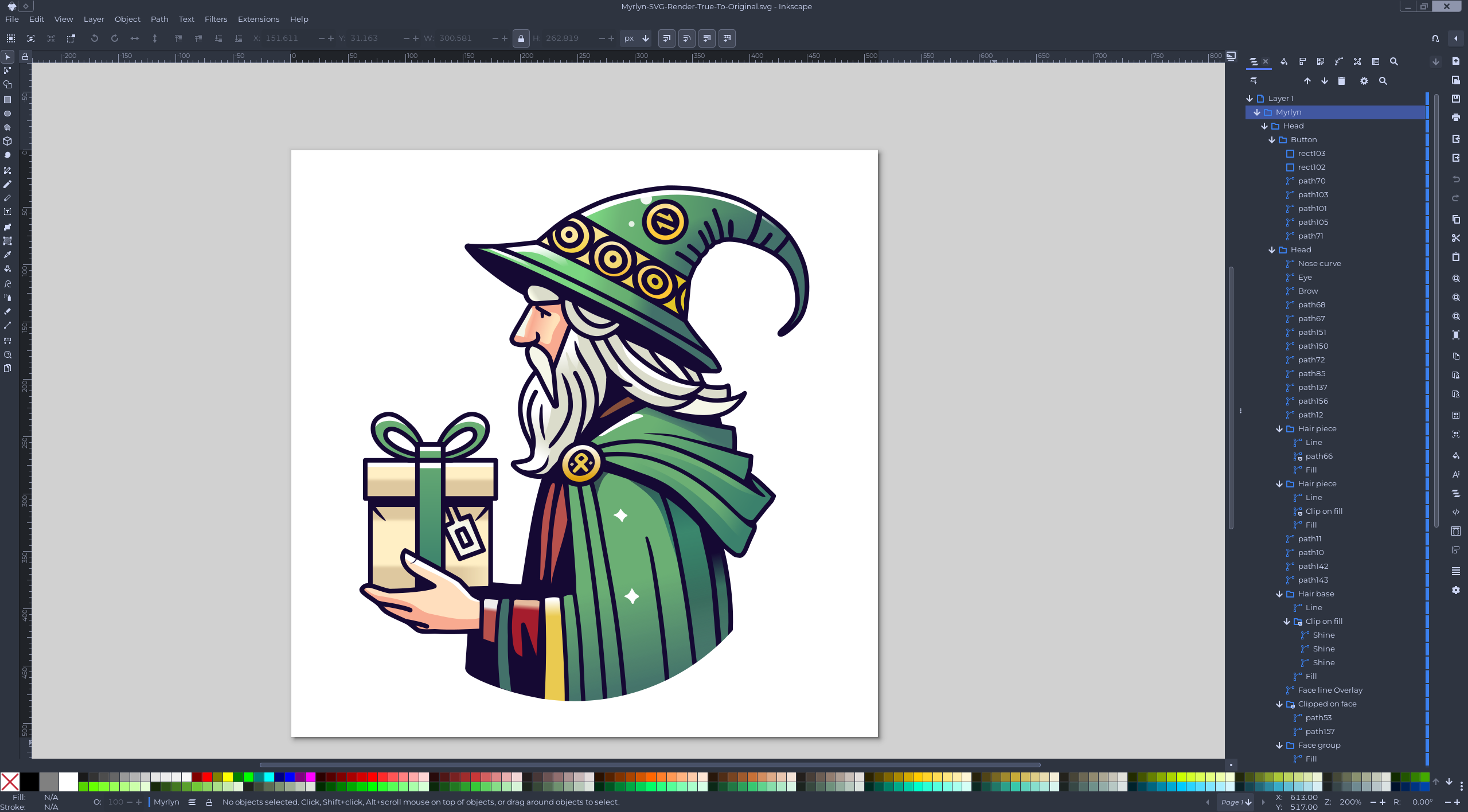
Anyway, here’s the result. Which one do you guys like better?
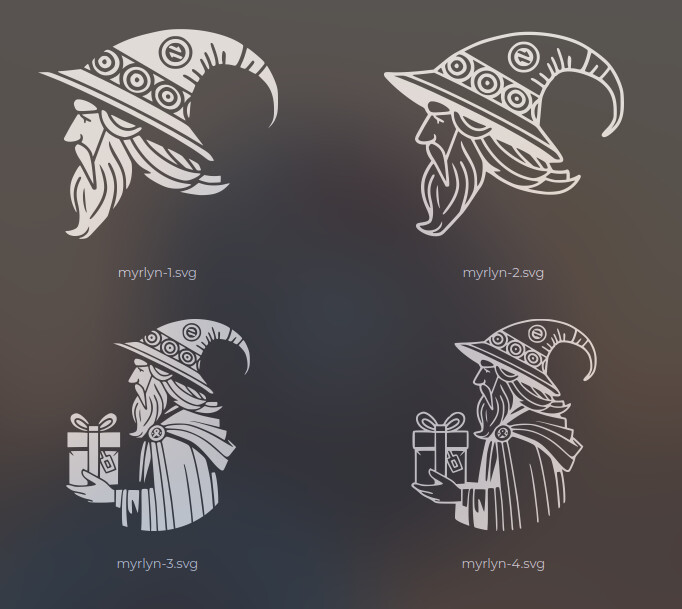
I know I said I’d play around with it over the weekend. Work has been pretty stressful lately, so I’ve been tinkering with this whenever I need a short break.

Those are all quite nice! My personal preference is myrlyn-1.svg (top left).
I think I like the bottom left one but they all look great