DenalB
June 14, 2026, 1:56pm
1086
Hey @dirn ! Do you have time to add 2 more icons for me?
Both icons are for ZapZap.
[Desktop Entry]
Version=1.0
Name=ZapZap
Comment[pt_BR]=WhatsApp Desktop para Linux
Comment=WhatsApp Desktop for Linux
Exec=zapzap %u
Icon=com.rtosta.zapzap
Type=Application
Categories=Chat;Network;InstantMessaging;Qt;
Keywords=WhatsApp;Chat;ZapZap;
StartupWMClass=zapzap
MimeType=x-scheme-handler/whatsapp
Terminal=false
SingleMainWindow=true
X-GNOME-UsesNotifications=true
X-GNOME-SingleWindow=true
[Desktop Entry]
Version=1.0
Name=ZapZapNoGpu
Comment[pt_BR]=WhatsApp Desktop para Linux NoGpu
Comment=WhatsApp Desktop for Linux NoGpu
Exec=env -u http_proxy -u https_proxy -u HTTP_PROXY -u HTTPS_PROXY -u all_proxy -u ALL_PROXY -u FONTCONFIG_FILE -u FONTCONFIG_PATH QTWEBENGINE_CHROMIUM_FLAGS="--disable-gpu --disable-gpu-compositing --disable-vulkan --disable-features=Vulkan,VulkanFromANGLE --no-proxy-server" zapzap %u
Icon=com.rtosta.zapzap
Type=Application
Categories=Chat;Network;InstantMessaging;Qt;
Keywords=WhatsApp;Chat;ZapZap;
StartupWMClass=zapzap
MimeType=x-scheme-handler/whatsapp
Terminal=false
SingleMainWindow=true
X-GNOME-UsesNotifications=true
X-GNOME-SingleWindow=true
It would be more than great to get icons for them. Thanks in advance!
dirn
June 14, 2026, 2:03pm
1087
Sure! I will add it into the upcoming release
The great thing about playing with icon set is that apart from learning Inkscape, I got to know tons of apps that I never heard before
@dirn , I installed YAMIS via icons > get new . Still no update available through Discover. Will I break the icon set if I update manually in usr > share > icons ?
dirn
June 14, 2026, 2:32pm
1089
No it won’t break.
Then extract the tarball into /usr/share/icons
DenalB
June 14, 2026, 2:36pm
1090
We’re just thinking of you and hope that our wishes will encourage you to try out other apps.
dirn
June 14, 2026, 4:31pm
1092
@DenalB ,com.rtosta.zapzap was present in YAMIS but missing from Plasma Monochrome Icon Set. I’ve just added it there.
Nice, it’s a native WhatsApp app for Linux! I’ll wait for the AUR package repo to settle down before installing zapzap on my machine.
DenalB
June 14, 2026, 8:32pm
1093
Great! Looking forward to the new version.
dirn
June 19, 2026, 4:08pm
1094
Latest update is out! @DenalB
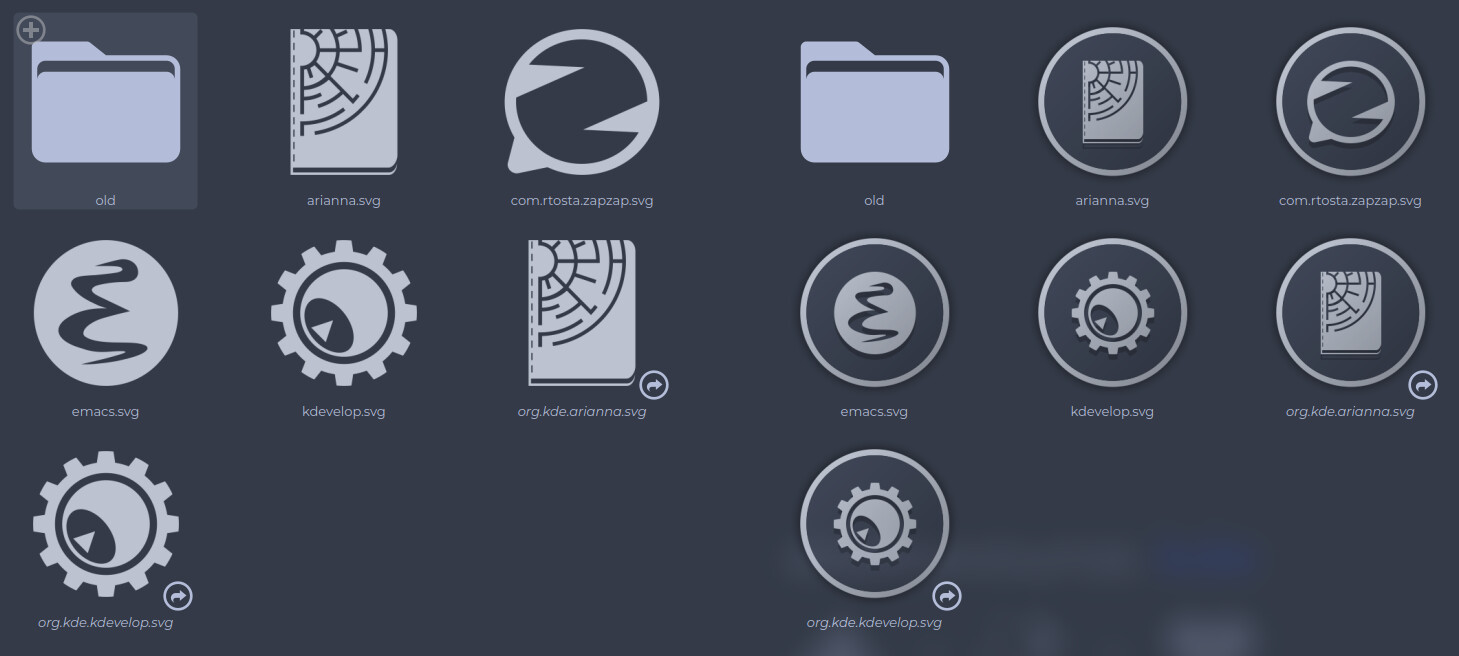
    - added
        - apps/arianna
        - apps/bruno
        - apps/emacs
        - apps/kdevelop
        - apps/org.kde.arianna
        - apps/org.kde.kdevelop
    - updated
        - apps/com.rtosta.zapzap
Anilin
June 20, 2026, 8:15pm
1097
Icon Request. Breeze Icon:
dirn
June 20, 2026, 11:12pm
1098
Sure! I’ll add it into the upcoming release
dirn
June 21, 2026, 11:25am
1099
@Anilin
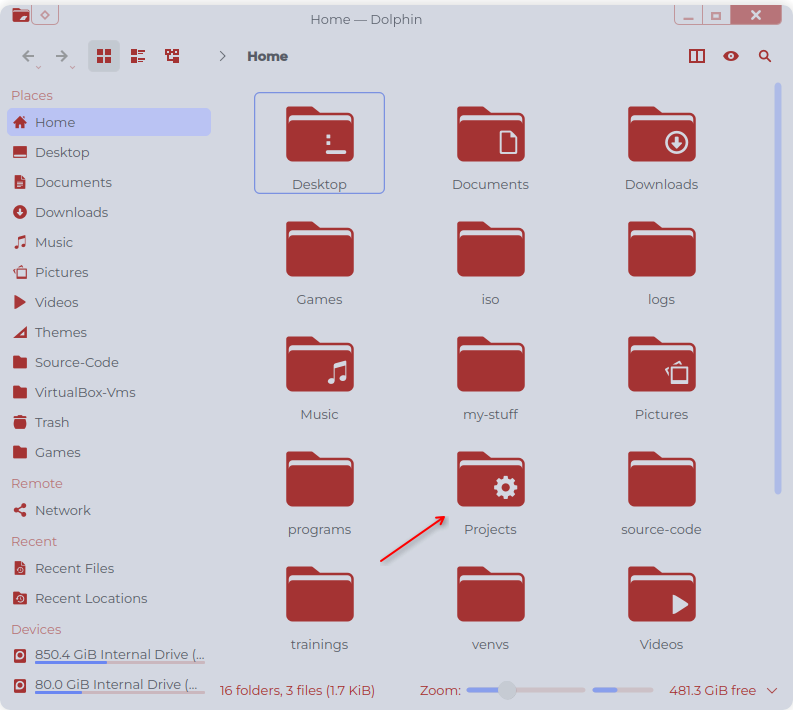
Edit:folder-development. Planned for release next weekend.
dirn
June 22, 2026, 11:03am
1100
Thanks to @chroot ! The blue color scheme was inspired by his wallpaper.
Mellow
June 23, 2026, 10:04am
1101
Hey Dirn!
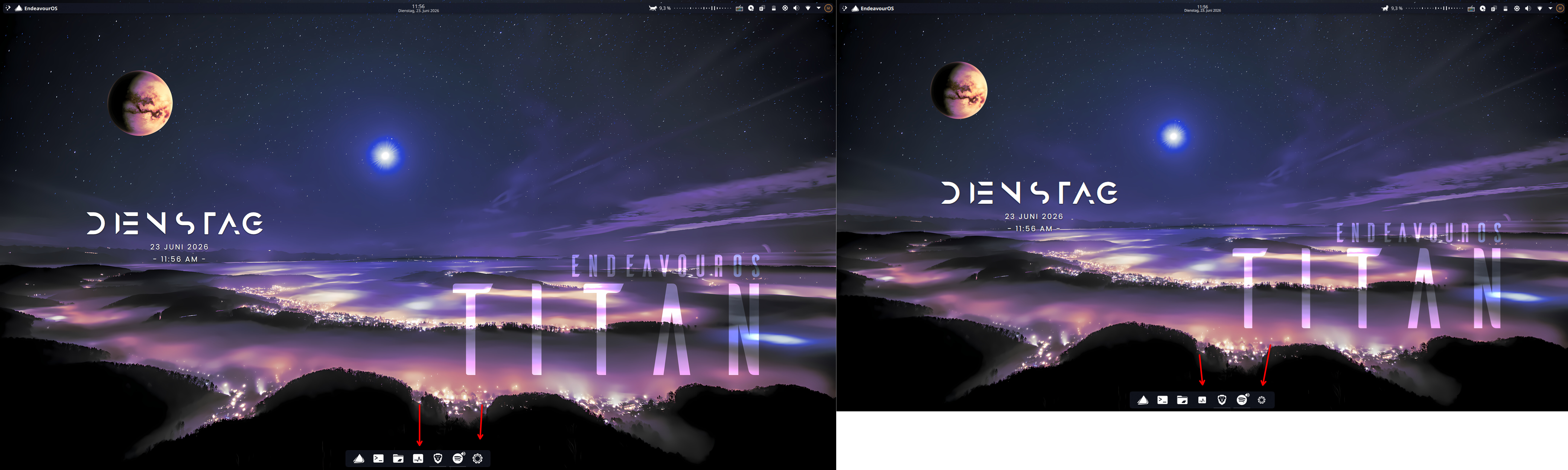
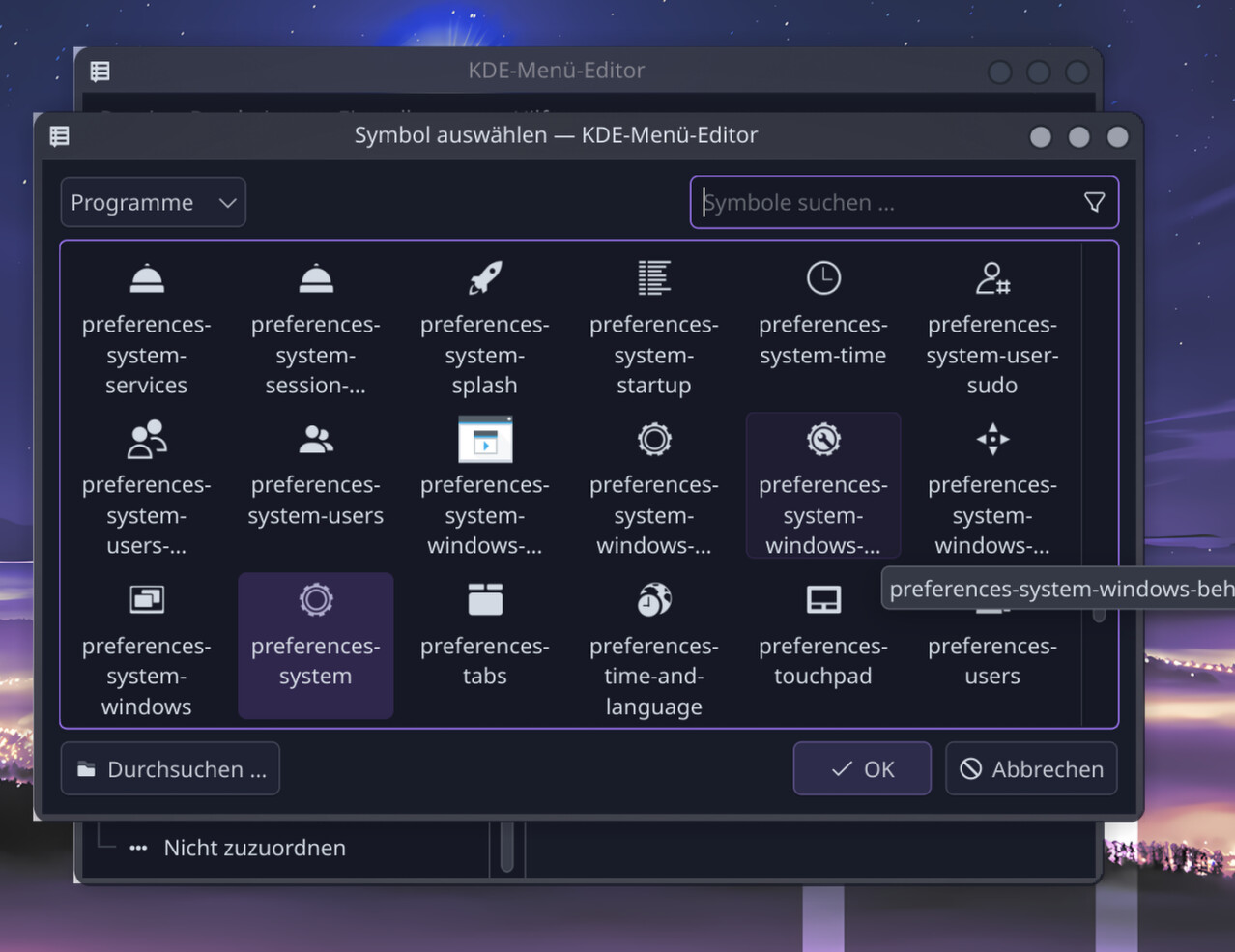
i hope its visible on the screenshots.
dirn
June 23, 2026, 11:34am
1102
@Mellow , based on your system settings icon, it seems like you’re still using the old version. Could you try with the latest version?
2 weeks ago I did some improvement on the index.theme file hoping to fix the icon size on systray for certain apps.
Update for the upcoming release:
In previous versions, YAMIS already included an apps/16 folder, but it was primarily dedicated to preferences and settings icons. The general application launchers relied entirely on the apps/scalable folder, with the index.theme size ranges set wide open from 8px to 512px.
Over time, however, I noticed that certain apps sitting in the system tray (such as EasyEffects and KTeaTime) looked a bit odd in size compared to the other system tray icons. While this can…
Mellow
June 23, 2026, 11:41am
1103
well according to the kde settings, they are updated (i did the update today) and the one on my pc yesterday, and since there it started.
Anilin
June 23, 2026, 11:42am
1104
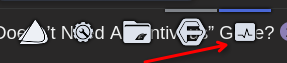
Hey @dirn @Mellow .
Mellow
June 23, 2026, 11:44am
1105
thanks i thought im going crazy.
I think i have the other icon set specifically for systemsettings as i have the icons for a long time and back then there was a just monochrome icon of the breeze theme or something
edit, yeah have the icon, just need to set it i guess