dirn
October 28, 2025, 10:55am
262
Got it. I understand @UncleSpellbinder ’s good intention.
I thought AUR is use to host applications or useful utilities. Not for cosmetic stuff like an icon set.
Anyway, for now I’m comfortable with the way it is. It’s my way to cope with stress on my daily work. Playing around with Inkscape
Mellow
October 28, 2025, 11:11am
263
Same but in Europe, its also why I moved many applications to the flatpak versions currently.
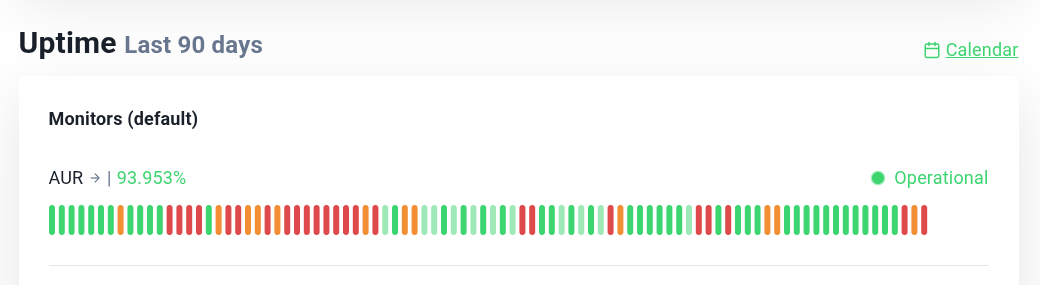
Also can we please not talk about the AUR its getting scared again and showing the red stuff
Good point.
That was my thought… easy updating. But yeah, the timing with the DDOS mess probably isn’t right, I suppose.
There are loads of themes, icon sets, widgets, and such on the AUR.
She’s your baby. Do what you feel is best.
REQUEST. LosslessCut
Icon=losslesscut
Terminal=false
Encoding=UTF-8
Keywords=trim;codec;cut;movie;mpeg;avi;h264;mkv;mp4;
StartupWMClass=losslesscut
dirn
October 30, 2025, 10:35am
266
UncleSpellbinder:
REQUEST. LosslessCut
This one looks tricky to monochromization
How about their official logo?
Uncompressed .png:
dirn
October 30, 2025, 10:54am
268
Sorry, when I said it’s tricky, I meant I’d love to do it. It’s a challenge for me to do it over the weekend. Similar to super tux kart challenge I had before
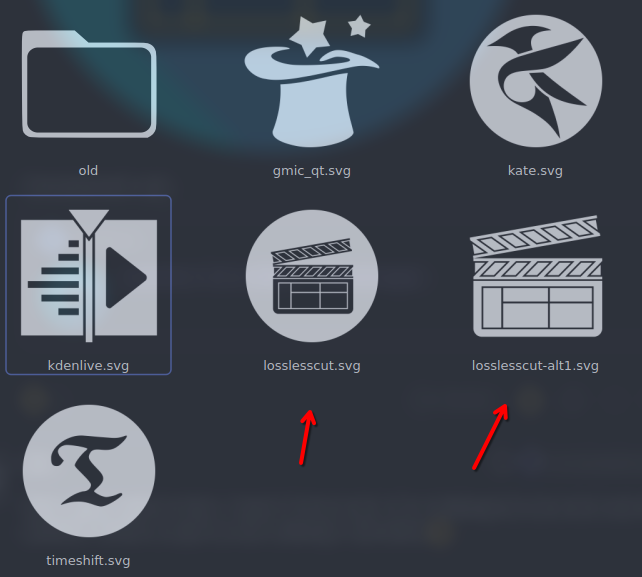
Well, now you have 2 to tinker with.
dirn
October 30, 2025, 5:35pm
270
@UncleSpellbinder thoughts?
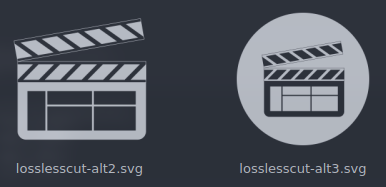
Edit:losslesscut-alt3.svg as the default.
dirn
October 30, 2025, 5:58pm
272
ok, I’ll set the circle with cutoff as a default one.
I like both a lot. But yeah… The circle one I think will fit a little better. Thanks!
Noodly
October 30, 2025, 9:51pm
274
gmic_qt looking blimmin’ awesome there.
dirn
October 31, 2025, 1:23pm
275
@Noodly @UncleSpellbinder a new update is out!
    - added
        - apps/gmic_qt
        - apps/losslesscut
    - updated
        - apps/kate
        - apps/org.kde.kate
        - apps/kdenlive
        - apps/org.kde.kdenlive
        - apps/timeshift
Noodly
October 31, 2025, 2:51pm
276
Thanks mate, lovely stuff.
As usual, great update. And timely. Keep up the awesome work!
dirn
November 2, 2025, 5:15pm
278
New icons coming in the next release!
thefrog
November 2, 2025, 11:27pm
279
New Request
desktop
[Desktop Entry]
Name=dupeGuru
Comment=Find duplicate files.
Exec=dupeguru
Icon=dupeguru
Terminal=false
Type=Application
Categories=Utility;
New Request, please.
[Desktop Entry]
Name=Youtube Downloader
GenericName=Download Youtube videos as video or audio files.
Comment=Download youtube videos/audio
Exec=ytdlp-gui
Icon=ytdlp-gui
Terminal=false
Type=Application
Categories=Video;Audio;

 )
)