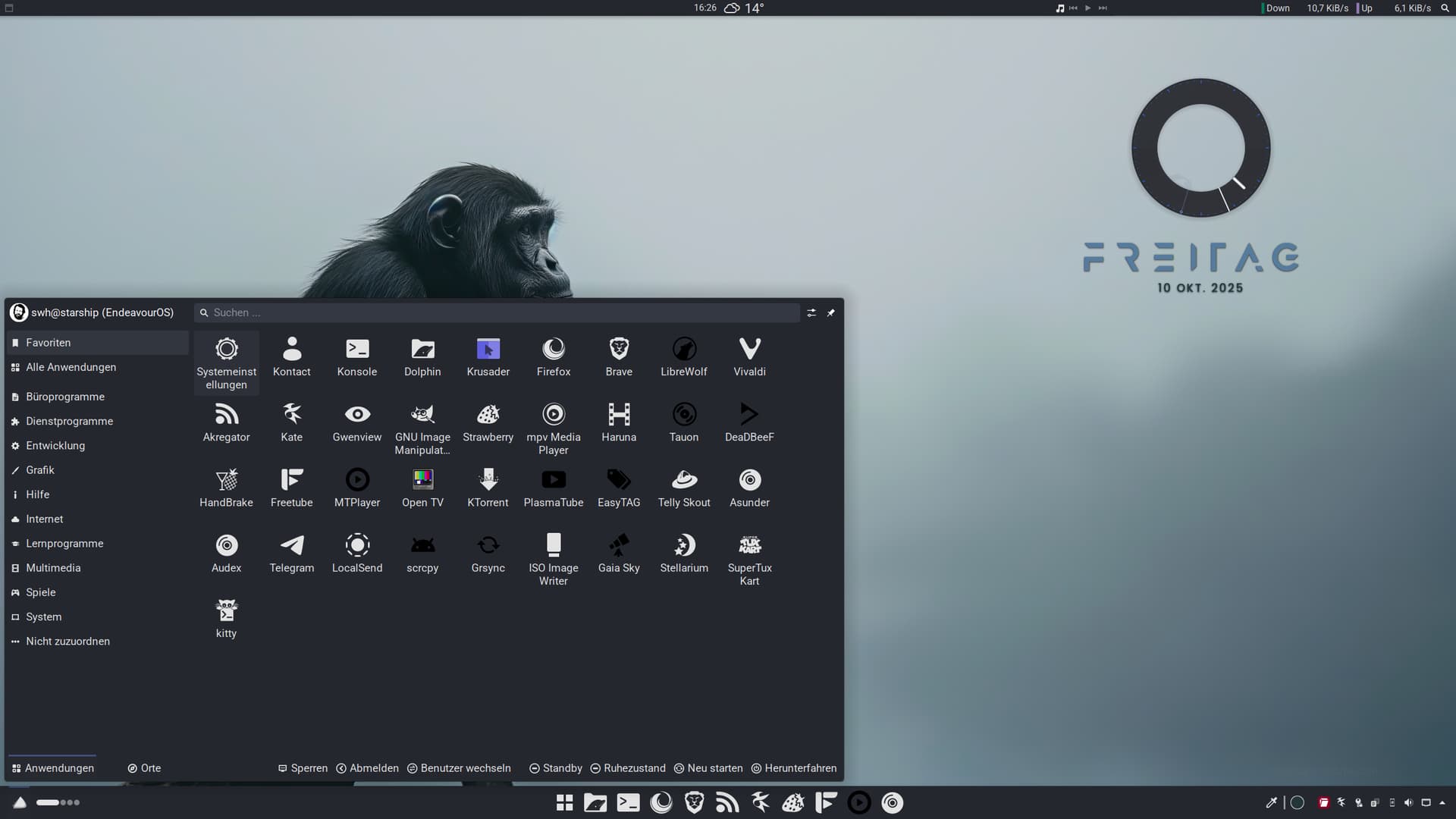
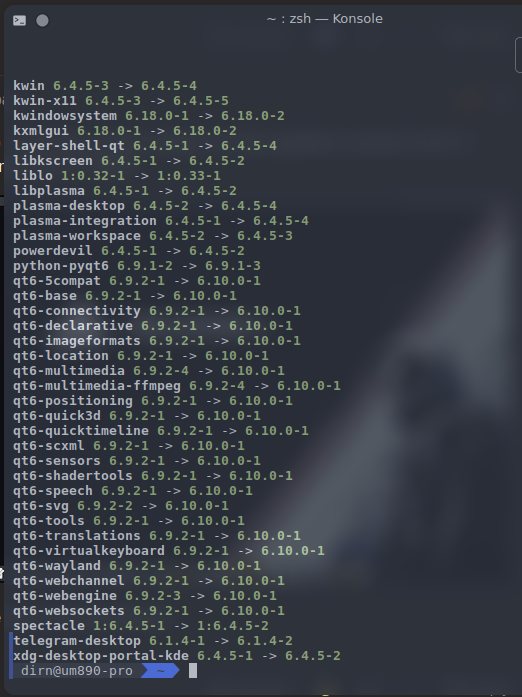
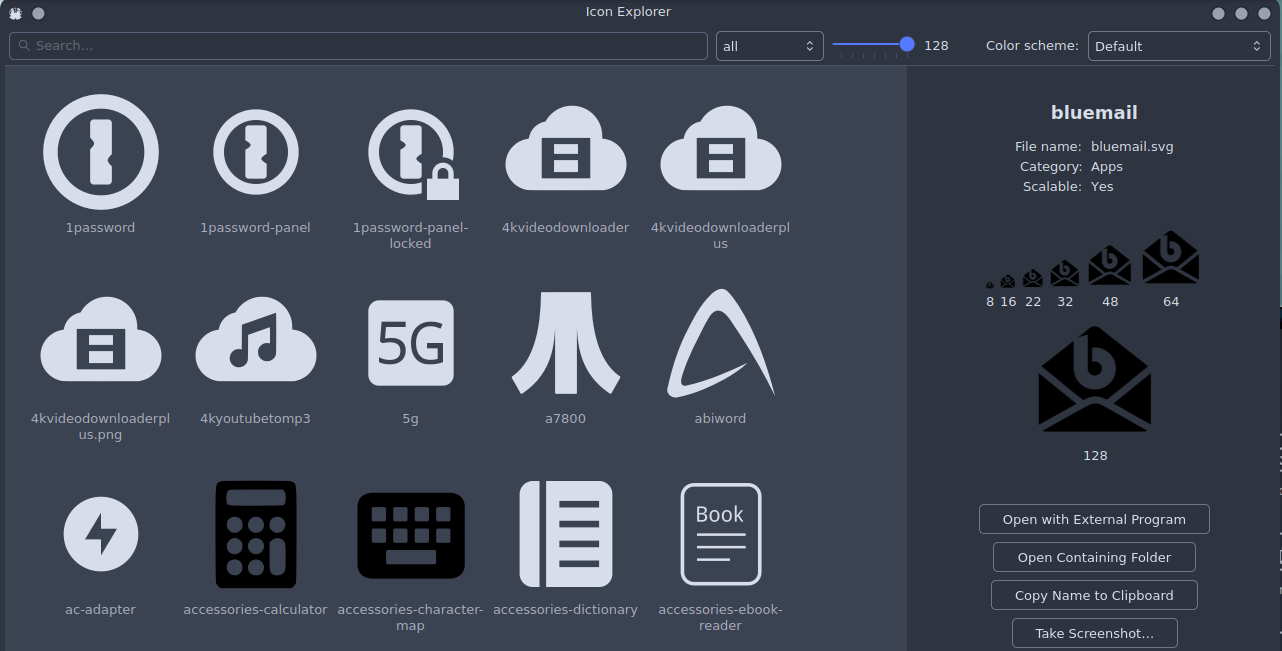
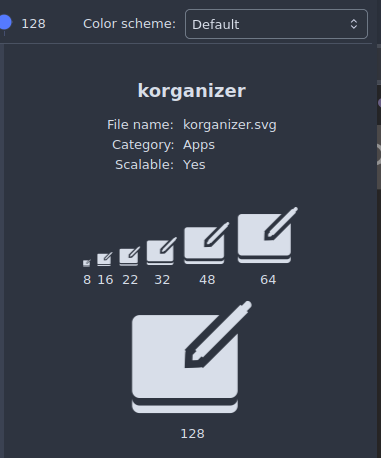
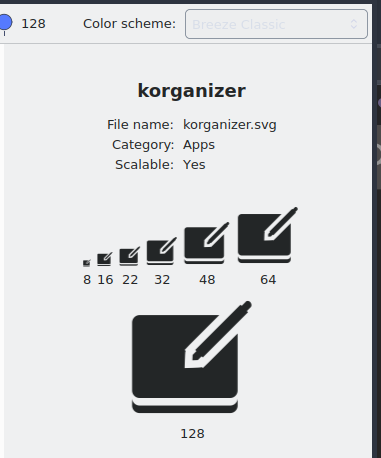
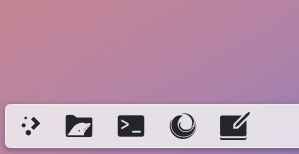
@dirn, a quick heads-up - I just had a system update. QT was updated to version 6.10.0. It seems to have broken some icons in YAMIS…
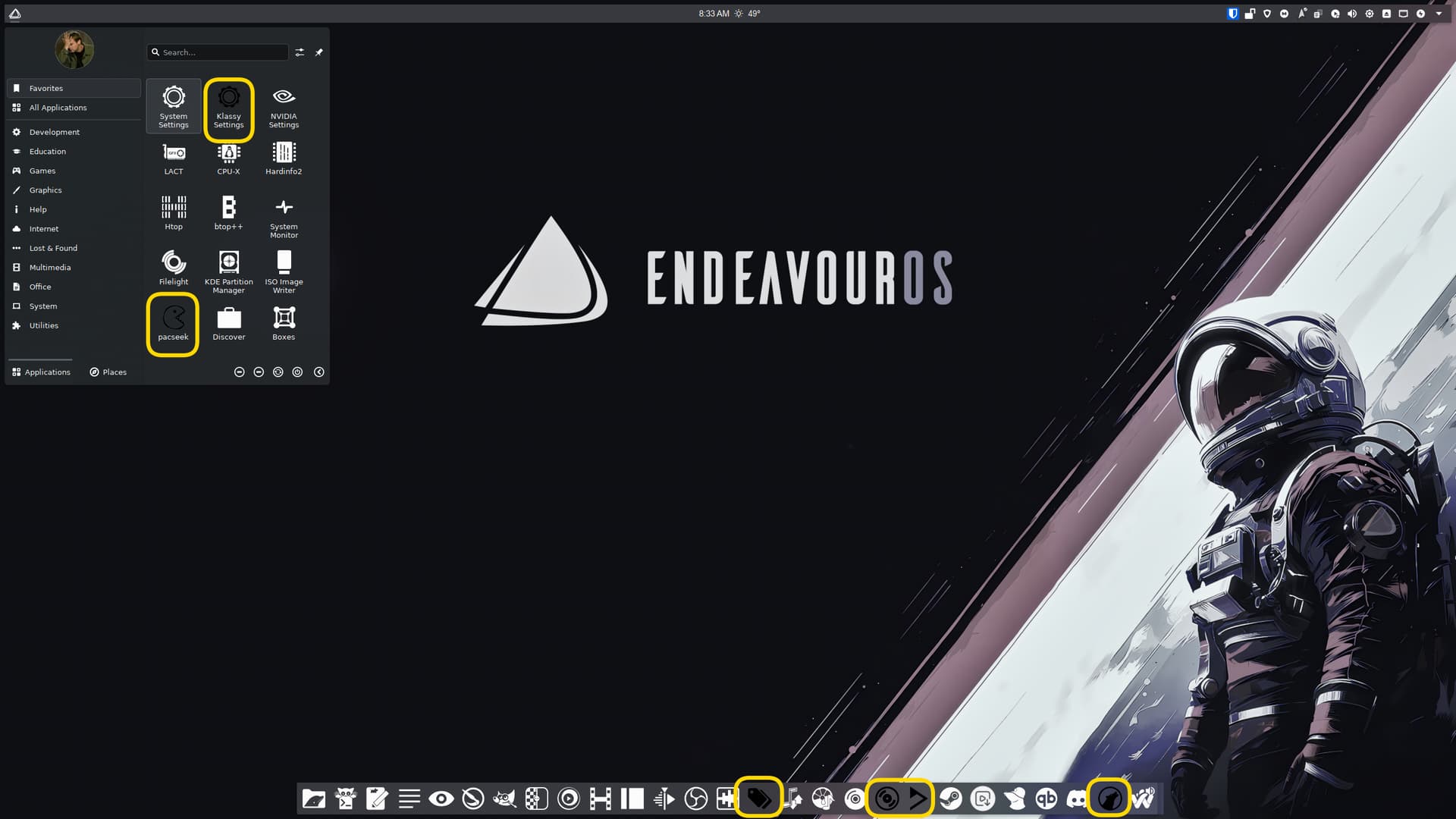
Several more items in the menu are also affected.
@dirn, a quick heads-up - I just had a system update. QT was updated to version 6.10.0. It seems to have broken some icons in YAMIS…
Several more items in the menu are also affected.
Same on my system, just a few of the YAMIS icons are black. I uninstalled, cleared cache then reinstalled but they are still black. Like Unc says it happened on updating to QT 6.10.

Thanks for the headsup. I’ll check once I’m done with my work.
Cheers mate 
Issue reproducible. I know what’s the issue. Will fix it. Luckily I haven’t publish this week release  .
.
Same issue happen in the other icon set as well.
The latest changes have been pushed. Download the updated tarball directly from Pling. It may not yet be visible in the “Download New Icons” section of System Settings. Feel free to let me know here if there are still any broken icons.
    - added
        - apps/com.github.iwalton3.jellyfin-media-player
        - apps/com.github.iwalton3.jellyfin-mpv-shim
        - apps/davinci-resolve
        - apps/DV_Resolve
        - apps/DV-Resolve
        - apps/jellyfin-mpv-shim
        - apps/jellyfin
        - apps/jellyfin-theater
        - apps/jellyfin-theatre
        - apps/mediainfo
        - apps/mkvtoolnix-gui
        - apps/net.mediaarea.MediaInfo
        - apps/nuvolaplayer3_plex
        - apps/org.bunkus.mkvtoolnix-gui
        - apps/org.jellyfin.JellyfinServer
        - apps/org.jellyfin.Jellyfin
        - apps/plexhometheater
        - apps/plex-media-player
        - apps/plexmediaplayer
        - apps/plex
        - apps/resolve
        - apps/tv.plex.PlexDesktop
        - apps/tv.plex.PlexMediaPlayer
        - apps/electron37
        - apps/protontricks
        - apps/piavpn
        - apps/rofi
        - apps/satty
        - apps/app.drey.Dialect
        - apps/com.github.neithern.g4music
        - apps/mullvad-browser
        - apps/pragha
        - actions/preferences-system-windows-actions
        - actions/system-run
    - updated
        - apps/audacious
        - apps/org.atheme.audacious
    - Resolved icon rendering issues following the upgrade to Qt 6.10.0.
The latest changes have been pushed. Download the updated tarball directly from Pling. It may not yet be visible in the “Download New Icons” section of System Settings. Feel free to let me know here if there are still any broken icons.
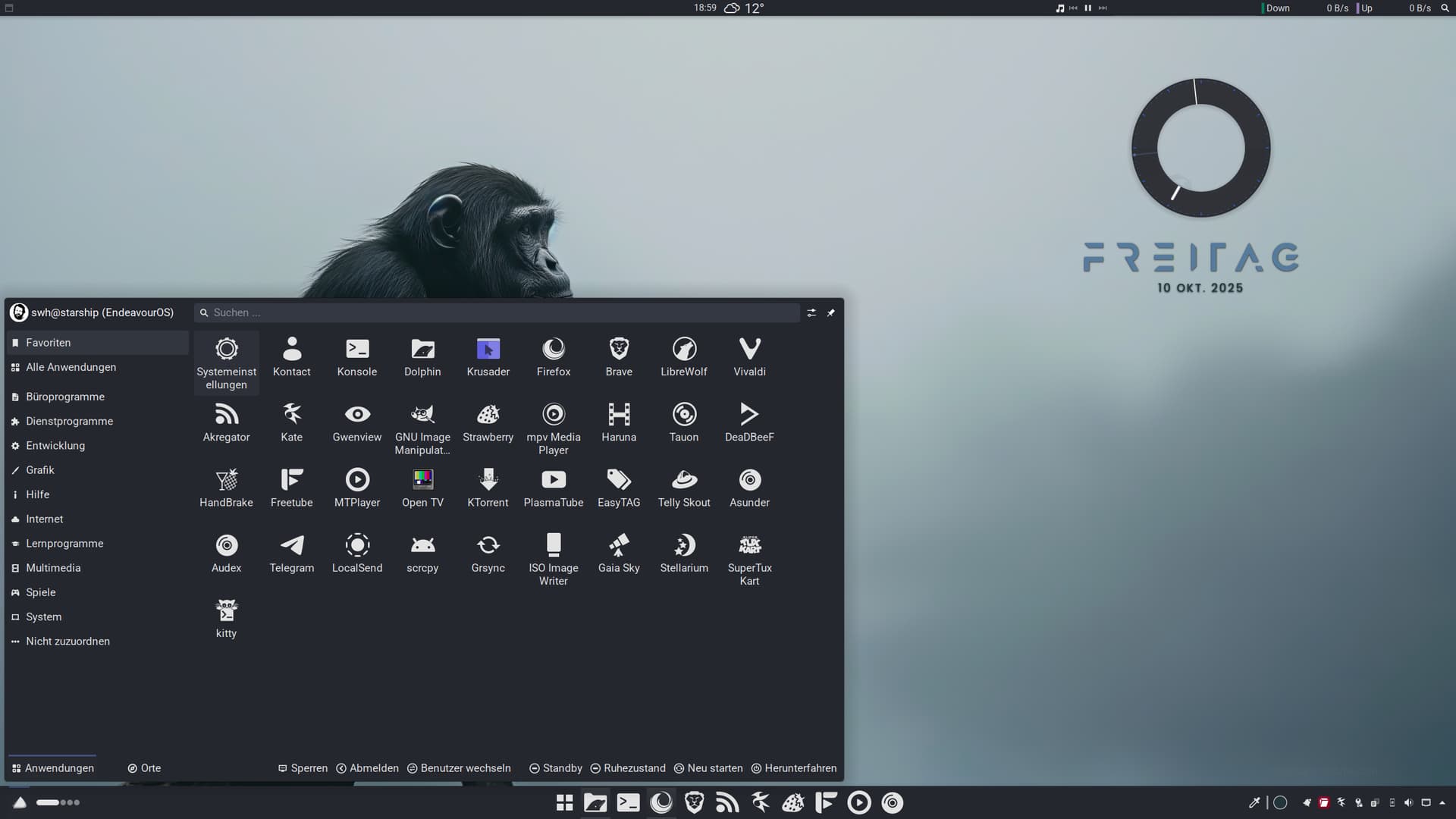
Updated the Icon Package = Issue solved on my hand 
Thanks @Biotico1974
@dirn, thank you so much. Awesome! Looks good on my side
Blimmin’ fast as rocket 
Thanks for confirming, @swh! Now I can finally get some sleep after a long day of work 
It’s only 7 p.m. 
Enjoy your evening and thank you again for providing your icons so quickly
Woah, you really don’t hang around! Thanks @dirn
I do have a rogue icon (korganizer) which shows correctly in my launcher but not on my taskbar, it was okay before the QT update…
Thanks for acting so quickly, @dirn! All is great on my end.
Thanks for confirming @UncleSpellbinder
@Noodly, any idea why one of your icons has gone rogue? I can’t reproduce it on my end.
@Noodly delete your ~./cache, reboot then. This should help.
Too much blimmin’ noodled