It depends on the GPU in question. As an example, for an intel GPU we used to install basically nothing. The drivers were in the kernel if you wanted anything else you needed to install it yourself.
Now we install mesa, vulkan-intel, intel-media-driver, gst-plugin-va and, depending on the specific GPU sometimes libva-intel-driver.
mesa probably would have been pulled in as dependency anyway for most installs but now we add it explicitly.
On the other hand, for nvidia the results are mostly the same since it has most of that stuff embedded in nvidia-utils and we were already doing driver detection for nvidia.
Just a heads-up that the sha512sum check outputs “no properly formatted checksum lines found” - although the ISO comes out at as okay. I’m assuming that’s specific to the sha512 file formatting.
can be good special on Notebooks, as it is uses the VA API (Video Acceleration API) to offload computationally intensive tasks directly to the GPU.. somehow a bridge between GStreamer and the Graphics driver.
When I boot the installer to install it on my wife’s old HP Envy 4 laptop, I get an “out of memory” kernel panic error when selecting GRUB2 mode to enter the live session. Initially, I thought the downloaded ISO might be corrupted, but after verifying it with sha512sum, the checksum matched.
It turns out that I need to use Normal mode to enter the live session successfully. After that, the installation proceeds without any issues, and I’m even able to select the GRUB2 bootloader for my wife’s laptop.
I’m just wondering if it’s expected to encounter an “out of memory” kernel panic on older machines in this situation, since I’m able to load the live session using GRUB2 mode on my MiniPC without any problems.
I’m using Ventoy to create the ISO installer.
Edit:
I’m able to reproduce the same error using the latest Manjaro ISO. It might be something related to Ventoy.
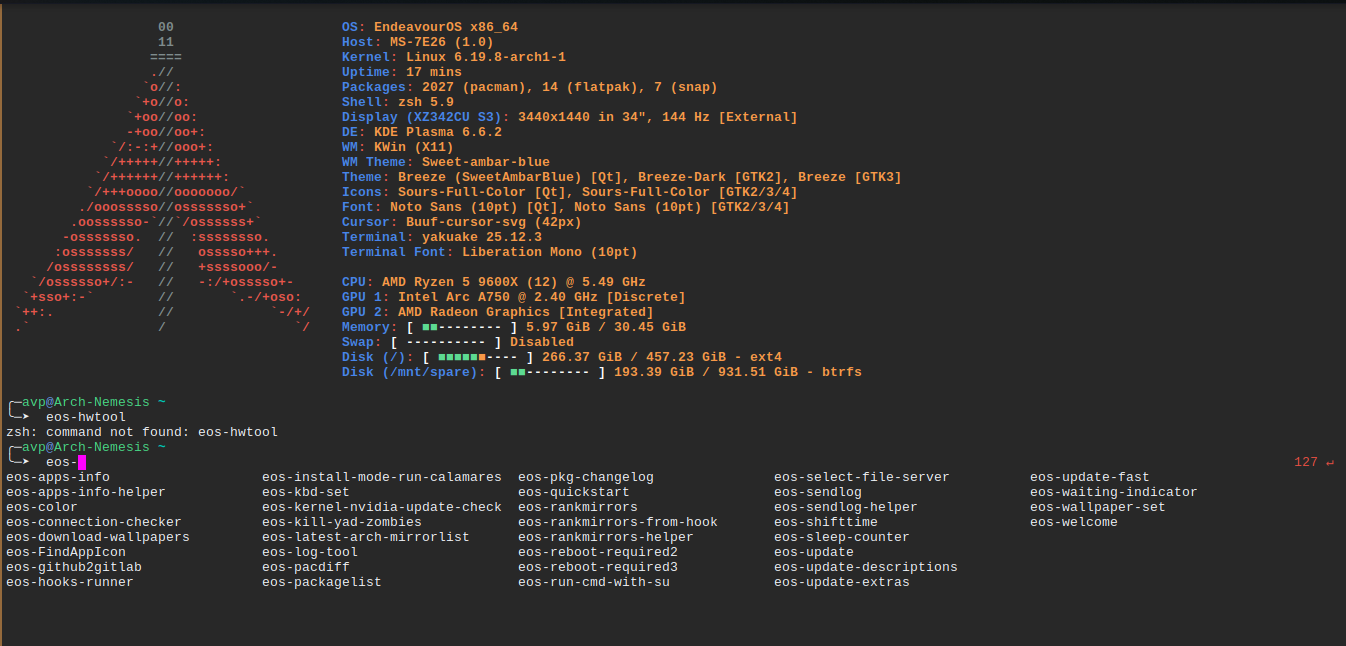
Thanks guys & I apologize in advance for this question. I’m up-to-date on all updates (ran eos-update 15 min ago & rebooted), but I don’t have this latest tool. How can I access this?