Kudos to our EOS leadership for propelling this awesome distro ever forward. 
I’m trying again with seeding, but my last attempts were eventually blocked by my ISP. It was suggested to me to partially throttle the upload speed, so I’ll see if that makes any difference.
Thanks EOS Devs great work as always! 
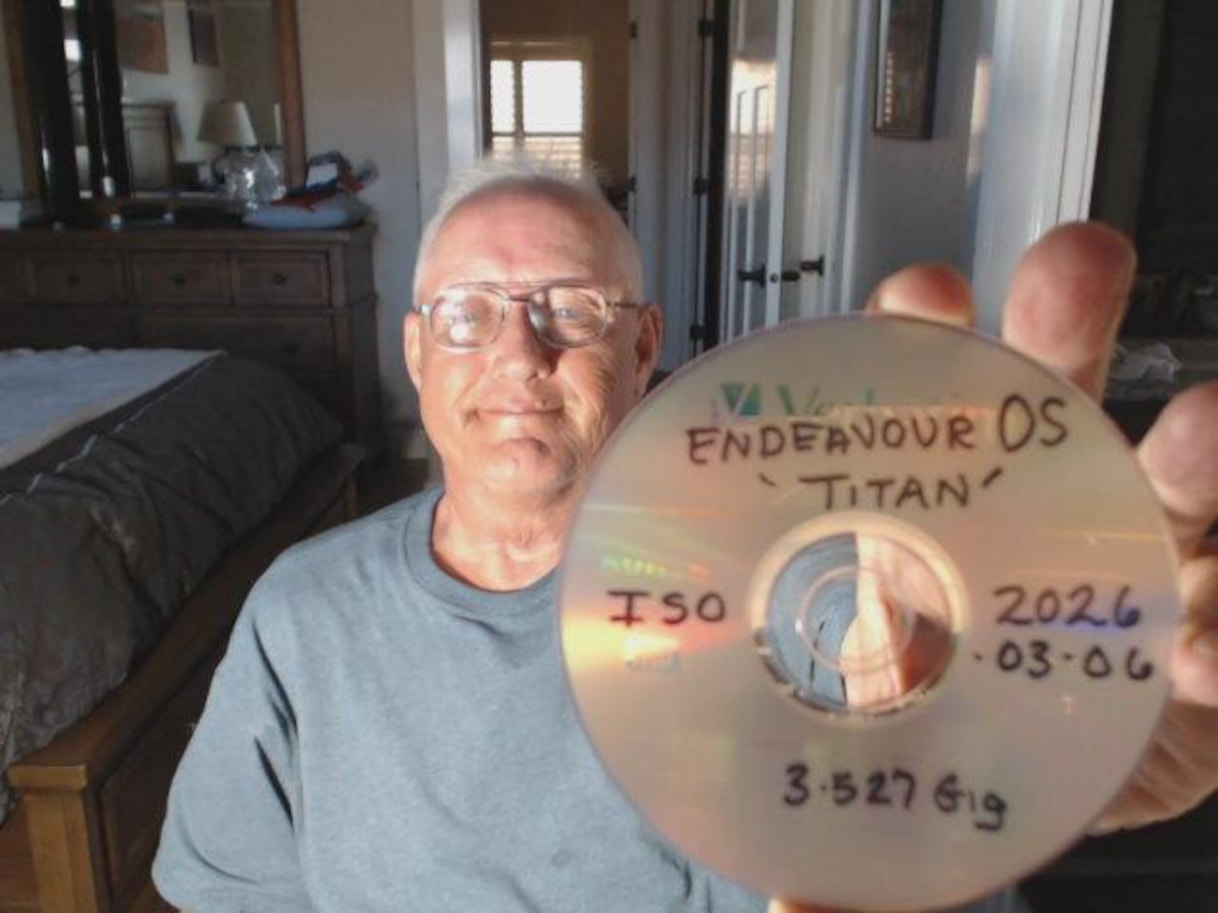

@Bryanpwo Should the extension of the sum512sum downloads to verify the ISO download be changed from EndeavourOS_Titan-2026.03.06.iso.sha512 to EndeavourOS_Titan-2026.03.06.iso.sha512sum?
After renaming the file, I changed the directory to Downloads and was able run:
[xxx@xxx Downloads]$ sha512sum -c EndeavourOS_Titan-2026.03.06.iso.sha512sum
EndeavourOS_Titan-2026.03.06.iso: OK
A  coaster! I’ve not made one of those in quite a while
At the last company I was employed at, I used to spec every system I built with a DVD drive out of habit. It’s sole purpose was installing the OS.
One day the boss asked me, “why do you keep putting a DVD drive in the PC’s? Just use a USB”… 
He had a point 
Oops, I think this was a typo @joekamprad made.
ups 
the fileextension is not needed anyway think.. should be fixed on the webpage ..
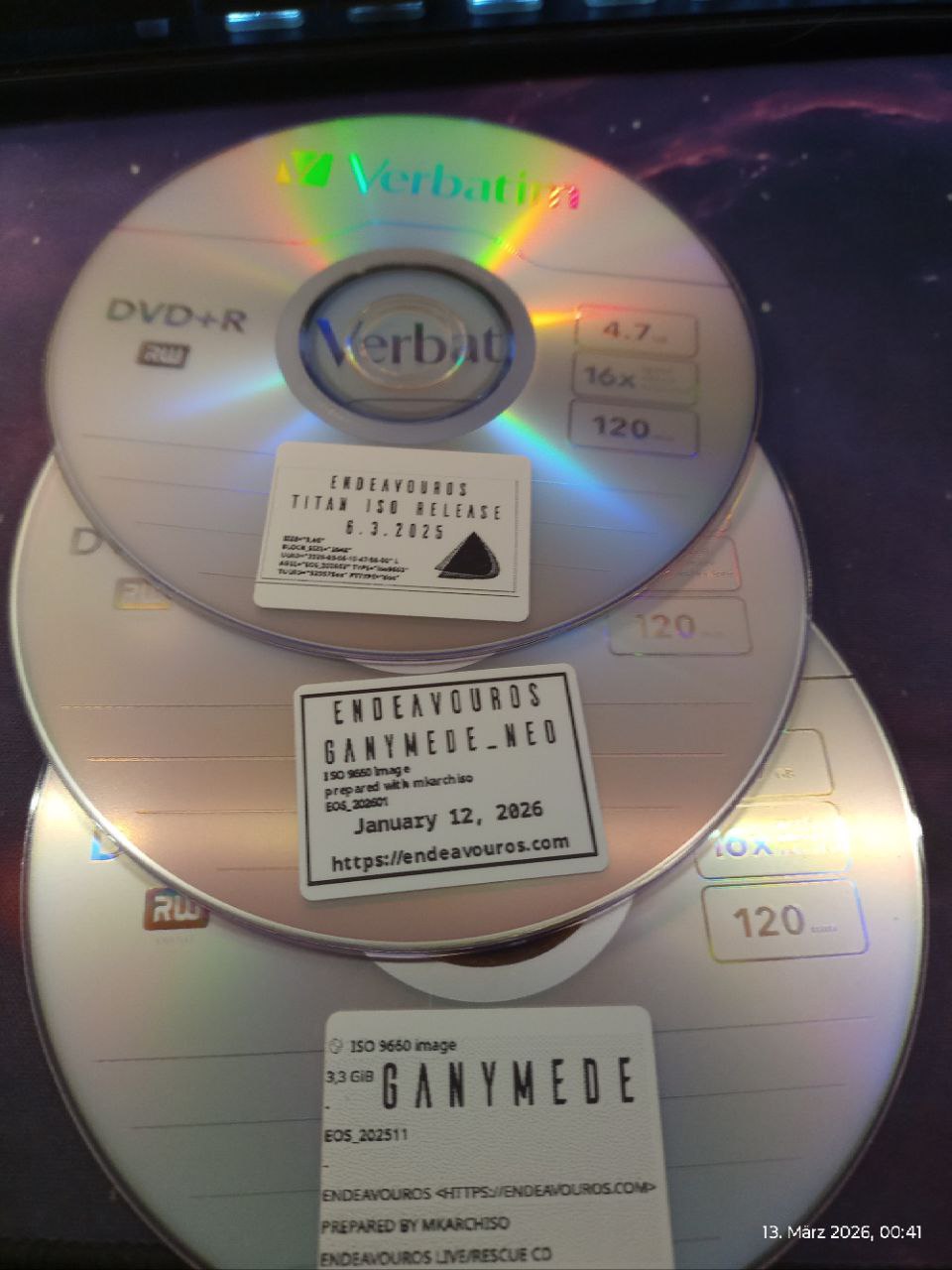
way cool
good to know
that’s the long and short of it

Platinum certified DVD’s from all past releases? Terrific! Definitely a collectors item. . .
Rich 
Kudos for the great work from EOS team. Thanks a ton.
Two questions.
Firstly how do I get that amazing wallpaper.
Secondly burning CDs and DVDs? In 2026? How does that even work? Most of the systems these days have dropped the DVD ROM Drive.
No kidding - I bought a new PC a couple of years ago at Micro Center, and I asked which ones had cases with a bay for an optical drive…and the sales rep chuckled and told me I should attach one via USB if I needed it
To be fair…the only thing I’ve actually personally used the optical drive for in the last 5+ years is reinstalling one of the Sims games from back in the day!
Русскоязычная версия 
The word is out…
Maybe an alias in ~/.bashrc could help:
alias isochk='sha512sum -c $(ls -1 *.iso.sha* | fzf)'
Then command
isochk
in the correct folder should do the job. Note that package fzf is needed.
Thank you for your hard work in providing another great update to EndeavorOS.
Love the new wallpaper by the way.
I have a blueray writer in my own build desktop pc and use it for backing up important data on archival type M disc. Old fashioned maybe but secure and not sitting in “the cloud” on someone else’s server.
Thank you for this release 