Did it work at last?
no working 
when i connected now i see my iphone here but not found
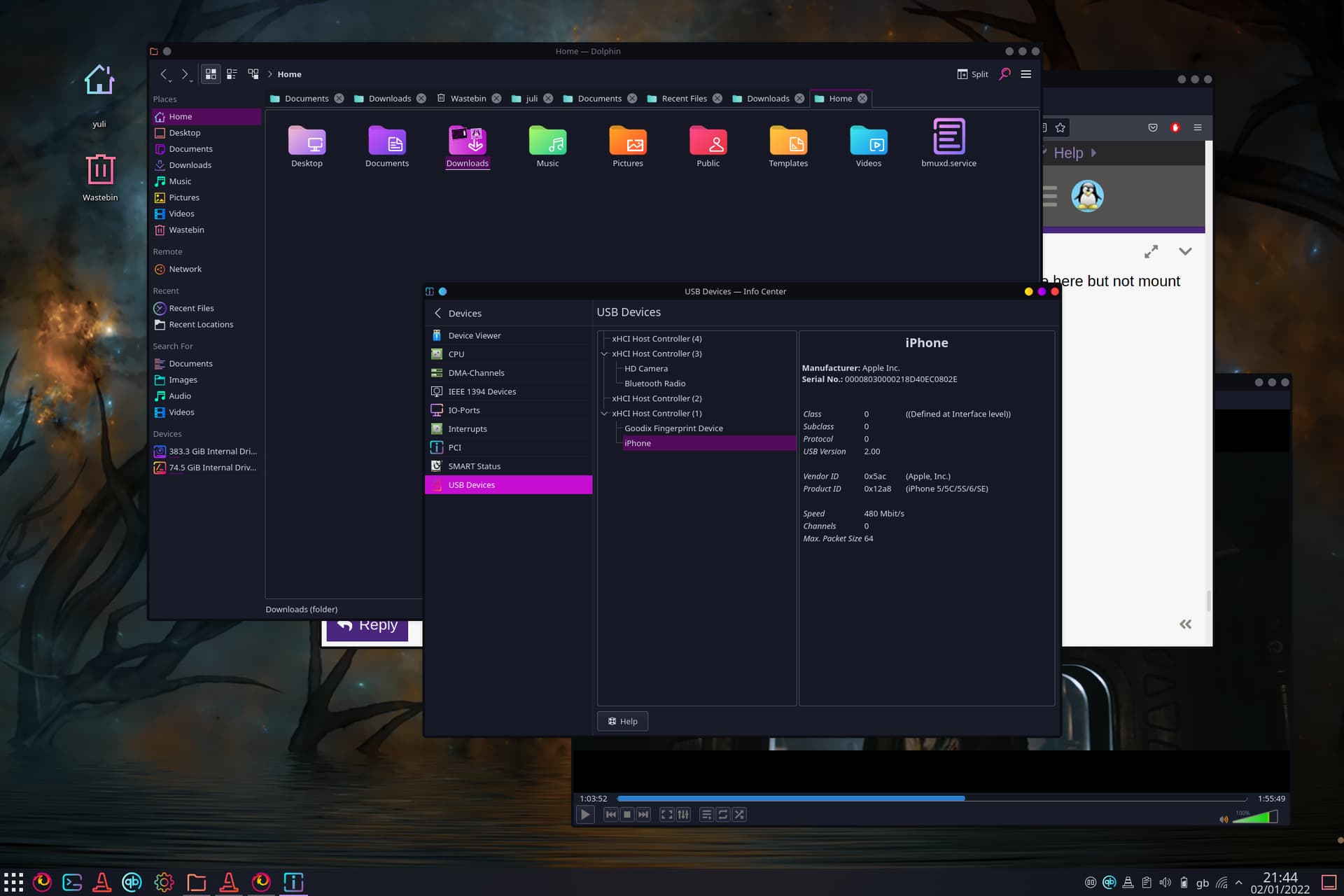
on devices
You still haven’t bothered to create the iPhone directory in your Home.
You can’t use it as a mountpoint if it doesn’t exist.
I already pointed this out:
Even the 2-year-old tutorial from itsfoss has creation of the ~/iPhone directory as Step 4. The dmesg | grep -i iphone command from the third post you made in this thread doesn’t come until Step 6, and the ifuse ~/iPhone command is Step 7.
Why didn’t you create the directory?
I’m out. Good luck.
yes i created directory but i cant see it
home/yuli/iPhone’: File exists
when i go on this dir there is no file iPhone
Click on your file manager to bring it into focus, and then hit F5 to refresh it. Or just close the file manager and reopen it.
Do you see the iPhone directory after doing this?
i do this but still nothing i check just in case hidden folders as well and nothing there with name iPhone very strange
That is indeed strange.
Does it show in a terminal with ls -a?
cannot access ‘iPhone’: Input/output error
 bmuxd.service  Documents    .gtkrc-2.0   .local    .profile                   .var
..             .cache         Downloads    .gtkrc-xfce  .mozilla  Public                     Videos
.bash_history  .config        .fonts.conf  .icons       .mplayer  .sudo_as_admin_successful  .Xauthority
.bash_logout   Desktop        .gnupg       iPhone       Music     Templates
.bashrc        .dmrc          .gphoto      .kde4        Pictures  .themes
Please format the output text by highlighting it and clicking on </>.
Well, the directory is there. Why it doesn’t show up in your file manager is confusing, and the input/output error seems to suggest some kind of corruption.
Can you remove it via terminal?
rm -r ~/iPhone
Does that give any errors? If not, try ls -a again to verify it’s gone.
cannot remove
cannot remove '/home/yuli/iPhone': Input/output error
still there
I was afraid that might be the case.
You may have some bad blocks on your drive. However, the fact that this happened at this exact moment, with that exact directory, makes me think it’s probably not a hardware failure. For some reason, though, that directory seems to be corrupted.
Try rebooting, and see if you get any errors during the boot. Maybe a reboot will actually fix this - reboots can fix a lot of strange things - maybe not. But I would certainly try a reboot first.
after reboot finally i see folder iPhone on my home dir
but when i reboot i see this as well
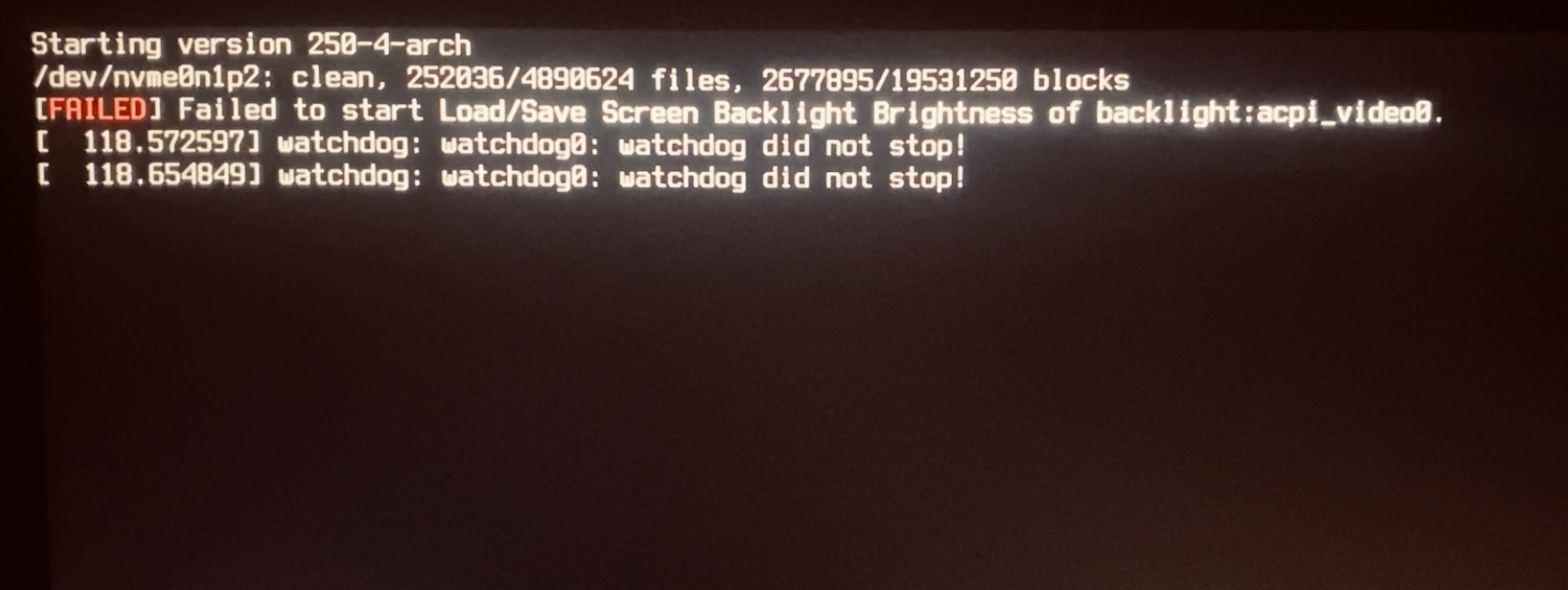
Well, those are two entirely different things.
If the watchdog is causing you problems, then a shutdown or reboot would hang for about 90 seconds; if that’s not happening, you can consider those messages harmless.
The backlight acpi error may or may not be a problem; if you’re not seeing any issues, you can either not worry about it or open another thread on it.
The good news is that you now can see, and hopefully use, the ~/iPhone directory. So if you connect your iPhone now, does it show up properly?
yes when i connect my iPhone i finally have access to my folders on my phone, thank you very much
I apologize for assuming earlier that you had not created the directory. That was a strange thing that happened there.
everything is fine,i apologize because i take too much time for that,thank you.
I think the problem is because before had installing Mint and when i preinstall i just mounted my second partition with
/home
and after install some folders of previous Mint still existing on dir /home and some folders is duplicate like here
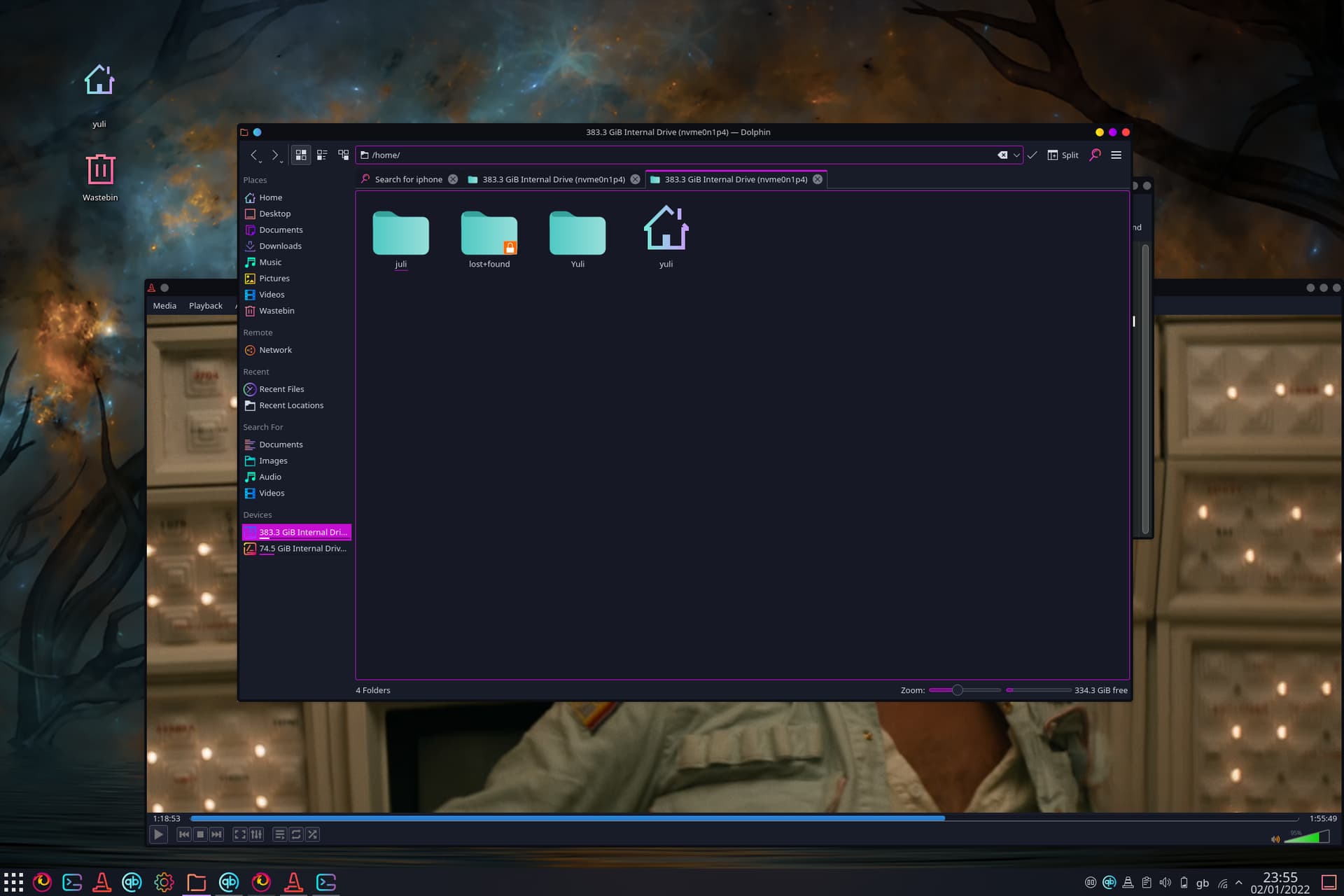
I think you might be right about that.
Anyway, I’m happy to hear that the iPhone is connecting properly now. Have fun!
Cheers 