Luckily I still had what I used to make this, just put it together for you.
Wallapaper? How it releated?
I use wallpapers from pling.com, wallhaven.cc and unspash.

Have a look at who he was replying to
I used before KDE Plasma and don`t know how better switch to WM. It is new experience for me.Also I seen about tiling in WMS. Is it possible, manually change position of windows, for example, Window1 and Window2 will have take screen in 1:3 ?
+I want to use slideshow in desktop,which will be use
And how seacrh different linux shells in the search engine? I mean shells as Noctalia shell, Material Shell. I just don`t know how formulate question or which website open.
Anybody here uses quickshell?
I currently use Noctalia Shell, but their newest version (still in alpha) is being rewritten entirely in C++.
oh so no way we just add it to installer for now ..
hmm my wm  joewm
joewm
sad no wayland
I’d lob for DMS anyway.
Even better, it’s in standard Arch repo, not just AUR like Noctalia 
yes it do not need anything in the installer to use that.. you can install without Desktop and run the script from TTY after booting into it.
And yes this is a complete ready to use Desktop on niri very fancy smooth and seems well maintained.
KDE Plasma
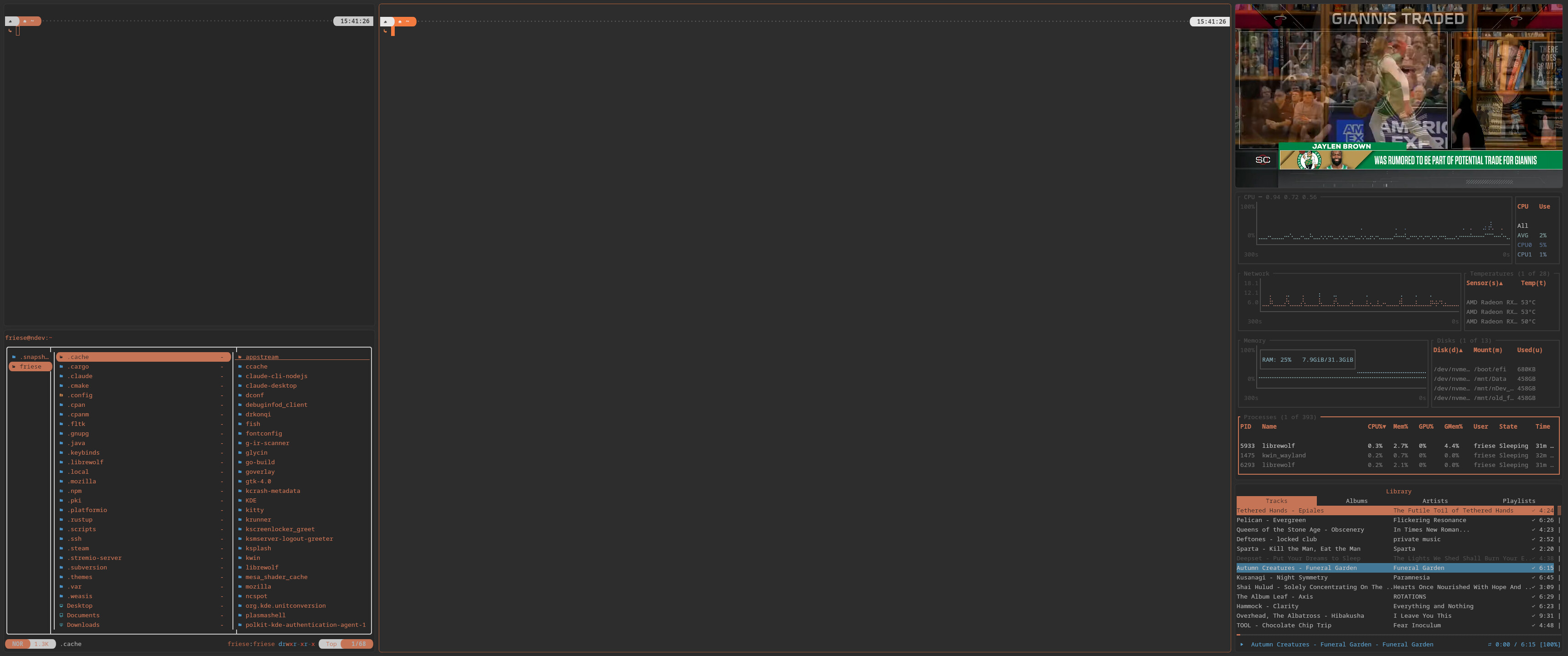
with plenty of (static) windows rules applied.
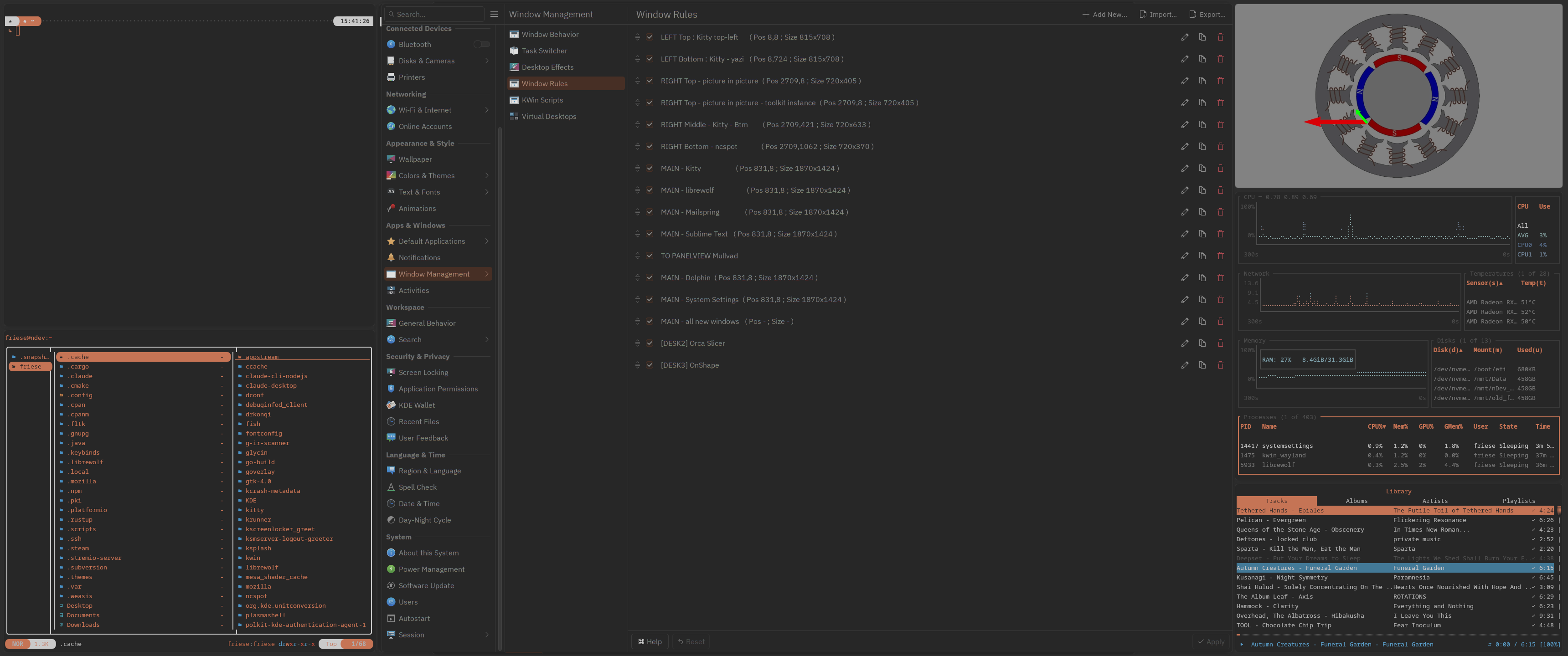
Left top : Small kitty instance running the fish shell with the tide prompt (launched via auto start)
Left bottom : yazi running in a dedicated kitty instance (launched via auto start)
Center : Main window placement, there is always an larger kitty instance running. Zone for browser and other application windows.
Right top : dedicated zone for the pop out video player of librewolf / firefox, roughly 720 wide
Right middle : btm running in a dedicated kitty instance (launched via auto start)
Right bottom: ncspot running in a dedicated kitty instance (launched via auto start)
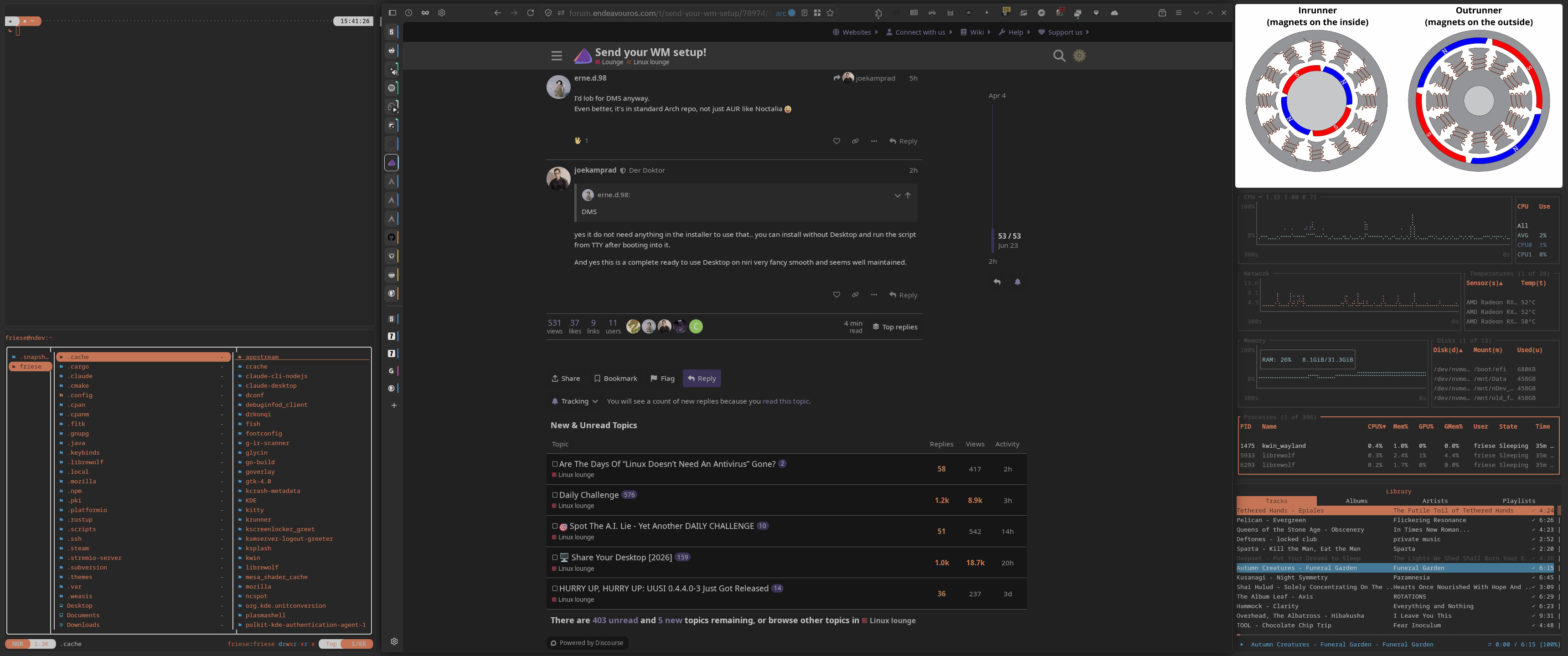
I do use an 34" ultrawide screen, the middle section / main area is roughly 1920 x 1440.
It’s a (static) tiled layout, not perfect and there are some annoyances. But I’ve got used to it.
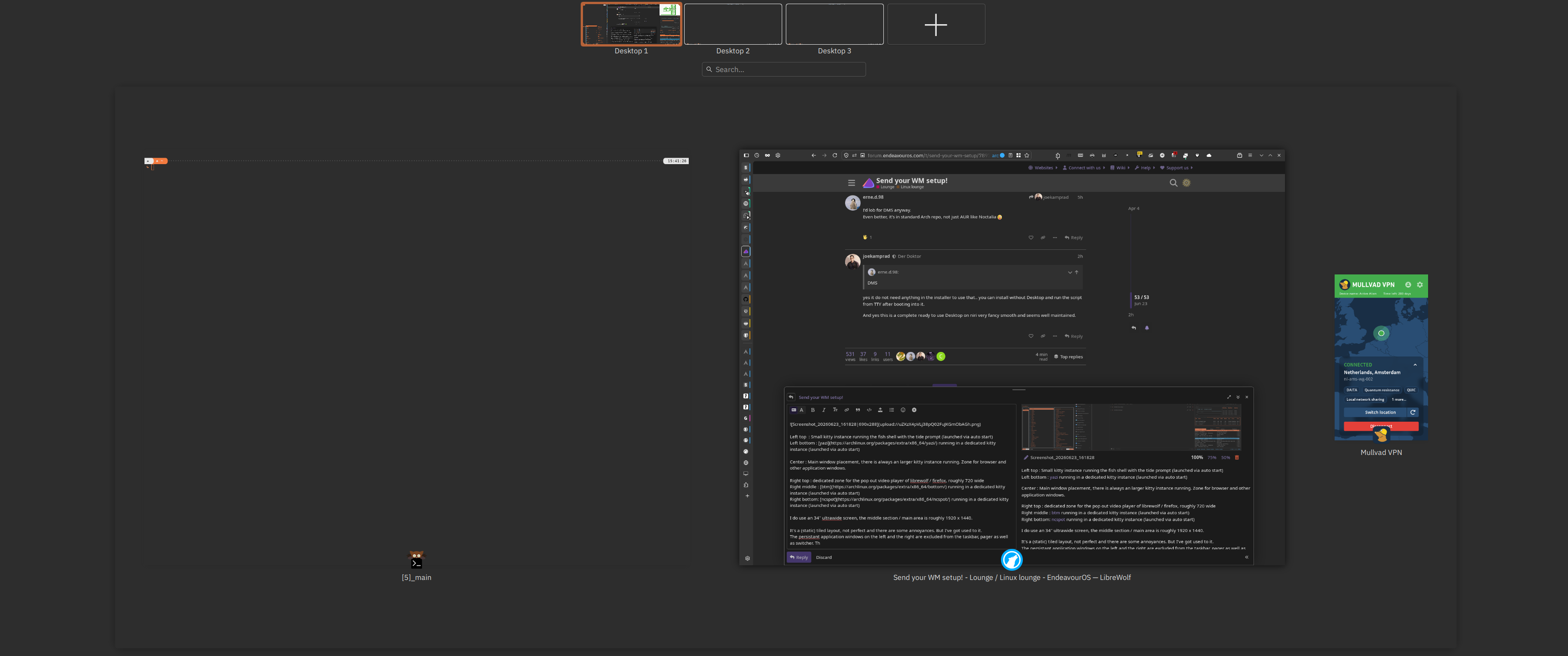
The persistant application windows on the left and the right are excluded from the taskbar, pager as well as switcher. And no window decorations on these. Thus only the main application are listed.
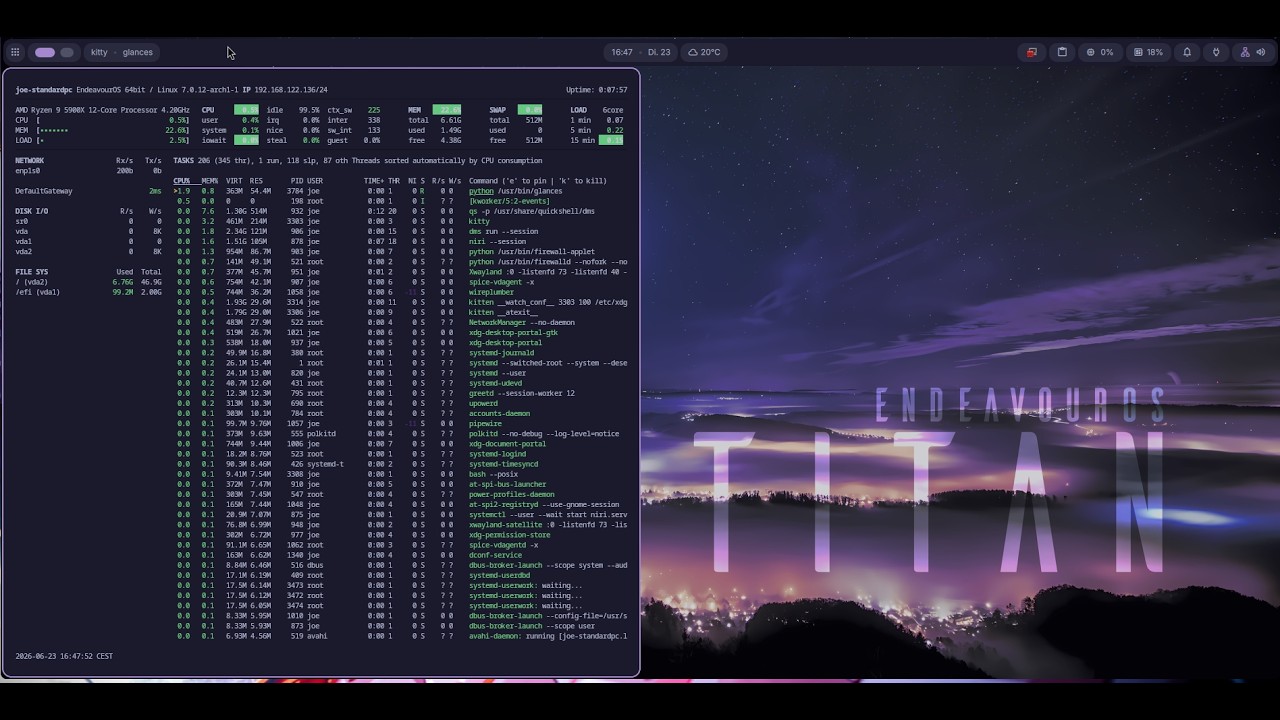
Interesting, might be worth a shot for trying out niri as a scrolling window manager instead of a tiling one.
Only question would be if it could coexist with KDE Plasma ?
Unfortunately, the stable version is in maintenance mode, so it’s only getting bug fixes. It’s really good, though.
As far as DMS goes, it’s also very good (used it with Sway before jumping to Hyprland/Noctalia). But it sometimes requires the -git version (AUR) of quickshell for some of its functionality.
the default sway also misses some nice fatures you get with swayfx… all these things really moving parts ..
Wow! Tpday ! I think I try noctalia and describe my feelings later!
FYI, there are several ways to install Noctalia.
Beware which package you choose.
noctalia-shellis the current stable version (v4), based on Qt and Quickshell. It entered maintenance mode some time ago and is soon to be deprecated;noctaliais a new version (v5), currently in beta. It’s a major rewrite in C++, much lighter on resources.
As far as I know, both versions can be installed and used independently, since they are not in conflict.