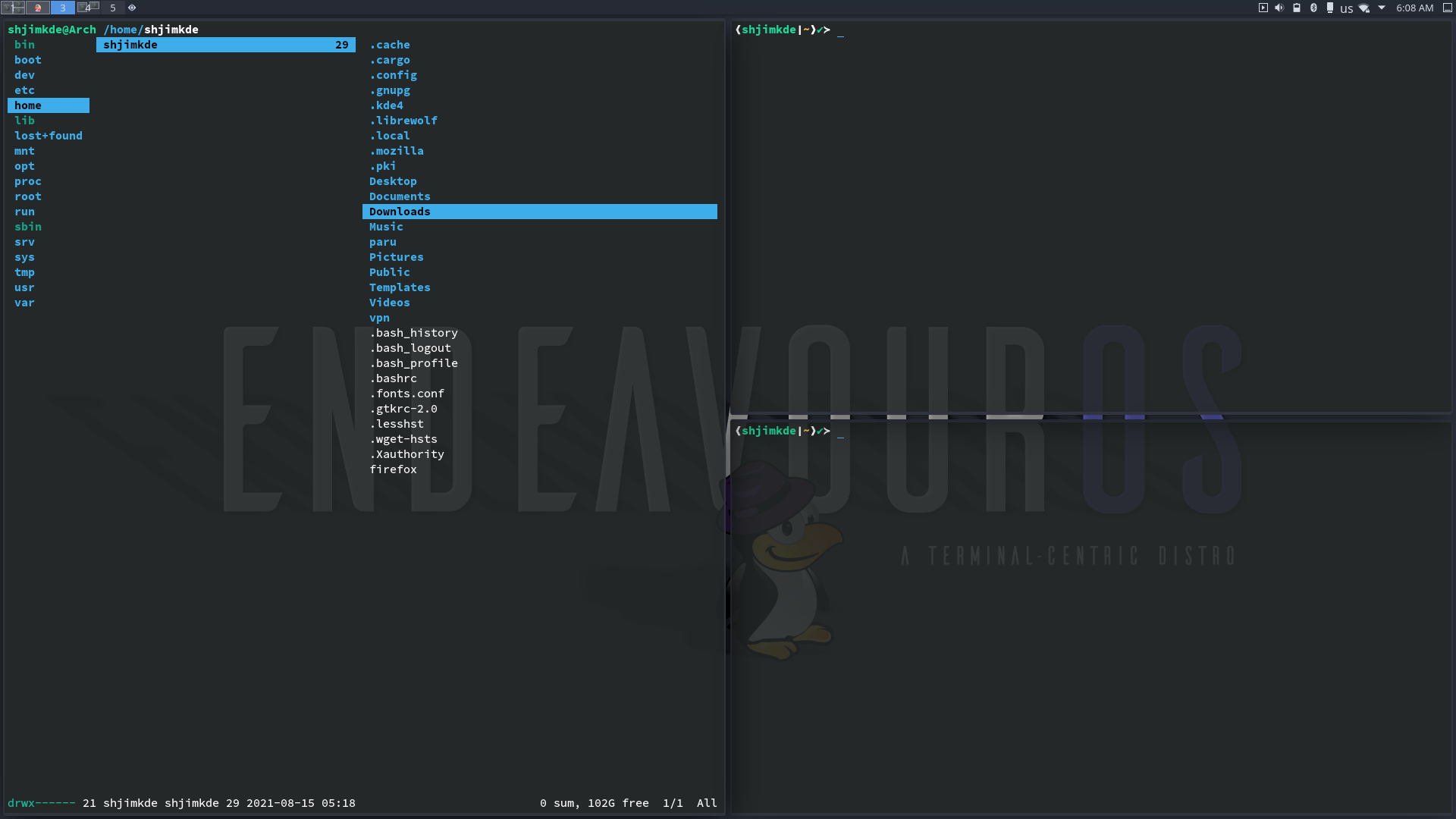
Thanks for the details - I knew it wasn’t much like Perce (in Quebec) - but I had no idea where it might be! Here’s Perce, BTW:
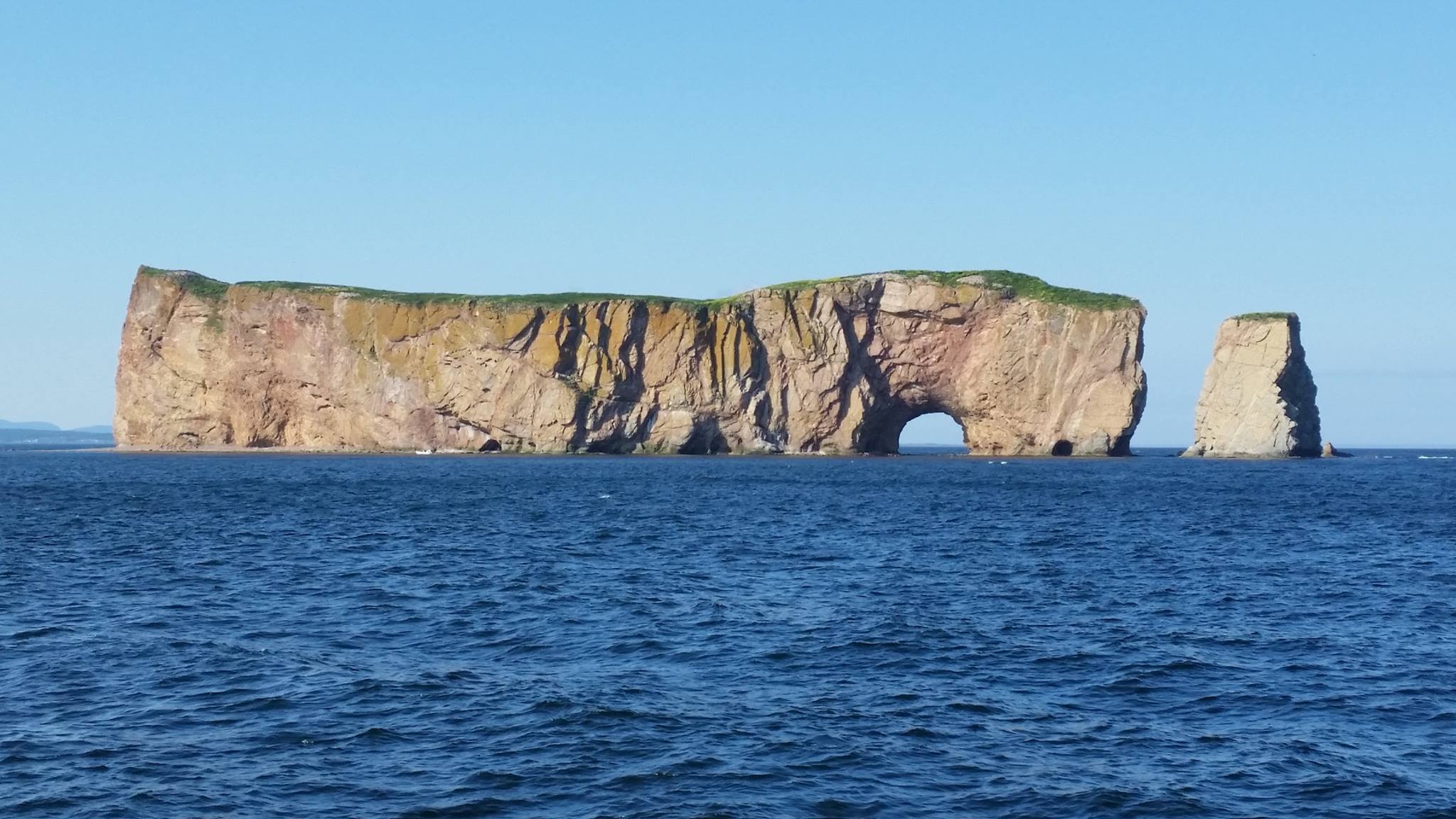
Thanks for the details - I knew it wasn’t much like Perce (in Quebec) - but I had no idea where it might be! Here’s Perce, BTW:
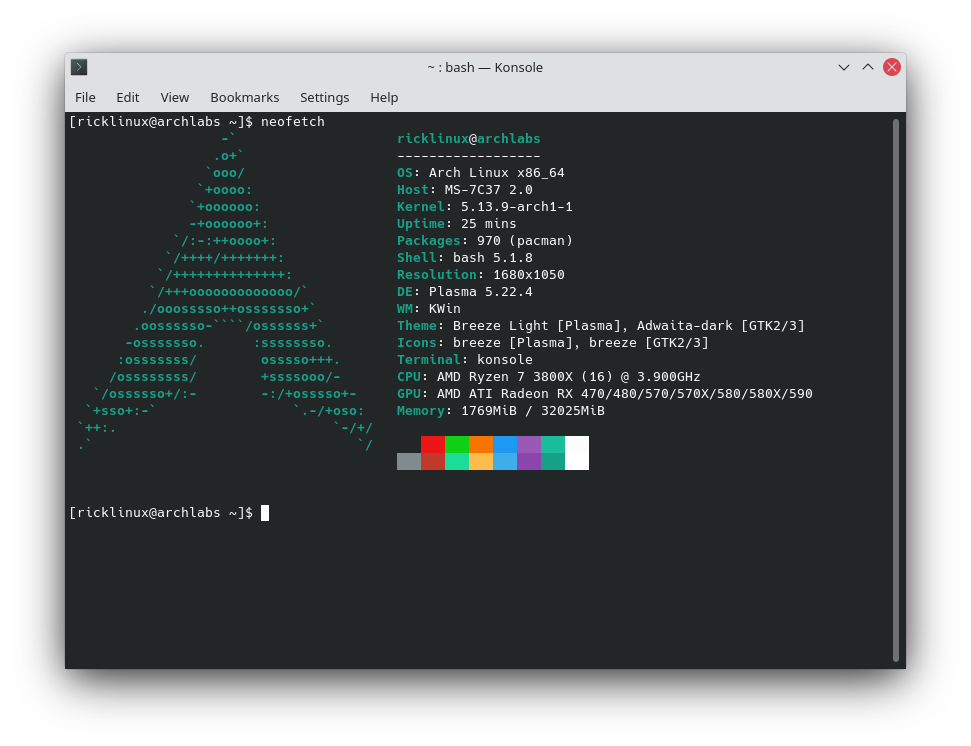
I went the Archlabs way this time! 
Yes, saw that! Nice!
Packages loaded only 623? Must be empty?
Edit: Took minimal Archlabs install then added about 20 packages.
Edit:
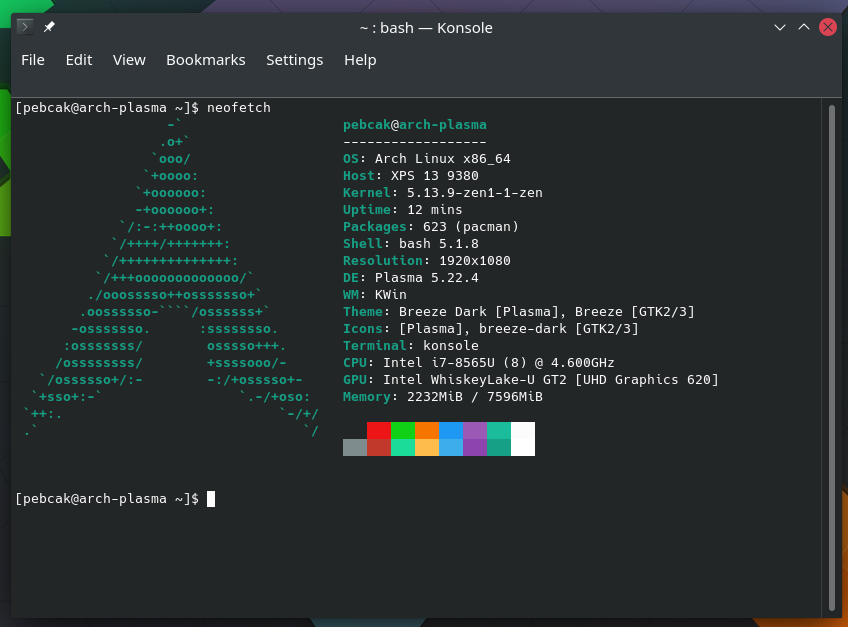
Desktop: KDE Plasma 5.22.4 tk: Qt 5.15.2 wm: kwin_x11 vt: 1 dm: SDDM Distro: ArchLabs Linux base: Arch Linux
It feels so.
Truth is I went Budgie but I don’t know what happened. Things weren’t functioning properly. My own fault surely. Went minimal and perhaps crucial stuff were lacking.
Then I removed, hopefully almost everything, budgie/gnome related and installed Plasma on top of the same install.
@ricklinux
What is the name of KDE’s screenshot app?
edit: Never mind. Found it: Spectacle!
Spectacle
think i join  fun
fun  no sure !! . i give it time

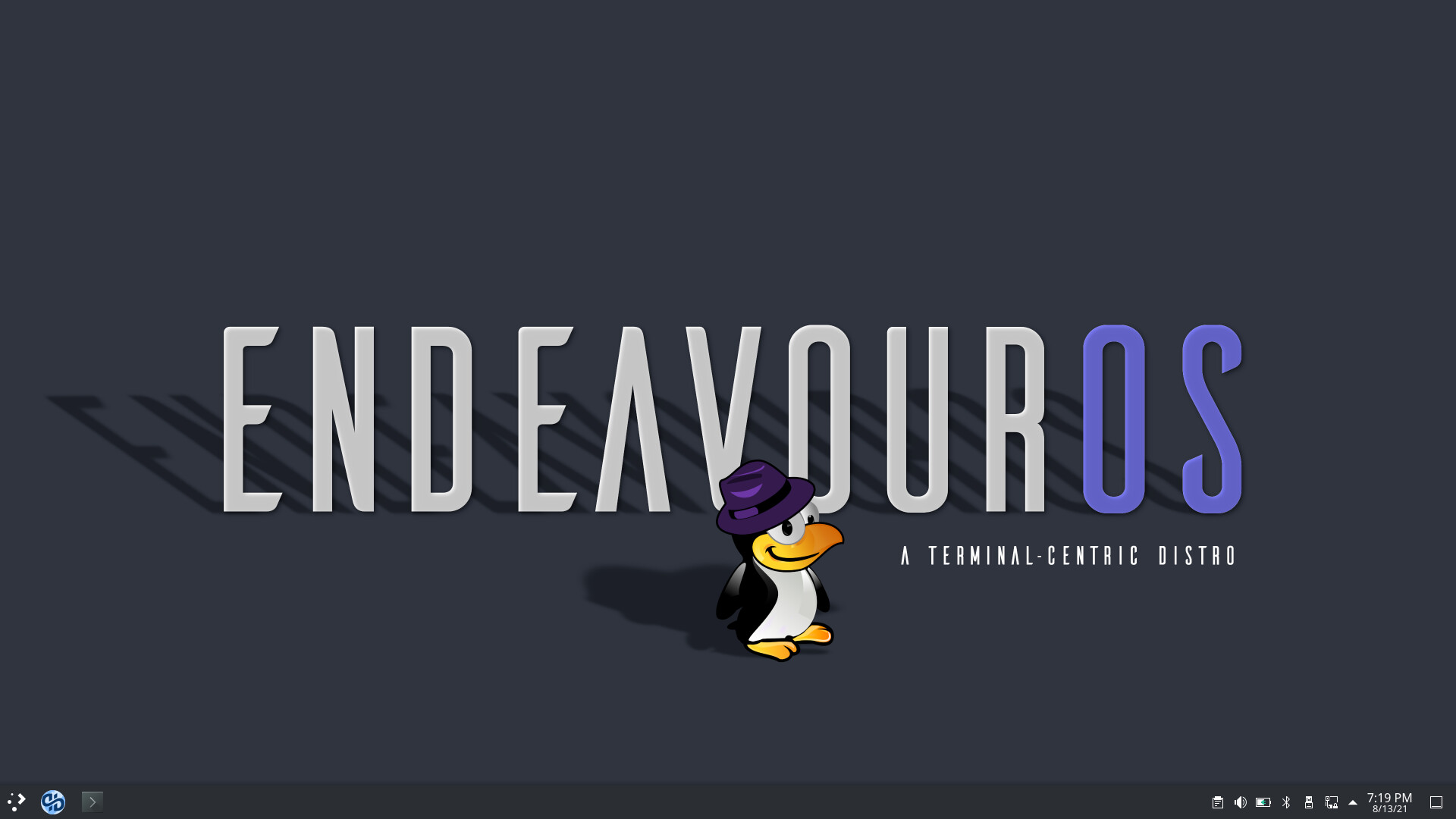
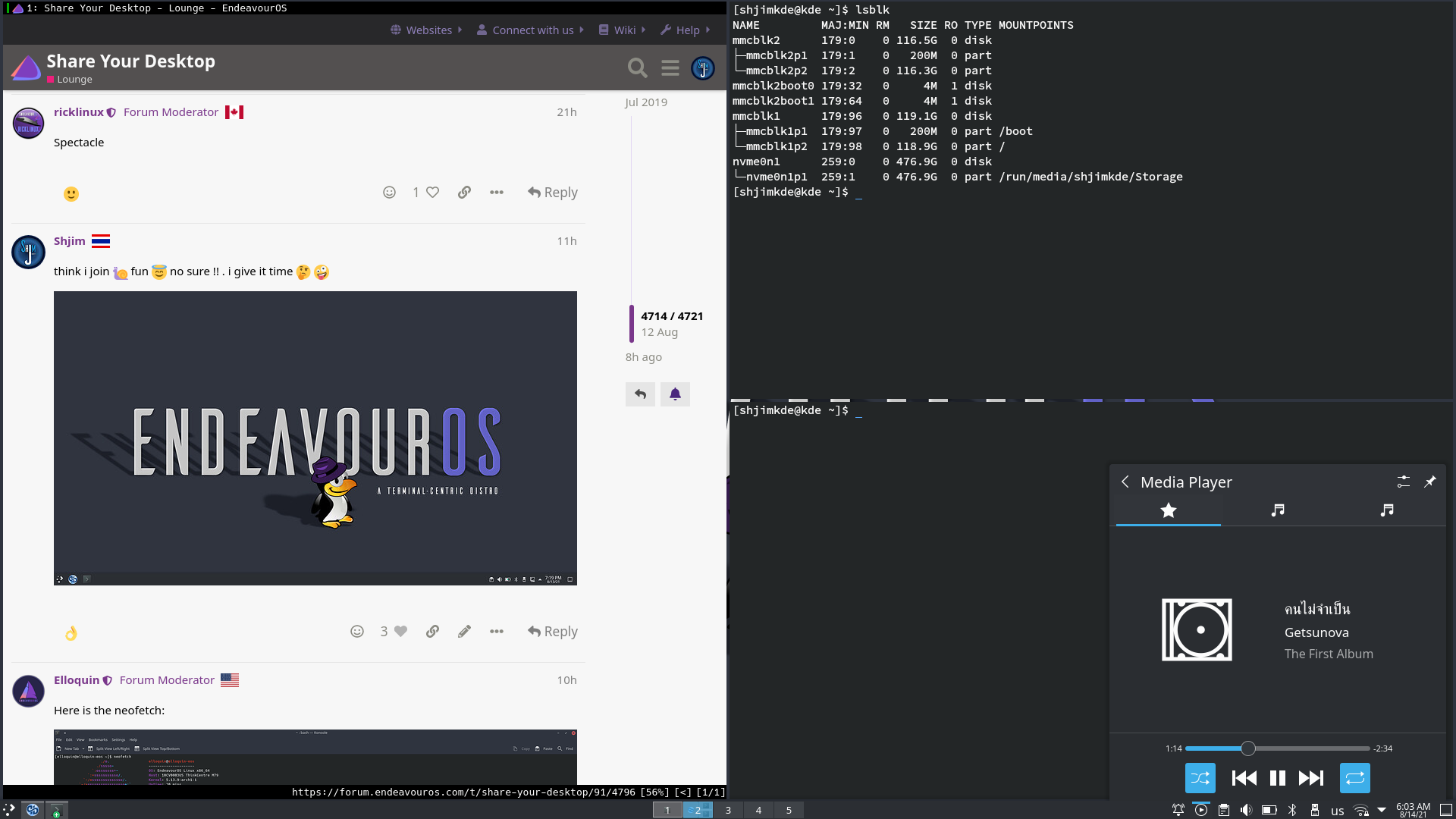
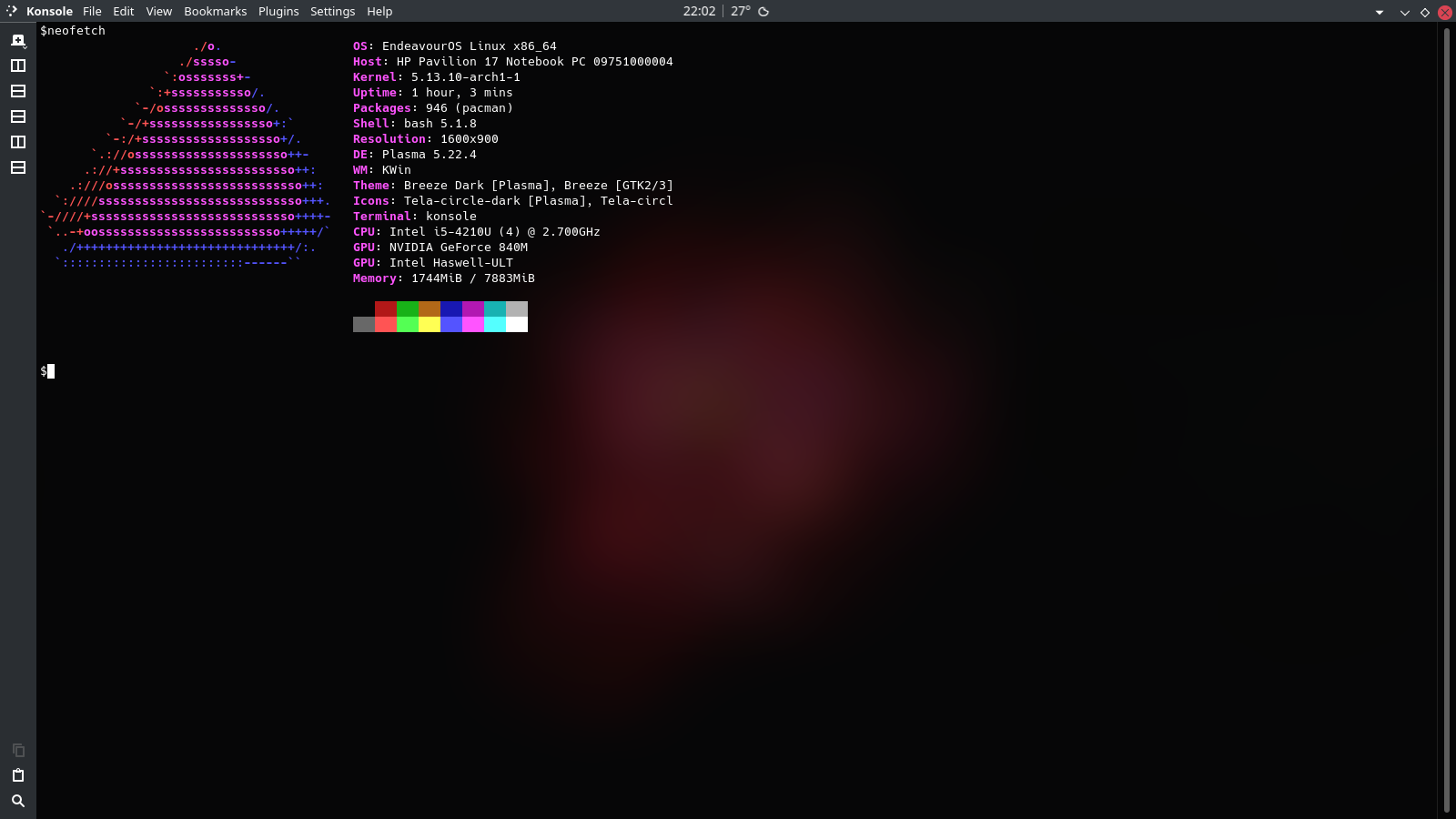
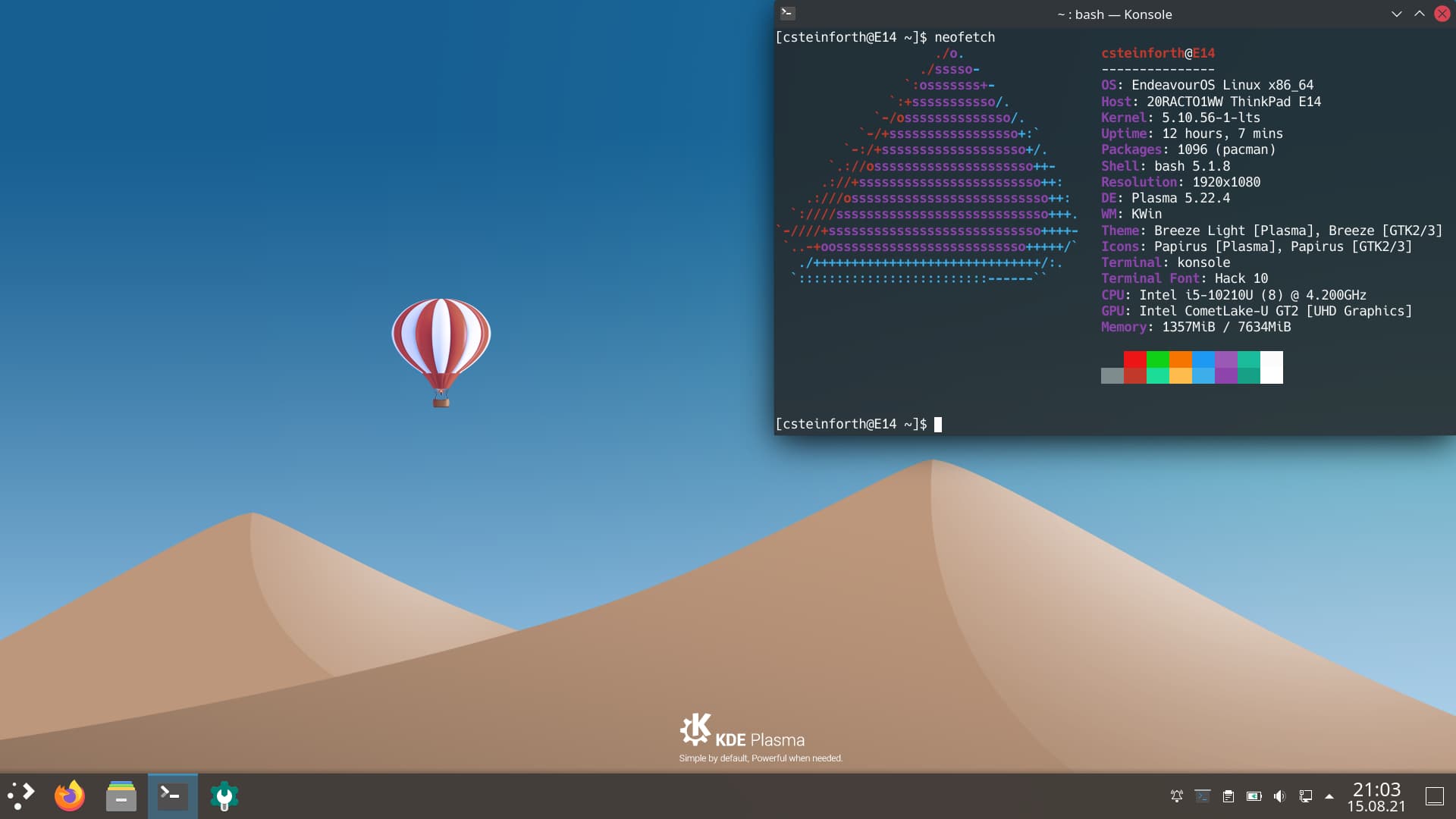
Here is the neofetch:
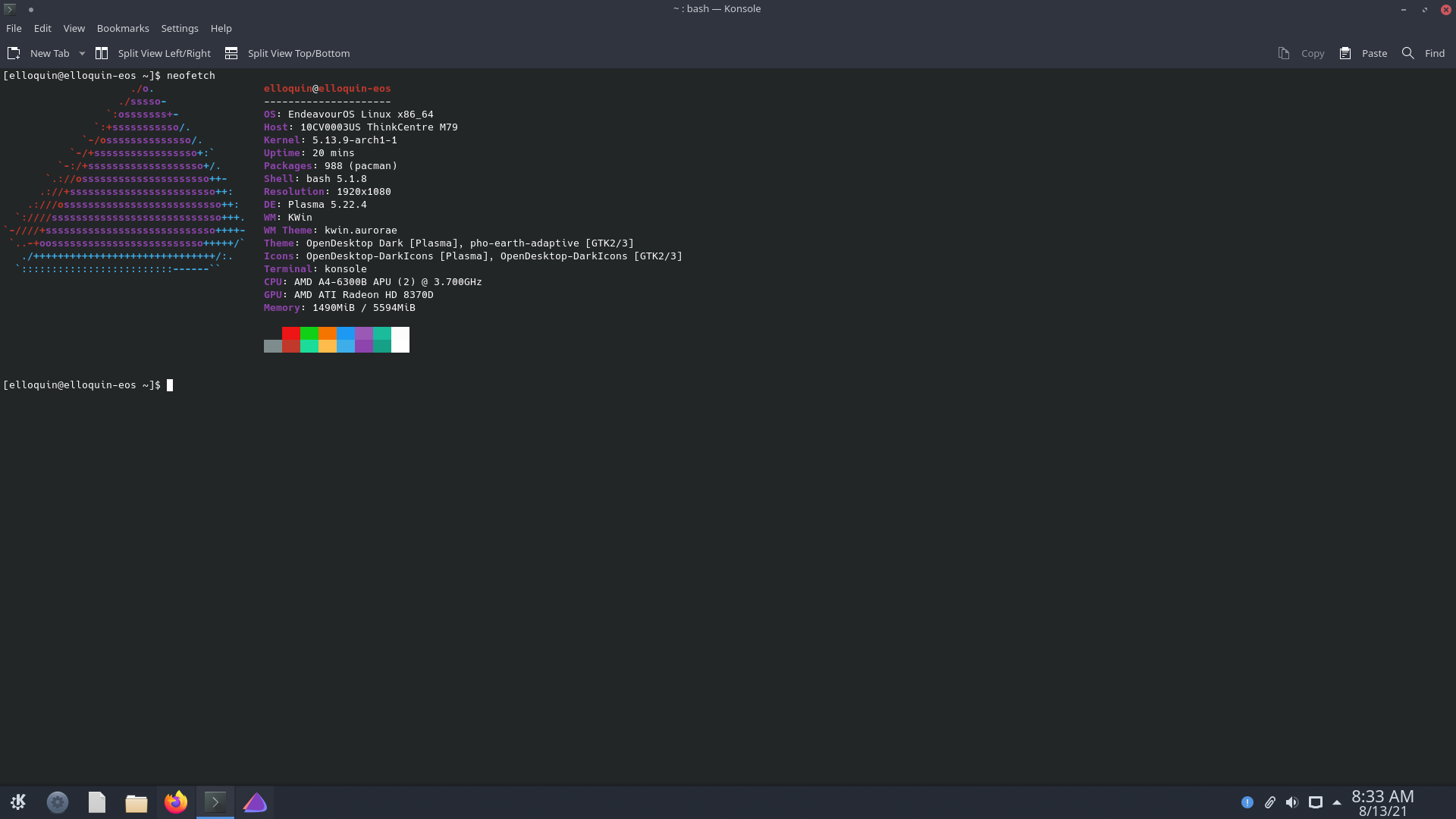
Kvantum here (it is already a theme if Kvantum manager is installed. just change.:
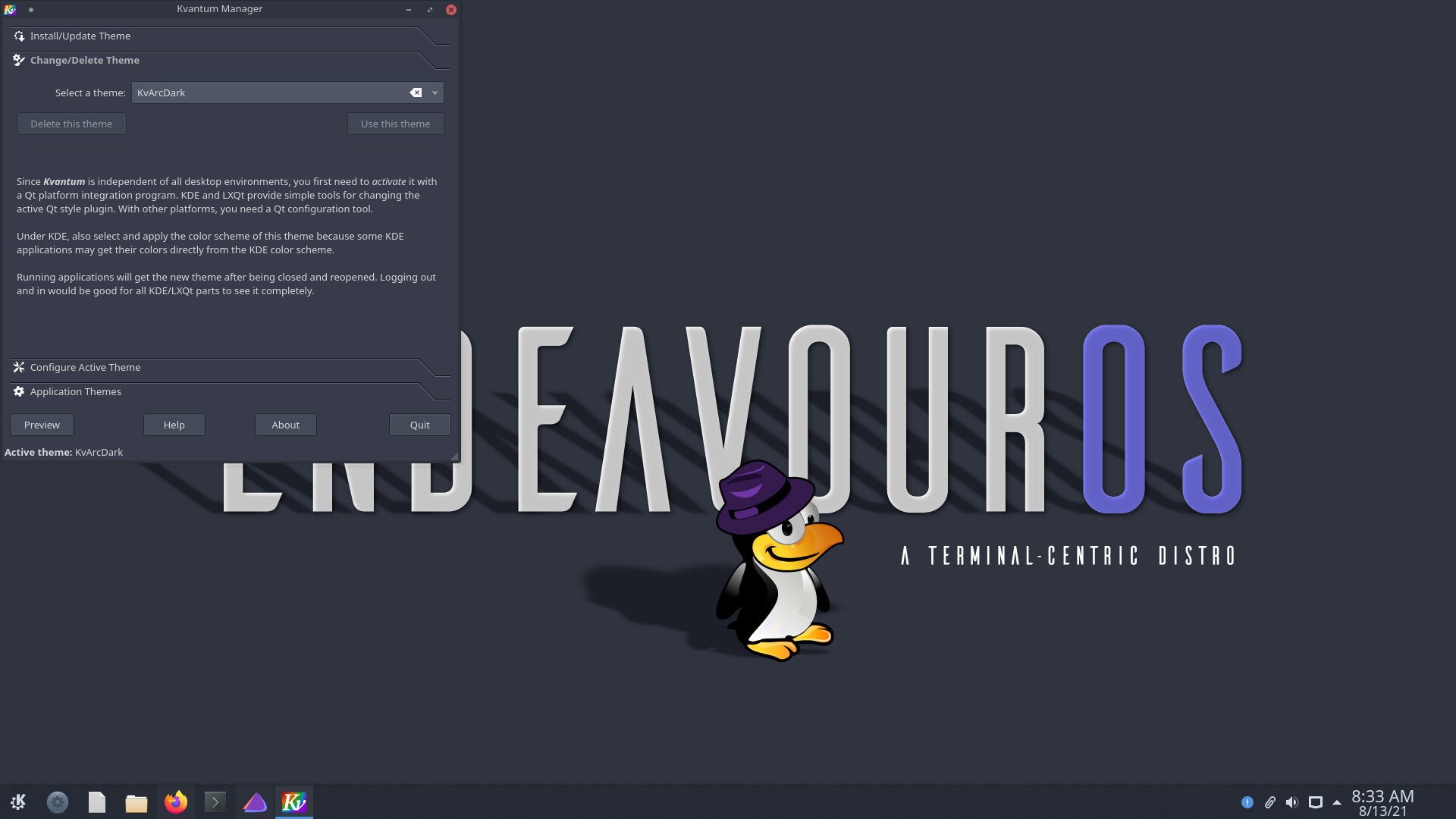
This theme (opendesktop) also nice (no Kvantum tho…arc one might be ok.:
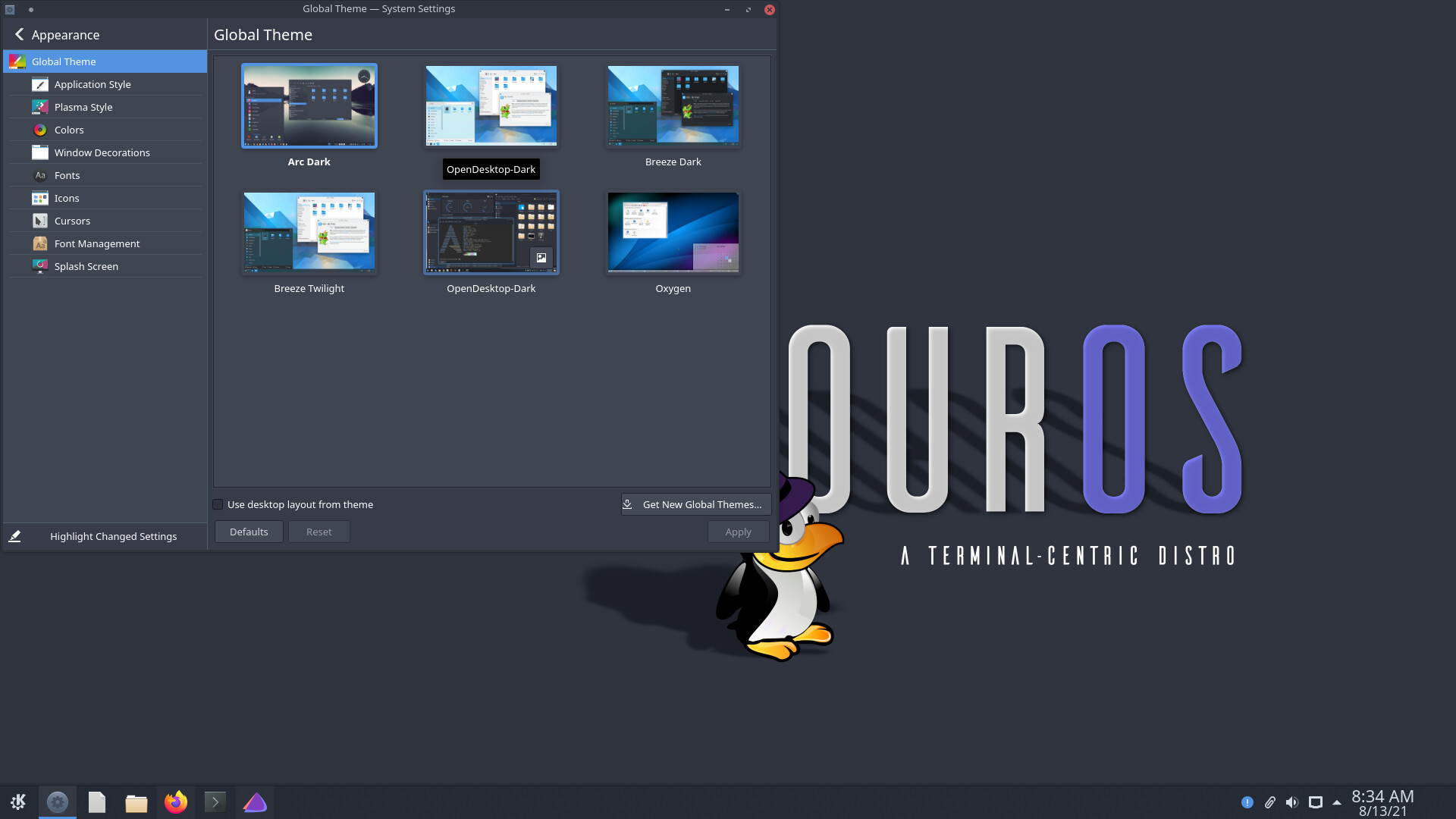
 what that tiling for kde. feel i go backwards ( i try give fair go )
This part important if you want to use gaps or other settings.
Enabling User-Configuration

It is reported that a manual step is required to enable user configuration of KWin scripts. This is a limitation of KWin scripting.

To enable configuration, you must perform the following in command-line:

mkdir -p ~/.local/share/kservices5/
ln -s ~/.local/share/kwin/scripts/krohnkite/metadata.desktop ~/.local/share/kservices5/krohnkite.desktop

A configuration button will appear in KWin Scripts in System Settings.

config button shown

To make changes effective, the script must be reactivated:

    On KWin Scripts dialog, untick Krohnkite
    Apply
    tick Krohnkite
    Apply
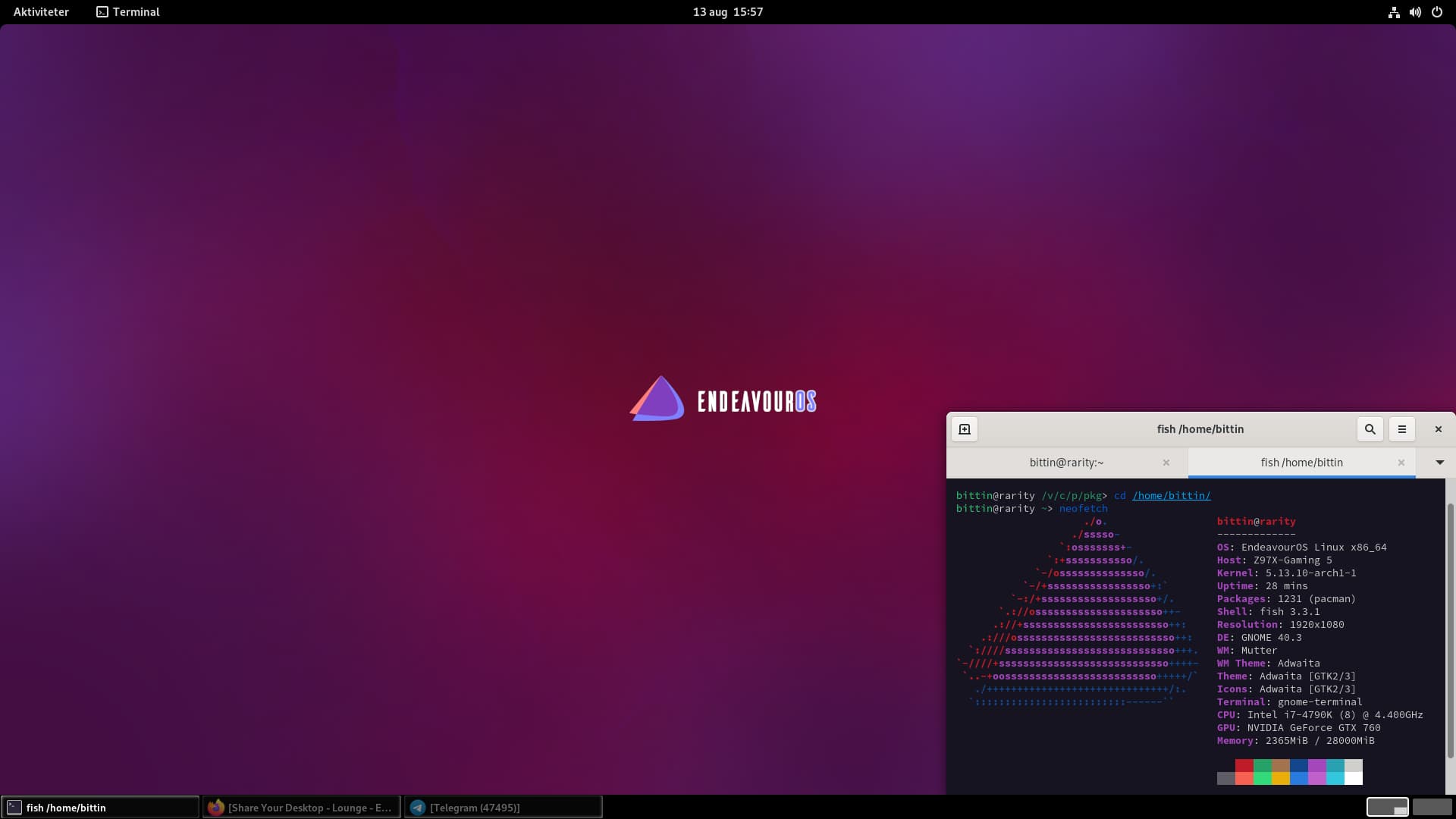
Pretty standard
I just replaced the default icon theme with MB-Plum-Suru-Glow (it’s almost a complete icon set and I think it goes with the EnOS colors) and replaced the mouse with the theme Bibata-Modern-Ice. I didn’t do much customization because I love what default EnOS XFCE gives me.
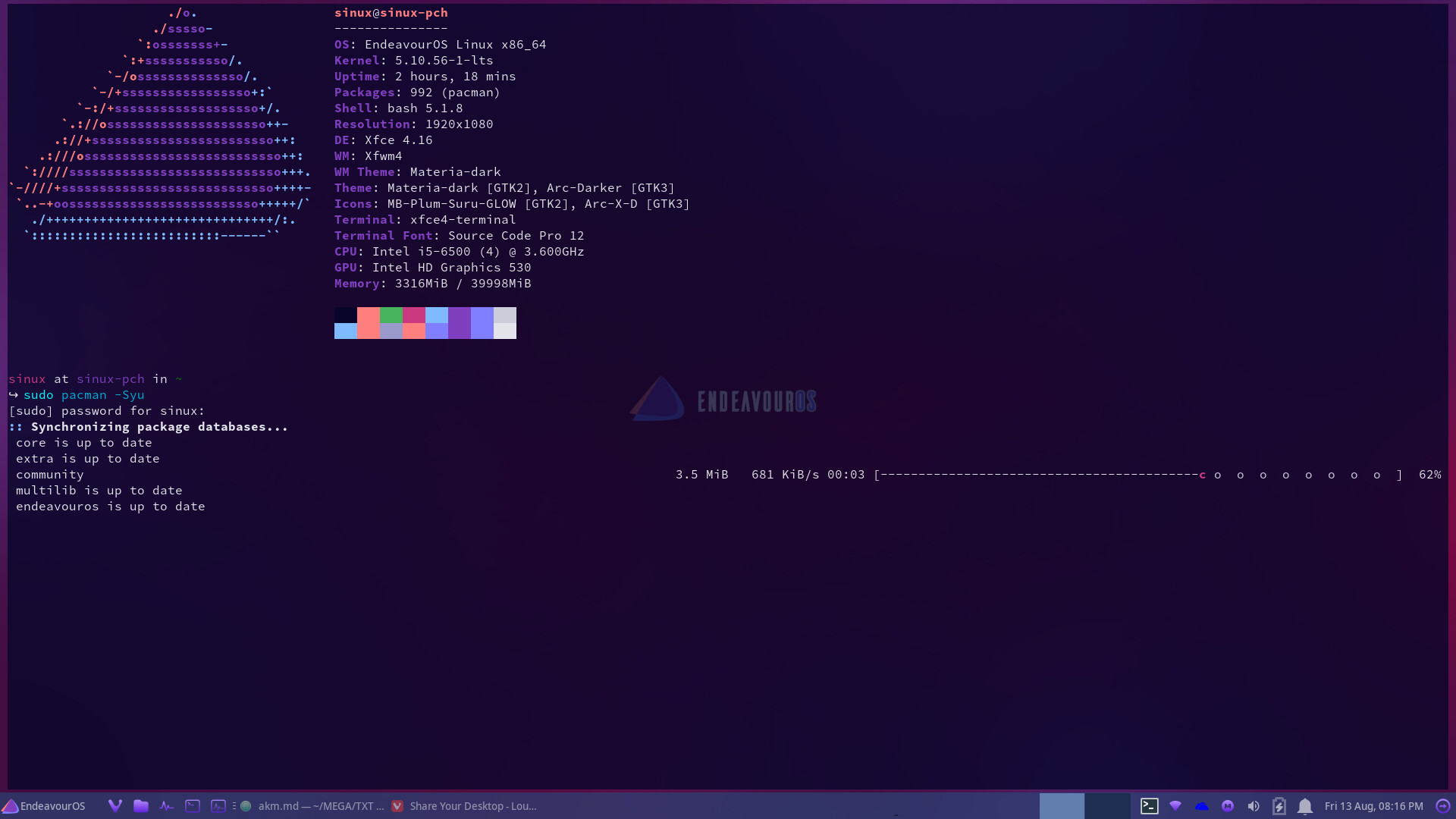
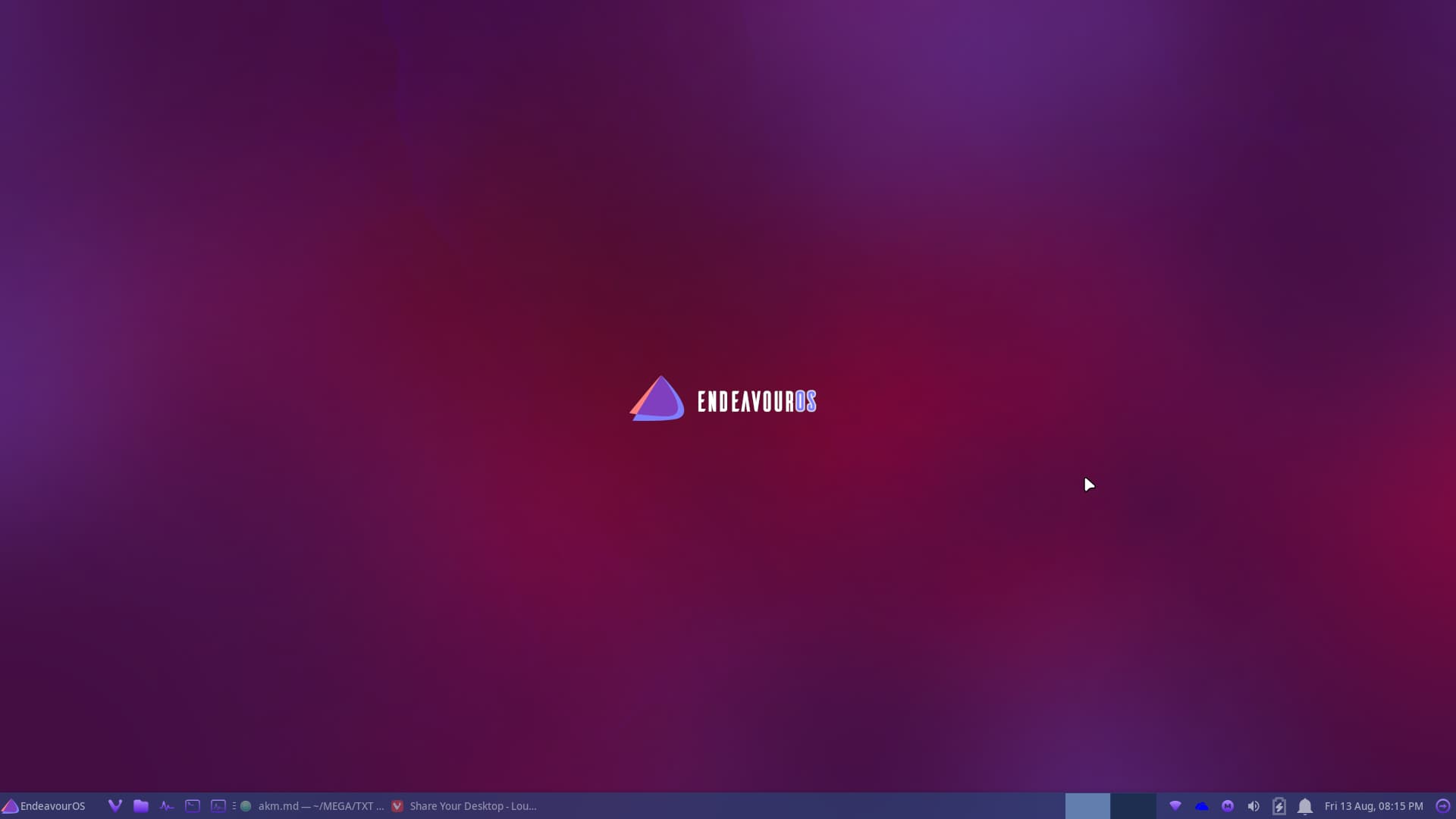
KDE
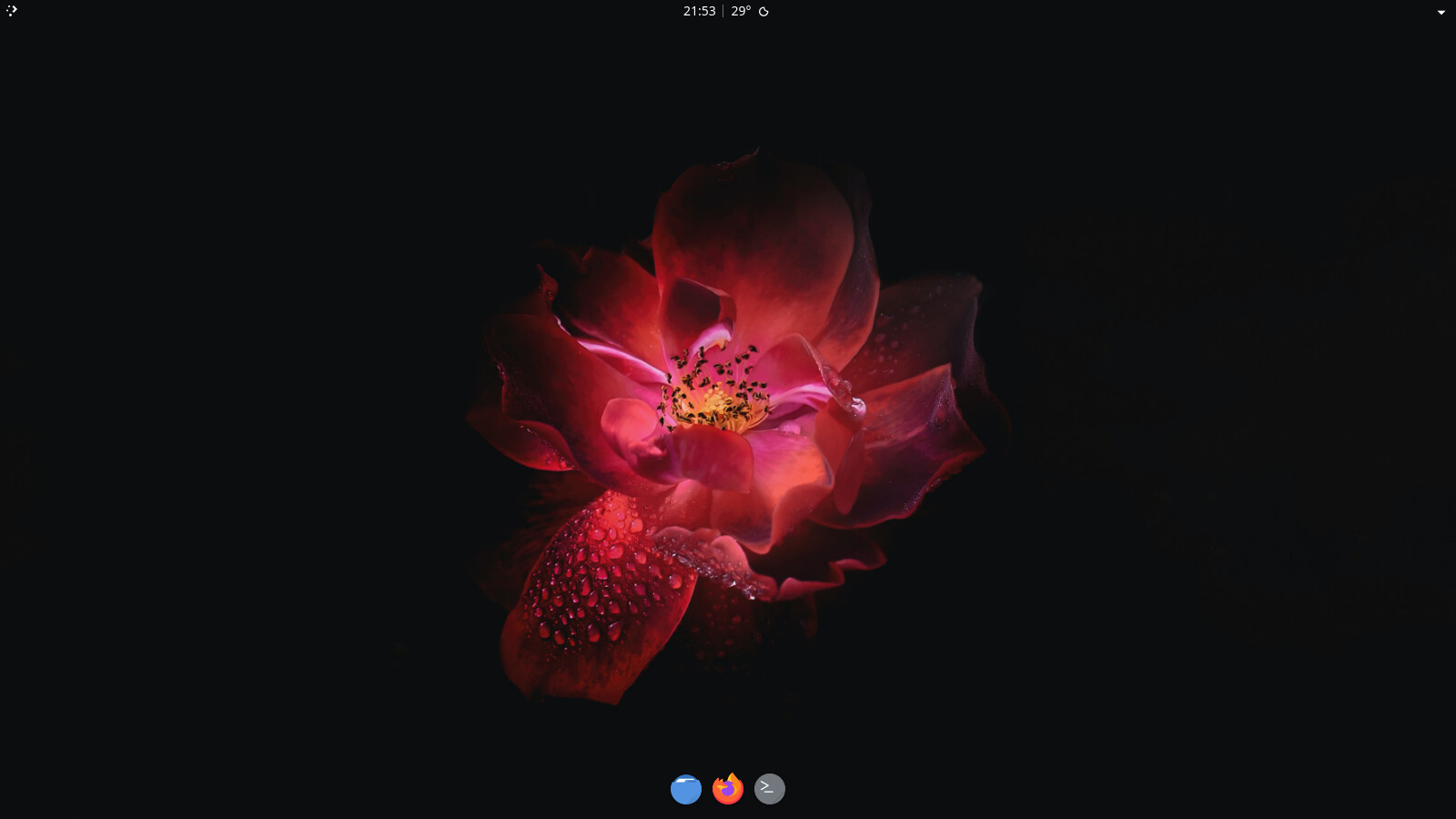
openbox