this is mine
Very nice.
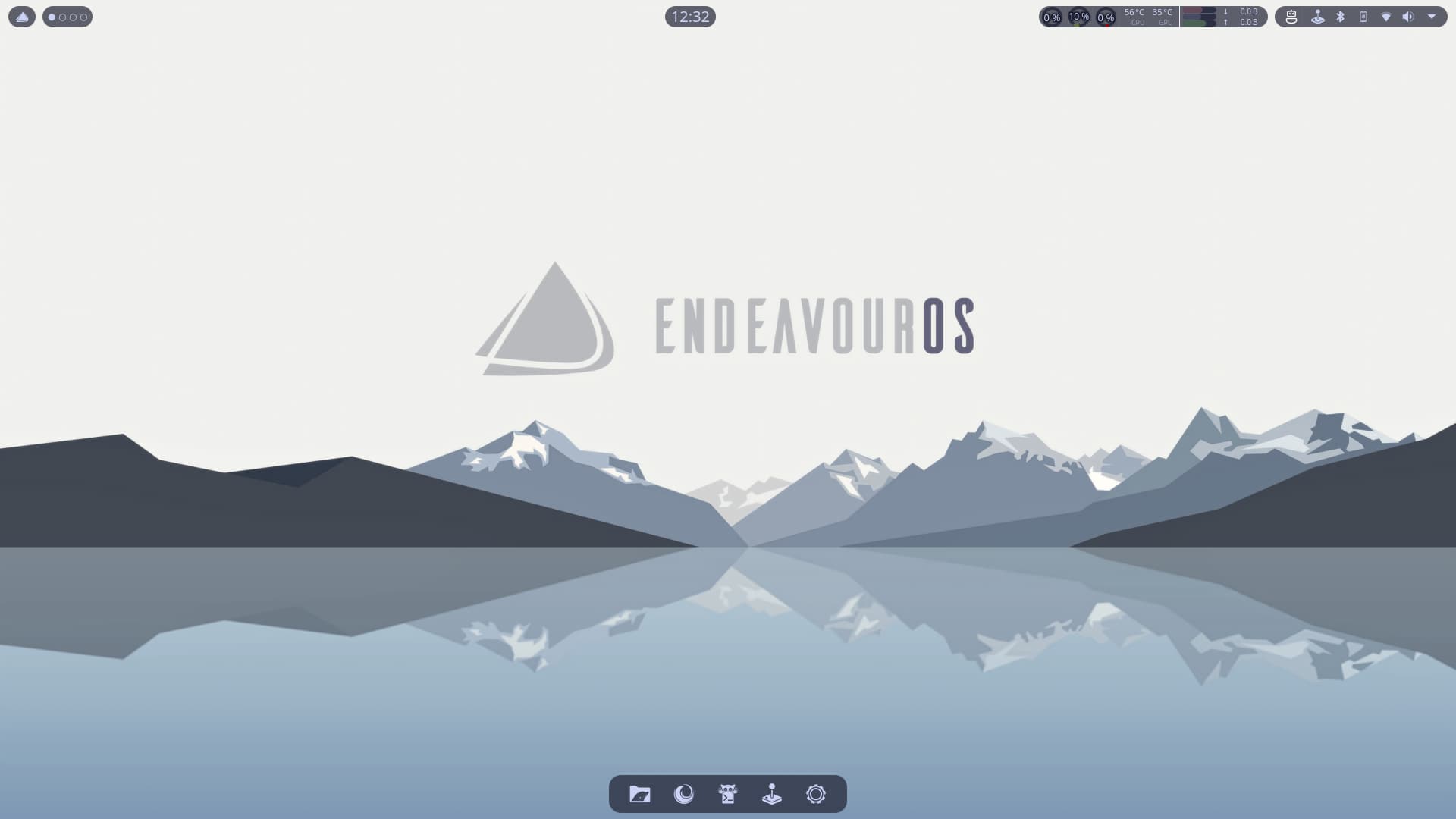
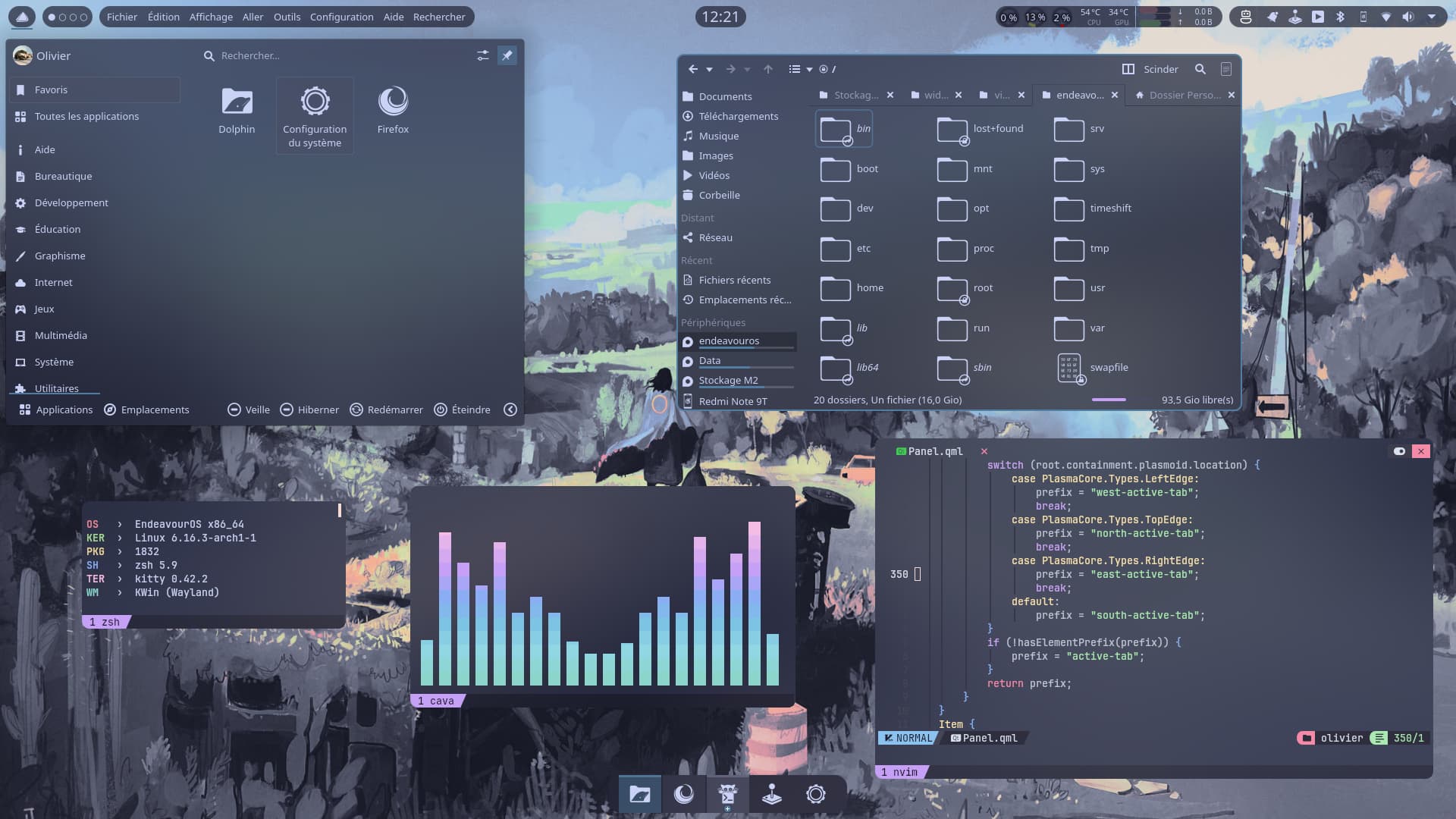
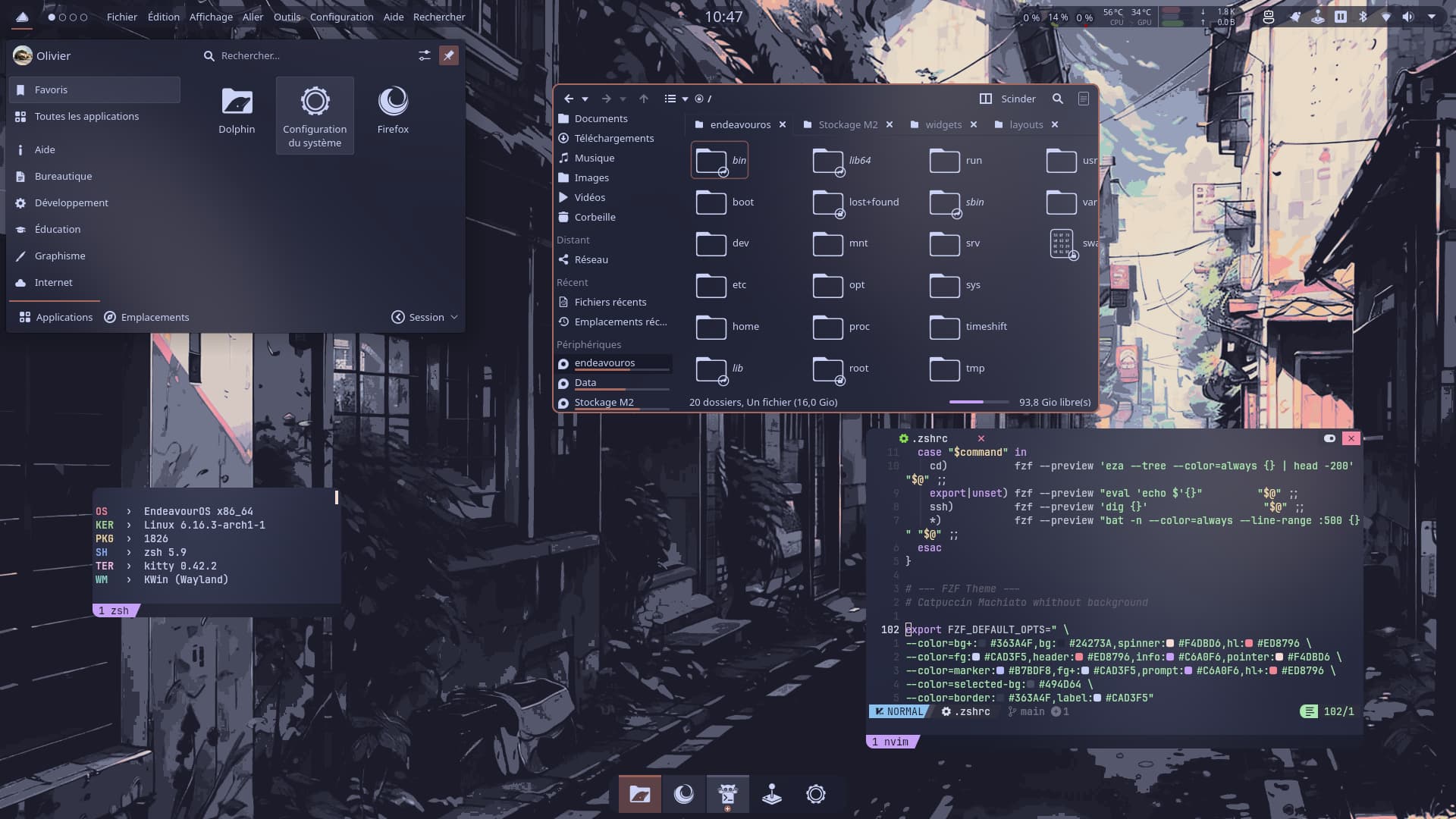
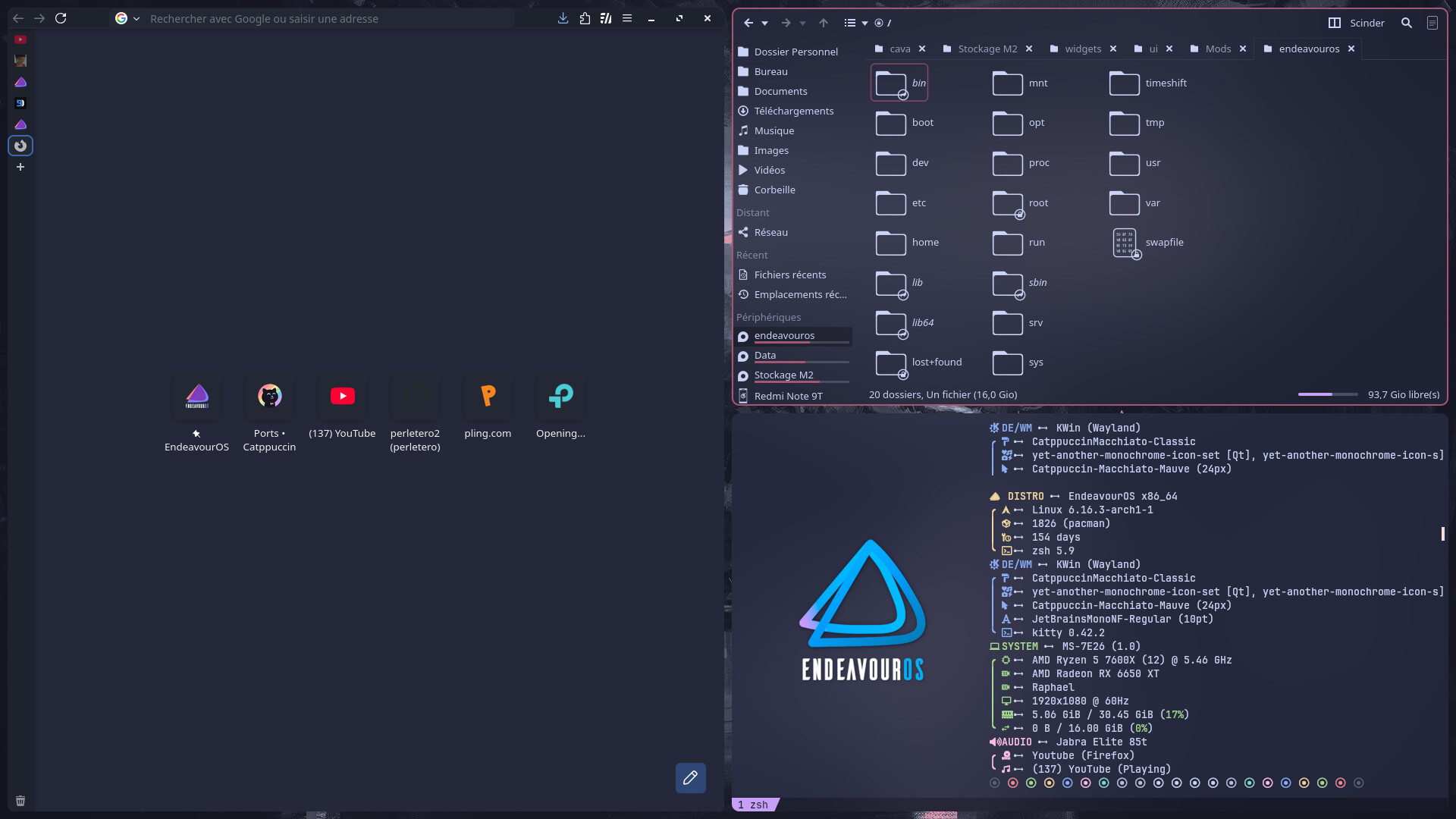
Wow! You even dig into qml 

Now that’s what I call modding. It looks fantastic.
The next level 
Trying to change which svg is used for highlighting focused widget (widget/tabbar.svg) to use a different one depending on where it is placed on the taskbar (to avoid having squares on rounded widgets) but it’s a nightmare, each widget handle it in a different manner …
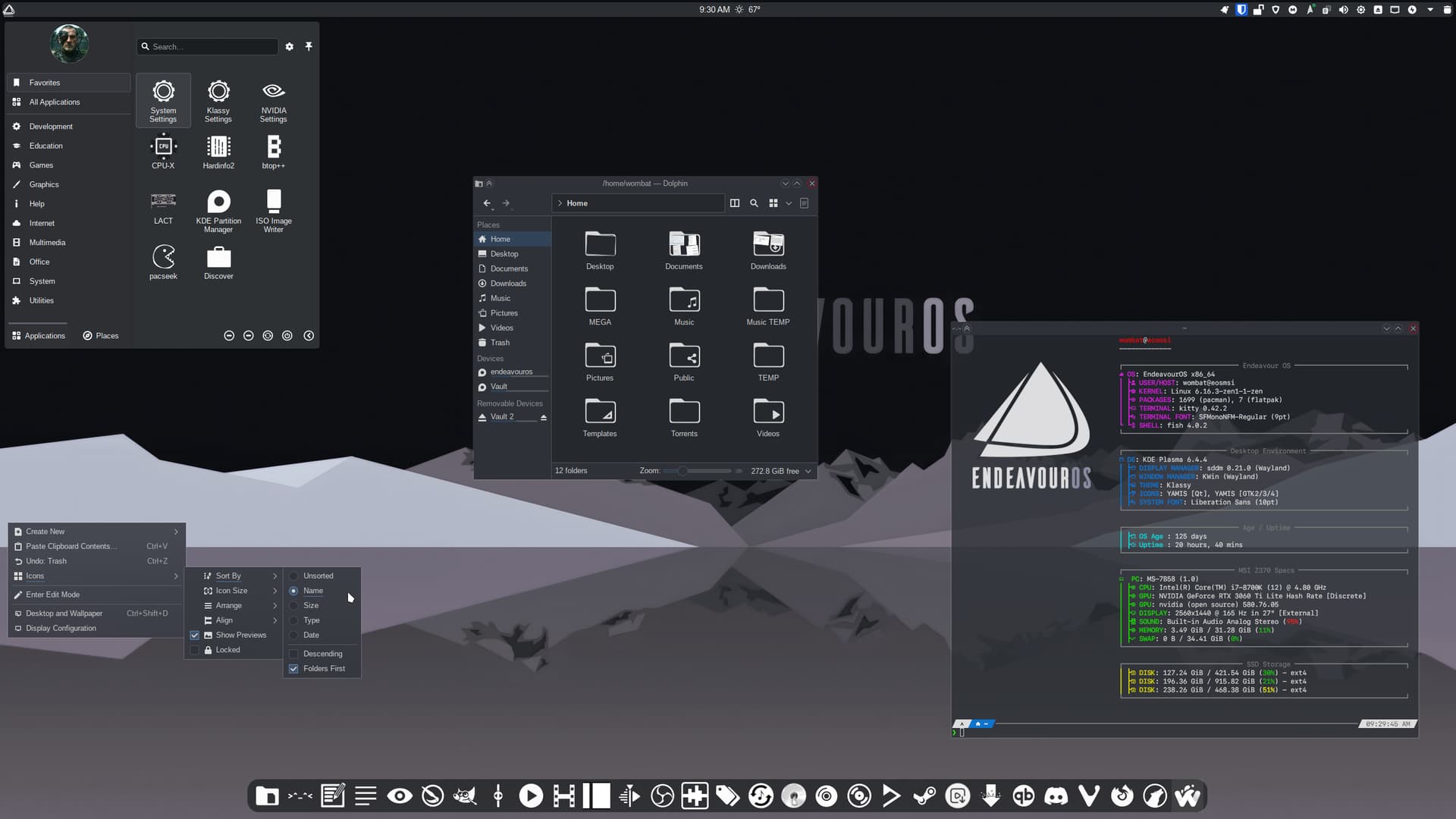
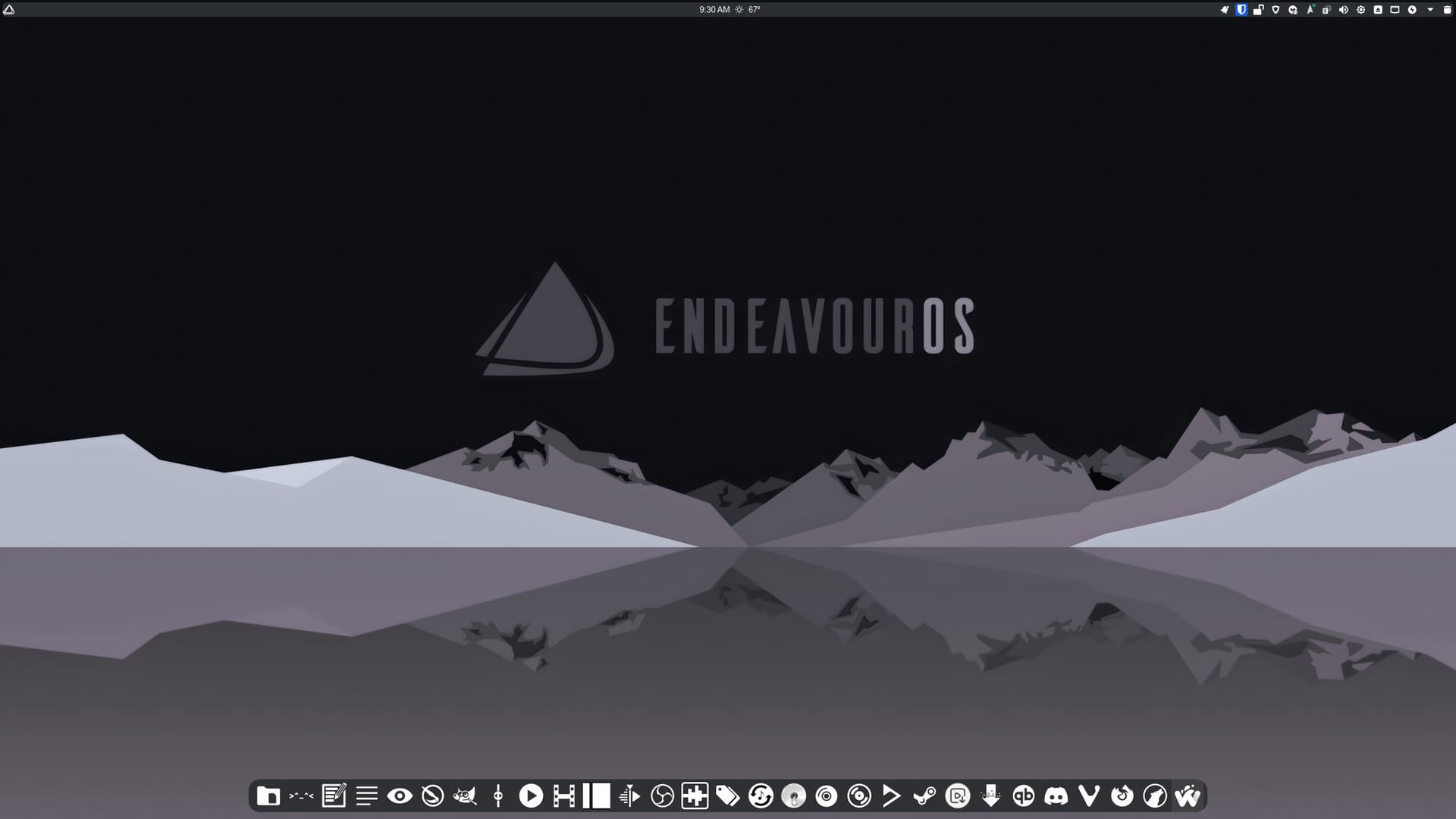
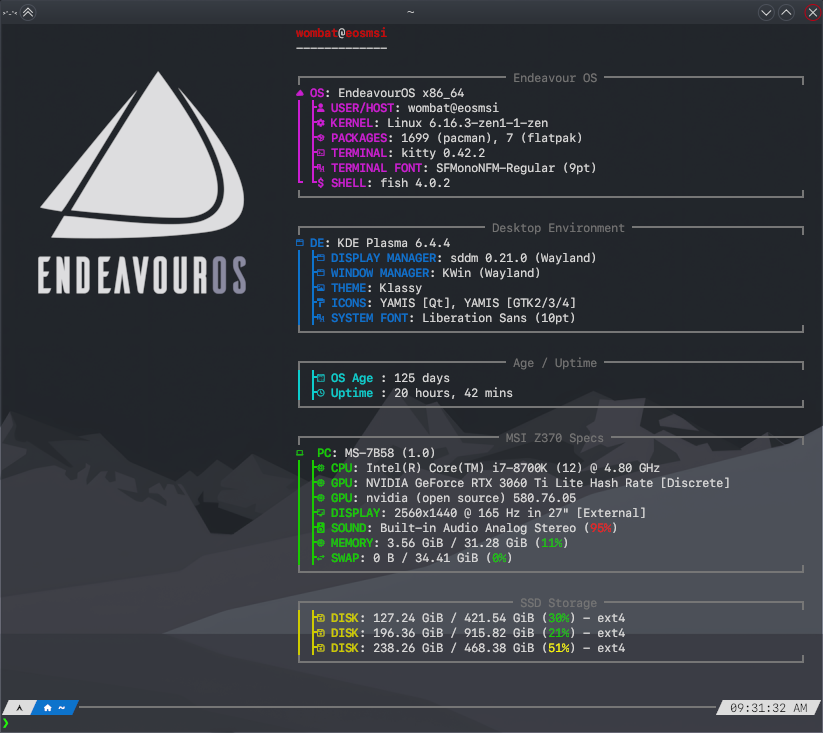
A long with some Klassy and Panel Colorizer tweaks, I’ve finally moved to @dirn’s Yet Another Monochrome Icon Set. There were 8 or so icons for apps I use not yet included in this wonderful icon set. So I did a quick-and-dirty app-icon edit via GIMP on those not included as a temporary workaround. Looks good, I think.
Also, I changed the name of the folder for Yet Another Monochrome Icon Set to YAMIS. The original name is far too long for Fastfetch. Oh yeah… my latest EOS wallpaper, too.
Nice idea
As you can see, i’ve added them to my collection, they’re really amazing i love them 
Thanks!
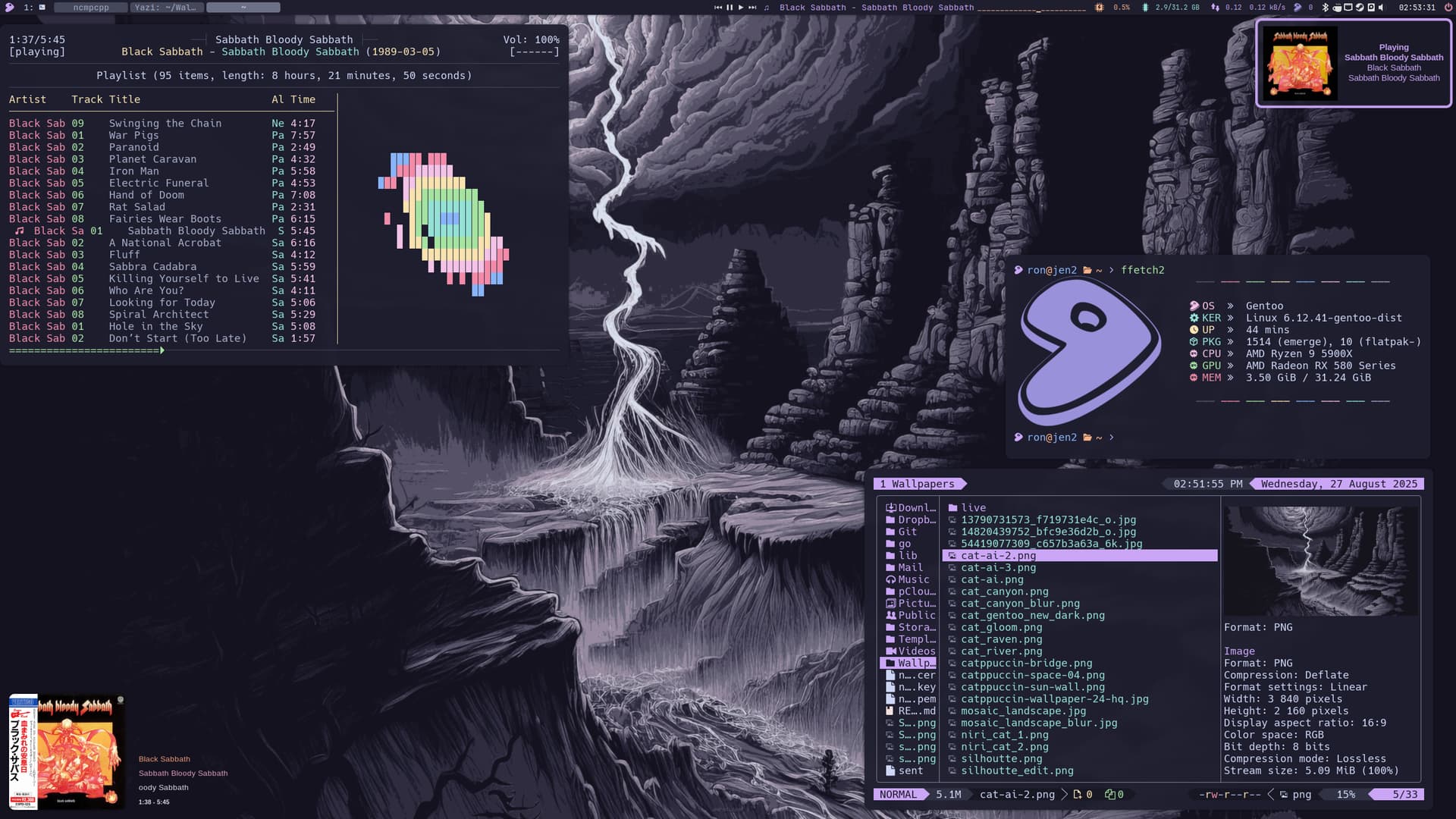
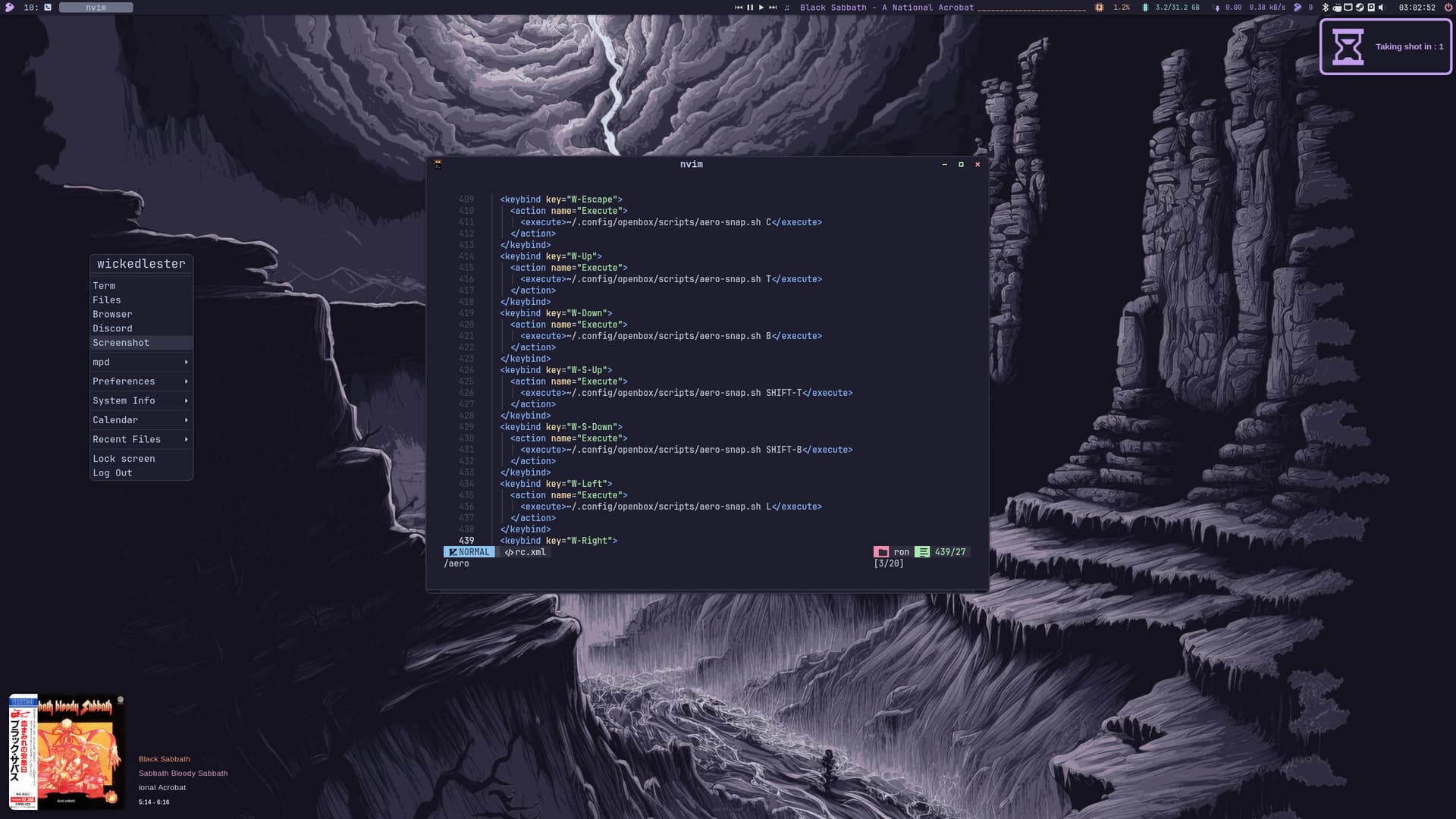
Sabbath + Gentoo + Openbox = 
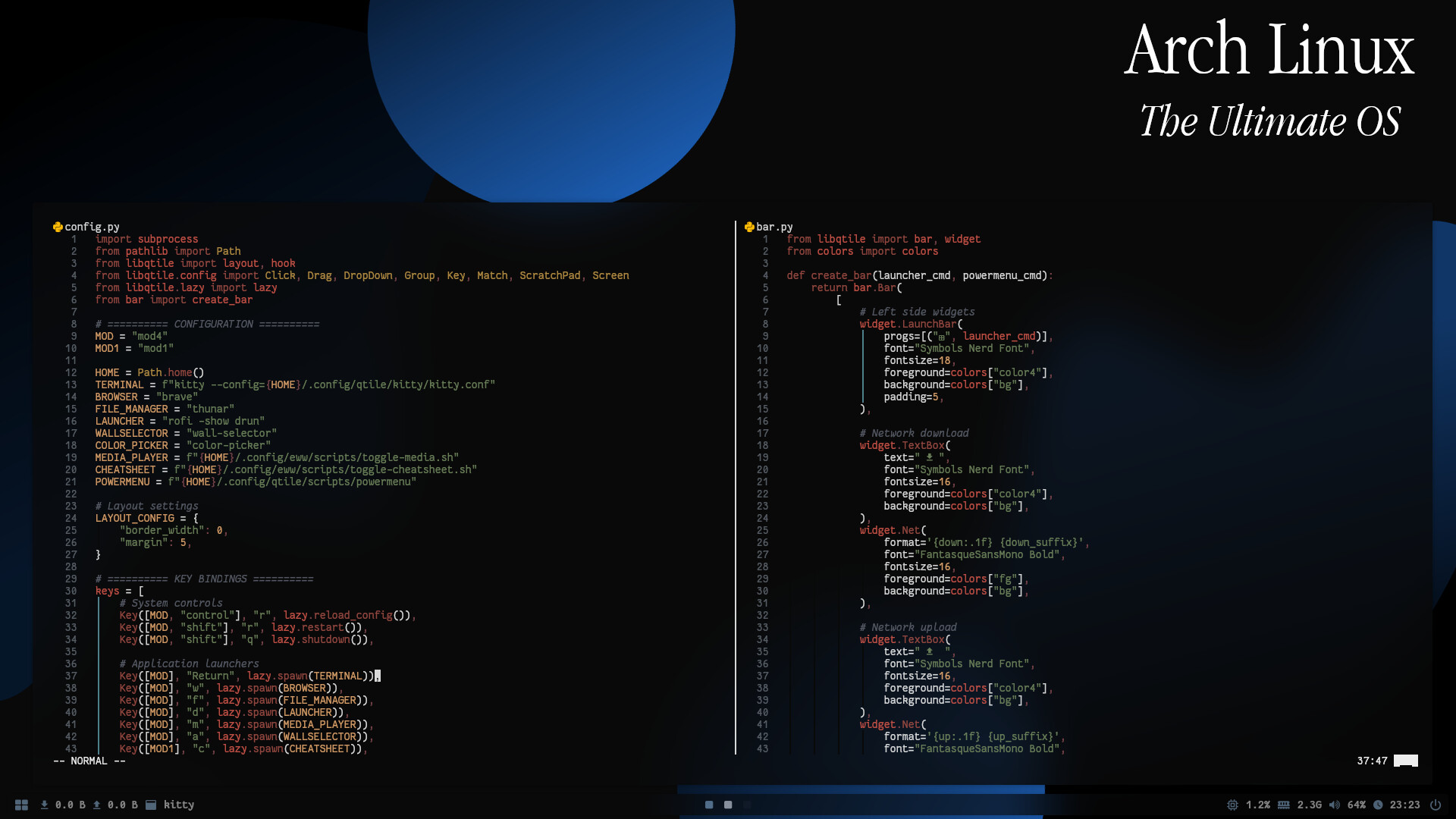
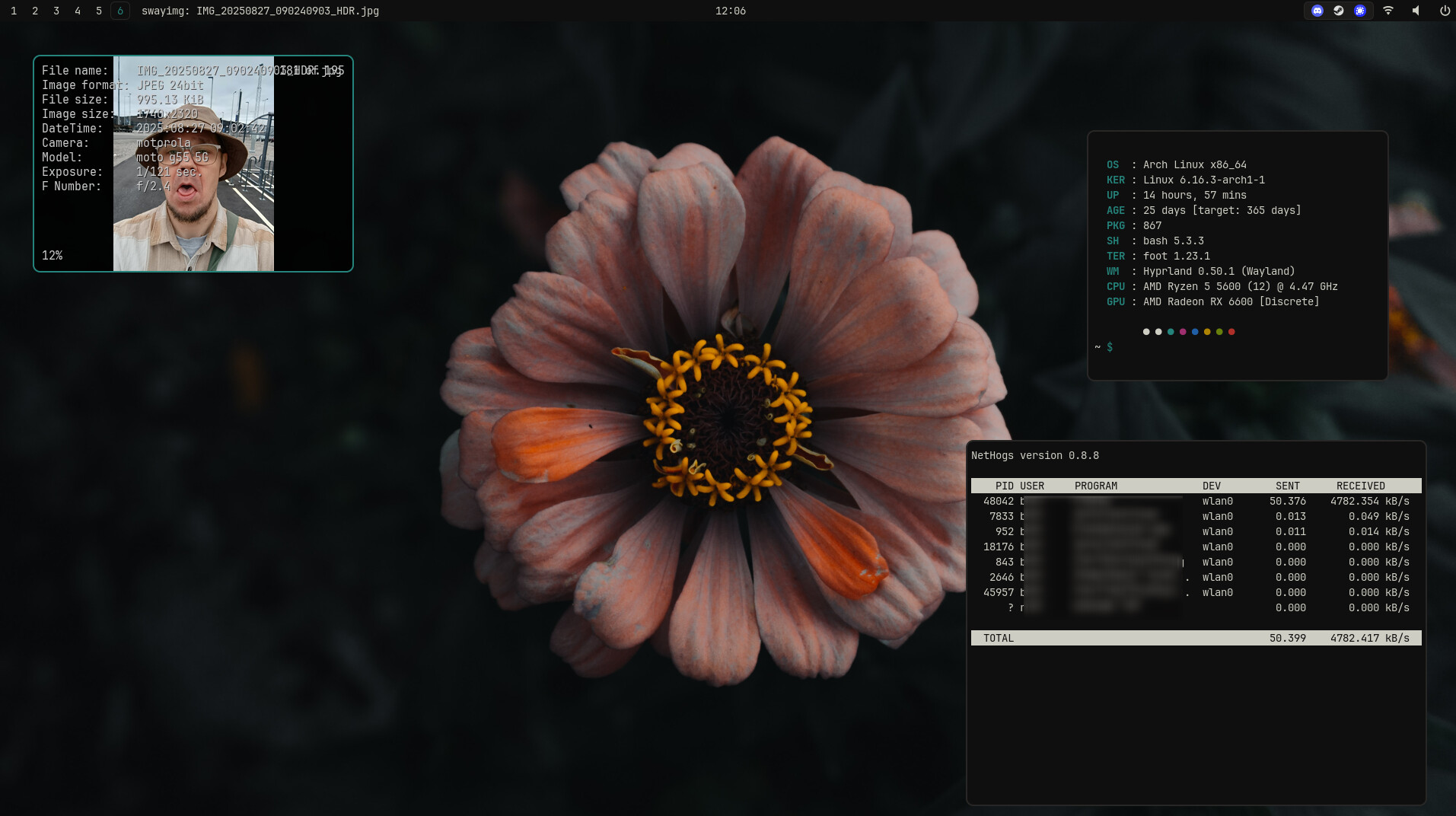
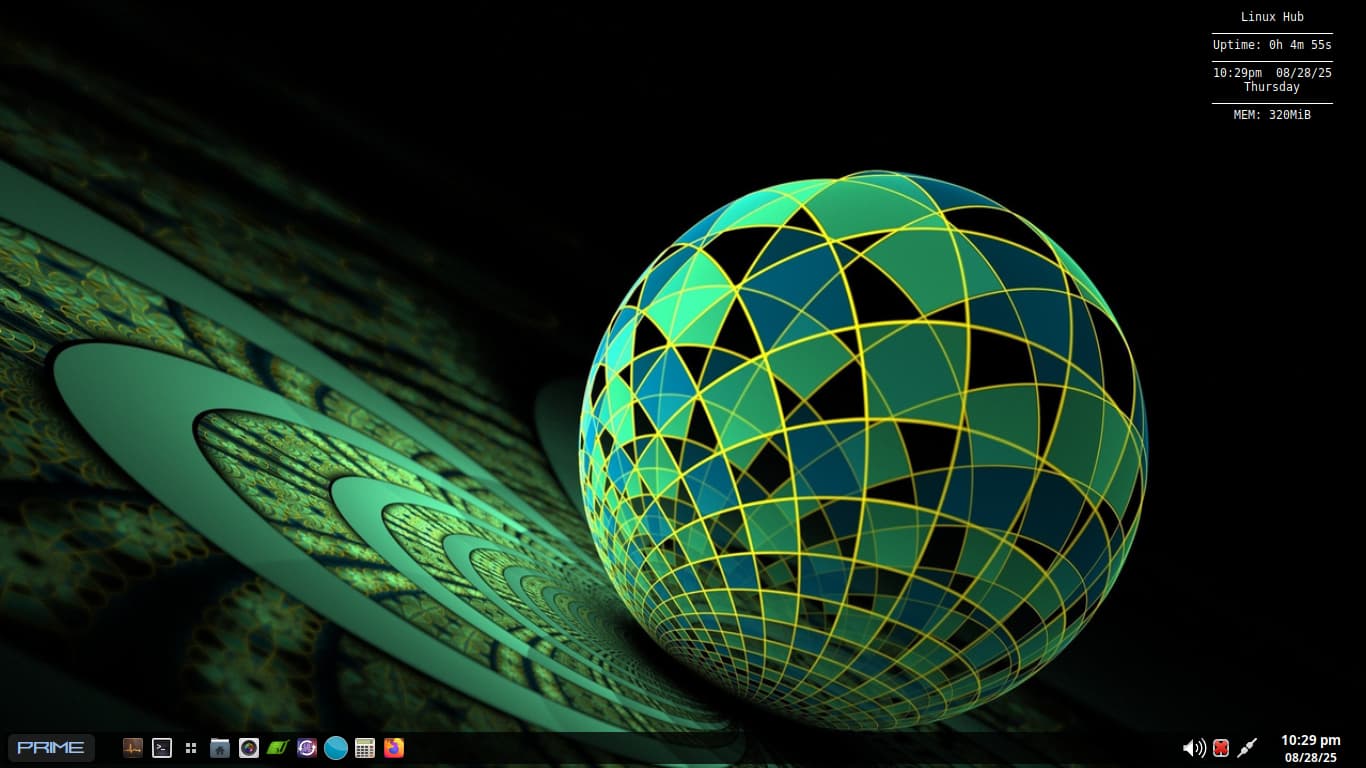
It seems some people are into fractal. 
Good theme to follow 
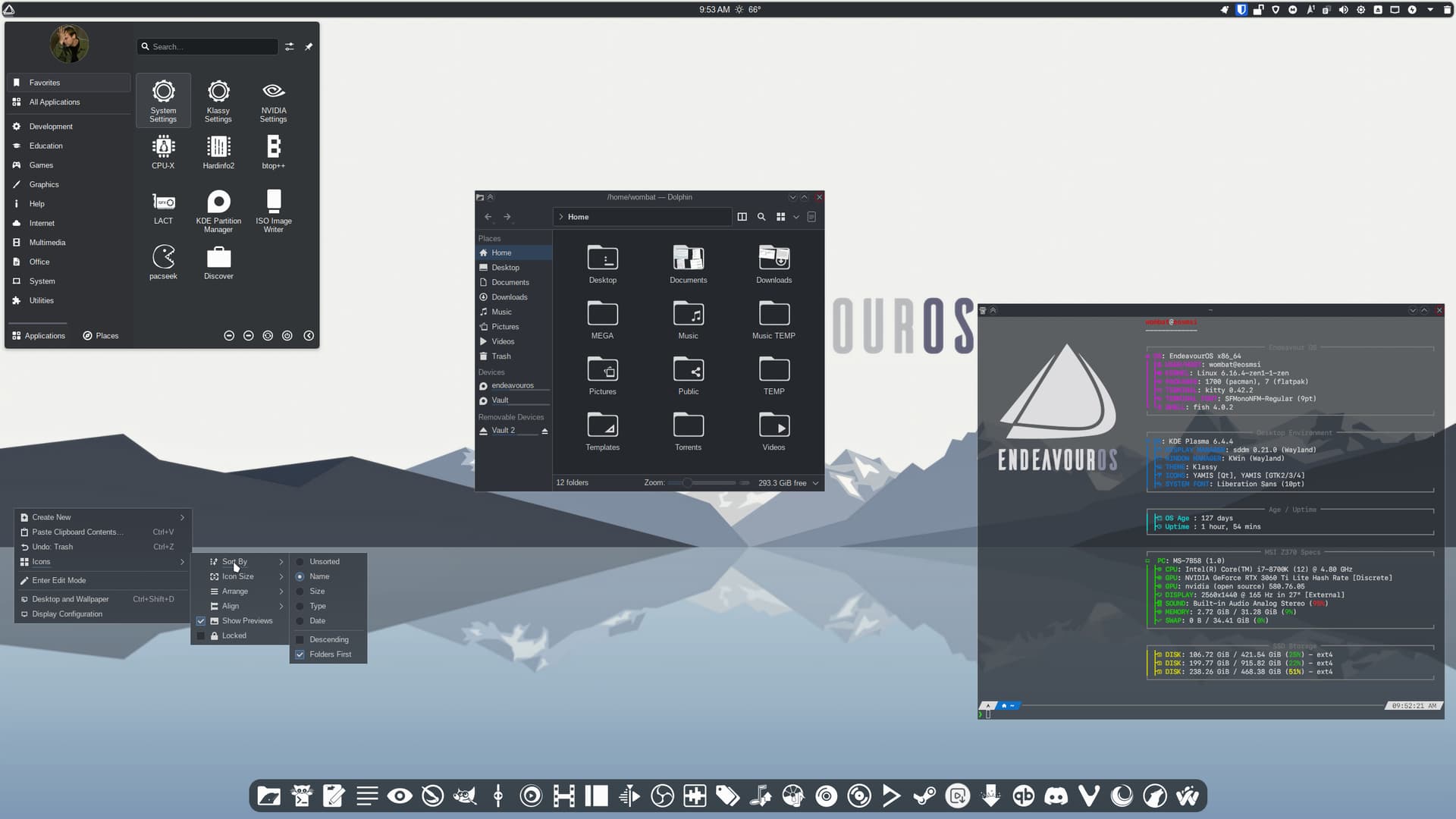
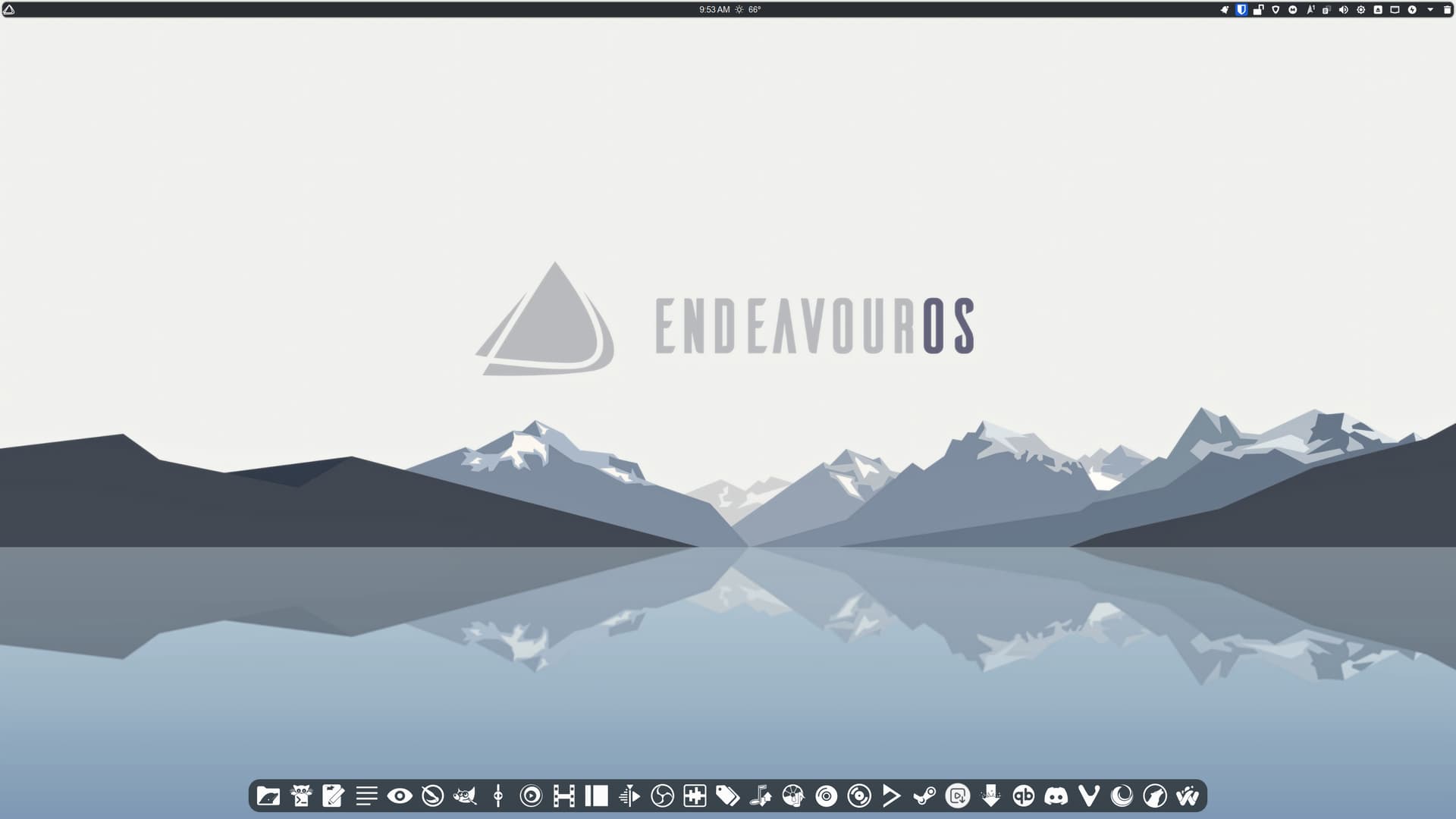
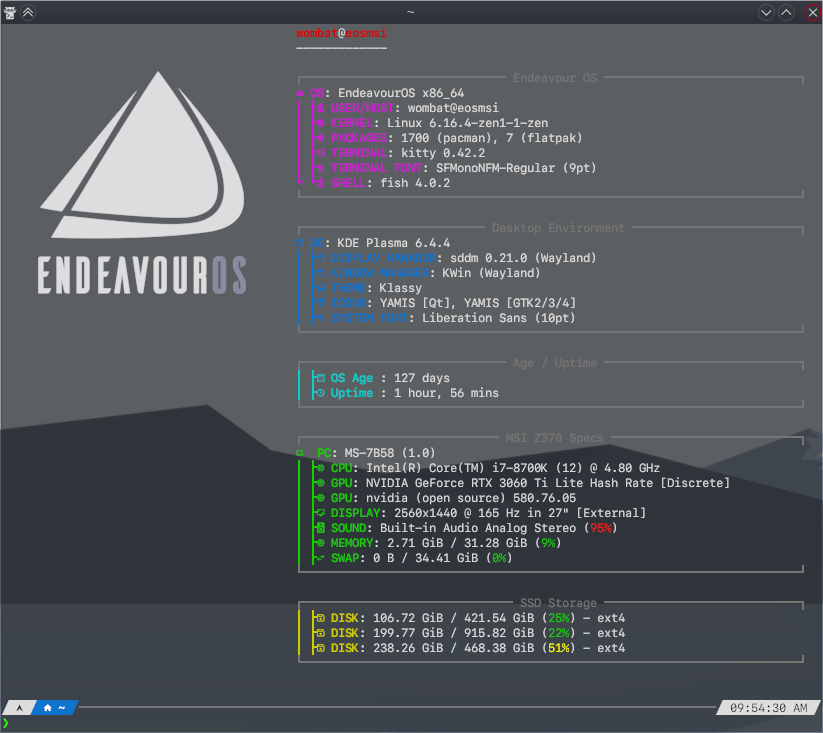
Since @dirn has just updated Yet Another Monochrome Icon Set, I’m now fully themed. All my app icons are now represented in this excellent icon set.
Global Theme: Breeze Twilight
Colors: Silvery-Blue-Dark-Color
Application Style: Klassy
Plasma Style: Klassy
Window Decorations: Klassy
Icons: Yet Another Monochrome Icon Set
Cursor: Qogir-dark
Whats that for a music player on the left side ? Really nice your screen
Beautiful