There was some small errors that needed fixing.
Now it should all work.
And if anyone uses nvim check out snacks.nvim plugin.
And zen mode is very cool.
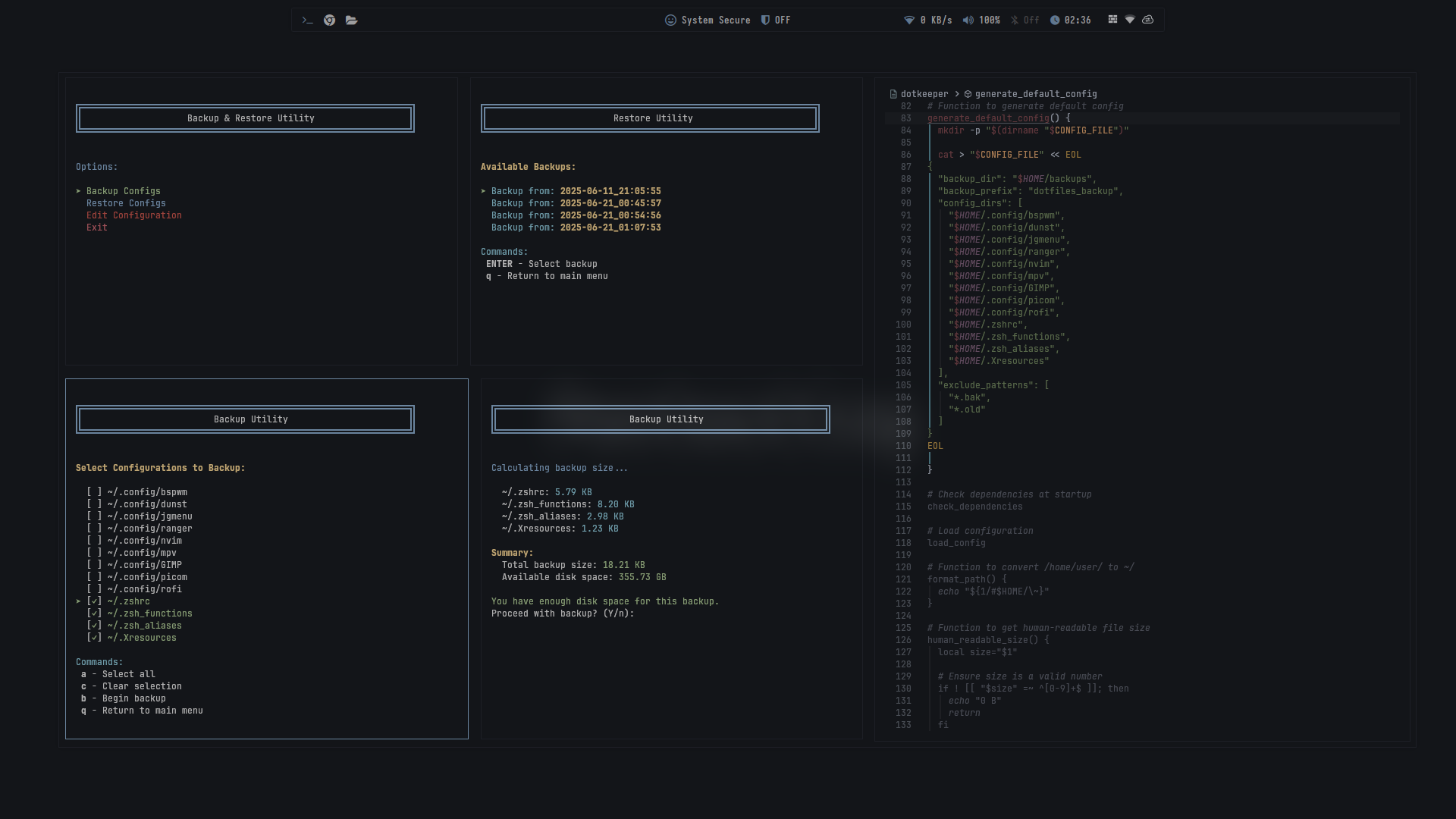
What is this backup/restore utility?
Update on the Dolphin KDE File manager crashing:
phonon-mpv is broken, remove it and install phonon-vlc

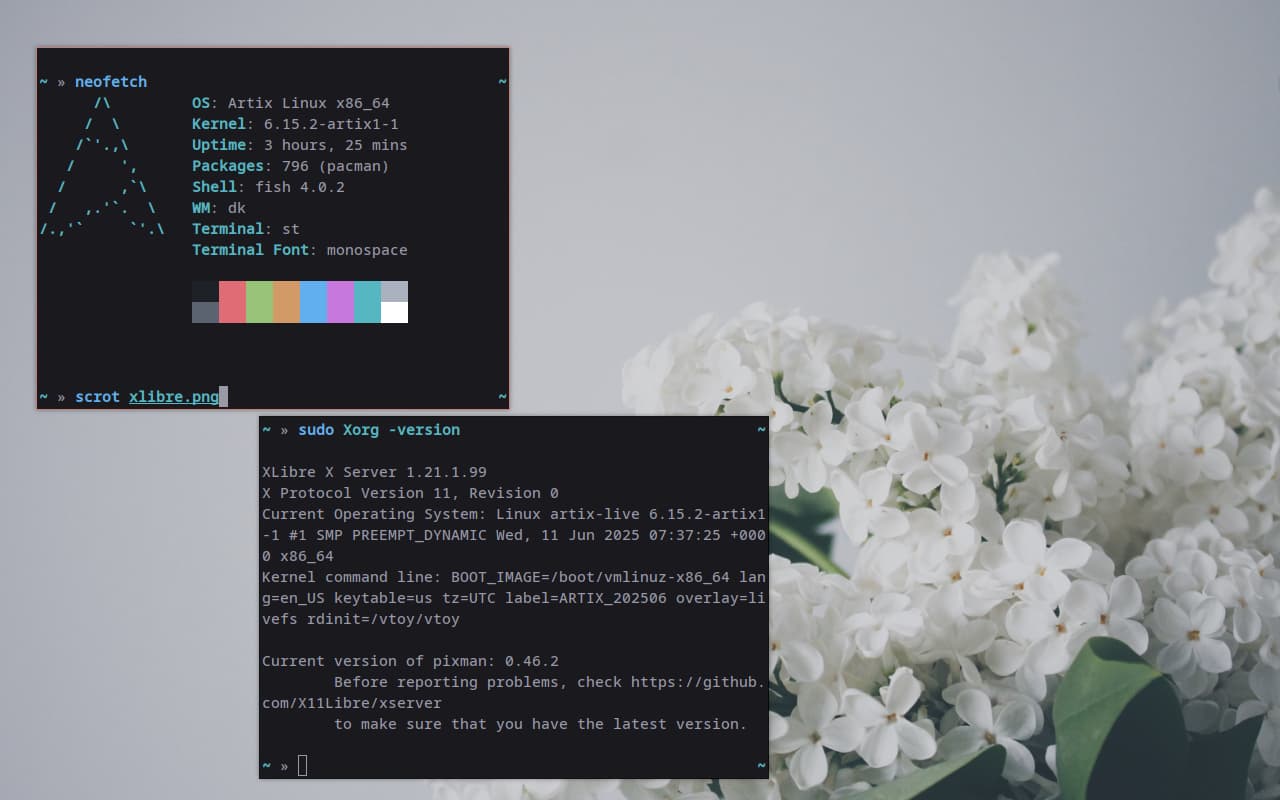
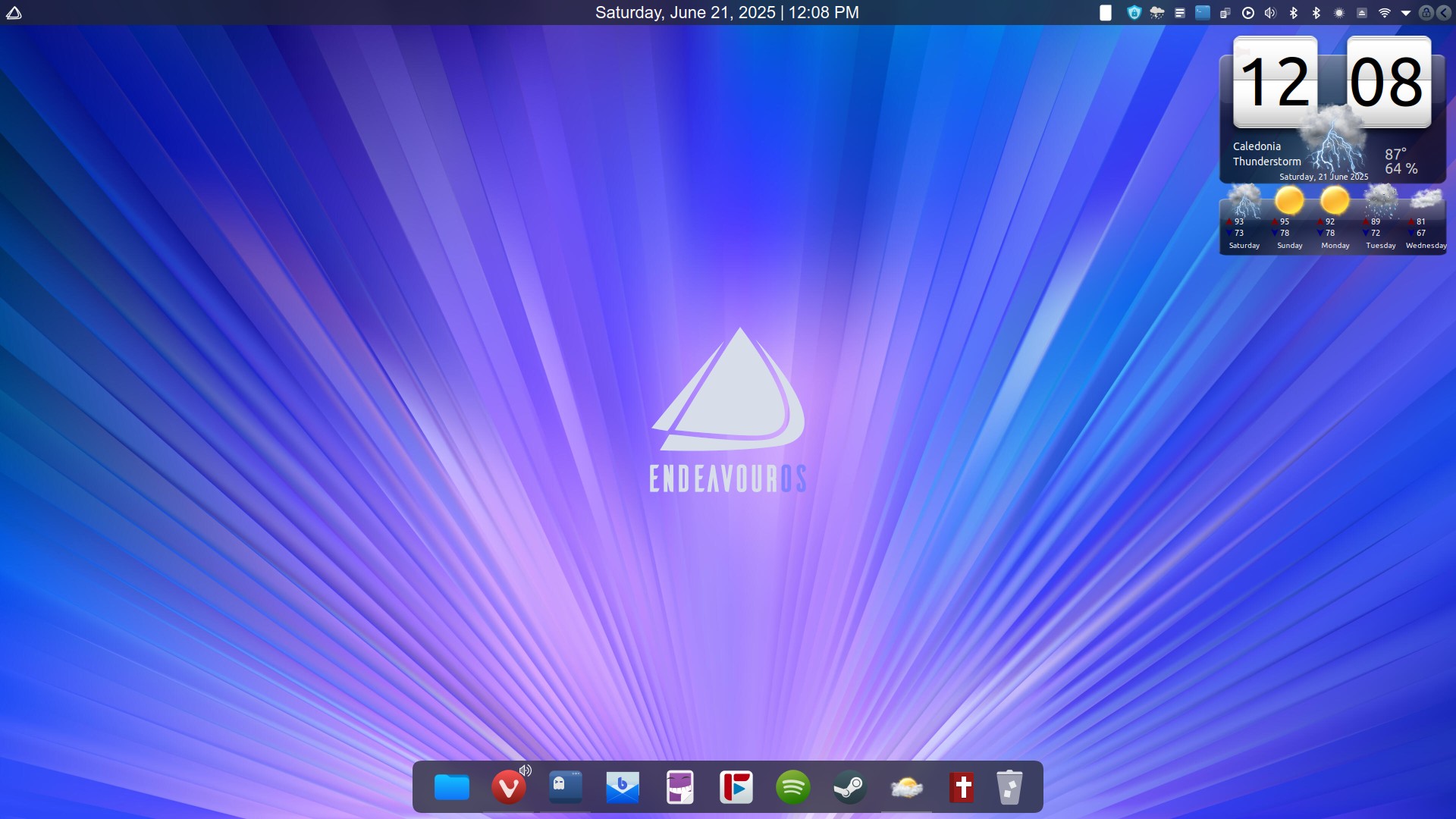
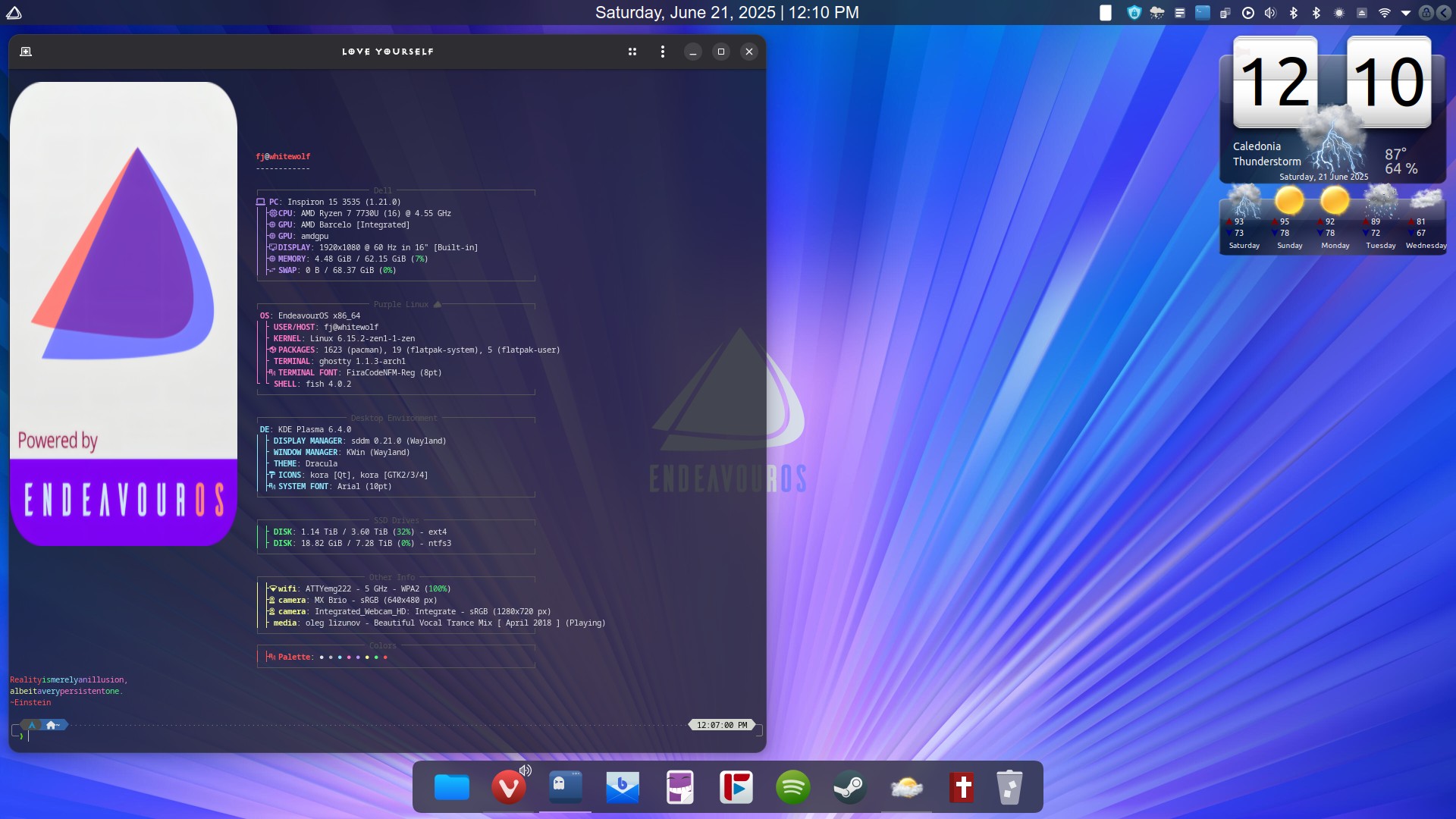
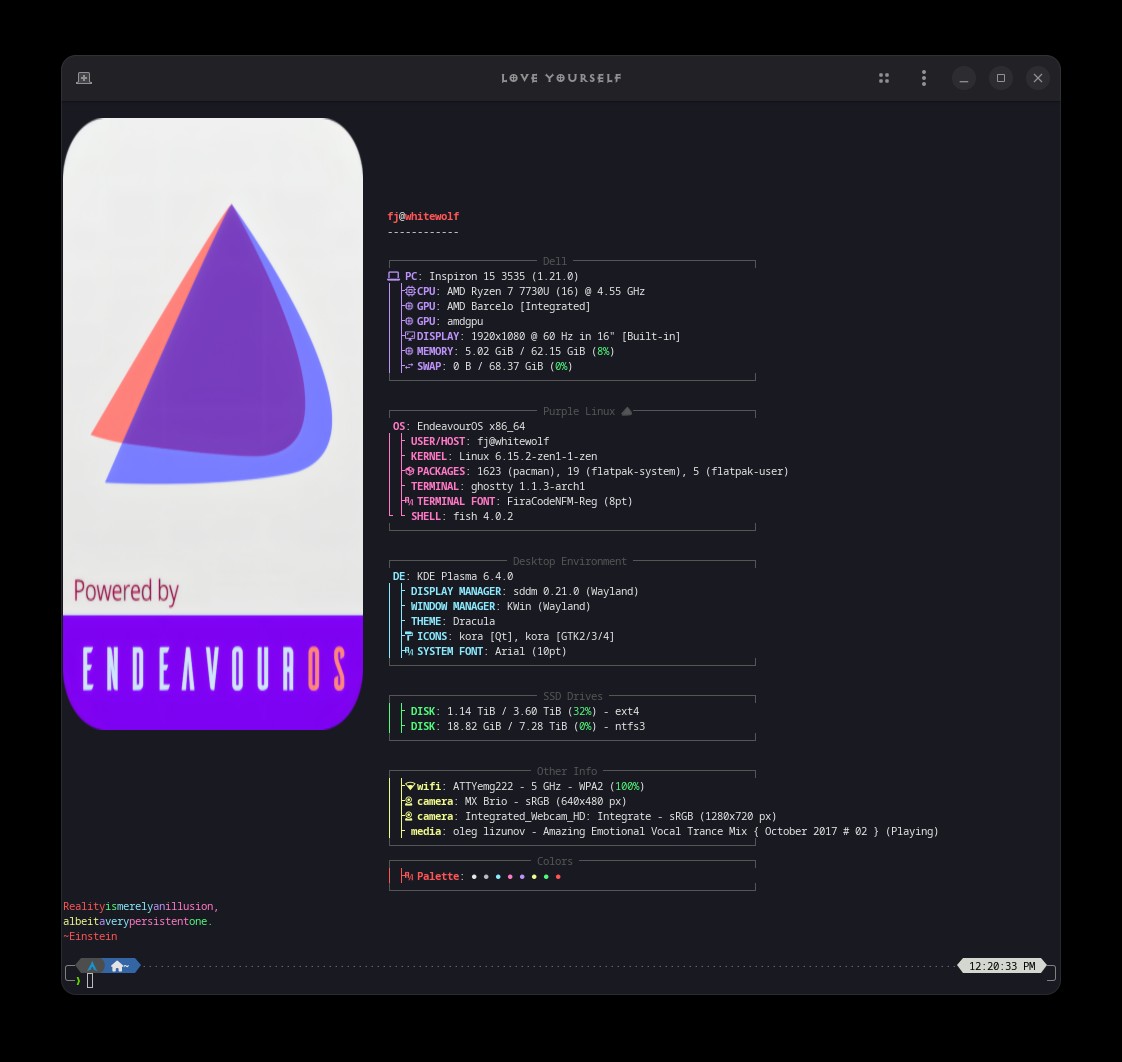
Apologies for straying a bit from the desktop screenshot topic!
A big shoutout to @cscs! Thanks for the info—I had no idea this was even possible with a single .svg image! If I could just figure out a pattern and apply it to my favorite monochrome icon set using scripting, that would be fantastic! 
Dark background
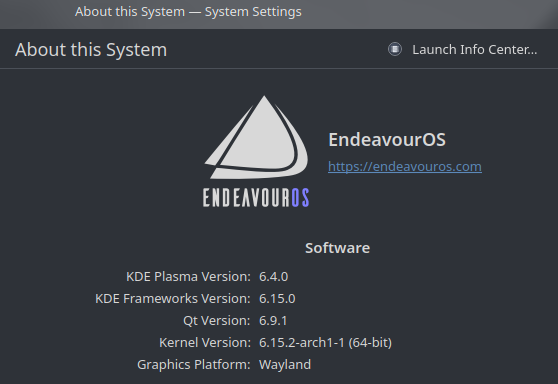
Light background
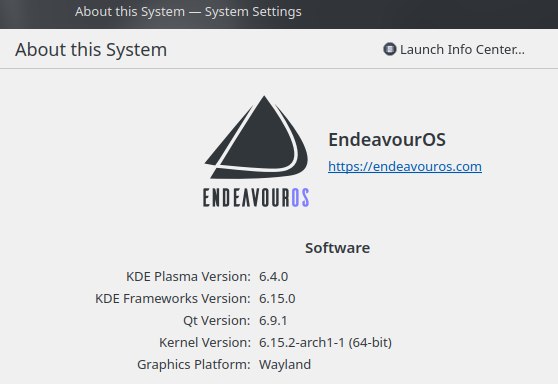
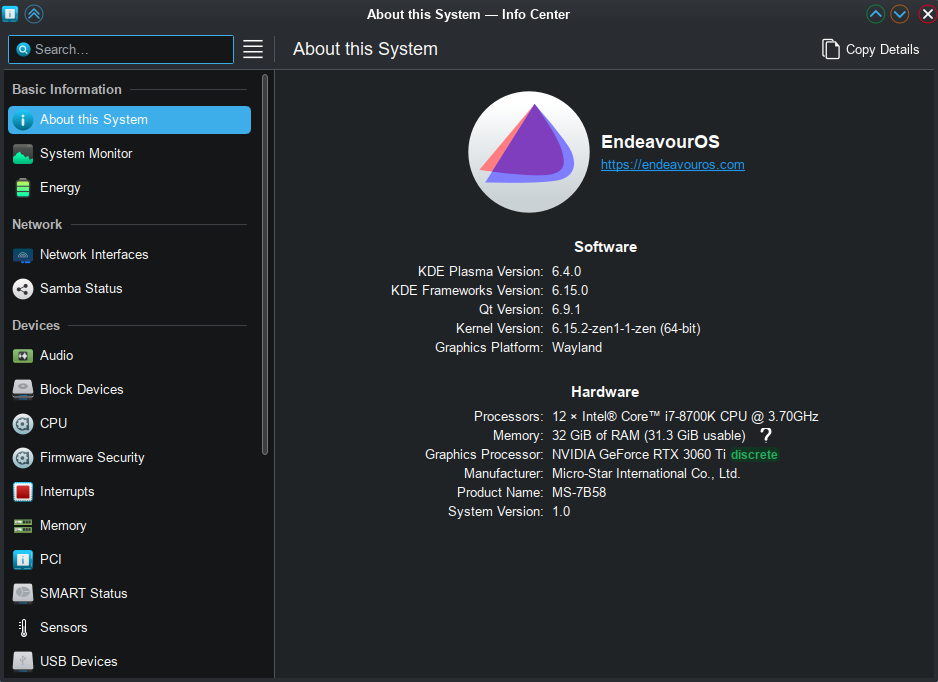
that looks awesome how where did you get the black one with the purple os thingy and how did you change that in the about this system icon? where is that an option? i don’t see it.
or i will phrase i better could you make the black logo one with the endeavouros (os part in purple) available? pretty please, it’s so cool looking. TBH
mine looks like this:
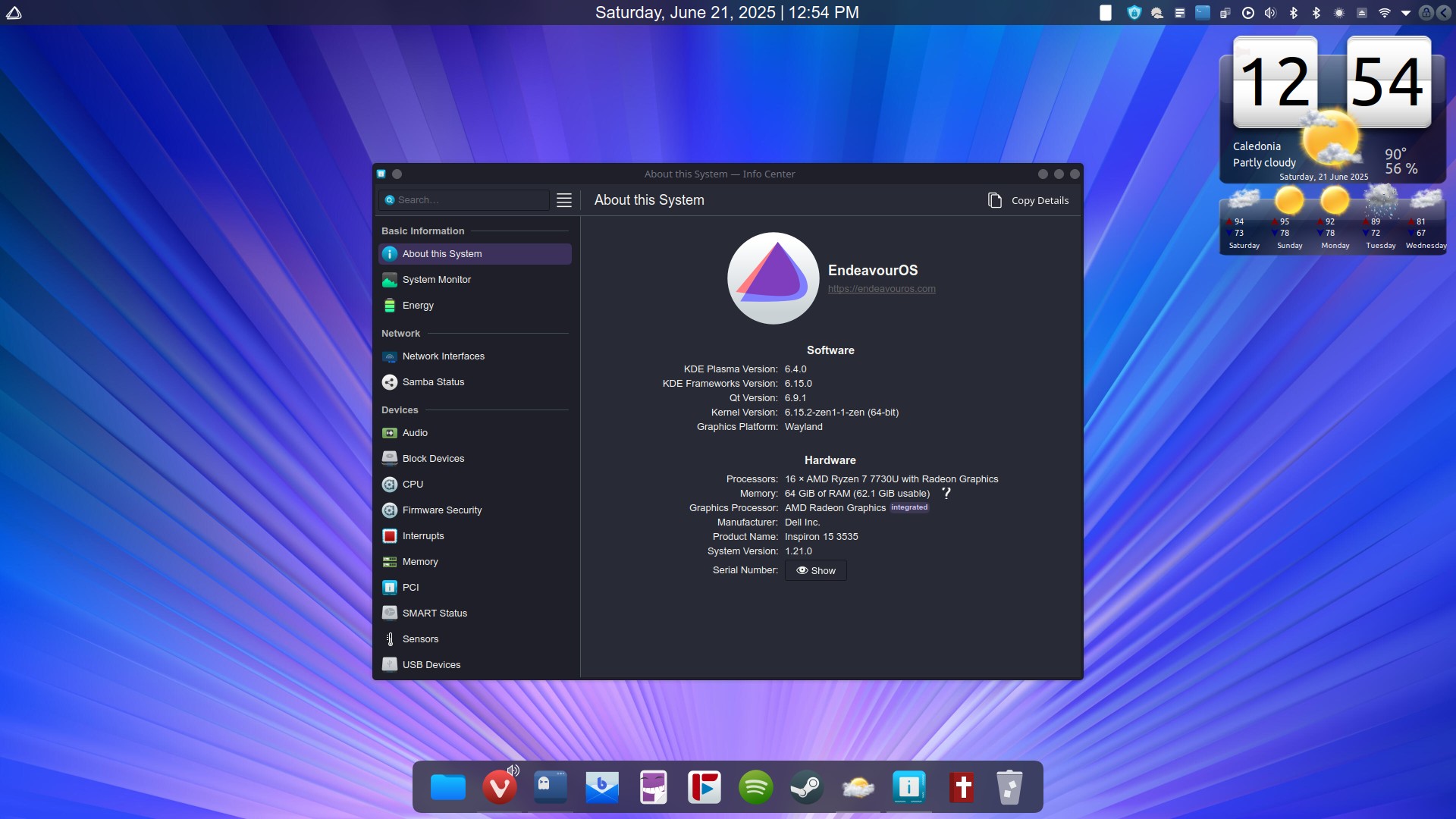
sorry to ask so many questions lol i am just curious and think it looks dope
I will get back to you once I reached home.

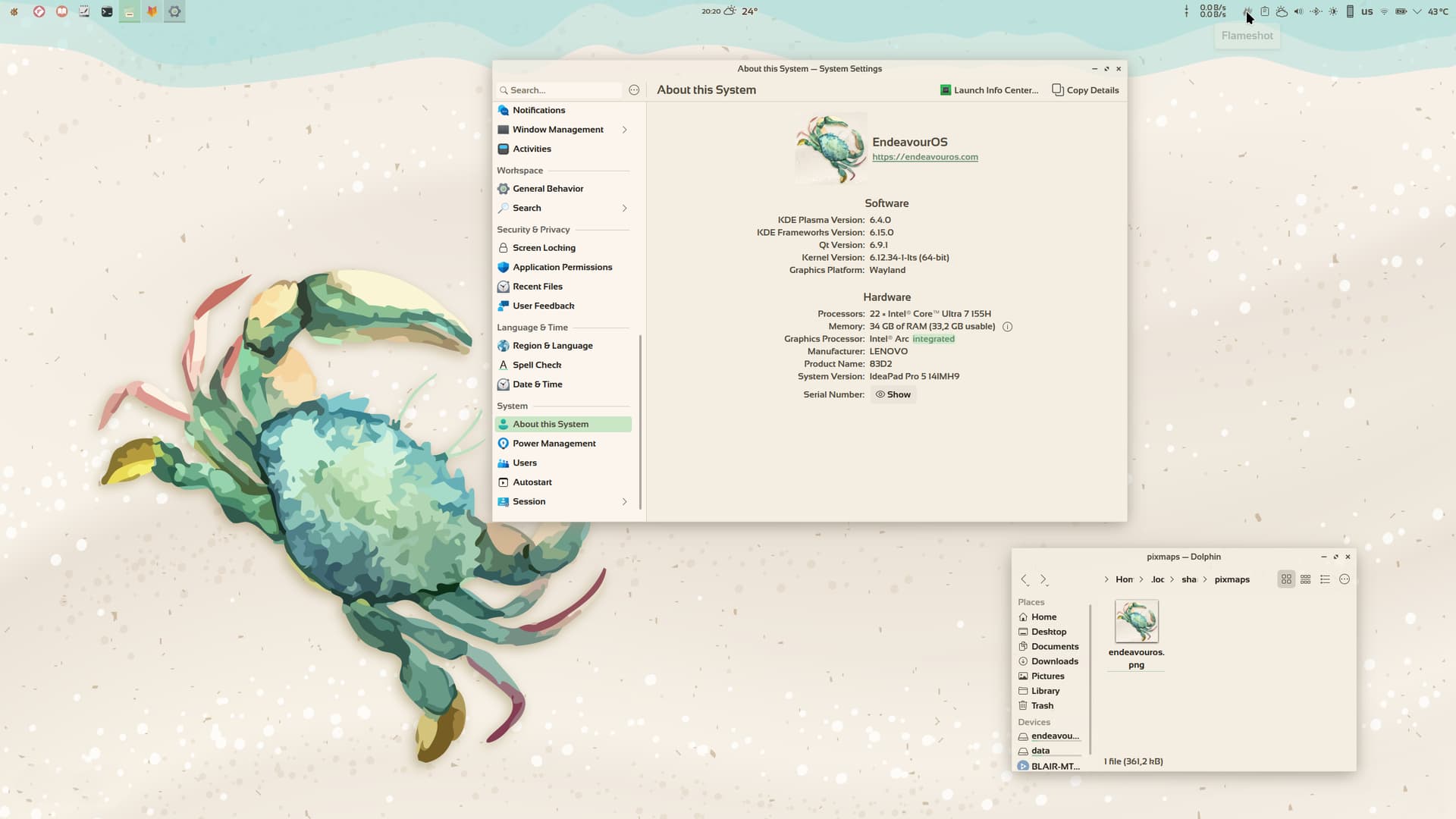
Thank you @fog 

I really appreciate it friend 
I believe the @fog approach is better and should be set as the default.
For my part, I’ve added the icon to my icon set in the apps folder, naming the file “endeavouros.svg.” This way, if I switch to a different icon set, the system settings will automatically use the corresponding icon.
Btw, here’s the svg file with purple OS @anon91115920
Here’s the png file with black and purple
THANK YOU @dirn

Yeah, @cscs is the guy to make this happen—I was pretty astonished! Good job.
Sorry to continue the OT a bit ..
But just to mention.. I dont know that the necessary bits can be automated .. at least not very easily.
SVG files are really all text files .. so if you open that one with an editor like kate you should be able to see what was added. Really, its a stripped version as for a more general theme (and/or a more complex icon) more than the simple single color and its flip would be needed.
But in this case it is comprised of this in defs:
<style id="current-color-scheme" type="text/css">.ColorScheme-Text{color:#fcfcfc}</style>
and these in the paths:
fill="currentColor"
class="ColorScheme-Text"
Again this is quite simplified from what might be found in more ‘complete’ examples that can have a larger range like the following style:
  <style id="current-color-scheme" type="text/css">
   .ColorScheme-Text { color:#444444; } .ColorScheme-Highlight { color:#4285f4; } .ColorScheme-NeutralText { color:#ff9800; } .ColorScheme-PositiveText { color:#4caf50; } .ColorScheme-NegativeText { color:#f44336; }
  </style>
And in our eos-icon I have stripped most unneeded components from the SVG like xml info etc.
Some portions, like existing fill values and similar may need to be removed from a given file as well in order for the fancy style stuff to work, and this would probably be difficult to do on anything other than a case-by-case basis.
Thank you 

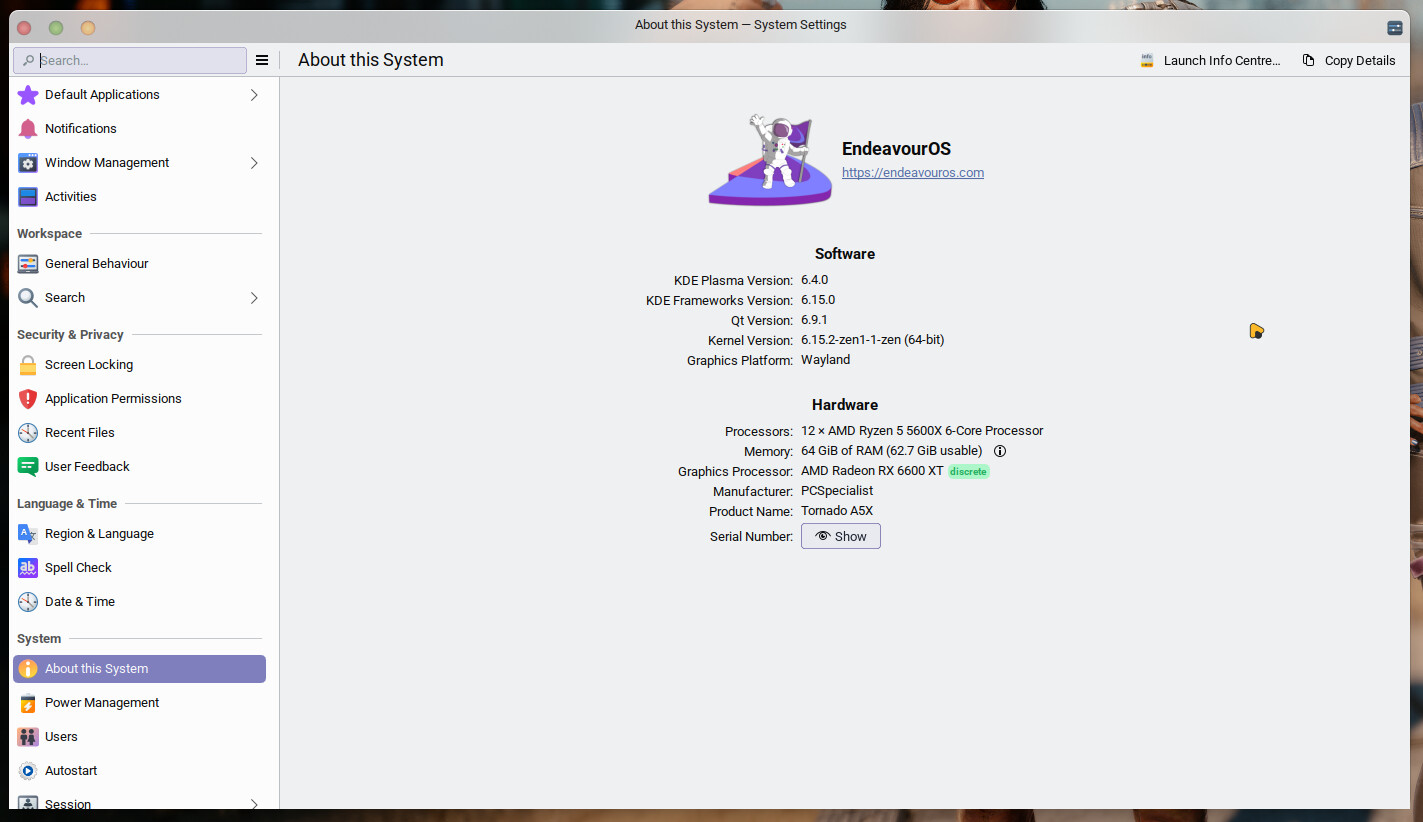
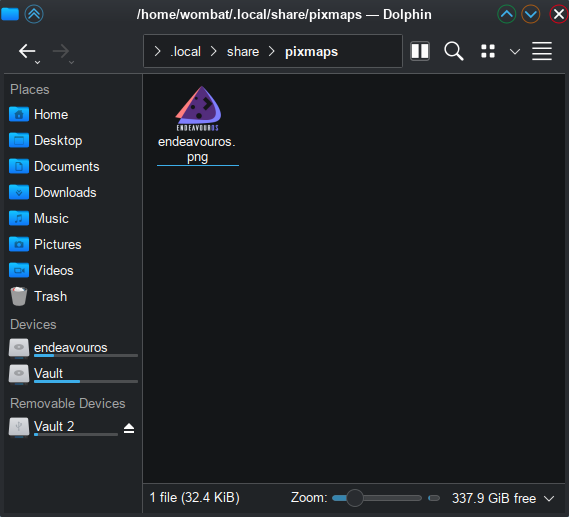
maybe log out then back in. 
I already did that. I’ll try a full reboot and see what happens…