OK, with that we probably assume it isn’t a hardware issue for now. Therefore I would boot from the live-ISO, chroot into the system and roll back to an earlier, known, good kernel.
1 Like
What filesystem are you using for EOS?
1 Like
I’ve already tried the offline installer. After I resolved the Nvidia firmware issue and updated, EndeavourOS no longer boots.
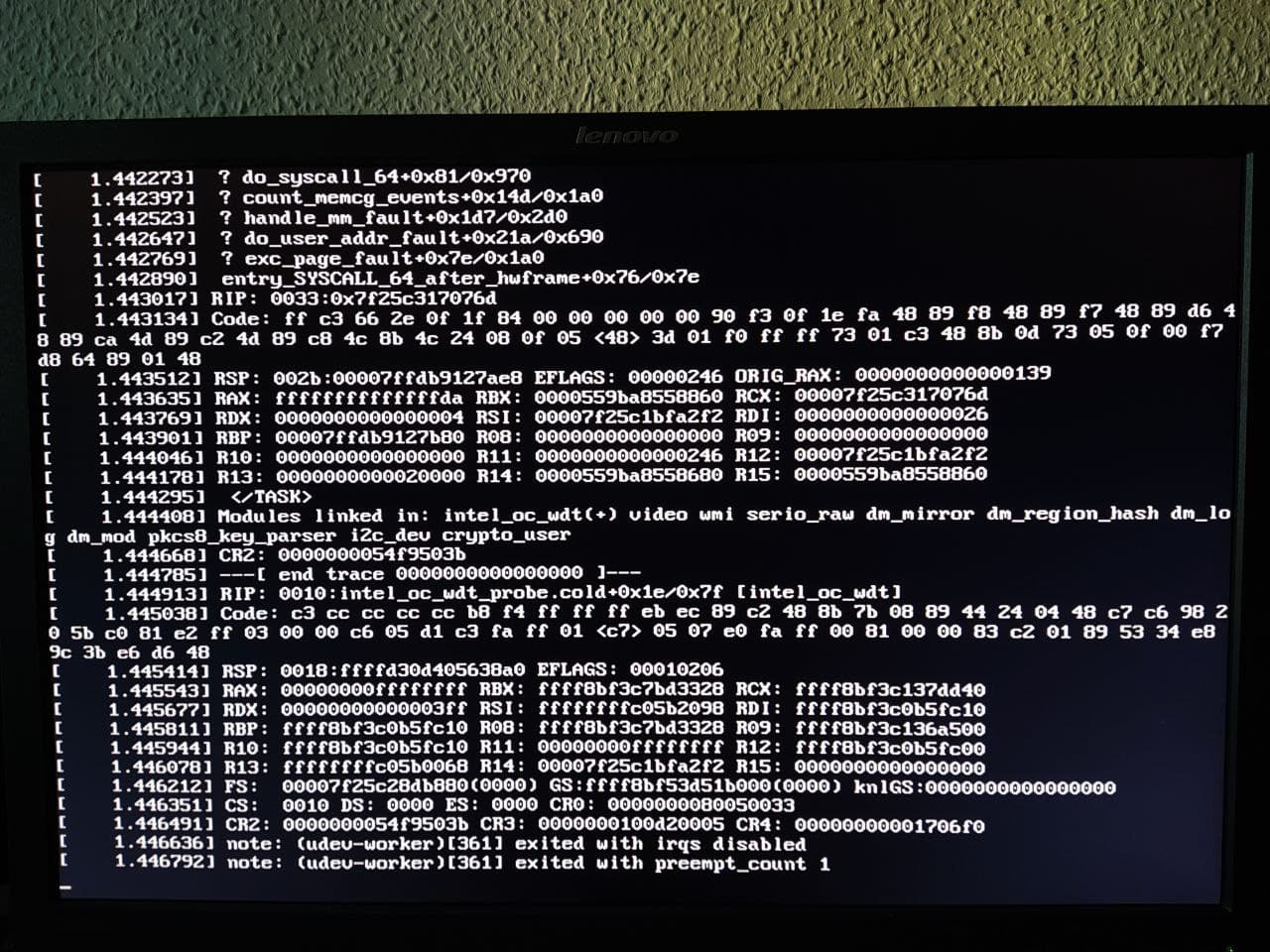
I used ext4
I used Antergos before and EndeavourOS afterward, always in dual boot with another Linux distro. Now I’ve been thinking about maybe trying another Arch-based distro with an installer, but as far as I know, there aren’t any that allow you to skip installing the bootloader. Manjaro and Cachy don’t.
And yet your the only user on this forum with this error. No one else reported issues here. Did you test your ram or disk on any errors ?.
That’s not a solution if you simply need the PC for daily work. Ultimately, you want to use the OS and not constantly repair it. That’s actually been quite possible up until now. There have been a few minor issues now and then, but they were resolved fairly quickly. So far, I’ve always used two community-based distros: one Debian-based and one Arch. You can’t go wrong with Debian, but I wouldn’t want to change my the second from Arch/Endeavour. Fedora is stable, but there are new versions too often. Is Suse Tumbleweed perhaps an option? Ultimately, though, I wanted to stick with community-based distros. As a matter of principle, I’m cautious about distros backed by corporations. Fedora → IBM, Ubuntu → private investor, Suse → EQT, etc.
On this forum, yes! I postet two links to the Arch forum.
Could you explain to me logically why the offline installer works and problems only occur after the latest update?
The offline installer uses a different (non lts) kernel , that could be one reason.
I had the LTS kernel installed, but didn’t use it. I also tried all three kernels—Zen, LTS, and Normal—and couldn’t boot any of them.
Use what works for you. If you feel that Arch-based breaks too often for your taste and you don’t want to bother fixing it then don’t use it. These kind of issue happen all the time, the “up until now” part is only that they didn’t affect you.
That said, nobody knows what the root cause actually is, could just be the decade old hardware going belly up.
The offline installer boots into a system that comes with older packages. So if a bug is introduced in newer packages then that bug will only hit booting into an installation with these newer, updated packages.
Then i would not go for a rolling release which is Arch based distro’s using. Go for a ubuntu based like mint/pop os.
Again, did you check your hardware. It’s possible endeavour spotted errors earlier then the other distro. Check for hard drive issues or ram issues first.
Your pc is from 2013 and has a hdd drive.
New SSD 
New SSD ? even those can die.
There is a second hdd drive for backups
I don’t care what is in it, you want to fix your problem. We give you options what to do first to rule things out.
What you’re saying just doesn’t make much sense. Sorry.