No fear.
Thanks. I like it myself… 
Plasma is the most beautiful desktop environment and still it manage to surprise me.
3 Likes
Wow!
I see than can even up and down brightness of my (Samsung tv) with my graphic card Amd Radeon 570X.
I love this plasma & Endeavor .
Greets.
2 Likes
many thanks @Noodly , i think, i can go home saturday 
… and then: UPDATE!!!
2 Likes
thanks @Miguel1964 , yes live is much moore important …, but … EOS is live …
2 Likes
Exactly what my fastfetch says 

5 Likes
Got it now! 
2 Likes
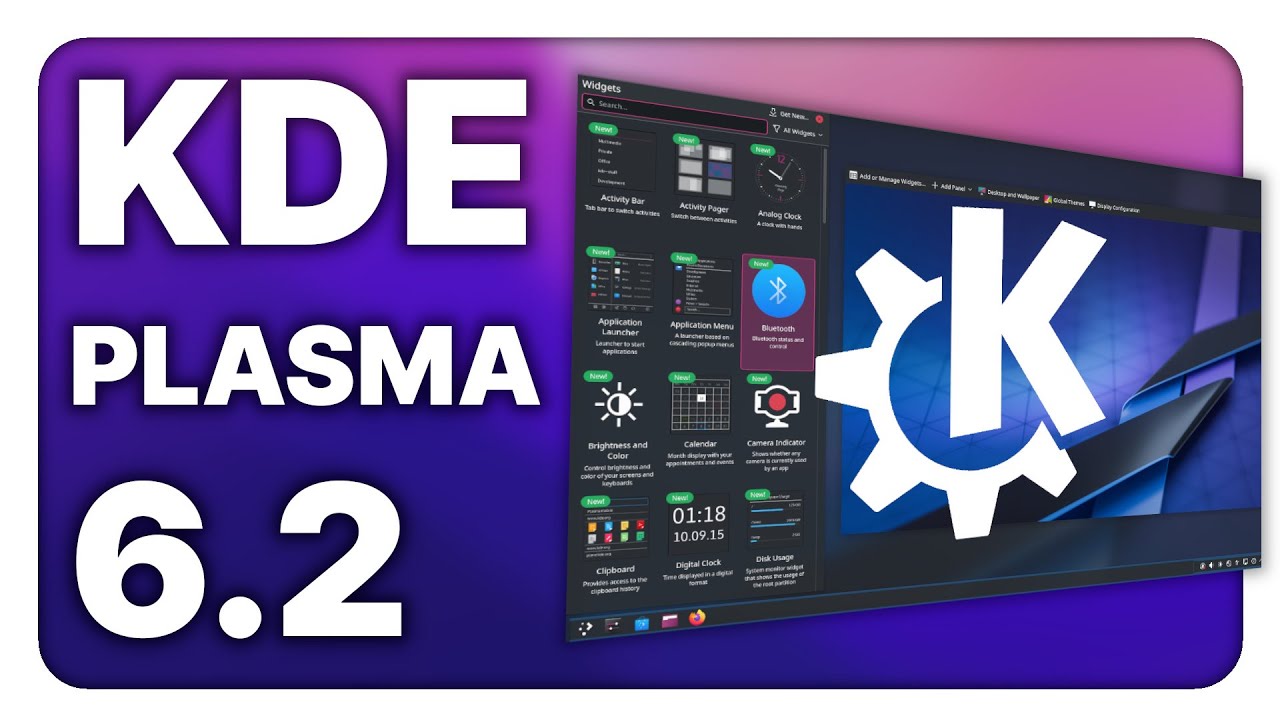
Nice vid from the linux experiment
4 Likes
Can anyone else replicate this bug in the Kickoff app launcher?
I’d post there myself, but I forgot my password, and the reset email is yet to arrive 
2 Likes
**BUG**
Oct 10 update with Plasma 6.2 has significant restart ISSUE
Appears to boot then goes into black screen and tries to reset, repeatedly
help
same issue on a CachyOS partition
Lenovo Legion T5 26ARA8
AMD Ryzen 7 7700
Radeon RX 6600
Just tested this out. I rebooted my machine and it booted up perfectly, with no issues.
will be surprised if only my PC has this issue.
----that the same issue is present on a CachyOS partition seems a significant clue
What bug? Kde ain’t got no bugs! 


3 Likes
The update broke my SDDM theme, but it just failed-over to the default (incredibly ugly  ) one with an error message instead of locking me out entirely.
Swapped it back to breeze for now and all is well.
2 Likes
Appreciate all the feedback! It sounds like I’m going to wait for bit before updating.
1 Like
Bug confirmed and a (partial) fix is on its way 
2 Likes
anyone else with brightness problem ? Screen brightness jumps always at 100%. Happens for me and my wife we are both on wayland.
Brightnesss control with ddcutil for external monitors seems to be wonky again.
Check your monitor settings (on the monitor, not in the Plasma system settings) if you can find an option called somethin like DDC or DDC/CI and disable that.
Redo your brightness settings for the monitor (on the monitor, not in the Plasma system settings) and reboot.
You can also tell the powerdevil service to stop using ddcutil:
systemctl --user edit plasma-powerdevil.service

# Add this:

[Service]
Environment="POWERDEVIL_NO_DDCUTIL=1"

# Restart the service:

systemctl --user restart plasma-powerdevil.service
Redo your brightness settings for the monitor (on the monitor, not in the Plasma system settings) and reboot.
I did both for my desktop and notebook since ddcutil has been causing troubles on Plasma a few times in the past already.
On my desktop I never want my brightness to be changed by software anyway and on my notebook all brightness controls and power saving functions regarding the display seem to be working fine without powerdevil using ddcutil.
I love the new tray.
1 Like
