This was a great recommendation, thanks. While I was messing around I figured it’d be easier to debug with just a single audio device, and the Apogee has XLR inputs so I plugged my mic into it and decided to try using just that and unplugged the Elgato.
I’ve installed a GUI called Helvum and am doing some debugging. Here are some screenshots of the routing while I boot a problematic and two non-problematic games:
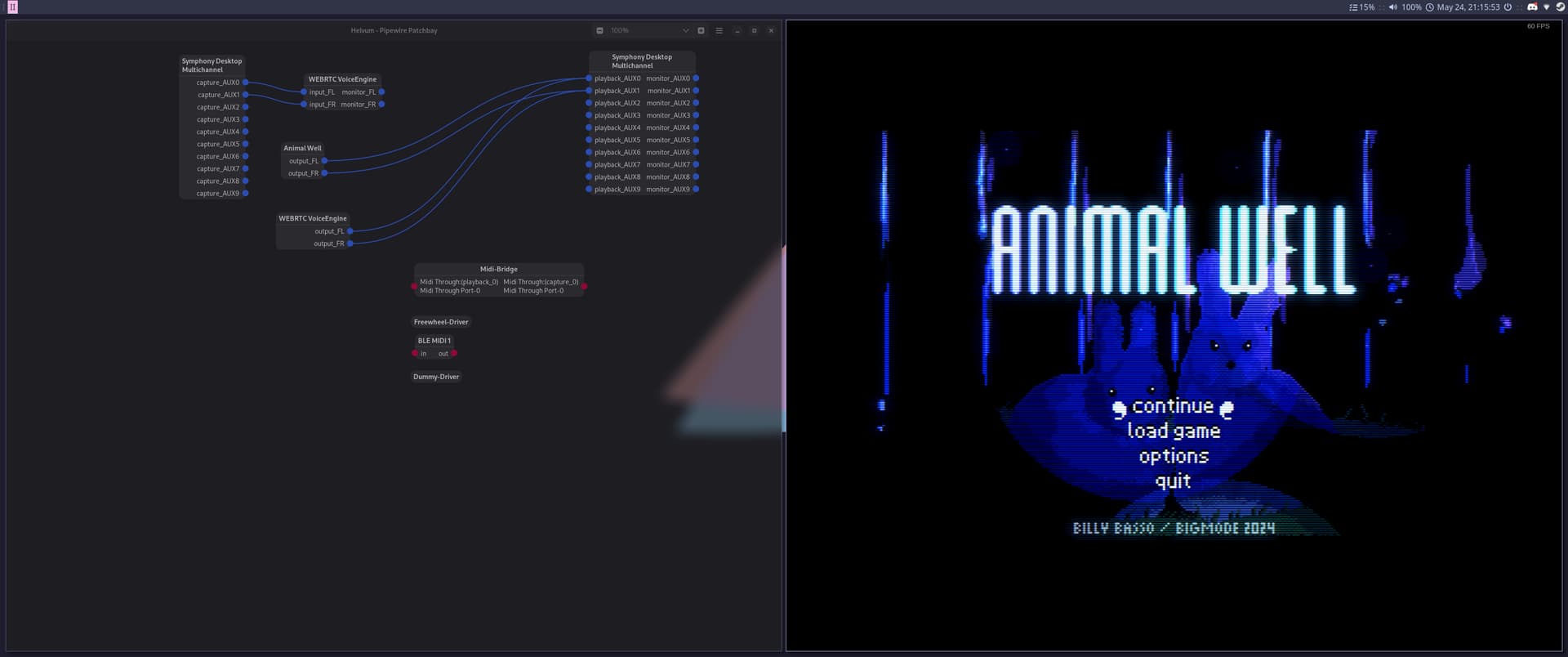
Here we can see that Animal Well “finds” my output correctly on its own (ignore webrtc stuff, that was cause discord was running):
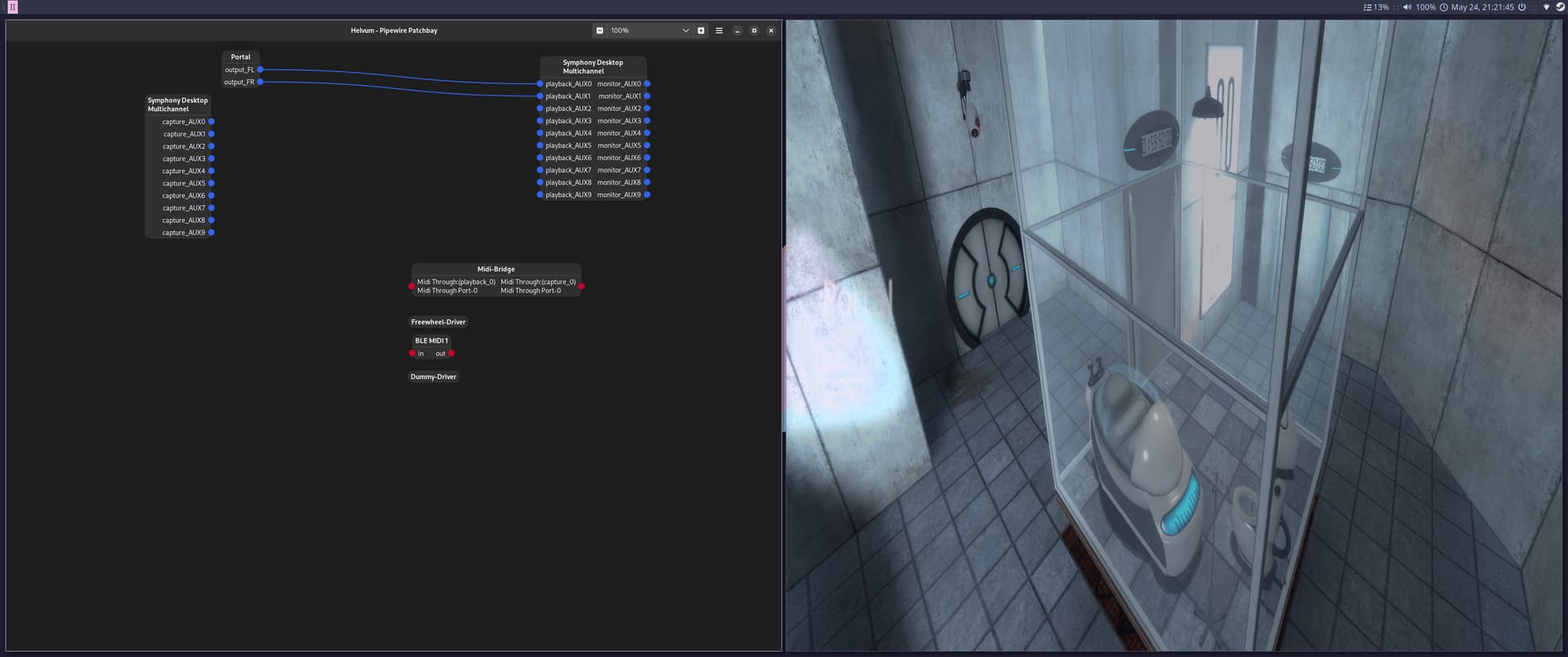
Here’s Portal, it also seems to have no problem “finding” my outputs:
Now for Crow Country which was giving me trouble:
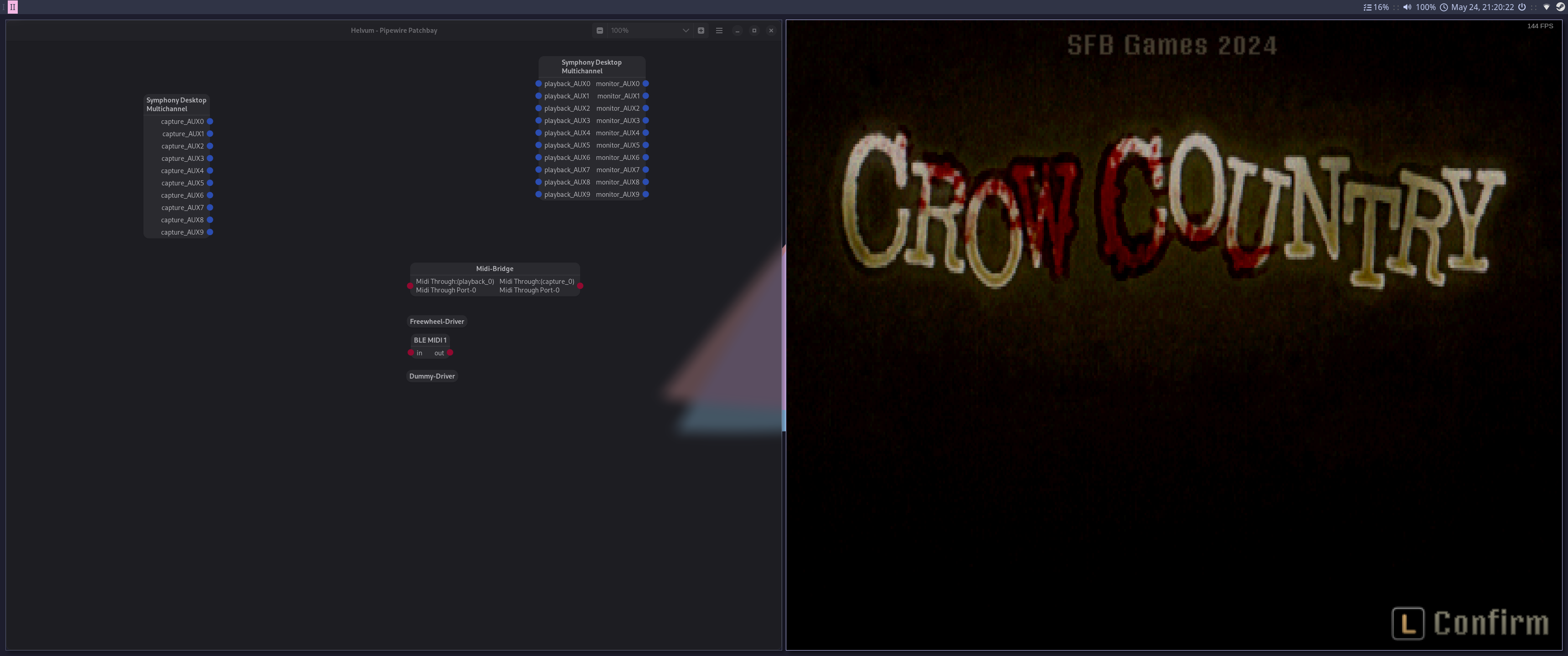
Weirdly, it boots and the pane for the game is not even available in the helvum UI at all (I tried moving other panes around, it wasn’t there). So I tried connecting the Elgato again and bizarrely it “finds” the elgato outputs.
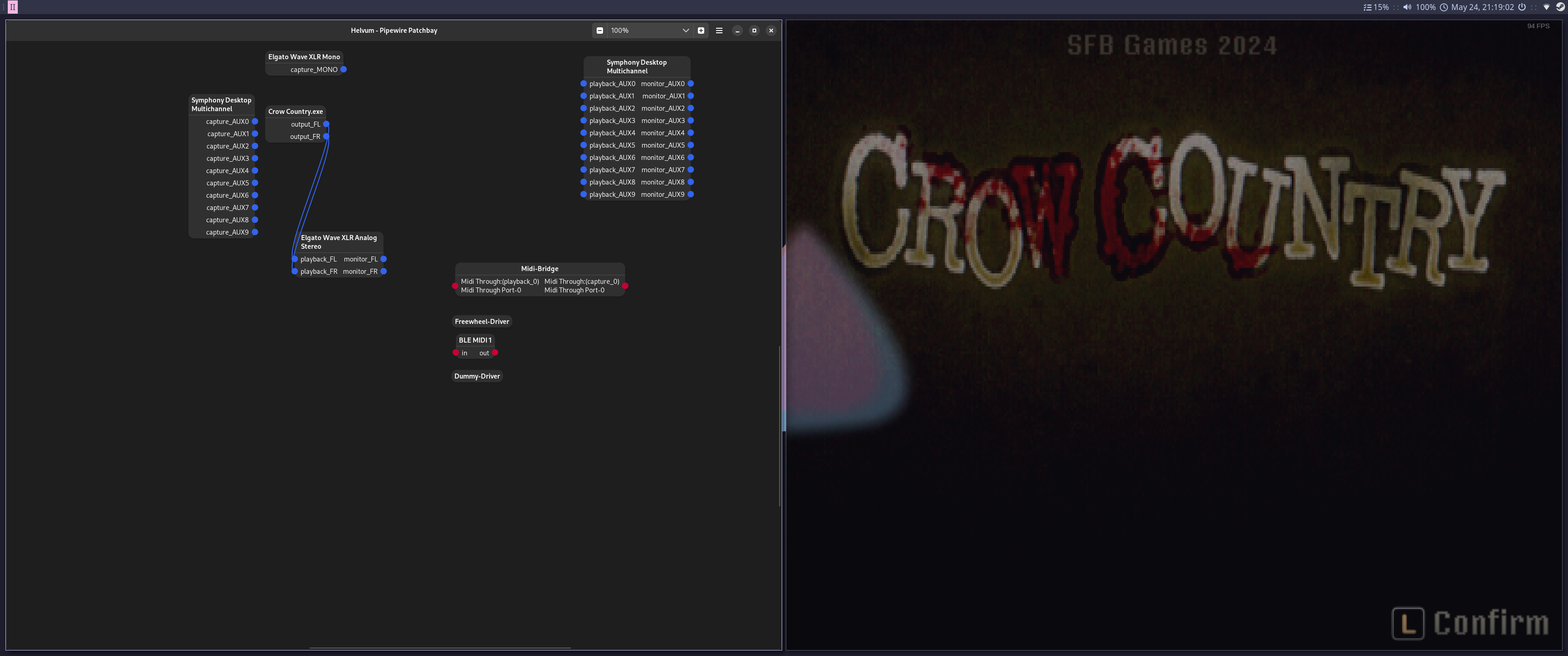
Now I have pane from which I can send the game audio outs to the ones I want like so, and great I have audio now
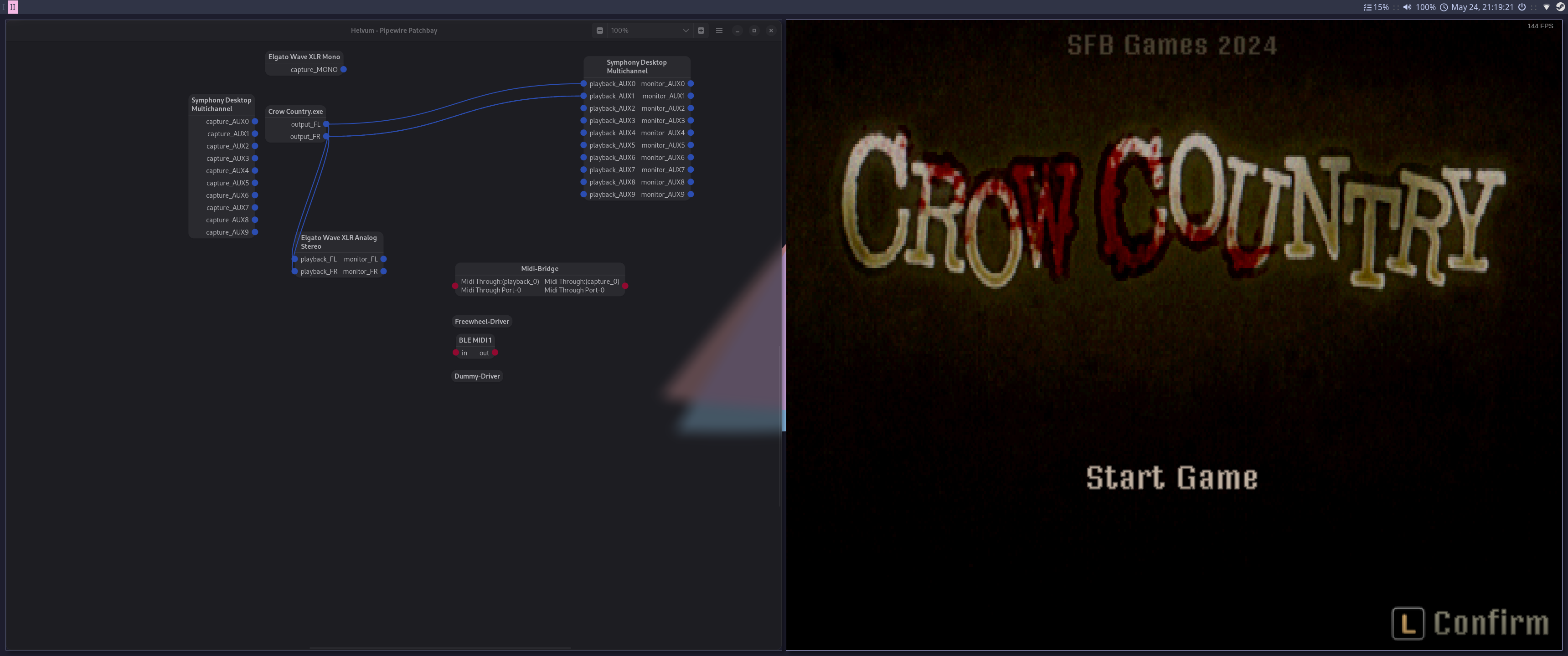
But when I remove the device and close and reopen the game, I’m back to where I started, no pane for Crow Country is visible. This makes me wonder if the fact that the Elgato “offers” a playback FL and playback FR whereas the Apogee is multi-channel audio and does not might be tripping some games up? Perhaps there is a way to create a custom profile that sets the outputs I need for the Apogee to be playback FL and playback FR?