swh
September 9, 2024, 7:23pm
21
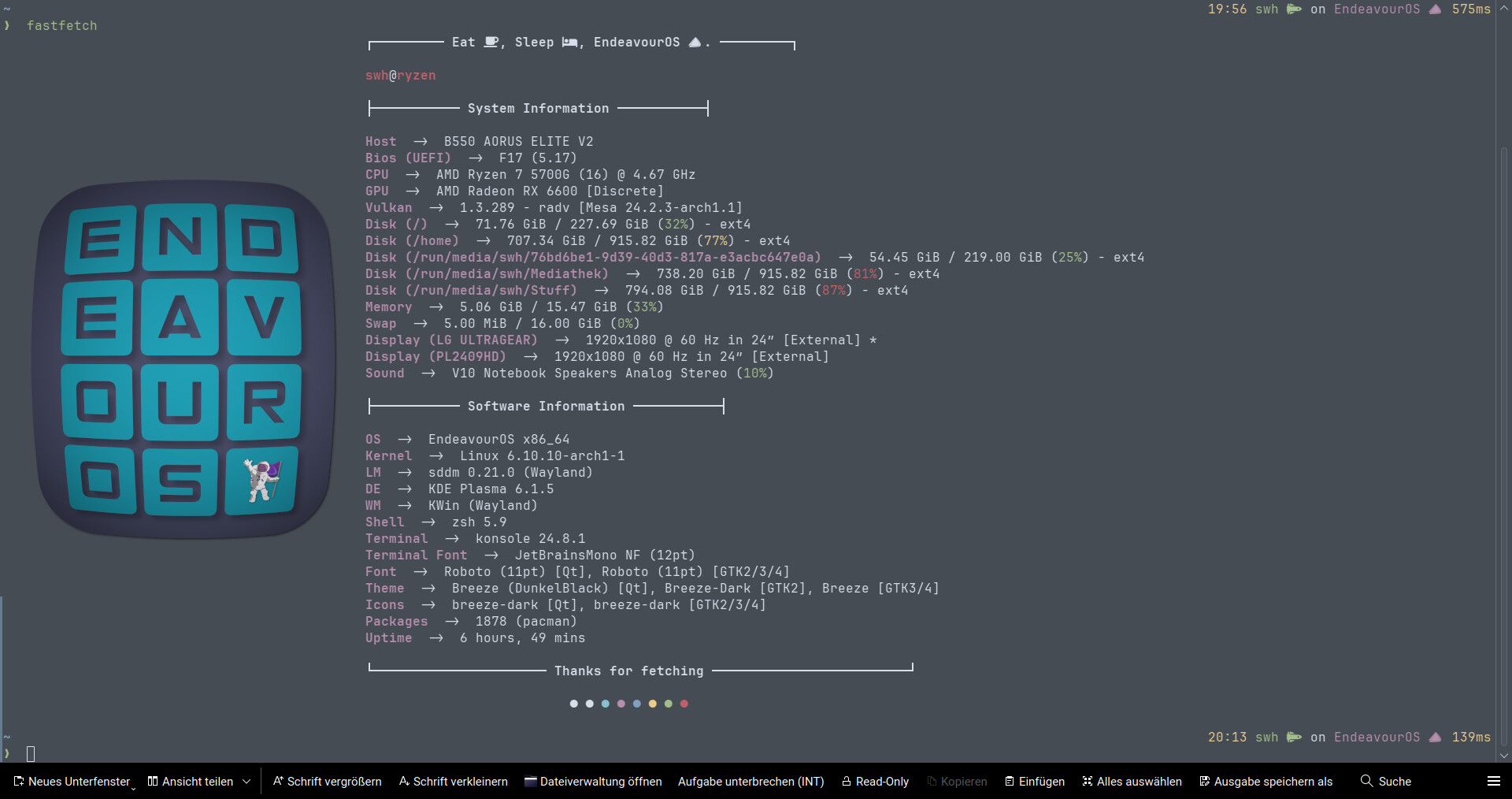
Ah ok, i see. Just put a line in your fastfetch config.json where the image is located.To put it in the middle you have to set the padding.
 { "$schema":
   "https://github.com/fastfetch-cli/fastfetch/raw/dev/doc/json_schema.json",
   "logo": {
                  "type": "auto",
   "source":  "/home/swh/Plasma//EOS/EndeavourOS-Logos/GlobeEnOS.png",
     "padding": {
		"top": 8,
		"left": 2,
		"right": 2
	}
smokey
September 9, 2024, 7:25pm
23
Alternativly
fastfetch --logo <PATH_TO_IMAGE>
you can add this line to the bottom of your bashrc to make it appear when you open the terminal.
these are a lot of fun! nice art
Noodly
September 23, 2024, 5:54pm
31
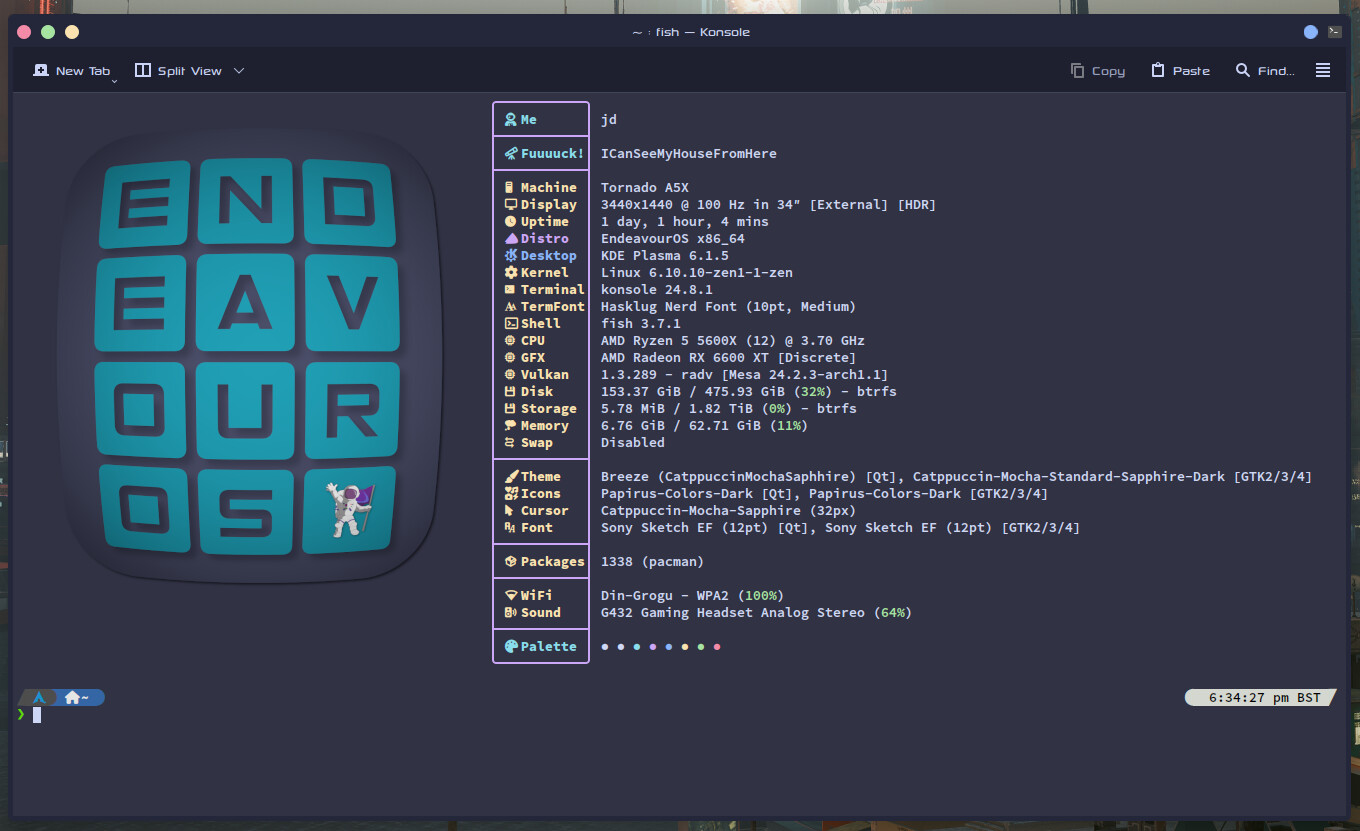
Another Catppuccin friendly ff logo, looks nice with Mocha Sapphire.
swh
September 23, 2024, 6:09pm
32
F***********! is banned on EOS so your fastfetch is too
swh
September 23, 2024, 6:14pm
34
Woohooooo not that bad. Good job, mate
Looks good on nord colors too
Noodly
September 23, 2024, 7:16pm
35
Hey that looks pretty decent. Thanks mate
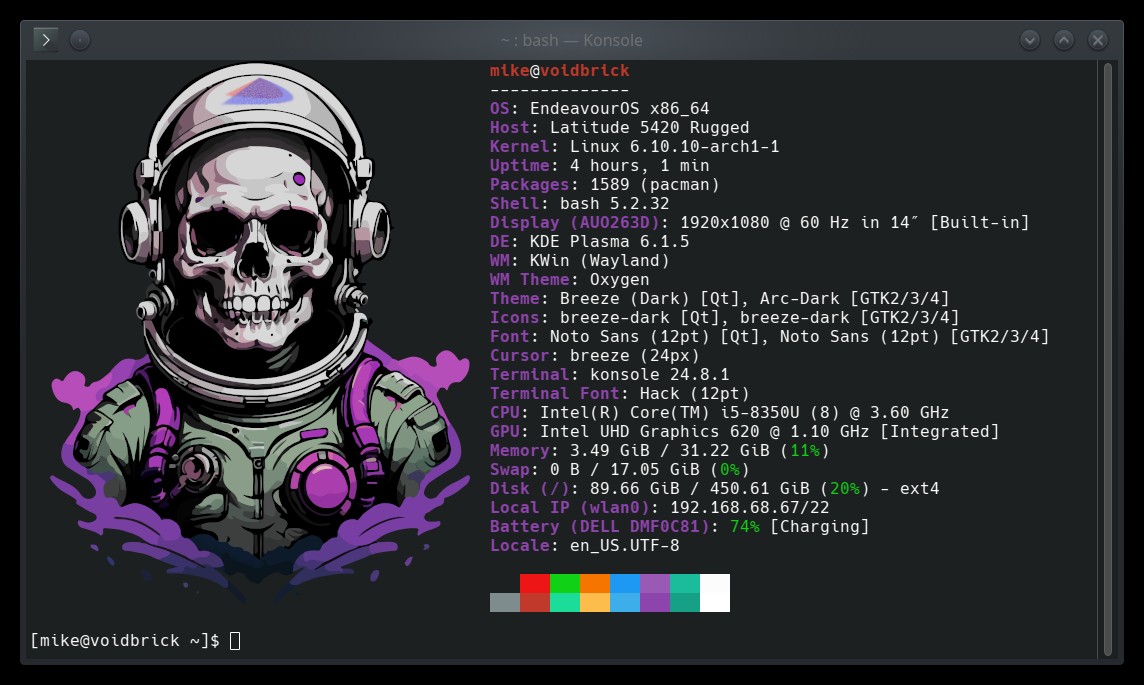
Got my fastfetch setup with a nice pic.
That is really nice!!
Any chance you might be able to create one like that but for KDE Plasma? Using this…
Direct image link: https://kde.org/stuff/clipart/logo/plasma-logo-monochrome-3000x3000.png
Noodly
January 20, 2025, 3:44am
41
Thanks mate. no problem at all, I’ll get it to you later today, just need to get some sleep.