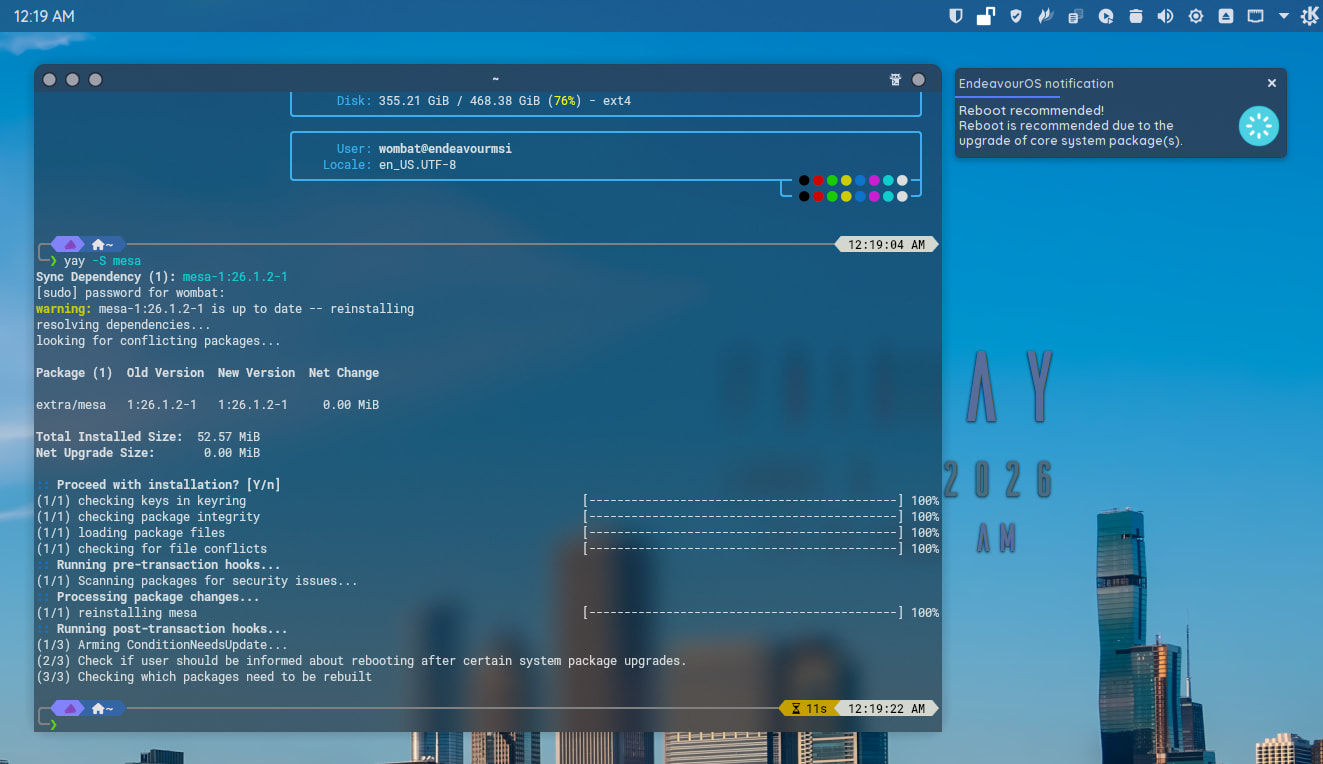
Did the yay -S mesa test. All is well here…
If you have the default config file, it should work as-is.
Currently I think the only thing that could cause this issue is we have something different in our systems. Could be e.g. different versions of some packages that are related to finding system users or system notification.
Or it could even be a different Desktop, as the implementation of notify-send works slightly differently in different desktops.
Here I’m using Plasma, the default kernel, and the “stable” Arch repos. I don’t use e.g. chaotic-aur, and I don’t replace any essential system packages with AUR packages nor packages from other sources. And I have bash as the default shell.
From your test logs I can see the logic of the reboot notification is working as expected to the point where (in some cases) one of the system apps
/usr/bin/users          # should display a list of currently logged users
/usr/bin/notify-send    # sends the notification
fail, causing the lack of the reboot notification.
And so far the reason for these failures is unknown. That’s why I’m suggesting we might have something different in our environments.
Same, but I’m using Kernel-Zen.
Can’t remember that I did this. So should be the same.
Sign.
Okay … So I’ll live with (or without) it. Thanks for trying to help!
But, as far as I remember, when I used EOS in the past, it always worked! It doesn’t work till the package isn’t available in the ISO anymore. I installed it with Titan Neo ISO 14 days ago. 
does it work with the regular kernel or lts?
Just tested with the zen kernel and reboot notification works here.
So there’s still something we haven’t figured out yet…
Just booted into Kernel-LTS. Nothing changed … 
Strange thing …
Just ran a sudo pacman -Syu, noticed that there were new kernel and nvidia packages available and the EOS Reboot Now notification did pop up. There was no notification the last time around for 7.0.11-arch1-1 for some reason/s. However this time around, the reboot now notification did show up. I went ahead with the upgrade and have successfully rebooted to the new kernel.


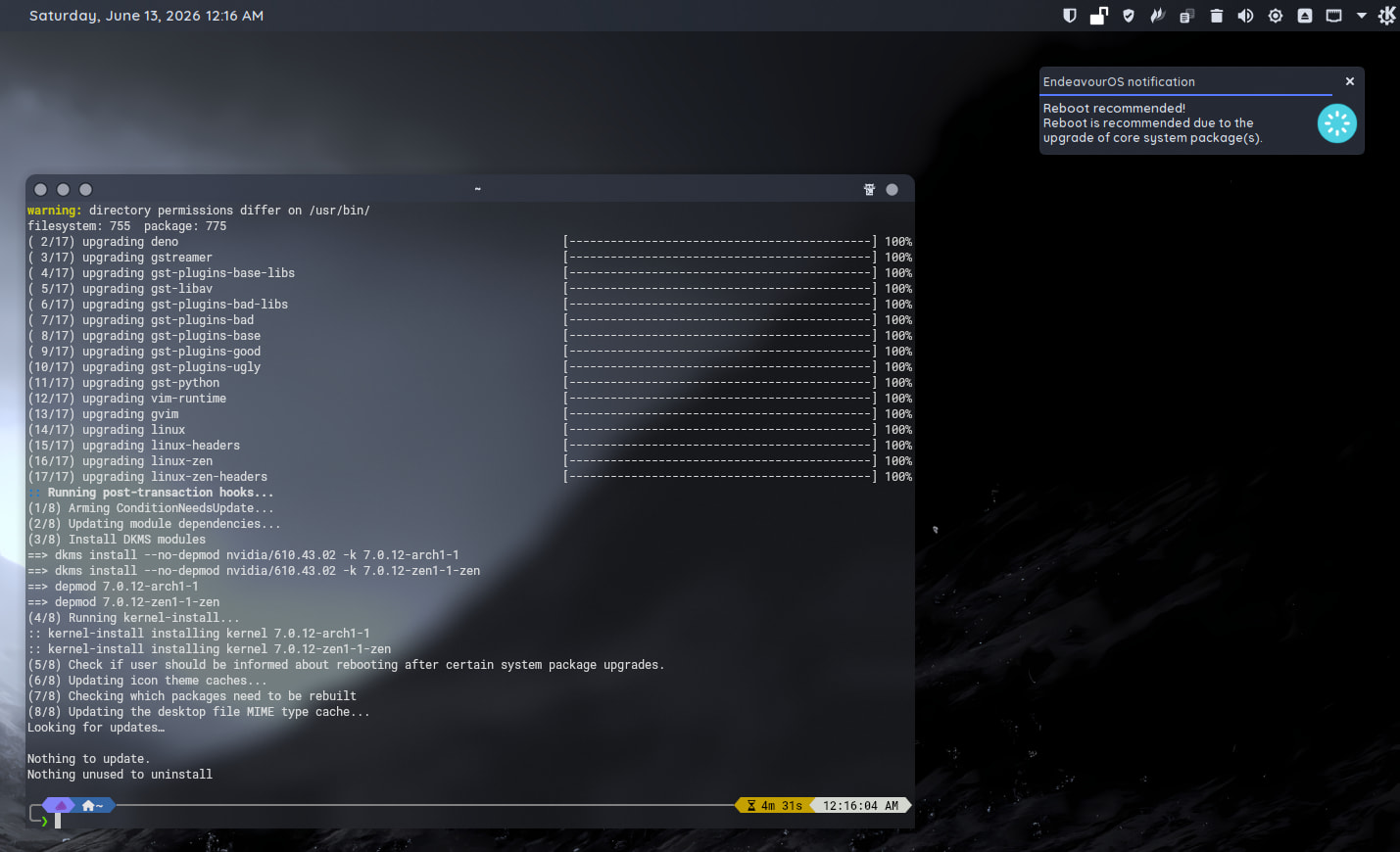
Kernel update didn’t fix it for me. Unedited .conf – no notification.
It must be something extremely specific to your system. I’m not sure how, or if, it can be rectified. Because, as you can see, others have no issues. I know the “it works for me” statement isn’t any real help. But I’m at a loss here. No idea why it’s not working for you.
Did you try this script?
Does it work?
If not, does it give any warnings?
Same still for me …
Yes, it works. No warnings.
Same as with me …
It’s kind of strange as mine works but, the new kernel i installed 7.0.12-arch1-1
and it didn’t show up. I installed mesa again just now and it does show up. So to me I’m seeing sometimes when there is a new kernel it doesn’t seem to rear it’s head. 
It only shows for a kernel if you are running that kernel.
Oh … i thought it would show when you update a kernel?
If you are not running the kernel, you don’t need to reboot in any case. At least that’s what I assume it’s doing because it only shows for the running kernel for me.
That explains why then one would think it’s not working because I always expected that if i installed a new kernel it would need a reboot. But i guess it’s not really the same as a new package update that needs a reboot in order to work because as you said you are not running on the new kernel yet until you do actually reboot. Does that make sense?
For kernels it is simple: reboot only when you are running the kernel that you just updated.
That way the new fixes come into use.