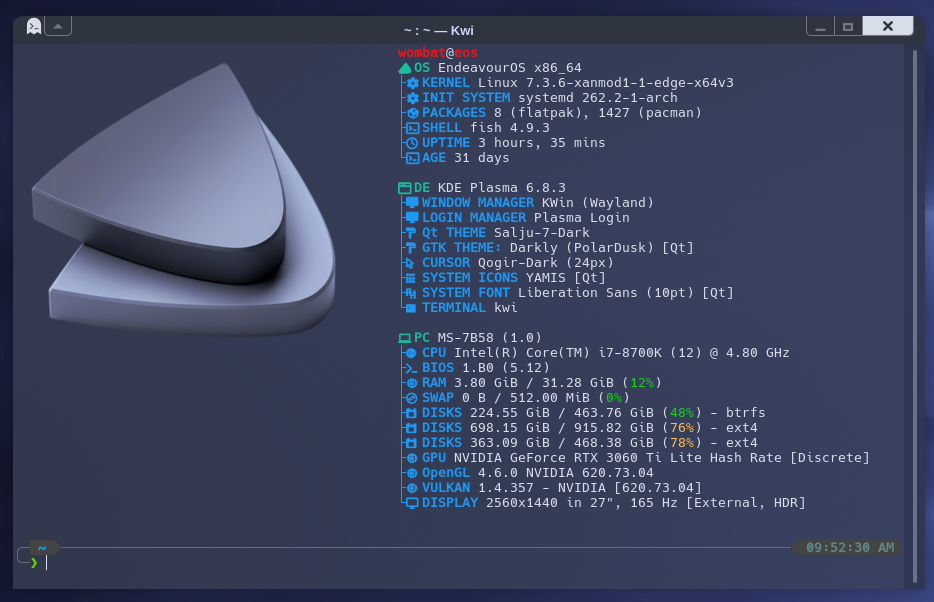
How did you get it to show the image? I tried it on mine and whatever I set as --logo-type I always get the ASCII version.
(semi-unrelated: do you have a custom fastfetch settings for that pretty output, mine looks very basic)
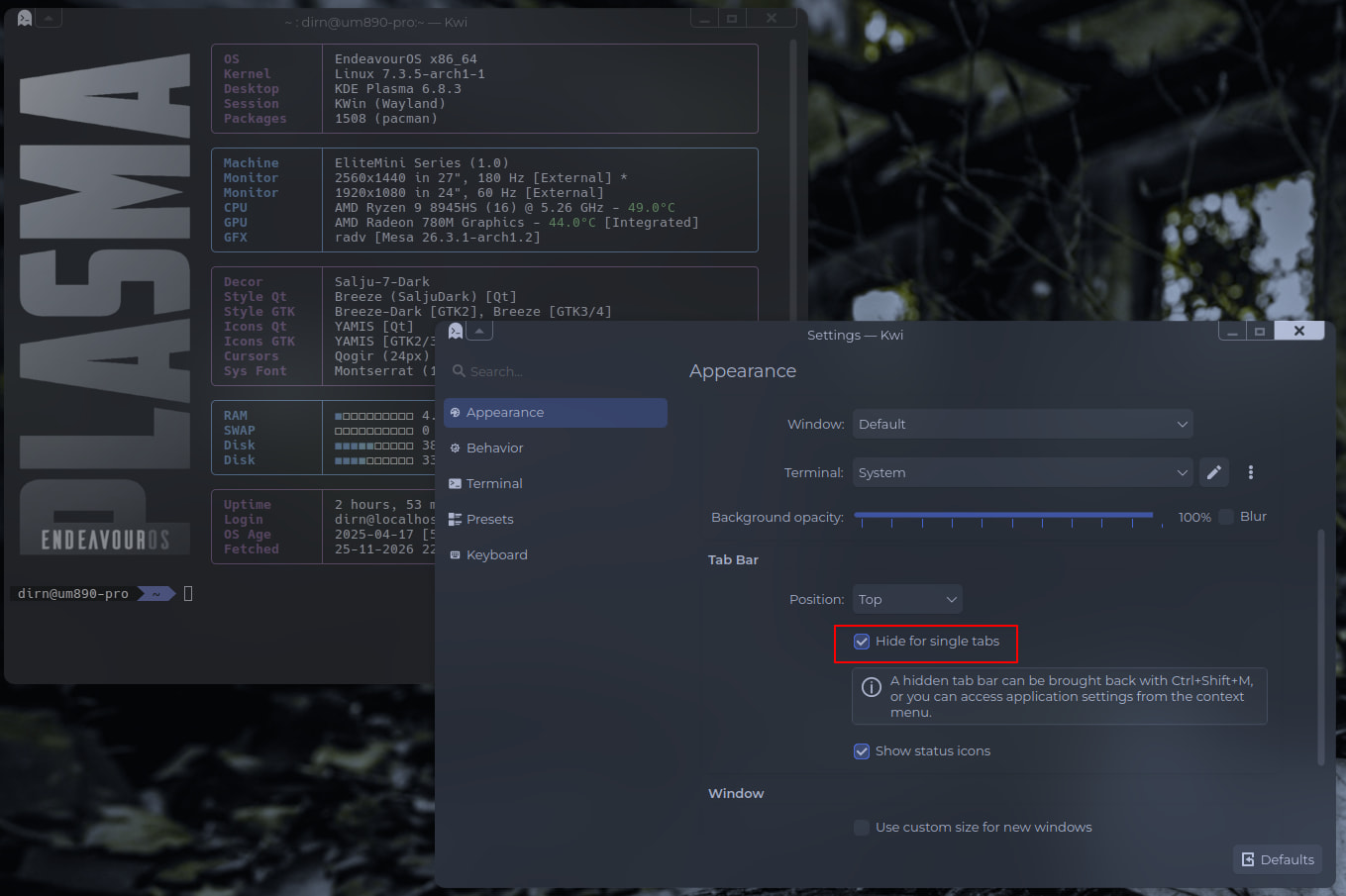
Kwi defaults to bash. Once I changed it to fish, all was well.
You’ll need to change the image path, obviously. But here ya go…
{
"$schema": "https://github.com/fastfetch-cli/fastfetch/raw/dev/doc/json_schema.json",
"logo": {
"type": "kitty",
"source": "/home/wombat/Pictures/Linux/z.png",
"width": 44,
"height": 18,
"padding": {
"top": 2,
"left": 3,
"right": 3,
},
},
"display": {
"separator": " "
},
"modules": [
{
"type": "title",
"keyWidth": 10
},
{
"type": "os",
"key": " OS",
"keyColor": "cyan"
},
{
"type": "kernel",
"key": "├ KERNEL",
"keyColor": "blue"
},
{
"type": "initsystem",
"key": "├ INIT SYSTEM",
"keyColor": "blue"
},
{
"type": "packages",
"key": "├ PACKAGES",
"keyColor": "blue"
},
{
"type": "shell",
"key": "├ SHELL",
"keyColor": "blue"
},
{
"type": "uptime",
"key": "├ UPTIME",
"keyColor": "blue"
},
{
"type": "command",
"key": "└ AGE",
"keyColor": "blue",
"text": "birth_install=$(stat -c %W /); current=$(date +%s); time_progression=$((current - birth_install)); days_difference=$((time_progression / 86400)); echo $days_difference days"
},
"break",
{
"type": "de",
"key": " DE",
"keyColor": "cyan"
},
{
"type": "wm",
"key": "├ WINDOW MANAGER",
"keyColor": "blue"
},
{
"type": "lm",
"key": "├ LOGIN MANAGER",
"keyColor": "blue"
},
{
"type": "wmtheme",
"key": "├ Qt THEME",
"keyColor": "blue"
},
{
"type": "theme",
"format": "{1}",
"key": "├ GTK THEME:",
"keyColor": "blue"
},
{
"type": "cursor",
"key": "├ CURSOR",
"keyColor": "blue"
},
{
"type": "icons",
"format": "{1}",
"key": "├ SYSTEM ICONS",
"keyColor": "blue"
},
{
"type": "font",
"format": "{?1}{1} [Qt]{?}{/1}Unknown",
"key": "├ SYSTEM FONT",
"keyColor": "blue"
},
{
"type": "terminalfont",
"key": "├ TERMINAL FONT",
"keyColor": "blue"
},
{
"type": "terminal",
"key": "└ TERMINAL",
"keyColor": "blue"
},
"break",
{
"type": "host",
"key": " PC",
"keyColor": "cyan"
},
{
"type": "cpu",
"key": "├ CPU",
"keyColor": "blue"
},
{
"type": "bios",
"key": "├ BIOS",
"keyColor": "blue"
},
{
"type": "memory",
"key": "├ RAM",
"keyColor": "blue"
},
{
"type": "swap",
"key": "├ SWAP",
"keyColor": "blue"
},
{
"type": "Disk",
"key": "├ DISKS",
"keyColor": "blue"
},
{
"type": "gpu",
"key": "├ GPU",
"keyColor": "blue"
},
{
"type": "opengl",
"key": "├ OpenGL",
"keyColor": "blue"
},
{
"type": "vulkan",
"key": "├ VULKAN",
"keyColor": "blue"
},
{
"type": "display",
"key": "└ DISPLAY",
"keyColor": "blue"
},
]
}
Awesome, thank you!
Ya, I need to change logo type to “kitty”. “Auto” did not work on kwi.
“3x–35x faster overall performance”, sounds interesting. Will check it out.
I’m curious as well… is konsole actually that slow ? Even if they say it’s 3 to 35x faster i would be interested in knowing in which conditions. Like UncleSpellbinder i use fish in my terminal.
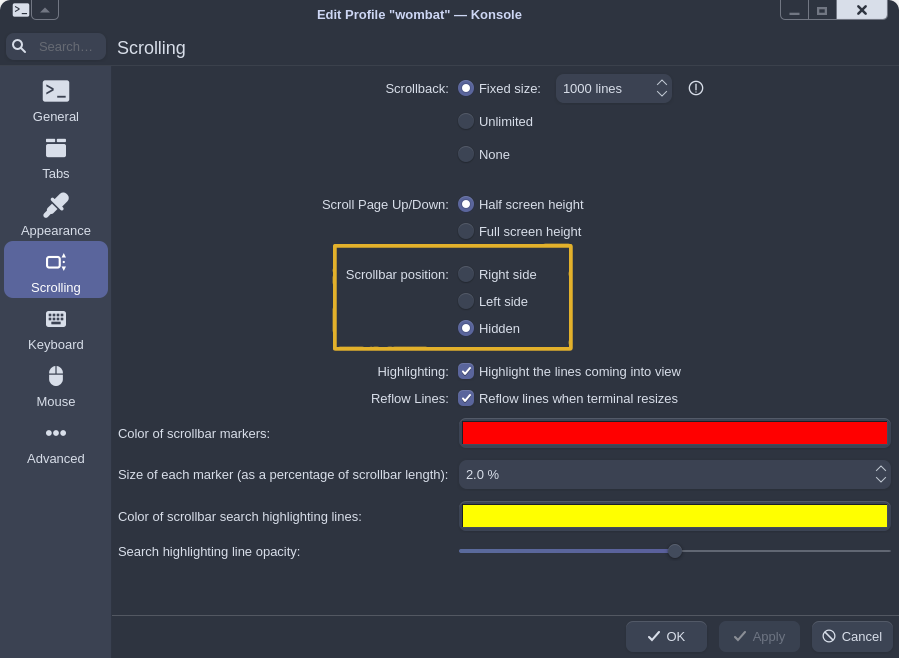
I believe that depends on application style. I remember Silvery-Kvantum theme hide the scrollbar when window is bigger than the item or text inside.
This is new to me. I didn’t know that Konsole have settings to hide scrollbar 
Nice. I see it in extra. Gonna try it
A simple test,
code:
#include <iostream>
using namespace std;
int main()
{
for (int i = 0; i < 100000000; i++)
cout << i << endl;
return 0;
}
Results,
kwi:
real 1m26.914s
user 0m13.745s
sys 1m12.822s
konsole:
real 1m19.707s
user 0m12.750s
sys 1m6.836s
Seems that konsole is faster in this case.


time cat /var/log/pacman.log with a 60 MB log file here:
There are cases, it’s another question if they matter.
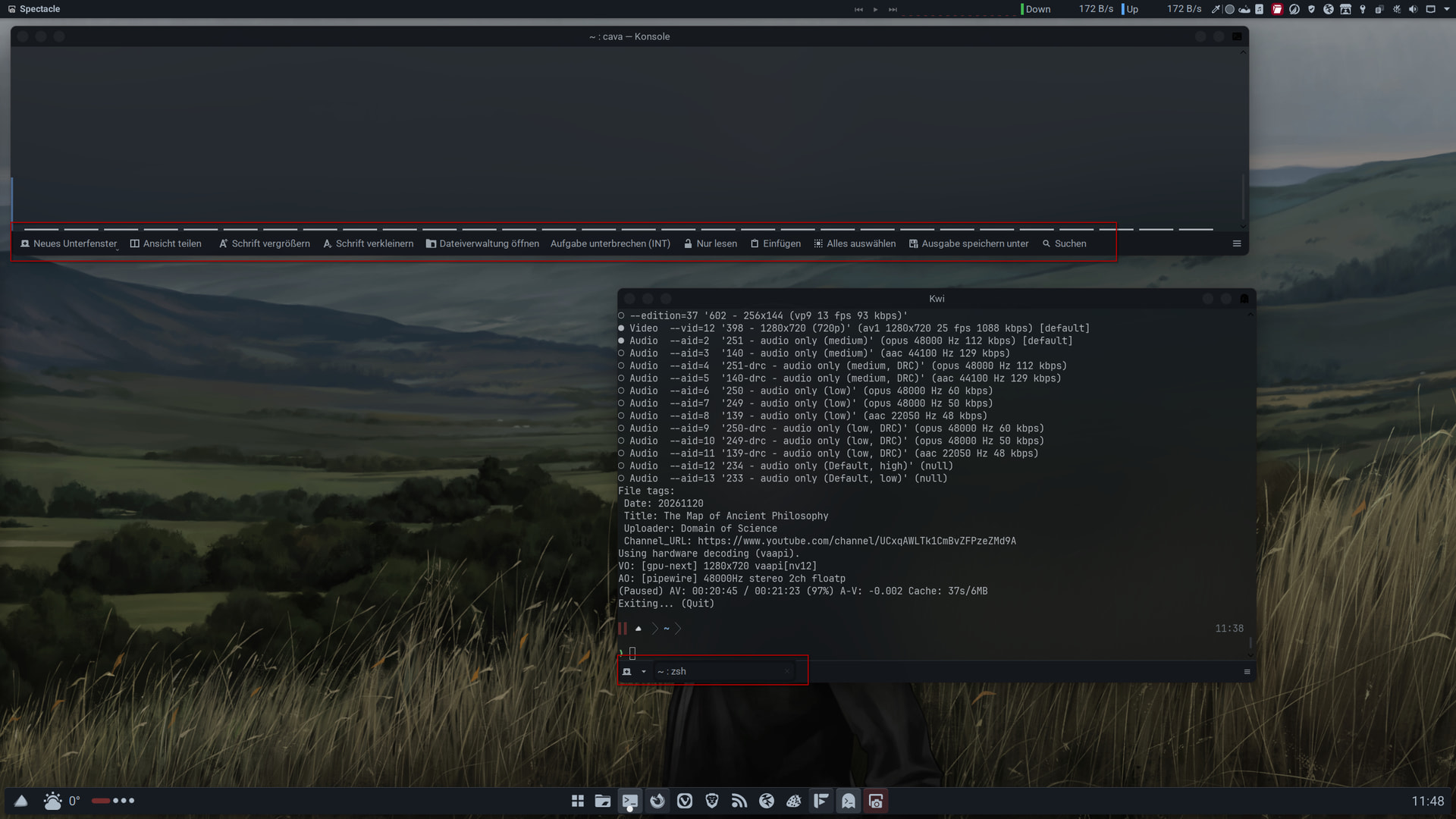
Just spotted at it’sfoss