Clearing the caches might help too. Some crashes can be related to stale cache data after an update. Good luck 
It seems that the latest updates did it. Just rebooted and everything is fine at the moment. Still debating If I want to retry my luck with plasma-meta to add Oxygen theme back. Every time I try to play with themes i get some instability at some point. That said I did remove some stuff from kwinrc related to betterblur before updating.
Edit: Back on Oxygen dark, rebooted still ok. Let’s see how stable thing are for a couple of hours…
akya@hexy ~> pacup
Today is not Sunday; skipping update.
One more day…
I’ll wait till monday until my next update. Still on plasma 6.6.5-1.1
Too bad that there isn’t an 6.6.6 release

@UncleSpellbinder looks like there’s an update for kwin-effects-better-blur-dx 20 hours ago.
aur/kwin-effects-better-blur-dx 2.4.1-2 (+5 2.27) [20h13m]
    KWin Better Blur DX effect fork with window class force blur feature (Wayland)
Edit:
Still getting build error
Building CXX object src/CMakeFiles/better_blur_dx.dir/blur.cpp.o
/home/dirn/.cache/yay/kwin-effects-better-blur-dx/src/kwin-effects-better-blur-dx-2.4.1/src/blur.cpp:44:10: fatal error: wayland/blur.h: No such file or directory
   44 | #include <wayland/blur.h>
      |          ^~~~~~~~~~~~~~~~
compilation terminated.
make[2]: *** [src/CMakeFiles/better_blur_dx.dir/build.make:139: src/CMakeFiles/better_blur_dx.dir/blur.cpp.o] Error 1
make[1]: *** [CMakeFiles/Makefile2:199: src/CMakeFiles/better_blur_dx.dir/all] Error 2
make: *** [Makefile:166: all] Error 2
==> ERROR: A failure occurred in build().
    Aborting...
 -> error making: kwin-effects-better-blur-dx-exit status 4
 -> Failed to install the following packages. Manual intervention is required:
kwin-effects-better-blur-dx - exit status 4
Second Edit
kwin-effects-better-blur-dx-git works.
Odd. I tried the non-git version first and got the same build error. The git version installed just fine and works as expected. Thanks for the heads-up!
Now, to tweak and tinker with the theme for the first time in Plasma 6.7
@dirn @smokey @Schlaefer thanks for testing, just installed everything on my third notebook for testing and i can’t replicate it either. Now i wonder if this could be related a newly installed mesa driver ?
Also tried it, same results. So i wonder if this is driver related.
What is the advantage of this package?
Edit: I’m always leery of using AUR packages for any KDE.
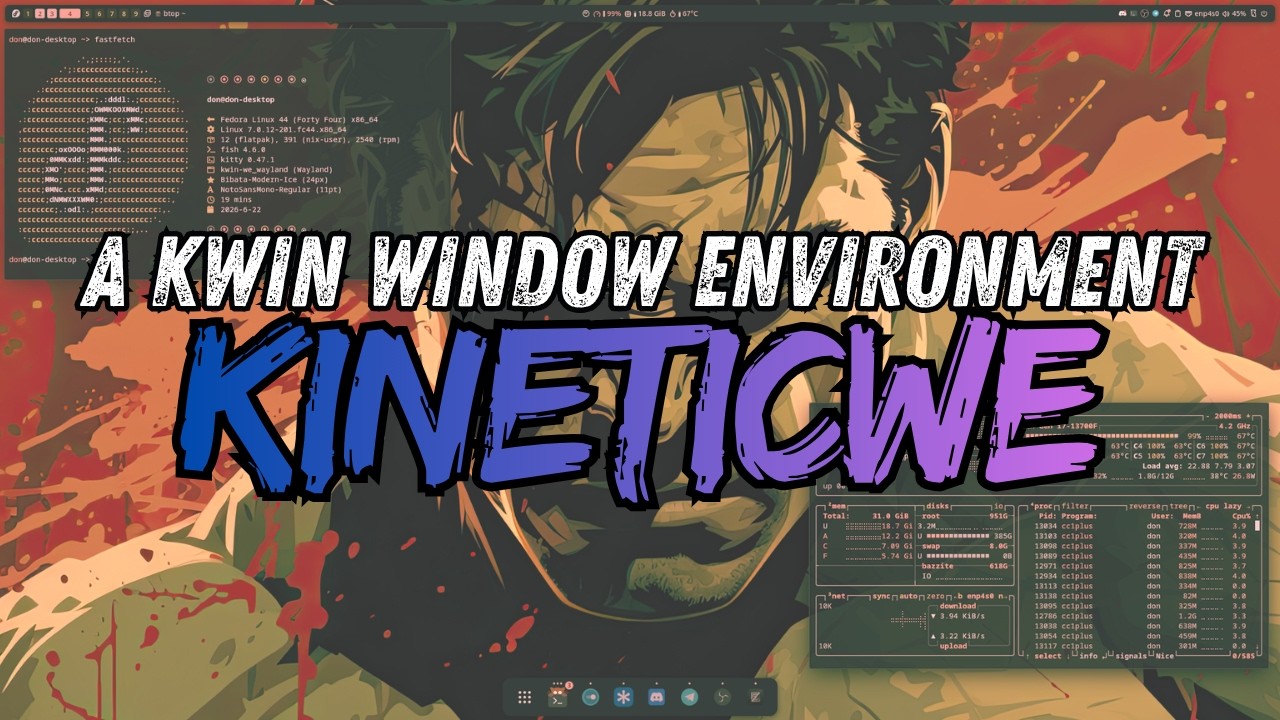
Well, as it says, it’s a “better blur” than the default supplied by KDE Plasma. Plasma’s blur must be unchecked, and Better Blur checked. It provides blur effects like the ones seen here…
Pretty much I was looking at creating a Windows Manager Scrolling environment like Niri + Noctalia, but with KDE. Just KDE has such a strong compositor.
Presently I am using Gnome 50 with PaperWM Extension. Zen browser will get in a bad state where it won’t lock to the assigned frame.
KDE Plasma 6.7.1 is waiting for you in the Arch repos.
In your own time
Updated, rebooted. All is well.
─❯ up
[sudo] password for wombat:
:: Synchronizing package databases...
 endeavouros                                            14.6 KiB   183 KiB/s 00:00 [------------------------------------------------] 100%
 core                                                  126.6 KiB  1217 KiB/s 00:00 [------------------------------------------------] 100%
 extra                                                   8.3 MiB  28.2 MiB/s 00:00 [------------------------------------------------] 100%
 multilib                                              127.8 KiB  1141 KiB/s 00:00 [------------------------------------------------] 100%
 cidercollective                                       627.0   B  2.59 KiB/s 00:00 [------------------------------------------------] 100%
:: Searching AUR for updates...
:: Searching databases for updates...
 -> Flagged Out Of Date AUR Packages: gearlever  python-ftputil
:: 55 packages to upgrade/install.
55  extra/aurorae                     6.7.0-1    -> 6.7.1-1
54  extra/bluedevil                   1:6.7.0-1  -> 1:6.7.1-1
53  extra/breeze                      6.7.0-1    -> 6.7.1-1
52  extra/breeze-cursors              6.7.0-1    -> 6.7.1-1
51  extra/breeze-gtk                  6.7.0-1    -> 6.7.1-1
50  extra/discover                    6.7.0-1    -> 6.7.1-1
49  extra/kactivitymanagerd           6.7.0-1    -> 6.7.1-1
48  extra/kde-cli-tools               6.7.0-1    -> 6.7.1-1
47  extra/kde-gtk-config              6.7.0-1    -> 6.7.1-1
46  extra/kdecoration                 6.7.0-1    -> 6.7.1-1
45  extra/kdeplasma-addons            6.7.0-1    -> 6.7.1-1
44  extra/kgamma                      6.7.0-1    -> 6.7.1-1
43  extra/kglobalacceld               6.7.0-1    -> 6.7.1-1
42  extra/kinfocenter                 6.7.0-1    -> 6.7.1-1
41  extra/kmenuedit                   6.7.0-1    -> 6.7.1-1
40  extra/knighttime                  6.7.0-1    -> 6.7.1-1
39  extra/kpipewire                   6.7.0-1    -> 6.7.1-1
38  extra/kscreen                     6.7.0-1    -> 6.7.1-1
37  extra/kscreenlocker               6.7.0-1    -> 6.7.1-1
36  extra/ksystemstats                6.7.0-1    -> 6.7.1-1
35  extra/kwallet-pam                 6.7.0-1    -> 6.7.1-1
34  extra/kwayland                    6.7.0-1    -> 6.7.1-1
33  extra/kwayland-integration        6.7.0-1    -> 6.7.1-1
32  extra/kwin                        6.7.0-3    -> 6.7.1-1
31  extra/kwin-x11                    6.7.0-1    -> 6.7.1-1
30  extra/layer-shell-qt              6.7.0-1    -> 6.7.1-1
29  extra/libkscreen                  6.7.0-1    -> 6.7.1-1
28  extra/libksysguard                6.7.0-1    -> 6.7.1-1
27  extra/libplasma                   6.7.0-1    -> 6.7.1-1
26  extra/milou                       6.7.0-1    -> 6.7.1-1
25  extra/ocean-sound-theme           6.7.0-1    -> 6.7.1-1
24  extra/plasma-activities           6.7.0-1    -> 6.7.1-1
23  extra/plasma-activities-stats     6.7.0-1    -> 6.7.1-1
22  extra/plasma-browser-integration  6.7.0-1    -> 6.7.1-1
21  extra/plasma-desktop              6.7.0-1    -> 6.7.1-1
20  extra/plasma-disks                6.7.0-1    -> 6.7.1-1
19  extra/plasma-firewall             6.7.0-1    -> 6.7.1-1
18  extra/plasma-integration          6.7.0-1    -> 6.7.1-1
17  extra/plasma-keyboard             6.7.0-1    -> 6.7.1-1
16  extra/plasma-login-manager        6.7.0-1    -> 6.7.1-1
15  extra/plasma-nm                   6.7.0-1    -> 6.7.1-1
14  extra/plasma-pa                   6.7.0-1    -> 6.7.1-1
13  extra/plasma-systemmonitor        6.7.0-1    -> 6.7.1-1
12  extra/plasma-workspace            6.7.0-1    -> 6.7.1-1
11  extra/plasma-x11-session          6.7.0-1    -> 6.7.1-1
10  extra/plasma5support              6.7.0-1    -> 6.7.1-1
 9  extra/polkit-kde-agent            6.7.0-1    -> 6.7.1-1
 8  extra/powerdevil                  6.7.0-1    -> 6.7.1-1
 7  extra/print-manager               1:6.7.0-1  -> 1:6.7.1-1
 6  extra/python-numpy                2.4.6-1    -> 2.5.0-1
 5  extra/qqc2-breeze-style           6.7.0-1    -> 6.7.1-1
 4  extra/spectacle                   1:6.7.0-1  -> 1:6.7.1-1
 3  extra/systemsettings              6.7.0-1    -> 6.7.1-1
 2  extra/xdg-desktop-portal-kde      6.7.0-1    -> 6.7.1-1
 1  aur/brave-origin-beta-bin         1.92.125-1 -> 1.92.128-1 [10h18m]
==> Packages to exclude: (eg: "1 2 3", "1-3", "^4" or repo name)
 -> Excluding packages may cause partial upgrades and break systems
==>
─❯ kinfo
Operating System: EndeavourOS
KDE Plasma Version: 6.7.1
KDE Frameworks Version: 6.27.0
Qt Version: 6.11.1
Kernel Version: 7.0.12-zen1-1-zen (64-bit)
Graphics Platform: Wayland
Processors: 12 × Intel® Core™ i7-8700K CPU @ 3.70GHz
Memory: 32 GiB of RAM (31.3 GiB usable)
Graphics Processor: NVIDIA GeForce RTX 3060 Ti
─❯
EDIT:
Those of you with Better Blur Dx, remember to rebuild it.
yay -S kwin-effects-better-blur-dx-git --rebuild
OR
yay -S kwin-effects-better-blur-dx --rebuild
Nice. Got it. I’m really hurrying so I won’t be last 
─❯  kinfo
Operating System: EndeavourOS
KDE Plasma Version: 6.7.1
KDE Frameworks Version: 6.27.0
Qt Version: 6.11.1
Kernel Version: 7.0.12-zen1-1-zen (64-bit)
Graphics Platform: Wayland
Processors: 16 × AMD Ryzen 7 5700G with Radeon Graphics
Memory: 16 GiB of RAM (15.5 GiB usable)
Graphics Processor: AMD Radeon RX 6600
Today I’m going to demonstrate my incredible self-control and not update Plasma until the football match is over.

❯ kinfo
Operating System: EndeavourOS
KDE Plasma Version: 6.7.1
KDE Frameworks Version: 6.27.0
Qt Version: 6.11.1
Kernel Version: 7.0.12-arch1-1 (64-bit)
Graphics Platform: Wayland
Processors: 16 × AMD Ryzen 7 8700F 8-Core Processor
Memory: 34 GB of RAM (33.2 GB usable)
Graphics Processor: AMD Radeon RX 7600

I updated to 6.7.1 and got a fresh plasma login manager bug, the login screen is messed up visually. Reset to PLM to default, and the .config is a file and not a directory. I deleted the.config and mkdir .config, and it is working now.
Filed a bug report too.
Ah, finally the alternate Vietnamese lunar calender…
And per screen virtual desktops. Pretty useful in case of a single ultrawide monitor I have to say 