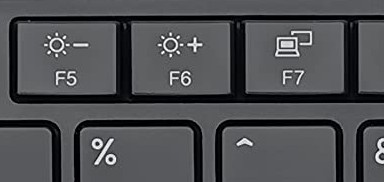
I’ve heard of that on regular monitors… never heard of that option on a laptop monitor. I don’t even know how to access any settings on a laptop monitor. I don’t believe it has any special monitor settings other than to increase or diminish brightness using the keyboard. So, no. I don’t have any auto brightness.
There are 5 variants for the AMD Lenovo ThinkPad T14 Gen 1 screen. Mine is as follows…
- 14.0" FHD (1920x1080) Touch: IPS panel, anti-glare, on-cell 10-point multi-touch, 300 nits brightness, 700:1 contrast ratio, 45% NTSC color gamut, 170° viewing angle.
- More than likely, you’ll be getting a used one unless you’re lucky enough to find “new old stock” that has never been used.
- New and unused will, of course, work right out of the box.
- Used, your mileage may vary. Other than updating the BIOS, mine worked as expected right out of the box. I did, however, upgrade the RAM from 16GB to 32GB. The Lenovo T14 Gen 1 is very easy to upgrade.
- More info and full specs on the AMD T14 Gen 1 can be found here.